How to Make Your Phone Setup Travel Proof
Protect your phone and data while traveling with automated backups, theft recovery plans, and roaming strategies that actually work overseas.
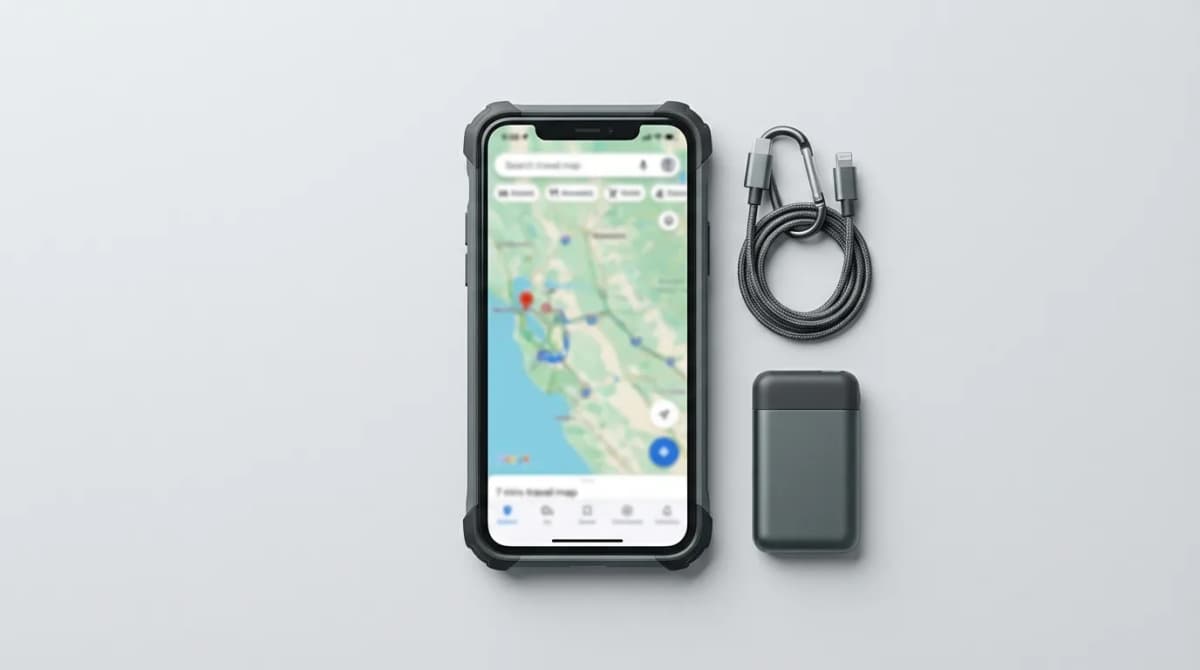
You're halfway through a two-week trip when your phone disappears. No photos, no contacts, no authenticator codes, no way to check your flight. That scenario keeps happening because most people treat travel prep like buying a neck pillow and calling it done. Your phone needs a systematic defense plan before you leave home.
We've tested dozens of backup systems, recovery tools, and travel configurations across five continents. The difference between a recoverable situation and a total disaster comes down to three decisions you make before departure.
Set up automated cloud backups that actually work
Most people think they have backups until they need them. The default settings on both iOS and Android won't save you if your phone gets stolen or destroyed. iCloud backs up when your phone is charging, locked, and on WiFi. That sounds automatic until you realize hotel WiFi barely loads email, and you're never plugged in long enough for a full backup.
Force a manual backup the night before you leave. On iPhone, go to Settings, tap your name, then iCloud, then iCloud Backup. Hit Back Up Now and wait for it to finish. On Android, open Settings, search for Backup, and verify Google One is actively backing up your photos, messages, and app data.
The real issue is photos. Most travelers shoot 50-200 photos per day. That overwhelms cellular uploads and drains your battery. Turn on background uploads for Google Photos or iCloud Photos before your trip, then let it run overnight on strong WiFi. Check the upload status in the app. If you're three days behind, your backup is useless.
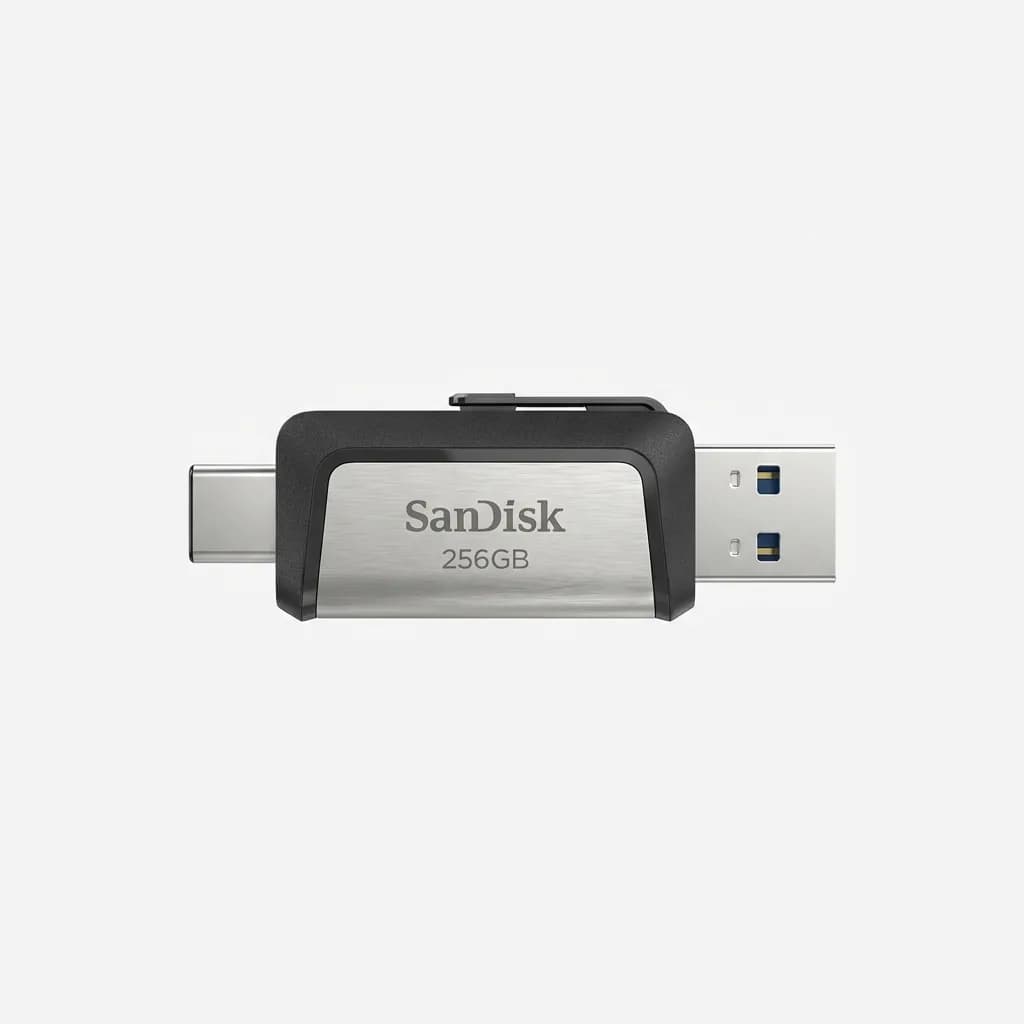
SanDisk 256GB Ultra Dual Drive USB-C
$35
Dual-connector flash drive with USB-C and USB-A, 256GB storage, 150MB/s read speed. Physical backup solution for transferring photos and files without internet.
For critical documents, use a separate service. Scan your passport, visa pages, travel insurance card, and credit cards into a password-protected PDF. Upload that to Dropbox, Google Drive, or a private note in your password manager. If everything goes wrong, you can access these from any computer.
Build a theft recovery plan you can execute under stress
Find My iPhone and Google Find My Device are worthless if you haven't configured them correctly. Both require specific settings enabled before your phone disappears. On iPhone, go to Settings, tap your name, Find My, and verify Find My iPhone is on. More importantly, turn on Send Last Location. This makes your phone report its position when the battery is about to die.
On Android, open Settings, search for Find My Device, and make sure it's active. Enable Store Recent Location under Google Location Accuracy. This caches your phone's position even when it's offline.
Write down your phone's IMEI number. Dial *#06# and the 15-digit code appears. Take a photo of it and email it to yourself. If your phone is stolen, you'll need this number to file a police report and potentially block the device from networks. We've seen travelers scramble for this information from halfway around the world with no way to retrieve it.
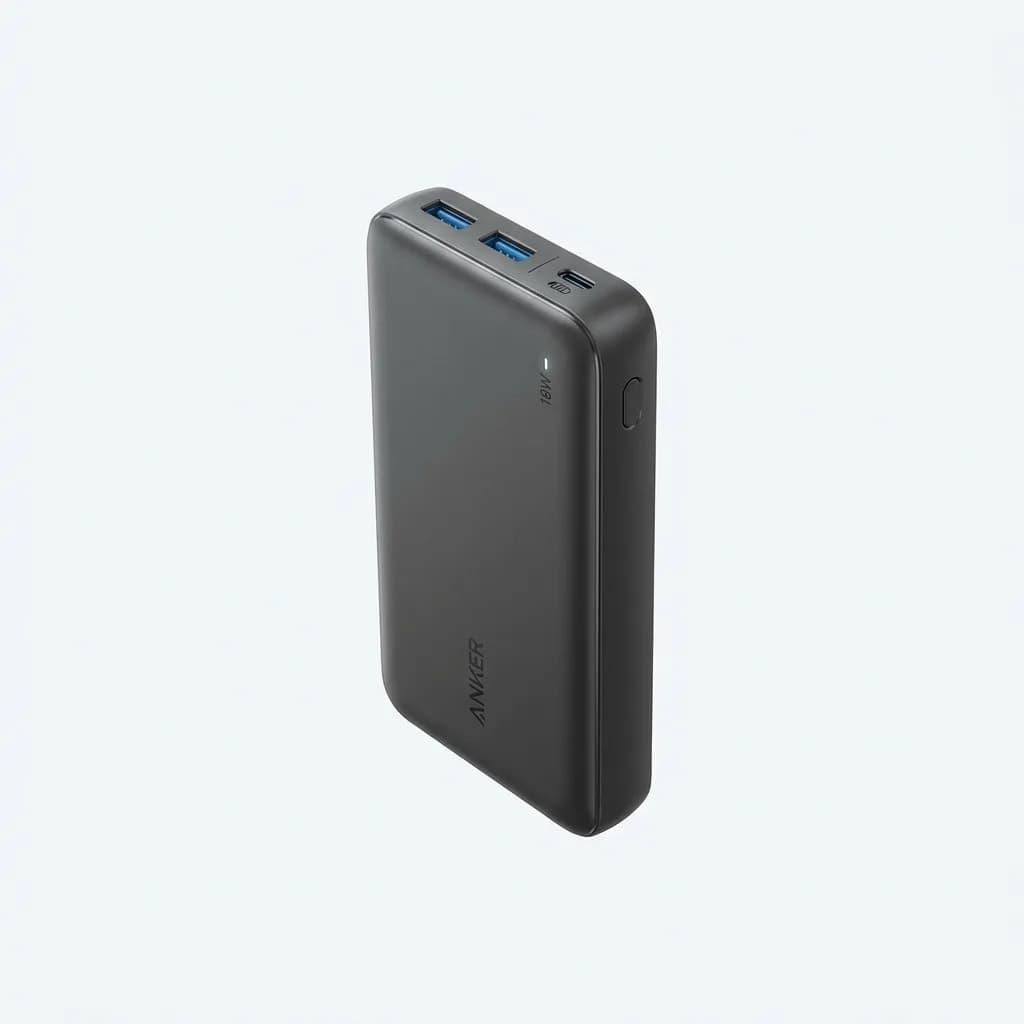
Anker 20,000mAh Portable Charger
$45
High-capacity power bank with 20,000mAh battery, dual USB ports, and 18W fast charging. Keeps your phone alive long enough for Find My tracking to work.
Set up a secondary authentication method before you travel. If your phone is your only 2FA device, you're locked out of email, banking, and airline accounts the moment it's gone. Export your authenticator backup codes to a password manager or print them on paper. Better yet, add your laptop or tablet as a trusted device for your Google or Apple account.
Test your recovery process. Log into iCloud.com or android.com/find from a laptop and make sure you can see your phone's location. Try locking it remotely and sending a message to the lock screen with a contact number. This sounds paranoid until you're trying to figure it out in a foreign airport at 2 AM.
Choose a roaming plan that doesn't cost $800
Your carrier's default roaming rates are designed to extract maximum profit from unprepared travelers. AT&T charges $2.05 per MB without an international plan. That's $2,100 per gigabyte. A single Instagram scroll can cost $40.
International day passes from major carriers (AT&T International Day Pass, Verizon TravelPass, T-Mobile International Pass) cost $10-12 per day. They're convenient but expensive for trips longer than a week. The better move is a local SIM or eSIM from the country you're visiting.
eSIM services like Airalo, Holafly, and Nomad let you buy data plans without swapping physical SIM cards. Download the app before you leave, purchase a plan for your destination, and install the eSIM profile. When you land, switch your data to the eSIM and leave your home carrier on for calls and texts over WiFi.
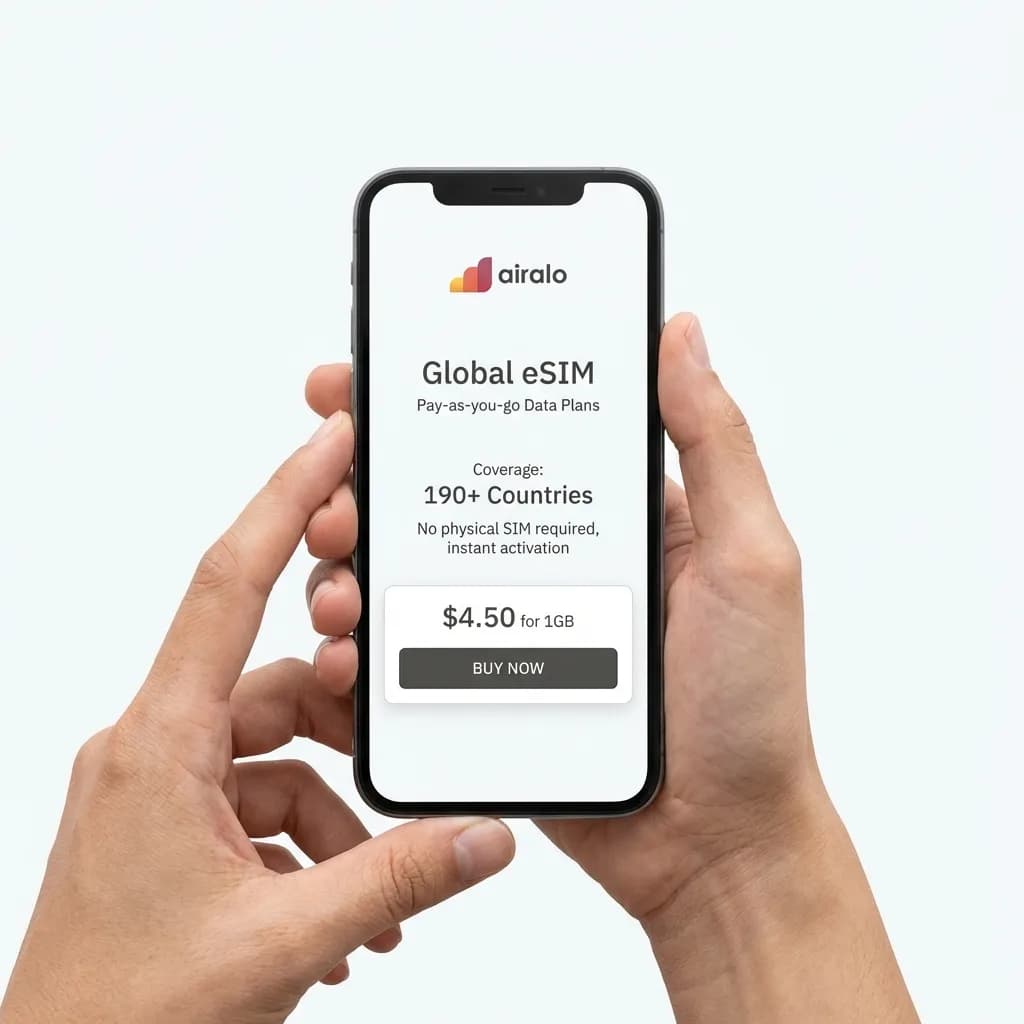
Airalo eSIM Global Data Plan
From $4.50
Digital eSIM service with pay-as-you-go data plans for 190+ countries. No physical SIM swap required, instant activation, prices start at $4.50 for 1GB.
Check if your phone supports dual SIM or eSIM before booking the trip. iPhones from XS and newer support eSIM. Most flagship Android phones from 2020 onward have eSIM capability, but Samsung's US models often don't. Go to Settings, search for SIM, and see if you have an option to add an eSIM or cellular plan.
For longer trips or multiple countries, Google Fi and T-Mobile Magenta Max include international data at no extra cost. Google Fi gives you the same data speeds abroad as at home. T-Mobile includes unlimited international data but throttles you to 2G speeds unless you pay for the $35/month Magenta Max addon. It works for messaging and maps but not for video calls or photo uploads.
Protect your physical device from damage and theft
A cracked screen in rural Thailand means spending two days finding a repair shop or paying $300 for a replacement. Rugged cases add bulk but they work. Otterbox Defender and UAG Monarch cases survive 6-10 foot drops onto concrete. We've thrown phones in these cases off second-story balconies and they're fine.
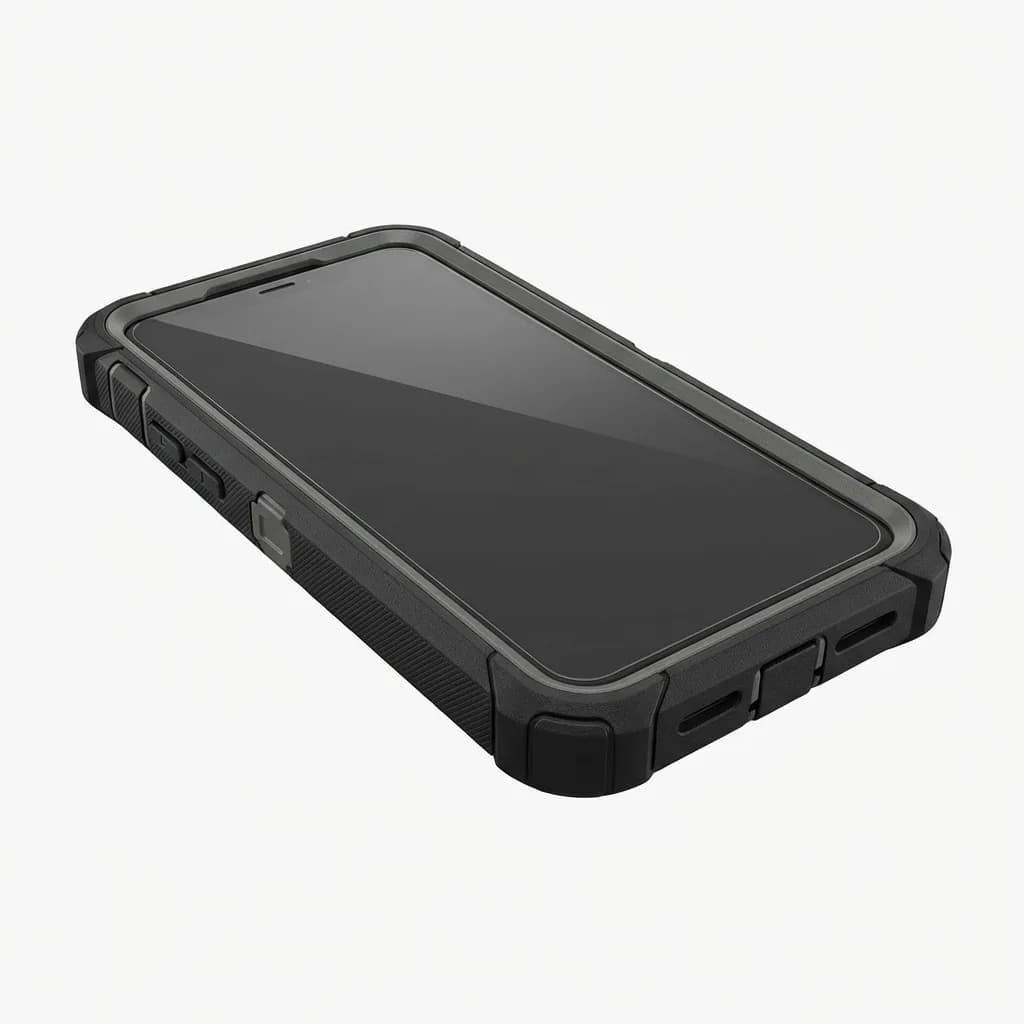
OtterBox Defender Series Case
$50
Heavy-duty protection with multi-layer defense, port covers, and 4x military drop standard certification. Bulky but proven for harsh travel conditions.
Screen protectors are non-negotiable. Tempered glass protectors absorb impact and can be replaced for $10 instead of paying $200 for a screen repair. Install one before you leave. Most phone repair shops at malls will apply it for free if you buy from them.
Use a phone tether or wrist strap in high-risk areas. It sounds excessive but pickpockets in Barcelona and Rome specifically target tourists pulling phones out for photos. A simple wrist strap makes it harder to snatch from your hand.
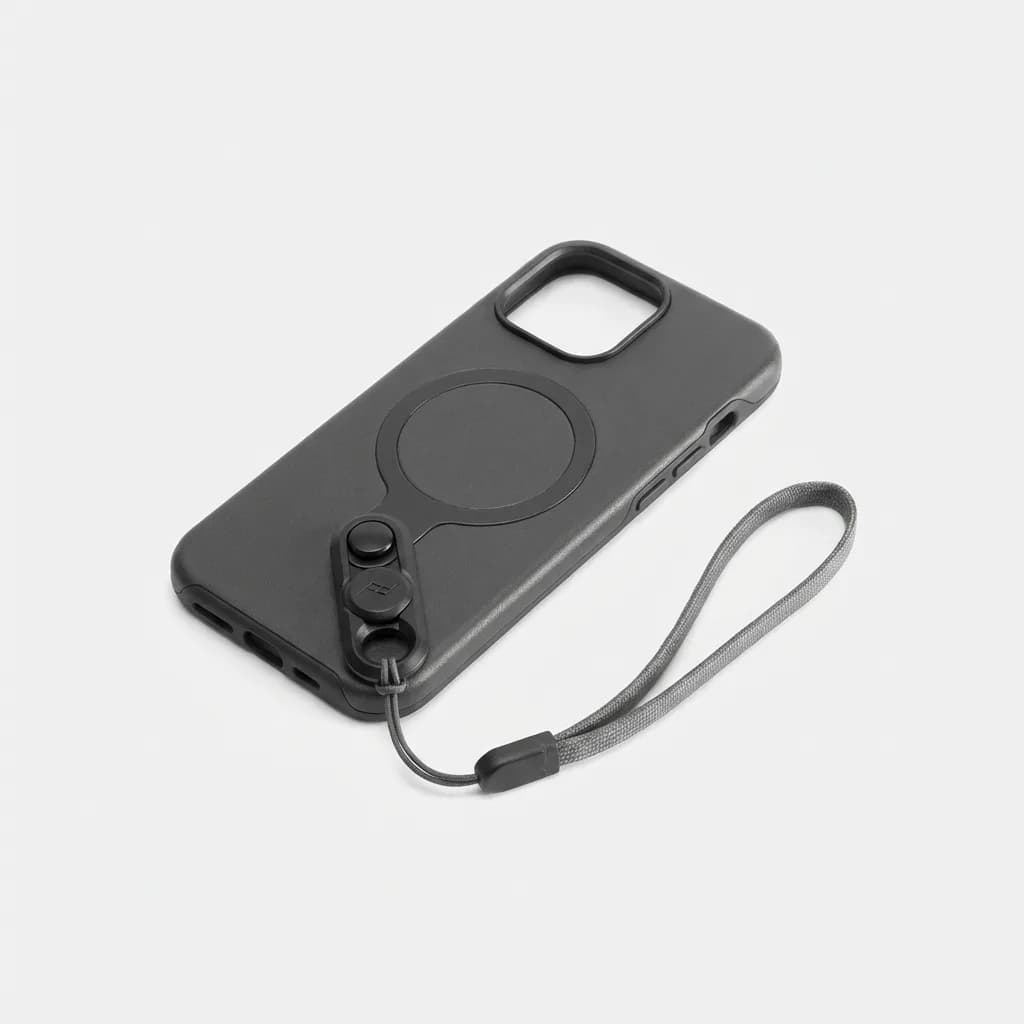
Peak Design Mobile Everyday Case with Anchor
$50
Slim protective case with magnetic mounting system and included wrist strap anchor. Quick-release tether prevents drops and theft during travel photography.
Keep your phone in a front pocket or cross-body bag, never in a backpack. We've watched thieves in metro stations unzip backpacks and remove phones in under three seconds. The victim doesn't notice until they're two stops away.
Download offline maps and essential apps before departure
Cellular data fails more often than you expect. Google Maps lets you download entire cities for offline use. Open the app, search for your destination, tap the location name at the bottom, and select Download. A city map runs 200-500MB. Download your hotel neighborhood, the airport, and any day trip destinations.
Offline translation apps save you daily. Google Translate's offline mode downloads language packs that work without internet. Download the languages for every country on your route. The camera translation feature works offline if you download the language data in advance.

Google Pixel 8 Pro
$999
Flagship smartphone with built-in VPN, advanced AI features, excellent camera for travel photos, and strong international band support for global roaming.
Trail or hiking apps like AllTrails, Maps.me, and Gaia GPS work entirely offline once you download the map regions. If you're doing any outdoor activities, download the maps on WiFi the night before. Cellular coverage in national parks and remote areas is nonexistent.
Banking apps and airline apps should be downloaded and logged into before departure. Airport WiFi is often terrible or requires email verification you can't access. Make sure you can pull up your boarding pass, hotel reservation, and payment methods without data.
Set up WiFi security and VPN access
Public WiFi at airports, hotels, and cafes is unencrypted and monitored. We've seen hotel networks in Southeast Asia inject ads into web pages and track browsing history. A VPN encrypts your traffic and prevents interception.
Free VPNs are worse than no VPN. They sell your data, inject their own ads, and throttle your speed to push paid upgrades. A reliable VPN costs $3-5 per month. Mullvad, ProtonVPN, and IVPN offer strong privacy, no-logs policies, and servers in 50+ countries.
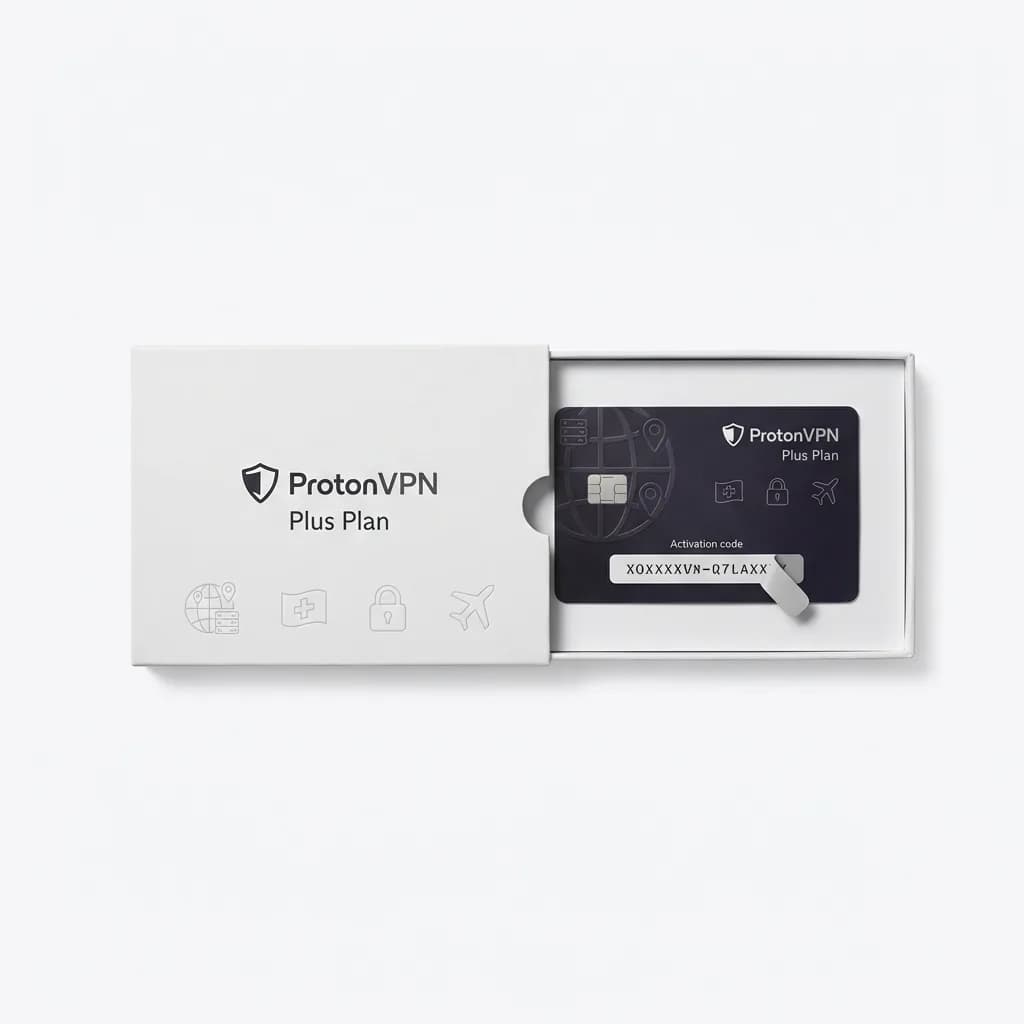
ProtonVPN Plus Plan
$4.99/month
Privacy-focused VPN with 1,700+ servers in 60+ countries, no-logs policy, high-speed connections, and Swiss privacy laws. Essential for secure travel internet access.
Install the VPN app and test it before you leave. Some countries block VPN traffic or restrict specific providers. China blocks most major VPNs. UAE criminalizes VPN use for illegal activities but tolerates it for privacy. Know the rules before you connect.
Turn off automatic WiFi connection in your phone settings. This prevents your phone from joining rogue networks that mimic legitimate hotspots. Manually select networks and verify the name with staff before connecting.
What about international phone calls?
Skip traditional international calling. WhatsApp, Signal, and FaceTime work over WiFi and data without extra charges. If you need to call a local number, use Skype credit or Google Voice. Skype charges 2-10 cents per minute to call landlines and mobiles worldwide. Google Voice is free for US numbers and cheap for international.
If you must make regular calls, check if your carrier includes international calling. T-Mobile Magenta and Google Fi include free calls to 200+ countries. AT&T and Verizon charge extra unless you add an international calling package.
Final checks before you board
Run through this list 24 hours before departure. Enable airplane mode and verify you can still access offline maps, saved documents, and downloaded media. Test your VPN connection. Confirm your backup completed fully. Write down your phone's IMEI and your emergency contact numbers on paper.
Charge your phone to 100%, bring a portable battery, and pack charging cables in your carry-on and checked bag. We've seen travelers lose their only cable on day two of a three-week trip.
Your phone is your camera, map, translator, payment method, and lifeline home. It deserves more preparation than your packing list. These steps take three hours total but they'll save you from spending half your trip dealing with a preventable disaster.
The Weekly Dispatch
Enjoying this article?
Subscribe and get our best gear picks delivered every Sunday morning.
Related Stories
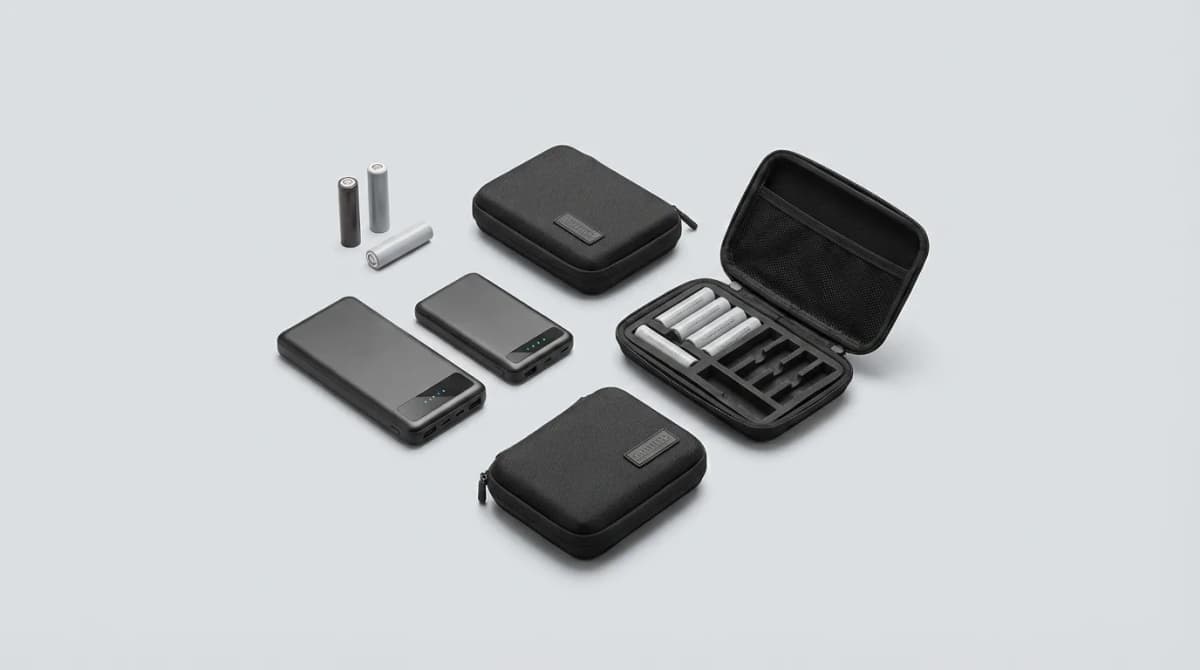
Battery Safety for Travelers: What to Know
Airline rules, storage tips, and damage prevention strategies for lithium batteries and power banks when traveling. What TSA allows and what to avoid.
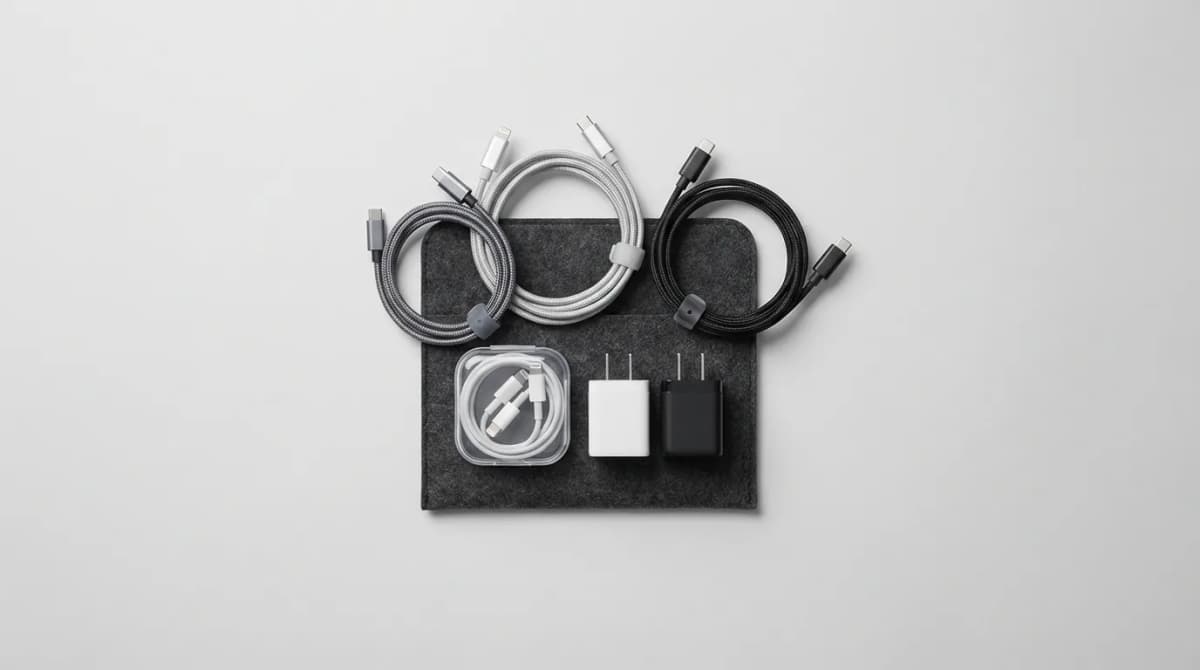
Build a Minimal Cable Set That Fits All Devices
Stop carrying a tangled mess of cables. Learn how to build a streamlined cable kit that handles phones, laptops, tablets, and accessories with just three cables.
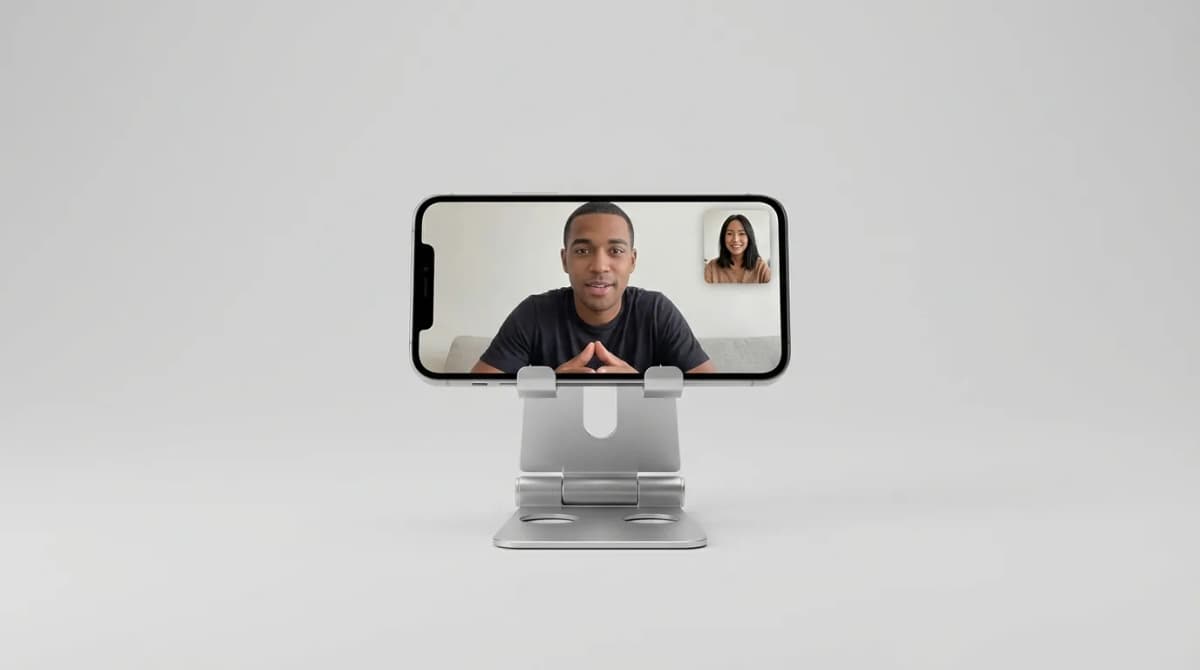
Best Phone Stands for Travel Video Calls
Portable phone stands make video calls possible from hotel rooms, coffee shops, and airports. We break down what separates stable designs from wobbly junk.