Build a Minimal Cable Set That Fits All Devices
Stop carrying a tangled mess of cables. Learn how to build a streamlined cable kit that handles phones, laptops, tablets, and accessories with just three cables.
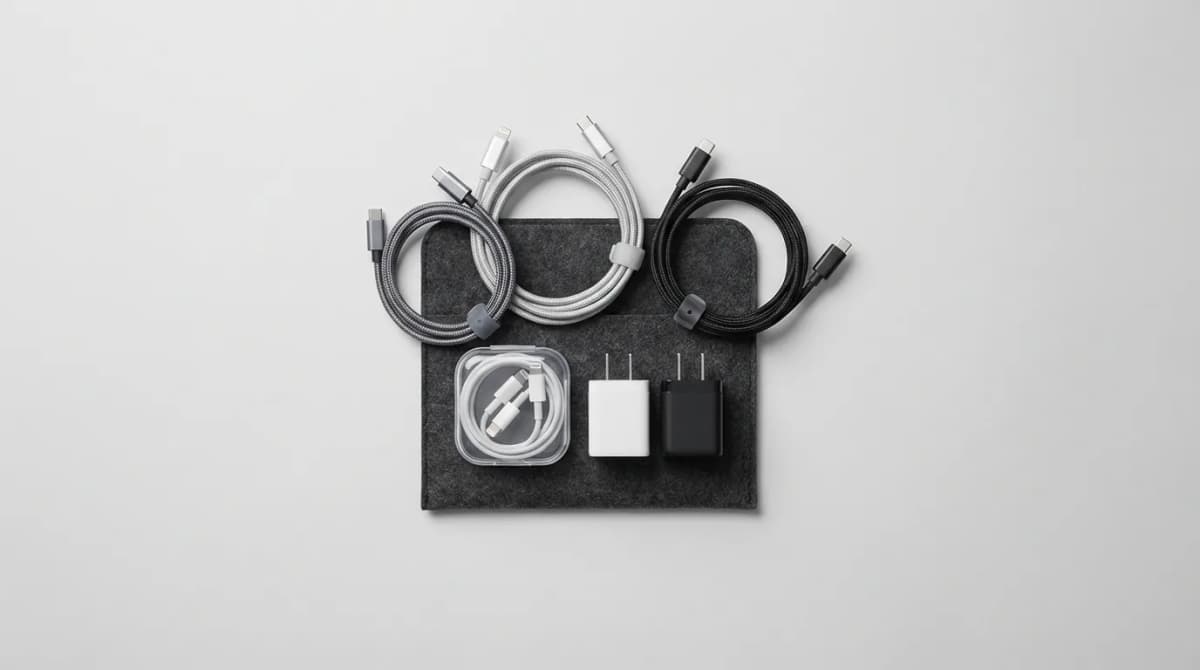
Most people carry too many cables. They pack a different cable for every device, then wonder why their bag weighs five pounds and nothing charges when they need it.
Here's the truth: you can charge a phone, laptop, tablet, camera, headphones, and smartwatch with just three cables if you choose the right ones. The trick isn't buying more cables. It's understanding what each device actually needs and building around those requirements.
Start with USB-C to USB-C as your foundation
USB-C to USB-C is the only cable you need for modern laptops, tablets, and many phones. It handles power delivery up to 100W, which means it charges a MacBook Pro just as easily as a smartphone. One cable, multiple jobs.
The key is cable length and build quality. A 6-foot cable works for most situations. Too short and you're stuck next to the outlet. Too long and you're managing slack. We've tested dozens, and the cables that last are the ones with reinforced stress points at both ends and thick, flexible jackets.
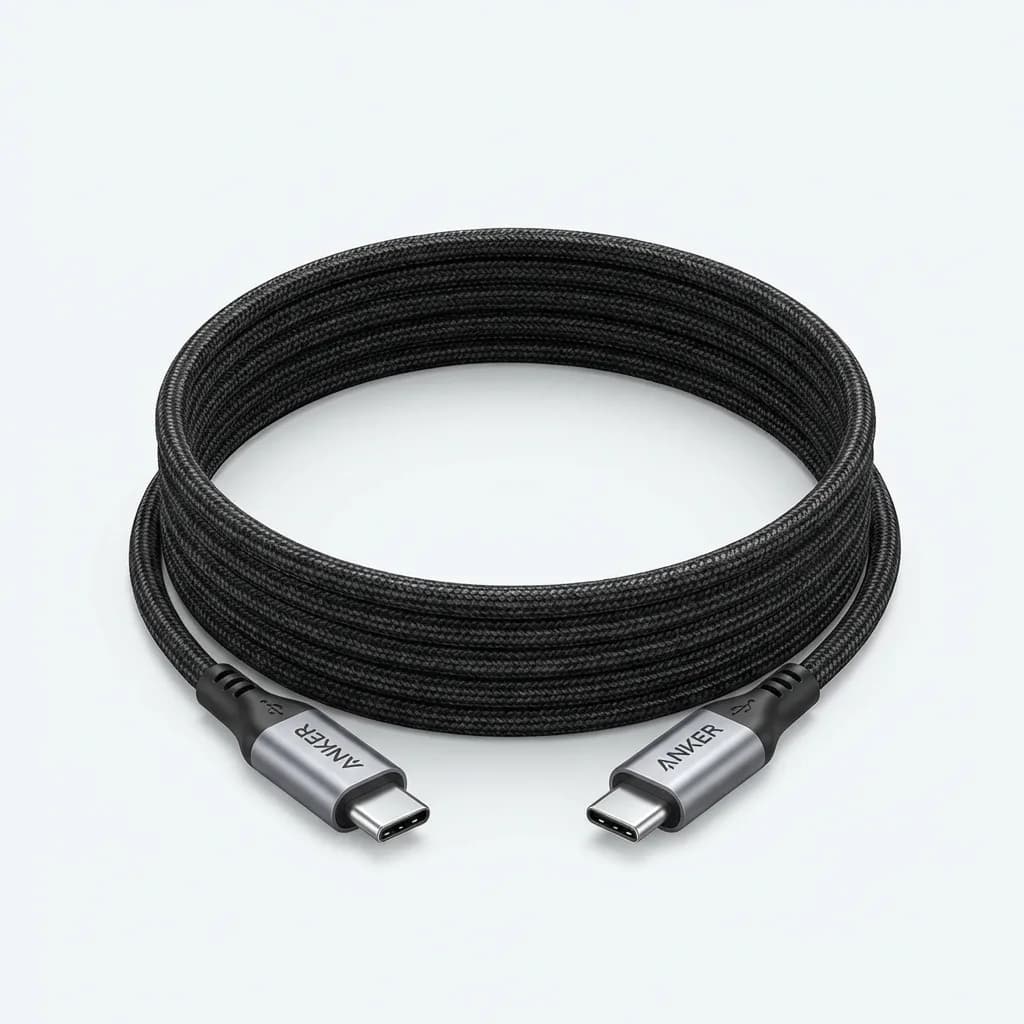
Anker USB-C to USB-C Cable (6ft, 100W)
See current price
Supports 100W Power Delivery for fast laptop charging. Reinforced aramid fiber core withstands over 35,000 bends. USB-IF certified for safe data and power transfer.
Most USB-C cables cap out at 60W. That's fine for phones and small tablets, but it won't fast-charge a 14-inch or 16-inch laptop. If your laptop charger is 65W or higher, get a cable rated for 100W. The extra wattage headroom means the cable runs cooler and lasts longer.
Add one USB-C to Lightning for Apple devices
If you're in the Apple ecosystem, you need one Lightning cable. Not three. One. The iPhone 14 and earlier, AirPods, older iPads, Magic Mouse, Magic Keyboard - they all use Lightning. One cable handles them all.
Apple's own cables fray at the ends. Everyone knows this. The alternative is a third-party cable with a braided nylon jacket and a Lightning connector certified by Apple's MFi program. MFi certification matters because cheap knockoffs can damage your device's charging port or trigger "accessory not supported" errors.
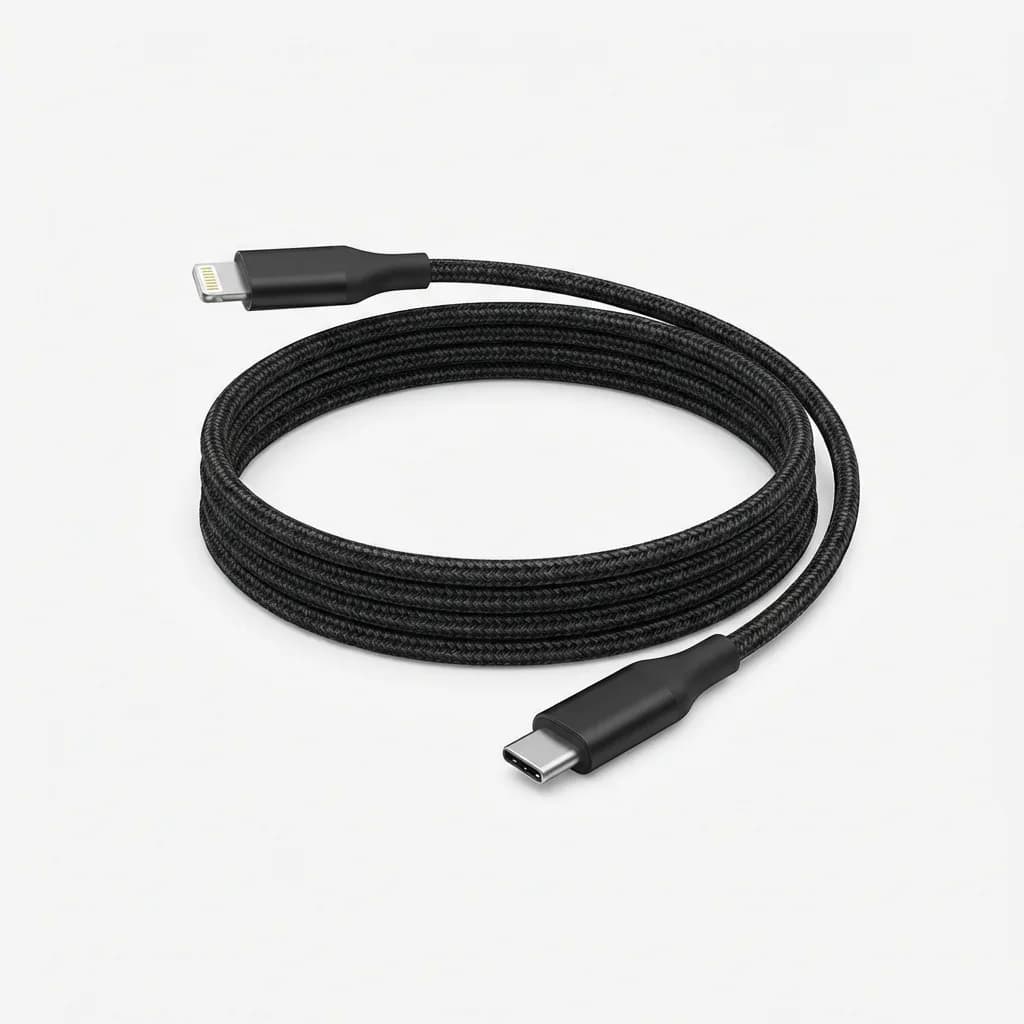
Belkin Boost Charge USB-C to Lightning Cable (6ft)
See current price
Apple MFi certified for full compatibility. Double-braided nylon exterior resists fraying. Supports fast charging up to 20W for iPhone 14 and earlier.
Belkin and Anker both make reliable MFi-certified cables. The braided versions hold up better than Apple's cables and cost less than replacements from the Apple Store. Go with 6 feet unless you specifically need a shorter cable for travel.
Use USB-A to USB-C for older chargers and ports
USB-A isn't dead yet. Rental cars, hotel alarm clocks, airplane seats, older power banks - they all have USB-A ports. Your laptop might have USB-A ports too. A USB-A to USB-C cable lets you charge your phone or earbuds from any of these sources without carrying a separate adapter.
The catch is that USB-A maxes out at around 18W for fast charging. That's slower than USB-C Power Delivery, but it's better than nothing when you're stuck with an older port.
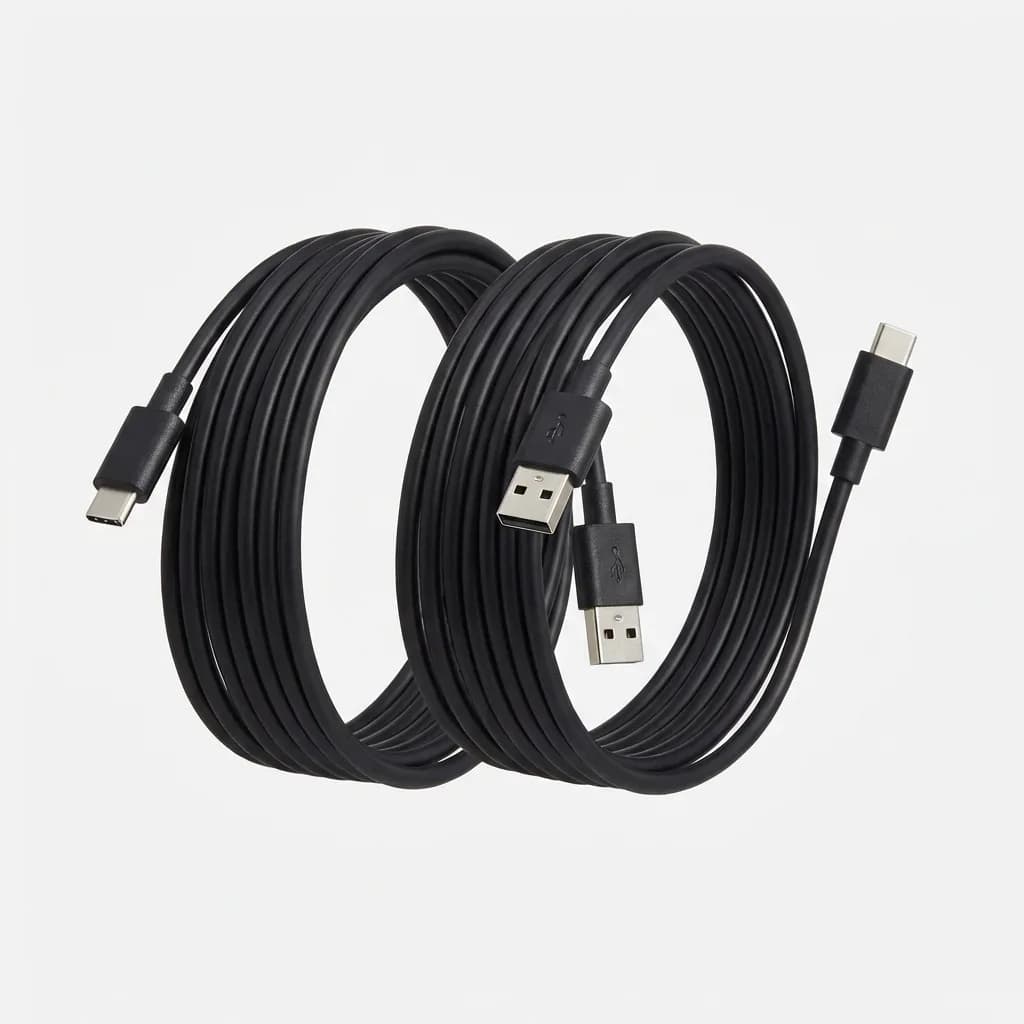
Amazon Basics USB-A to USB-C Cable (6ft, 2-Pack)
See current price
USB 2.0 spec supports up to 480Mbps data transfer and 3A charging. Durable PVC jacket. Works with all USB-C devices including phones, tablets, and accessories.
This is where you can save money. USB-A to USB-C doesn't require the same power handling as USB-C to USB-C, so cheaper cables work fine. Amazon Basics and Monoprice both make reliable versions for under ten dollars.
What about adapters and multi-tip cables?
Multi-tip cables sound great on paper. One cable with Lightning, USB-C, and Micro-USB tips. But they're bulkier, the tips wear out faster, and you're stuck with whatever length the manufacturer chose. We've tested half a dozen, and they all fail at the same point: the junction where the tips connect to the main cable.
Adapters are a better compromise if you absolutely need to consolidate. A USB-C to Lightning adapter or a USB-C to USB-A adapter adds flexibility without replacing your entire cable set. But adapters are easy to lose, and they add another point of failure.
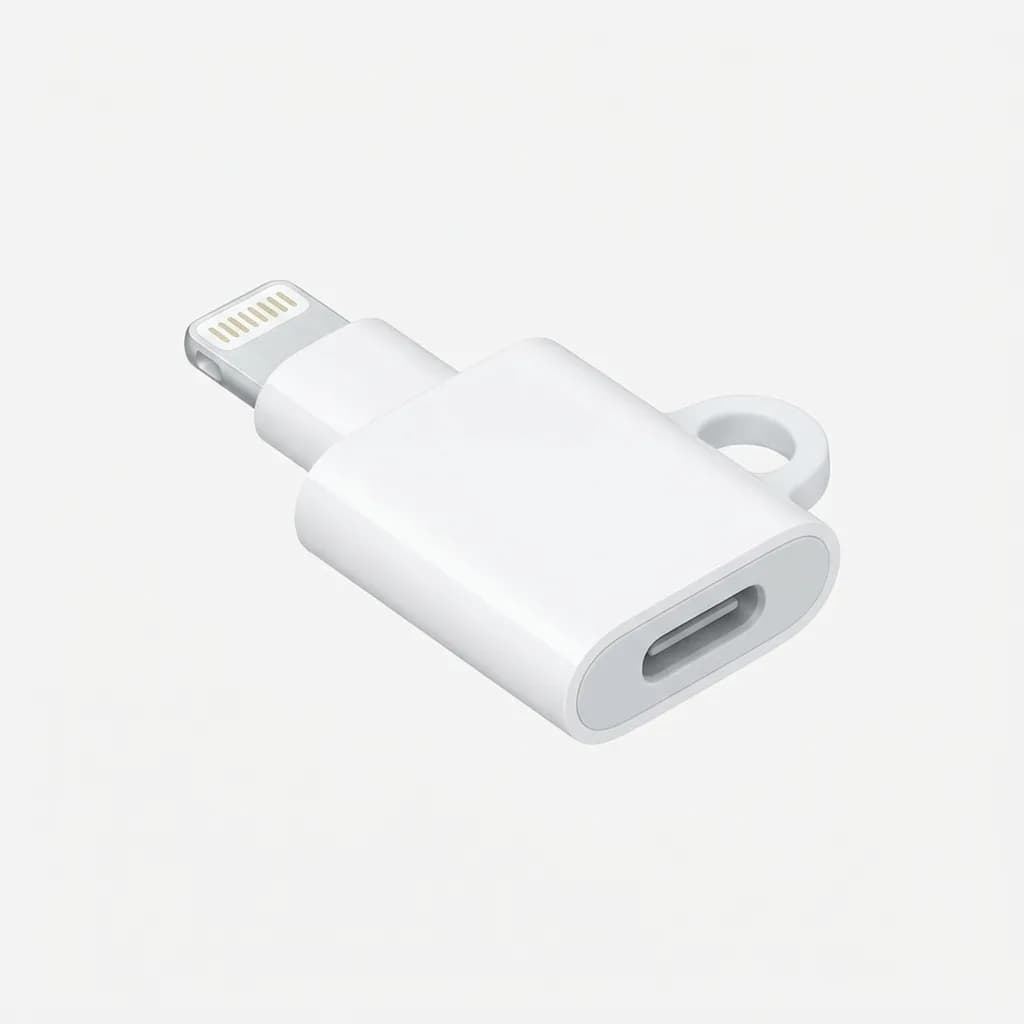
Apple USB-C to Lightning Adapter
See current price
Official Apple adapter converts any USB-C cable to Lightning. Supports fast charging and data sync. Compact design fits on a keychain.
If you travel internationally, consider a compact USB-C wall charger with folding prongs instead of carrying multiple adapters. One 65W or 100W charger with two USB-C ports can replace a laptop charger and phone charger in one device. Pair it with your three-cable set and you're covered.
How durability changes the equation
The best cable is the one that doesn't break. Cheap cables fail at the connector, where the cable meets the plug. That's where bending stress is highest. Look for cables with strain relief - a thickened section right at the connector that spreads the stress over a longer distance.
Braided nylon or fabric jackets hold up better than rubber or PVC, especially if you're coiling and uncoiling cables daily. Aramid fiber reinforcement inside the cable prevents the copper wires from breaking even after thousands of bends.
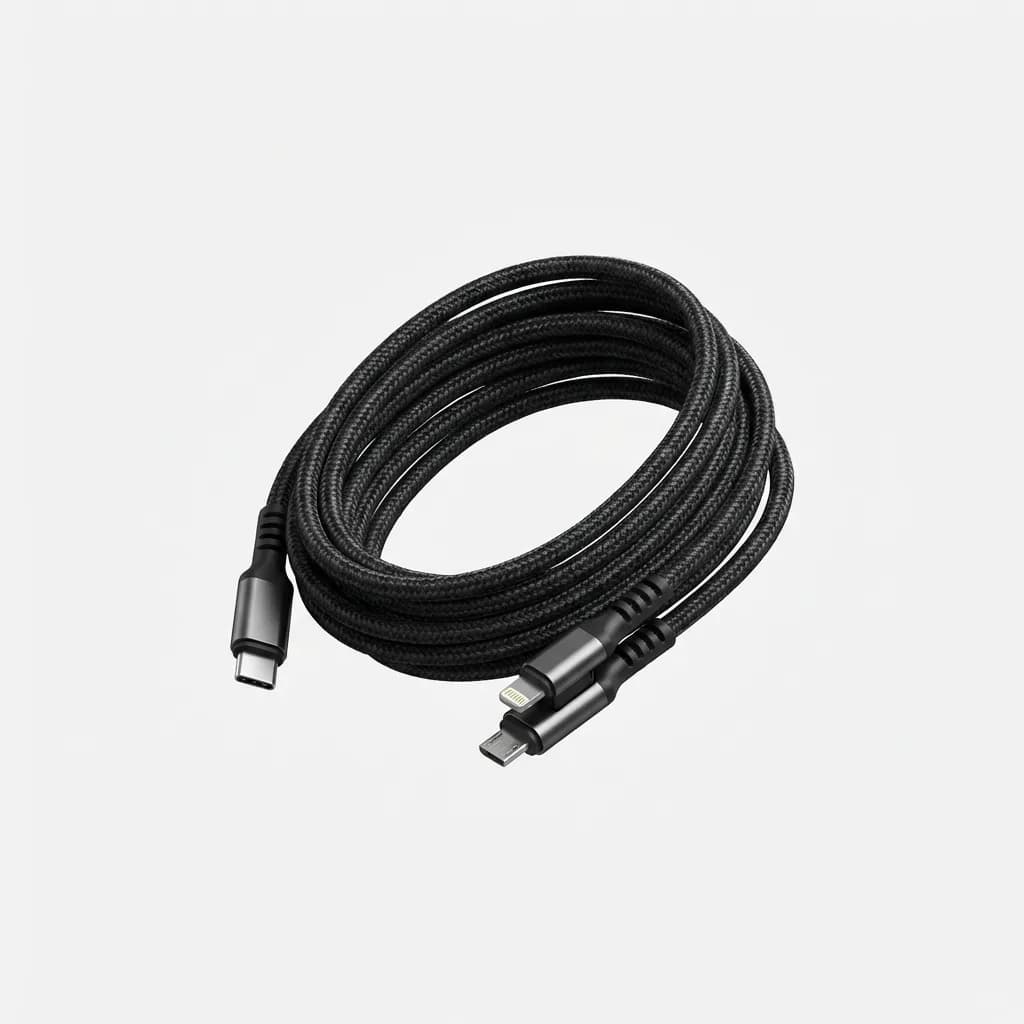
Nomad USB-C Universal Cable (1.5m)
$34.95
Ballistic nylon exterior and Kevlar core for extreme durability. Rated for 20,000+ bends. USB 2.0 data with 60W Power Delivery. 10-year warranty.
Nomad's cables are expensive, but they come with a ten-year warranty. That's longer than most people keep their devices. If you're tired of replacing cables every six months, spending more upfront saves money over time.
Do you need a cable organizer?
Maybe. If your three cables stay in a bag, they'll tangle. A simple cable organizer or small zippered pouch keeps them separated and easy to grab. We like the flat roll-up organizers that lay cables side by side instead of wrapping them in loops. Less stress on the cable, easier to pack.
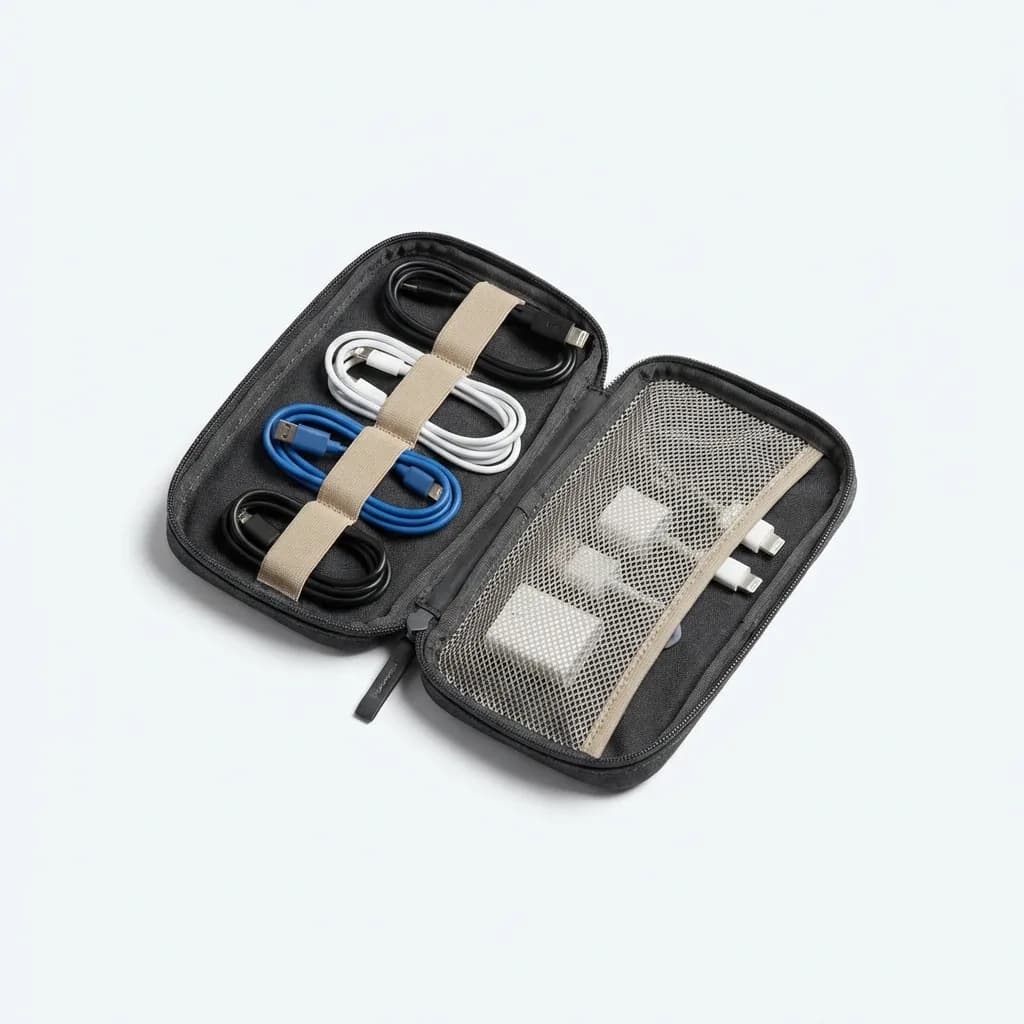
Bellroy Cable Kit Compact
$29
Holds 3-4 cables flat with elastic loops. Water-resistant recycled fabric. Slim profile fits in any bag pocket. Internal mesh pocket for adapters.
Avoid the temptation to fill every loop in the organizer. If you have empty space, good. That means you're not carrying cables you don't need.
What about Micro-USB?
Micro-USB is fading, but it's not gone. Some portable speakers, older Kindles, budget earbuds, and accessories still use it. If you own any Micro-USB devices, add one short cable (3 feet is fine) to your kit. Otherwise, skip it.
The reason to keep Micro-USB cables short is that you rarely need to charge these devices while using them. A short cable is lighter, takes up less space, and you're less likely to trip over it.
When more cables actually make sense
Three cables work for most people. But if you're a photographer, you might need a USB-C to Micro-USB or USB-C to Mini-USB for older camera models. If you have a desktop setup, you might want a longer cable permanently plugged in at your desk.
The point isn't to limit yourself to exactly three cables forever. It's to stop carrying redundant cables "just in case." Figure out what you actually plug in during a typical week. Build your kit around that. Leave the rest at home.
Testing cable performance
Not all cables deliver the power they claim. We've tested cables that say "100W" but only deliver 60W. The difference shows up when you're trying to fast-charge a laptop - it just takes longer, and you don't know why.
If you want to verify your cables, get a USB power meter. Plug it inline between your charger and device, and it shows you the actual voltage and amperage. Most are under twenty dollars and they're useful for troubleshooting slow charging problems.
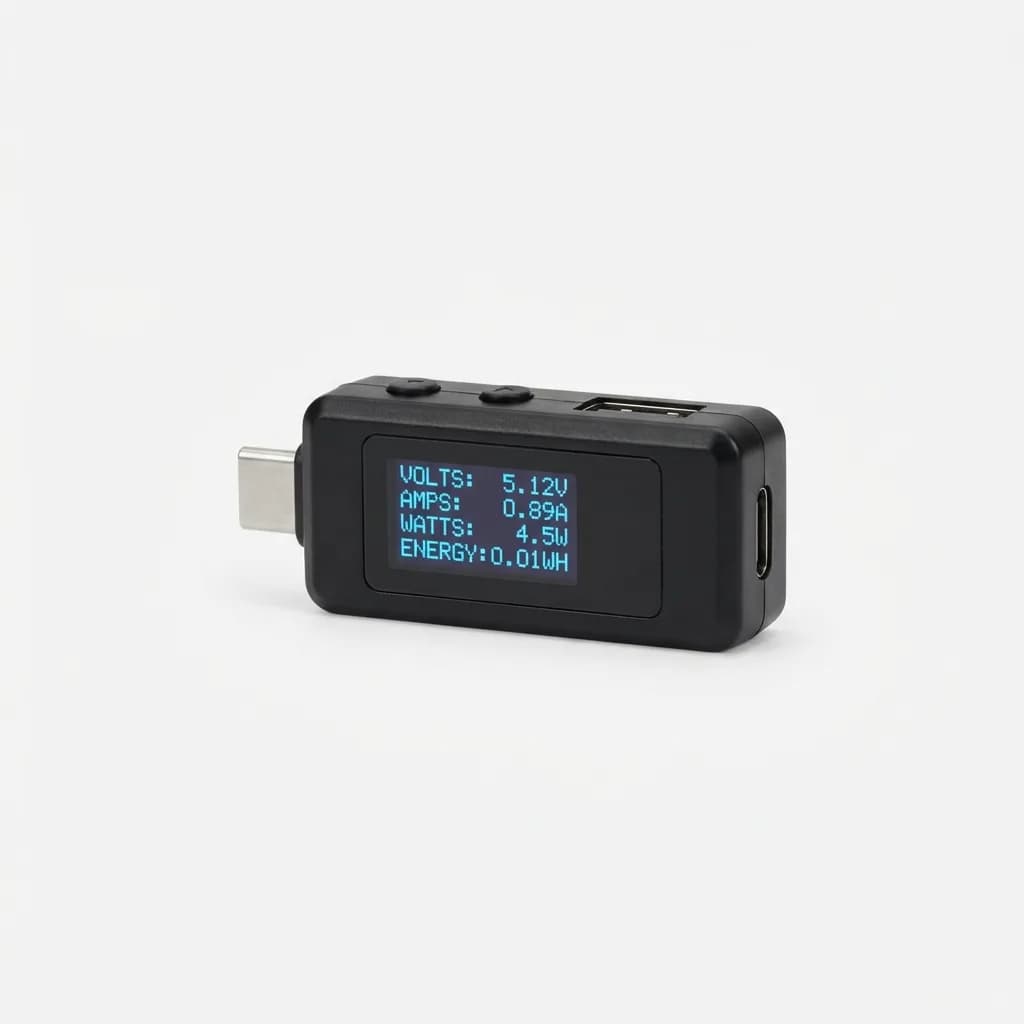
PLUGABLE USB-C Power Meter Tester
See current price
Displays real-time voltage, amperage, wattage, and total energy. Works with USB-C and USB-A cables. Compact inline design with bright OLED screen.
Power meters also help you identify failing cables before they stop working completely. If a cable that used to deliver 60W suddenly maxes out at 30W, the internal wires are breaking down. Replace it before it fails when you need it most.
The three-cable kit in practice
Here's what we carry: one USB-C to USB-C (6 feet, 100W), one USB-C to Lightning (6 feet, MFi certified), one USB-A to USB-C (6 feet). Total weight is under 5 ounces. Total cost is around fifty dollars if you buy quality cables, less if you go with budget options for the USB-A cable.
This kit charges a MacBook Pro, iPhone, AirPods, iPad, Sony camera, and Garmin watch. It works with every USB-C or USB-A charger we've tested. We've traveled with this setup for two years, and we've never been stuck without the right cable.
The benefit isn't just less weight. It's faster packing, less time untangling cables, and no more digging through a bag full of identical black cables trying to find the right one. Simplicity is the real upgrade.
The Weekly Dispatch
Enjoying this article?
Subscribe and get our best gear picks delivered every Sunday morning.
Related Stories
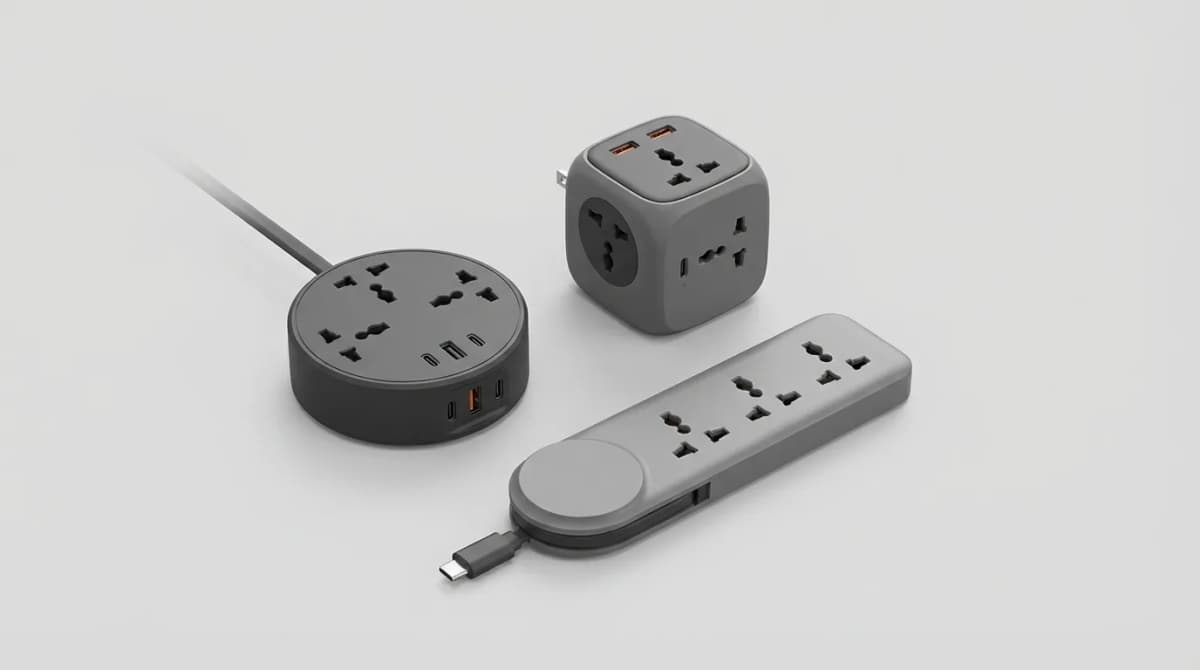
Best Compact Power Strips for Travel
Compact power strips solve the biggest frustration of hotel rooms: not enough outlets where you need them. Here's what actually matters when choosing one.
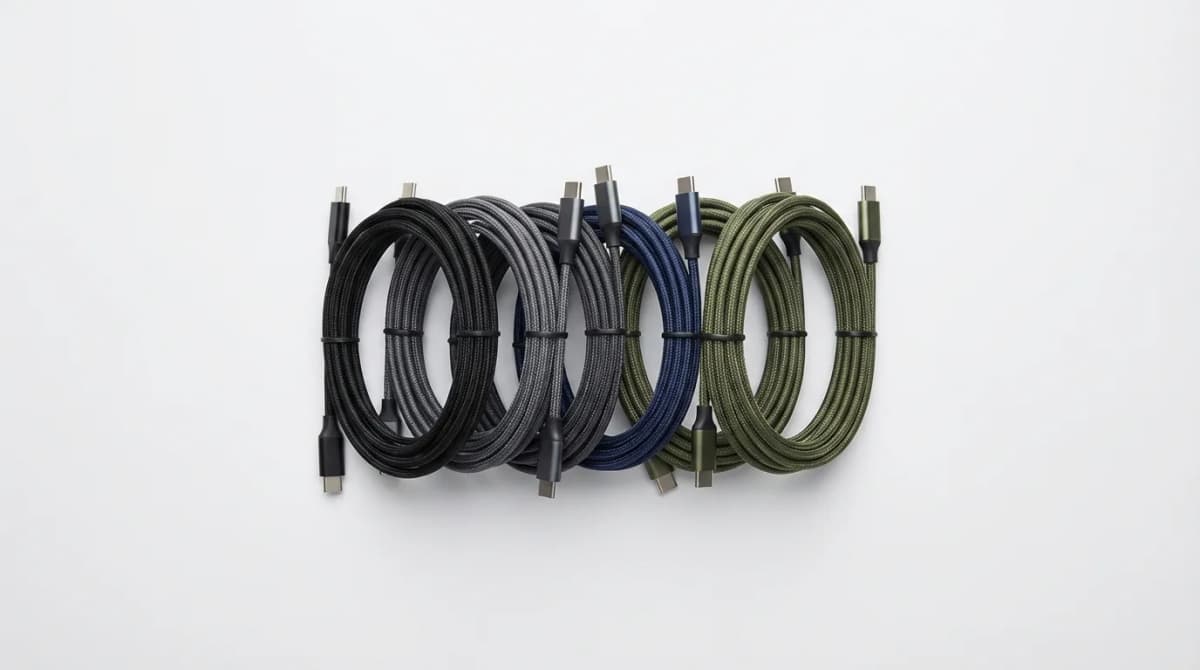
Best Compact USB-C Cables for EDC
The right USB-C cable can make or break your EDC charging setup. We tested compact options for durability, length, and multi-device compatibility.
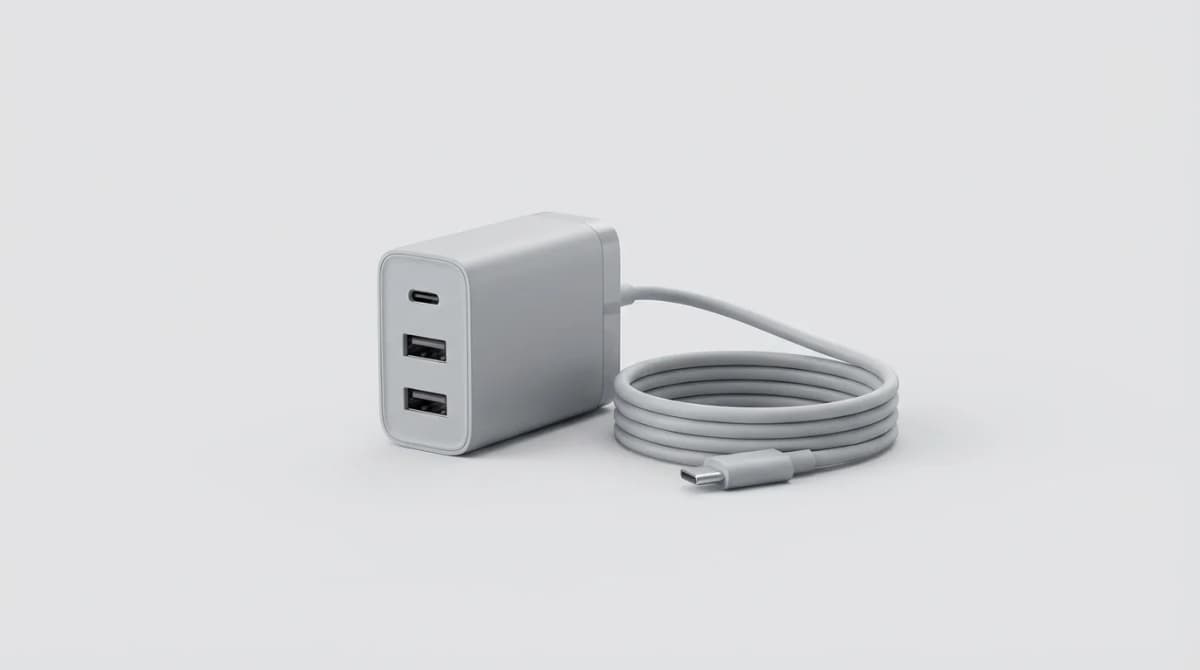
One Charger Travel Setup: How to Do It
Eliminate charger chaos with one multi-port GaN brick. Here's how to calculate wattage, choose ports, and pack lighter without sacrificing power.