How to Build a Phone Loss Recovery Plan
Losing your phone doesn't have to mean losing everything. Here's how to set up automated backups, device tracking, and account recovery before disaster strikes.
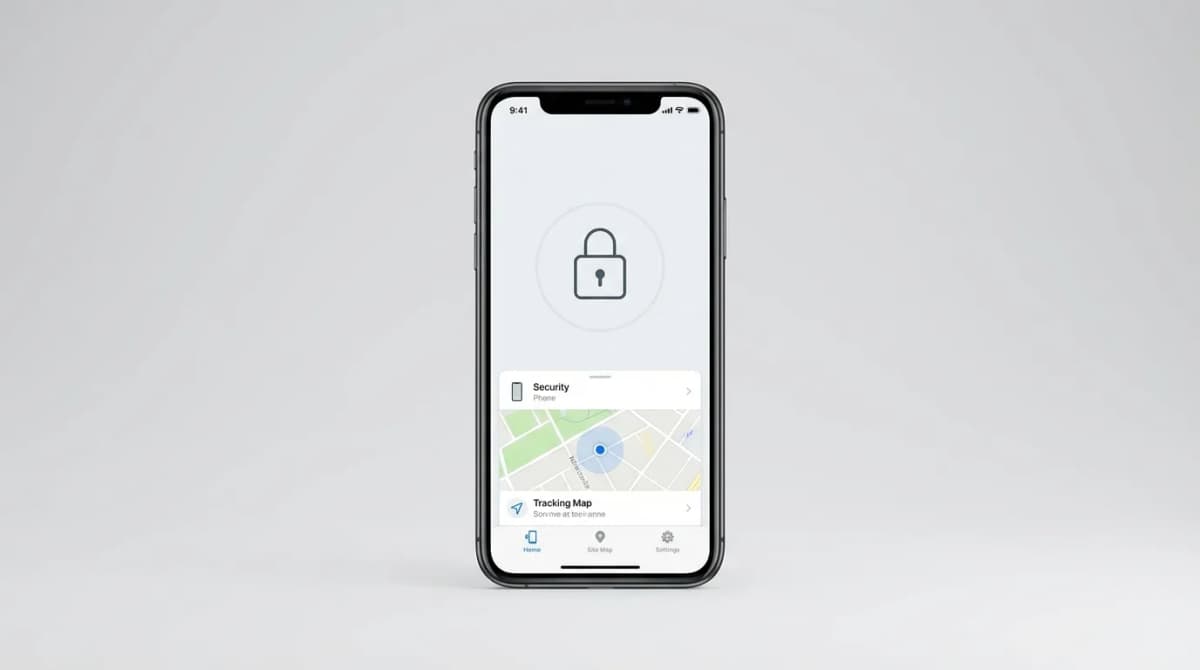
You left your phone in an Uber. Or it slipped out of your pocket at the coffee shop. Maybe someone walked off with it at the gym. Whatever the scenario, you have about 30 seconds before panic sets in.
Most people wait until this moment to realize they have no backup plan. No recent backups. No device tracking enabled. No written record of their IMEI number or account passwords. By then, it's too late to do anything except hope and pray.
A proper phone loss recovery plan takes about an hour to set up, costs almost nothing, and can save you from losing years of photos, contacts, and access to critical accounts. Here's exactly what you need to do.
Enable automatic cloud backups on every device
The single most important thing you can do is turn on automatic backups. Not "I'll do it later" backups. Not manual backups you run once a month. Automatic, daily backups that happen whether you remember or not.
For iPhone users, iCloud backup does this automatically when your phone is plugged in, locked, and connected to WiFi. Go to Settings > [Your Name] > iCloud > iCloud Backup and flip it on. The free 5GB tier isn't enough for most people, so you'll likely need the 50GB plan for $0.99/month or the 200GB plan for $2.99/month.
Android users have Google One backup, which works similarly. Open Settings > Google > Backup, then enable "Back up to Google Drive." Google gives you 15GB free, shared across Gmail, Drive, and Photos. When you run out, the 100GB plan costs $1.99/month.
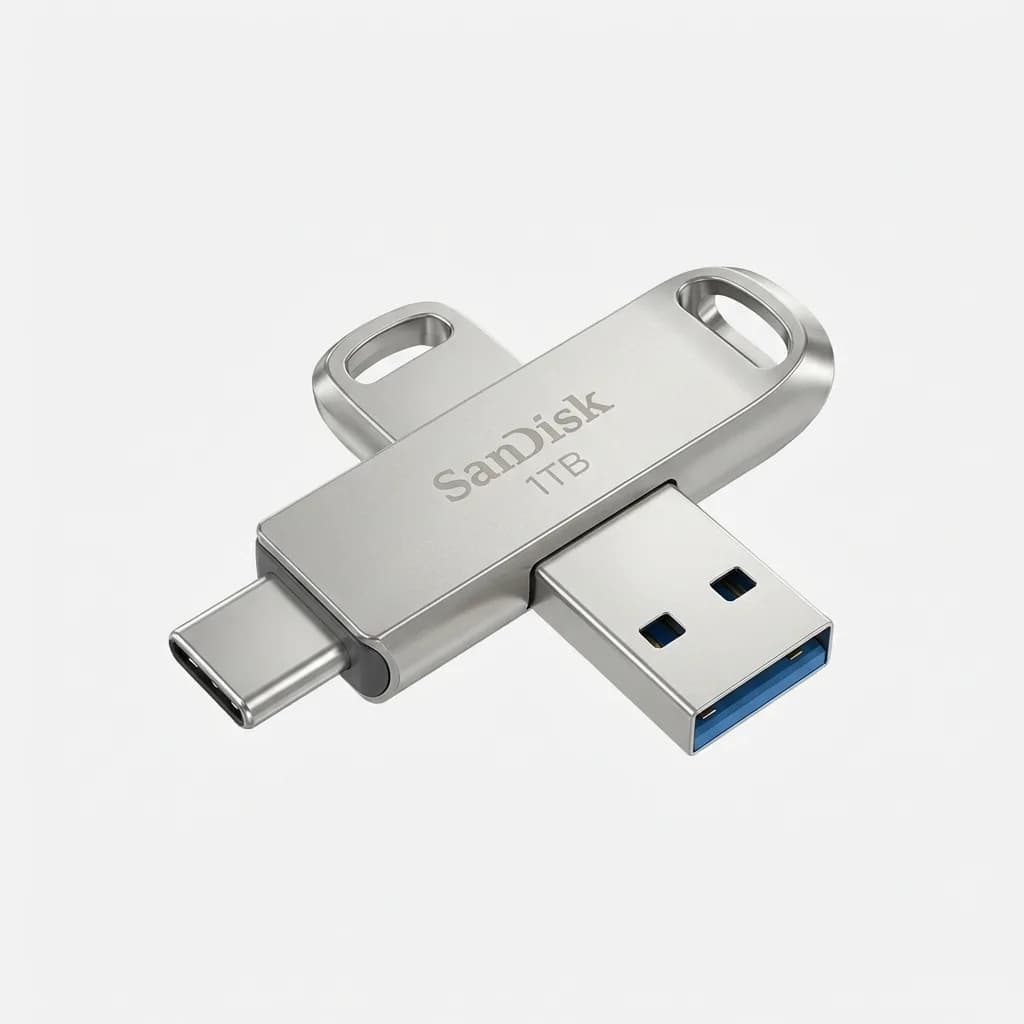
SanDisk 1TB Ultra Dual Drive Luxe USB-C
Check Price
USB-C and USB-A connectors for direct phone-to-computer backups without cloud dependency. 1TB capacity handles years of photos and videos.
Cloud backup is convenient, but physical backup gives you an offline copy that can't be hacked or deleted remotely. Once a month, plug your phone into a computer and copy your photo library and important files to an external drive.
Set up Find My Device before you need it
Device tracking only works if you enable it ahead of time. Once your phone is gone, you can't retroactively turn on location services.
iPhone users need Find My turned on. Go to Settings > [Your Name] > Find My > Find My iPhone and enable everything: Find My iPhone, Find My network, and Send Last Location. The Find My network uses Bluetooth signals from other Apple devices to locate your phone even when it's offline, which is shockingly effective.
Android users need Find My Device enabled. Open Settings > Security > Find My Device and toggle it on. This lets you locate, ring, lock, or erase your phone remotely from any web browser at android.com/find.

Tile Pro (2022) Bluetooth Tracker
Check Price
Bluetooth tracker with 400-foot range and loudest ring. Attach to keys, wallet, or bag as a backup locator when phone tracking fails.
Here's something most people miss: test your tracking setup before you lose your phone. Ask a friend to hide your phone somewhere in your house, then try to locate it using the web interface. You'll learn how accurate the location is, how loud the ring sounds, and whether you actually remember your account password.
Document your phone's identifying information
Your IMEI number is your phone's fingerprint. Police need it to file a theft report. Your carrier needs it to blacklist a stolen device. Insurance companies require it for claims. And most people have no idea where to find it.
Write down your IMEI number before you lose your phone. On iPhone, go to Settings > General > About and scroll down to IMEI. On Android, open Settings > About Phone > Status. Take a screenshot and email it to yourself, or write it on a physical card you keep in your wallet.
While you're at it, document your phone's serial number, model, color, and any distinguishing marks or case details. Take clear photos of your phone from multiple angles. If you ever need to identify it at a police station or pawn shop, this evidence matters.
Also write down your carrier account PIN and security questions. If your phone is stolen, you'll need to call your carrier to suspend service, and they'll ask for verification. Trying to remember your mother's maiden name while you're stressed and phoneless is harder than you'd think.
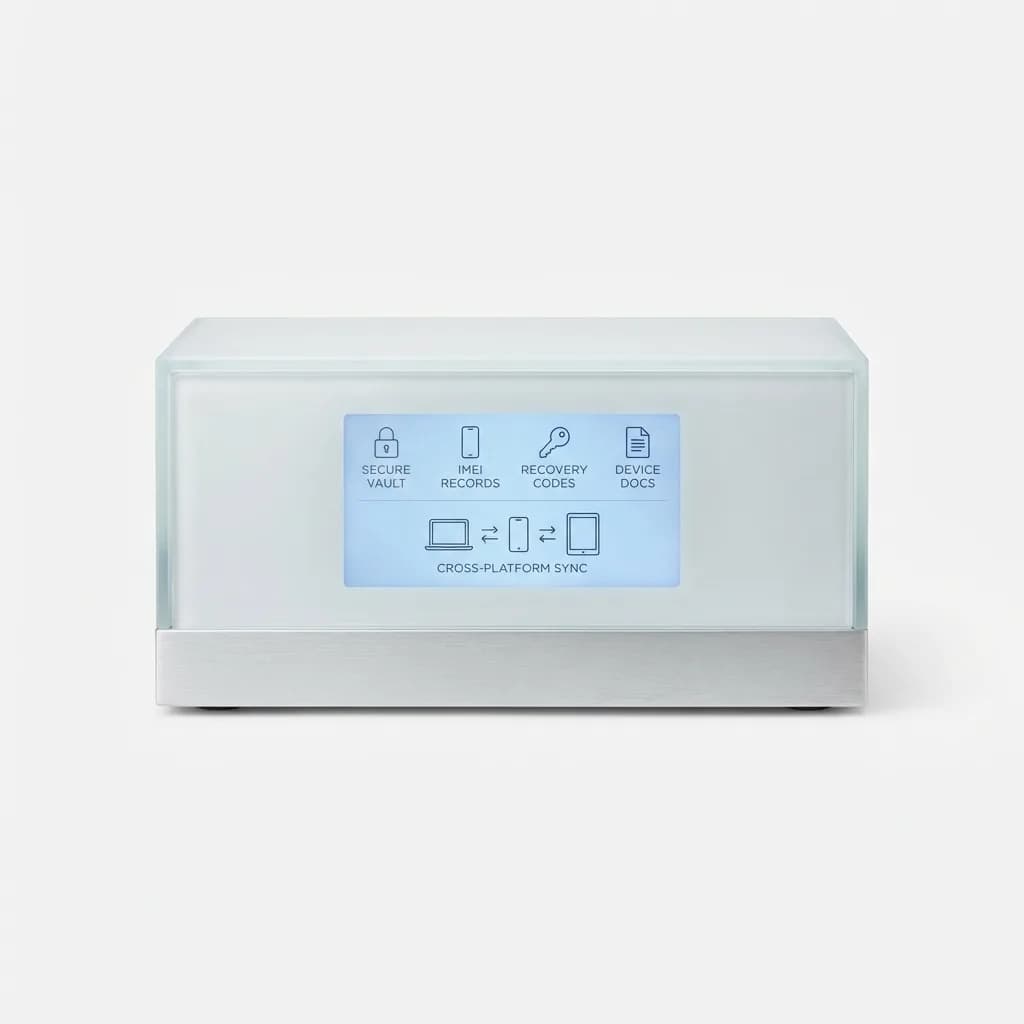
1Password Password Manager
$2.99/month
Secure vault for storing IMEI numbers, account recovery codes, and device documentation. Cross-platform sync means you can access critical info from any device.
Set up two-factor authentication the right way
Two-factor authentication (2FA) makes your accounts more secure, but it can also lock you out if your phone is your only authentication device. The solution is to set up backup methods before you lose access to your primary method.
For every important account (email, banking, social media, password manager), enable 2FA, but also configure backup codes or a backup authentication method. Most services let you download a set of one-time backup codes. Print these codes and store them somewhere secure, like a fireproof safe or a trusted family member's house.
Authenticator apps like Authy or Microsoft Authenticator offer cloud backup of your 2FA codes, so if you lose your phone and get a new one, you can restore all your authentication tokens. Google Authenticator finally added this feature in 2023, but it's opt-in, so make sure you enable it.
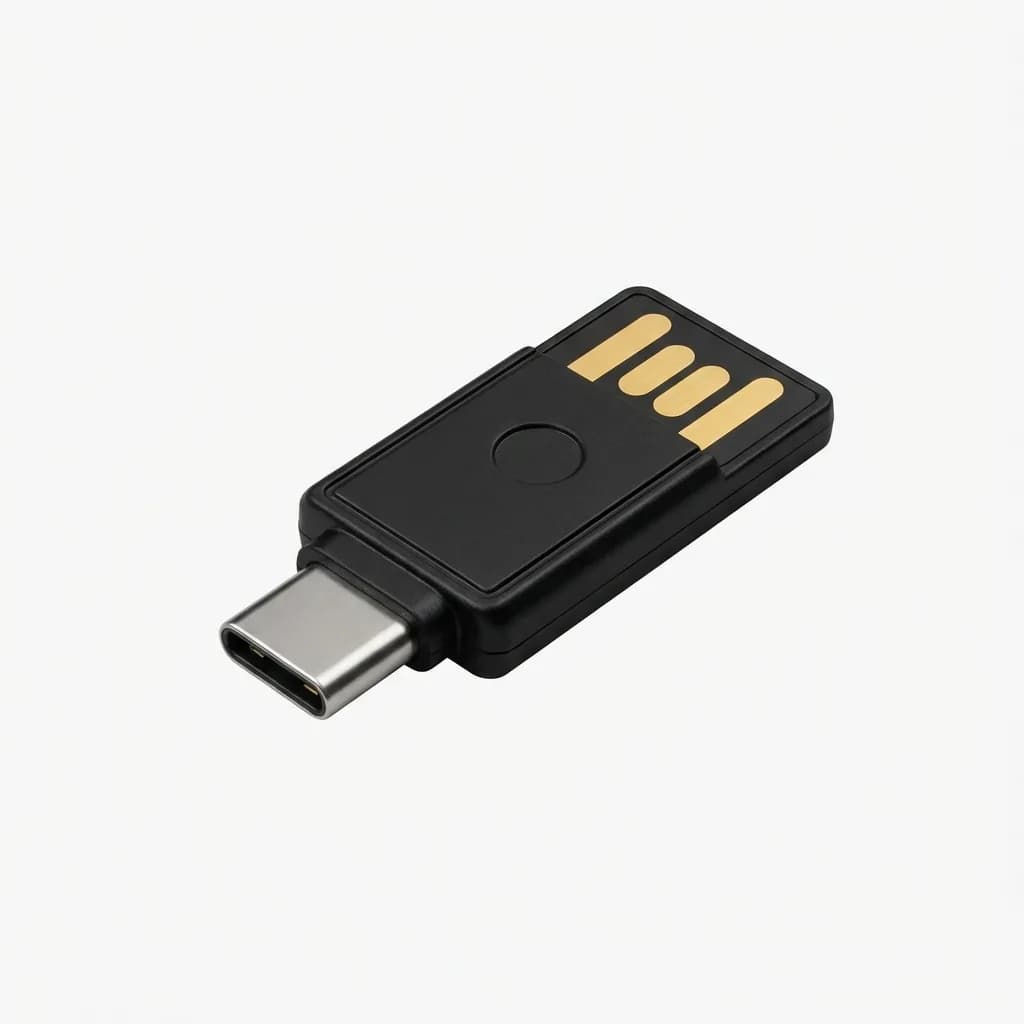
Yubico YubiKey 5C NFC Security Key
Check Price
Hardware security key for two-factor authentication that works independently of your phone. USB-C and NFC support for phones, tablets, and computers.
The biggest mistake people make is using SMS text messages as their only 2FA method. If your phone is stolen, the thief can receive your 2FA codes and break into your accounts. Use an authenticator app or hardware security key instead.
Create an account recovery contact list
When your phone disappears, you'll need to move fast to secure your accounts and notify the right people. But if your contact list was only stored on your phone, you're out of luck.
Create a physical or digital list of critical contacts and keep it somewhere other than your phone. Include your carrier's customer service number, your bank's fraud department, your insurance company, your IT department (if it's a work phone), and a few close friends or family members who can help.
For each major account (email, banking, cloud storage, social media), write down the account recovery process. What's the URL for password reset? Do you need to answer security questions? Is there a phone number you can call? When you're stressed and rushing to lock down your accounts, you don't want to waste time Googling how to recover your Gmail account.
Also designate a trusted contact for account recovery. Apple, Google, and Facebook all offer trusted contact features that let someone you designate help you regain access to your account if you're locked out. Set this up now.
What to do in the first 24 hours after losing your phone
Time matters. The faster you act, the better your chances of recovering your phone or at least protecting your data.
First: try calling your phone. If someone found it, they might answer. If you hear it ringing nearby, follow the sound. If it goes to voicemail, don't panic yet.
Second: use Find My Device or Find My iPhone immediately. Check the last known location. If it's still online, you can see its current location in real-time. If it's moving, someone probably took it. If it's stationary, you might have left it somewhere.
Third: put your phone in Lost Mode (iPhone) or lock it remotely (Android). This displays a custom message on the lock screen with a contact number where someone can reach you to return the phone. It also prevents anyone from accessing your data or making purchases.
If the phone is clearly stolen and not just lost, remotely erase it. This deletes all your data and logs the phone out of your accounts. You'll lose the ability to track its location, but you'll protect your privacy. Only do this if you're certain you won't get the phone back.
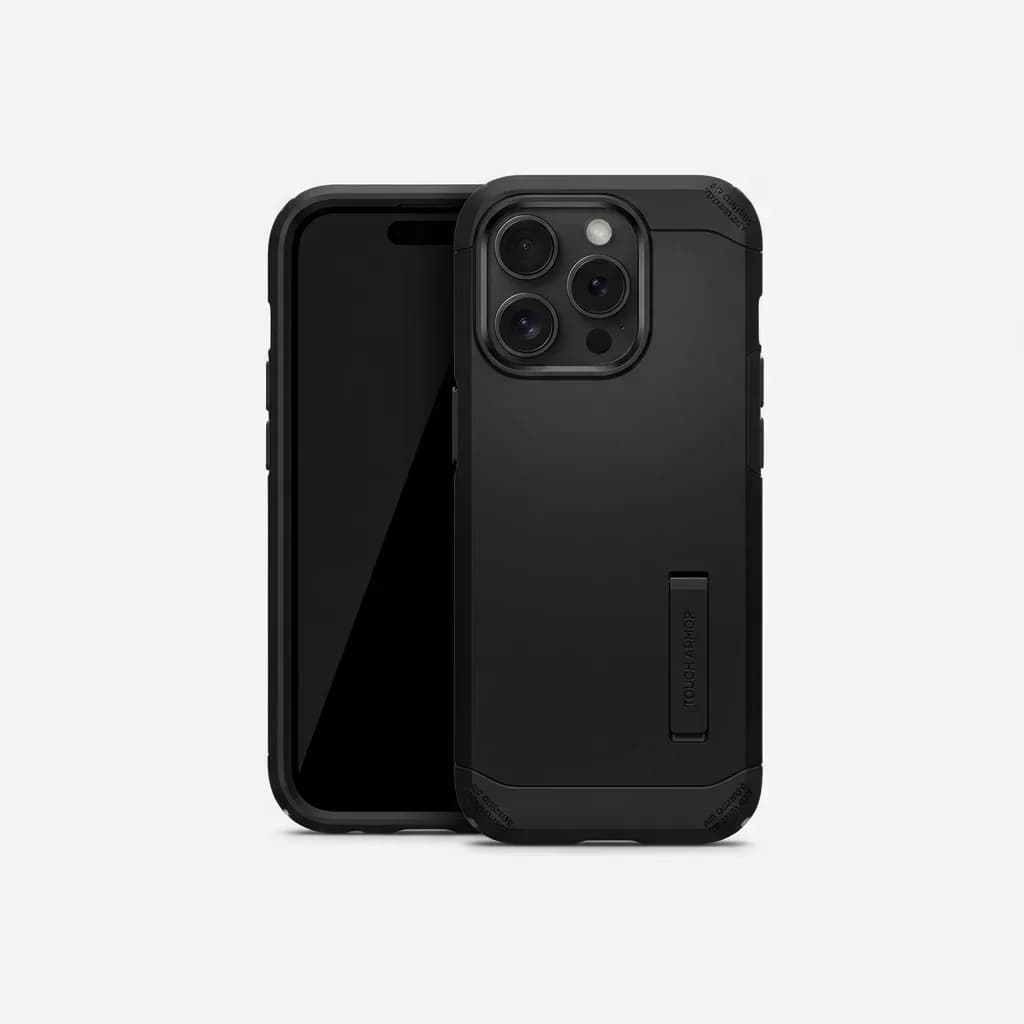
Spigen Tough Armor Case for iPhone 15 Pro
Check Price
Dual-layer protection with kickstand and Air Cushion Technology reduces the chance of phone damage if dropped. Raised bezels protect screen and camera.
Fourth: contact your carrier to suspend service. This prevents the thief from making calls, sending texts, or using your data plan. Your carrier can also blacklist the phone's IMEI, making it unusable on any network.
Fifth: change your passwords, starting with email and financial accounts. If your phone had saved passwords or was logged into sensitive accounts, assume the thief could gain access. Reset everything.
Sixth: file a police report if the phone was stolen. You'll need the report number for insurance claims and to prove theft to your carrier or bank if fraudulent charges appear.
Is phone insurance worth it?
Carrier insurance plans cost $7-15 per month and typically include a $99-250 deductible when you file a claim. Over two years, that's $168-360 in premiums plus the deductible, which is close to the cost of a replacement phone.
AppleCare+ with Theft and Loss costs $13.49/month for iPhone 15 Pro and includes a $149 deductible for theft or loss claims. You get two claims per 12-month period. If you have a history of losing phones or you travel frequently to high-risk areas, this might make sense.
Credit card phone insurance is a better deal for most people. Cards like the Wells Fargo Active Cash, Chase Sapphire Preferred, and several other premium cards offer cell phone protection if you pay your monthly bill with the card. Coverage varies, but it's typically $600-800 per claim with a $25-100 deductible. The catch is you need to actually pay your phone bill with that card every month.
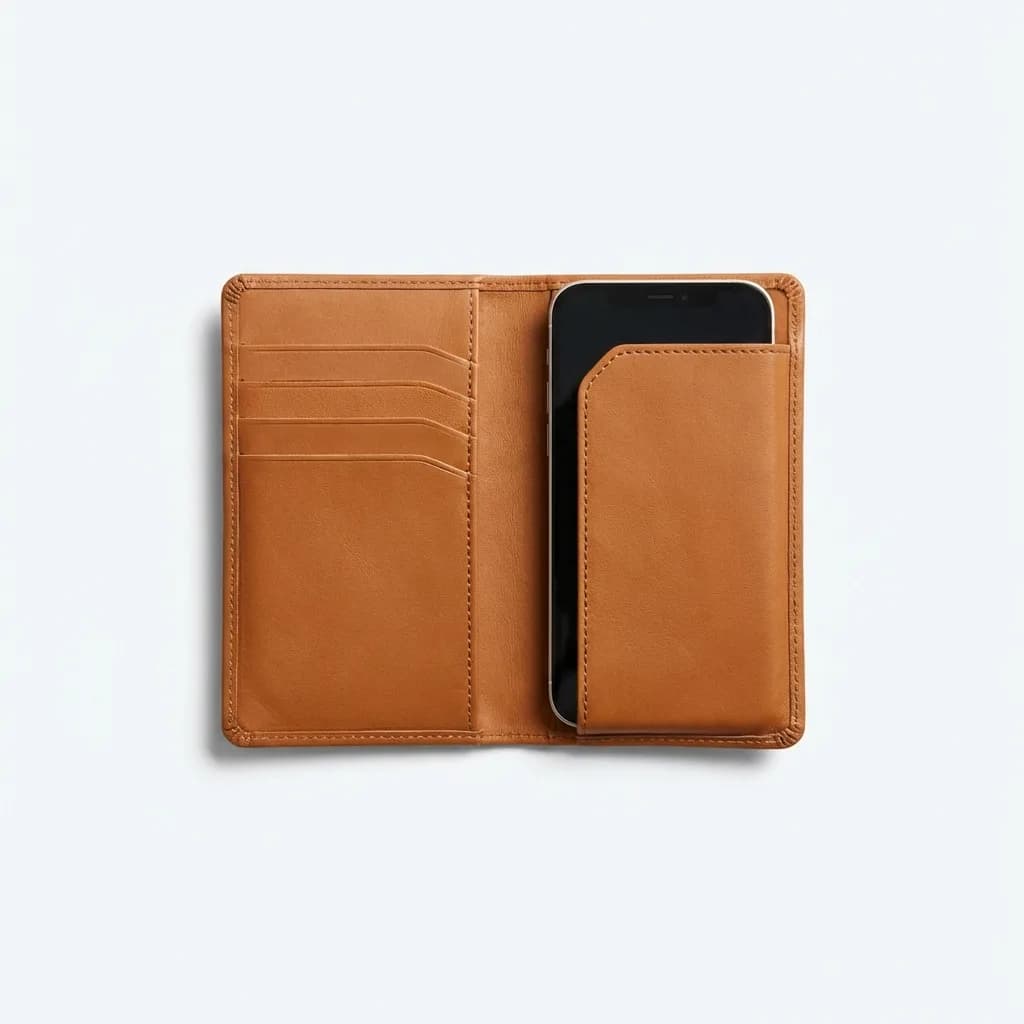
Bellroy Phone Pocket Plus Wallet
Check Price
Wallet-style phone case with card slots keeps phone and essentials together, reducing the chance you'll leave your phone behind. Premium leather construction.
The best "insurance" is prevention. Use a case, attach a Tile or AirTag to your phone or bag, enable tracking before you need it, and run automatic backups. Most people who lose phones either didn't have tracking enabled or didn't know how to use it effectively.
Run a monthly recovery drill
Here's the part nobody does but everyone should: practice your recovery plan. Once a month, take 10 minutes to verify that your backups are running, your tracking is enabled, and you can actually access your account recovery codes.
Test your backup by trying to restore a single photo or contact from your cloud backup. Check your Find My Device location to make sure it's accurate. Try logging into your password manager from a different device to confirm you know the master password. Verify that your IMEI documentation is still accessible.
If any part of the plan has broken (cloud storage ran out, you forgot your password, the tracking app needs an update), fix it now. Not after you lose your phone.
Preventing phone loss in the first place
The best recovery plan is not needing one. A few simple habits can dramatically reduce your risk.
Develop a pocket-pat routine. Every time you leave somewhere (restaurant, taxi, friend's house, airplane), pat your pockets or check your bag to confirm phone, wallet, and keys are with you. Make it automatic.
Use a bright, distinctive phone case. A black phone disappears on dark surfaces. A neon green case with a unique pattern is hard to miss and easy to describe if someone finds it.
Enable sound or vibration for notifications. If your phone buzzes in your pocket or bag regularly, you'll notice when it's missing. A completely silent phone can slip away unnoticed for hours.
Attach a Tile or AirTag to your phone case or keychain. If you lose your phone, you can use the tracker to find it. If you lose your keys, you can use your phone to find them. Redundancy matters.
Never set your phone down in public places. Hold it, pocket it, or put it in your bag. The moment you set it on a counter, table, or seat, you create an opportunity to forget it.
Final thoughts
Losing your phone is stressful, expensive, and often preventable. The difference between a minor inconvenience and a complete disaster comes down to preparation. Enable automatic backups. Turn on device tracking. Document your IMEI and account info. Set up backup 2FA methods. Know your recovery process.
An hour of setup now can save you days of frustration and hundreds or thousands of dollars in lost data, fraudulent charges, and replacement costs. Don't wait until your phone is gone to build your recovery plan.
The Weekly Dispatch
Enjoying this article?
Subscribe and get our best gear picks delivered every Sunday morning.
Related Stories
How to Make Your Phone Setup Travel Proof
Protect your phone and data while traveling with automated backups, theft recovery plans, and roaming strategies that actually work overseas.
Build a Minimal Cable Set That Fits All Devices
Stop carrying a tangled mess of cables. Learn how to build a streamlined cable kit that handles phones, laptops, tablets, and accessories with just three cables.
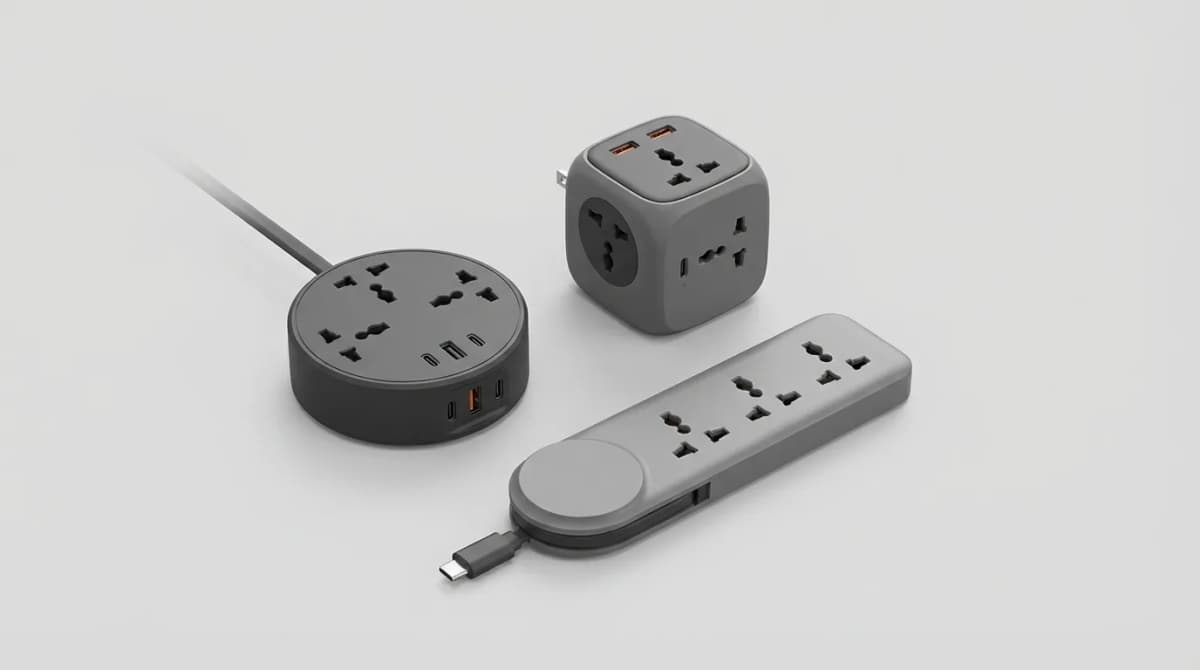
Best Compact Power Strips for Travel
Compact power strips solve the biggest frustration of hotel rooms: not enough outlets where you need them. Here's what actually matters when choosing one.