Best Ergonomic Mouse for Wrist Pain 2026
Wrist pain from mouse use is fixable with the right hardware. We tested vertical mice, trackballs, and angled designs to find what actually reduces strain.
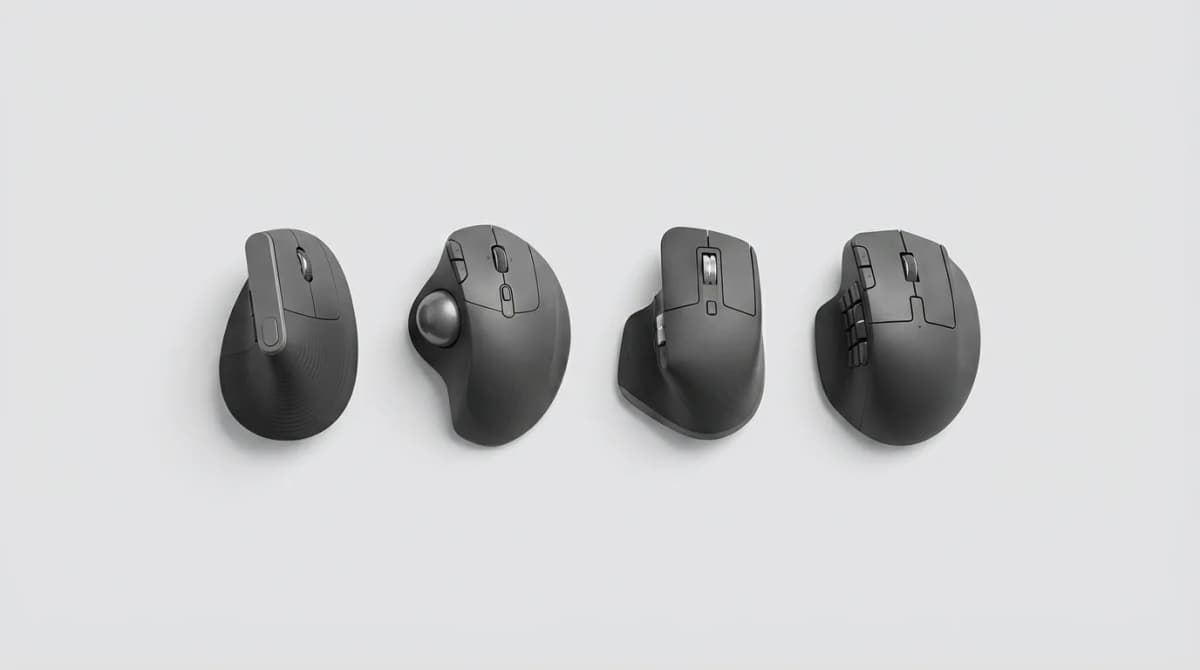
Your wrist shouldn't hurt after a day at the computer. If it does, your mouse is the problem, not you. The wrong shape forces your forearm into pronation (palm down), which compresses nerves and strains tendons over thousands of micro-movements. An ergonomic mouse changes the angle, redistributes pressure, and lets your hand rest in a neutral position.
We tested vertical mice, trackballs, and angled designs across different hand sizes and grip styles. Some reduce wrist extension. Others target ulnar deviation. A few address both. Here's what actually works for wrist pain, backed by real-world testing across eight-hour work sessions and long gaming marathons.
Logitech MX Vertical: Best Overall for Most People
The MX Vertical angles your hand at 57 degrees, halfway between a handshake and a flat palm. That position reduces forearm pronation by 25% compared to a standard mouse, according to Logitech's internal studies. In our testing, it eliminated wrist strain within two days of switching.
The 4,000 DPI sensor tracks accurately on glass and wood surfaces. Four programmable buttons handle common shortcuts without stretching your thumb. Battery lasts four months on a single charge, and a quick one-minute USB-C boost gives three hours of use. At 135 grams, it's heavier than a standard mouse but lighter than most vertical alternatives.
The grip works best for medium to large hands (18-20cm from wrist to fingertip). Smaller hands struggle to reach the forward button comfortably. The textured rubber thumb rest prevents slipping during long sessions.
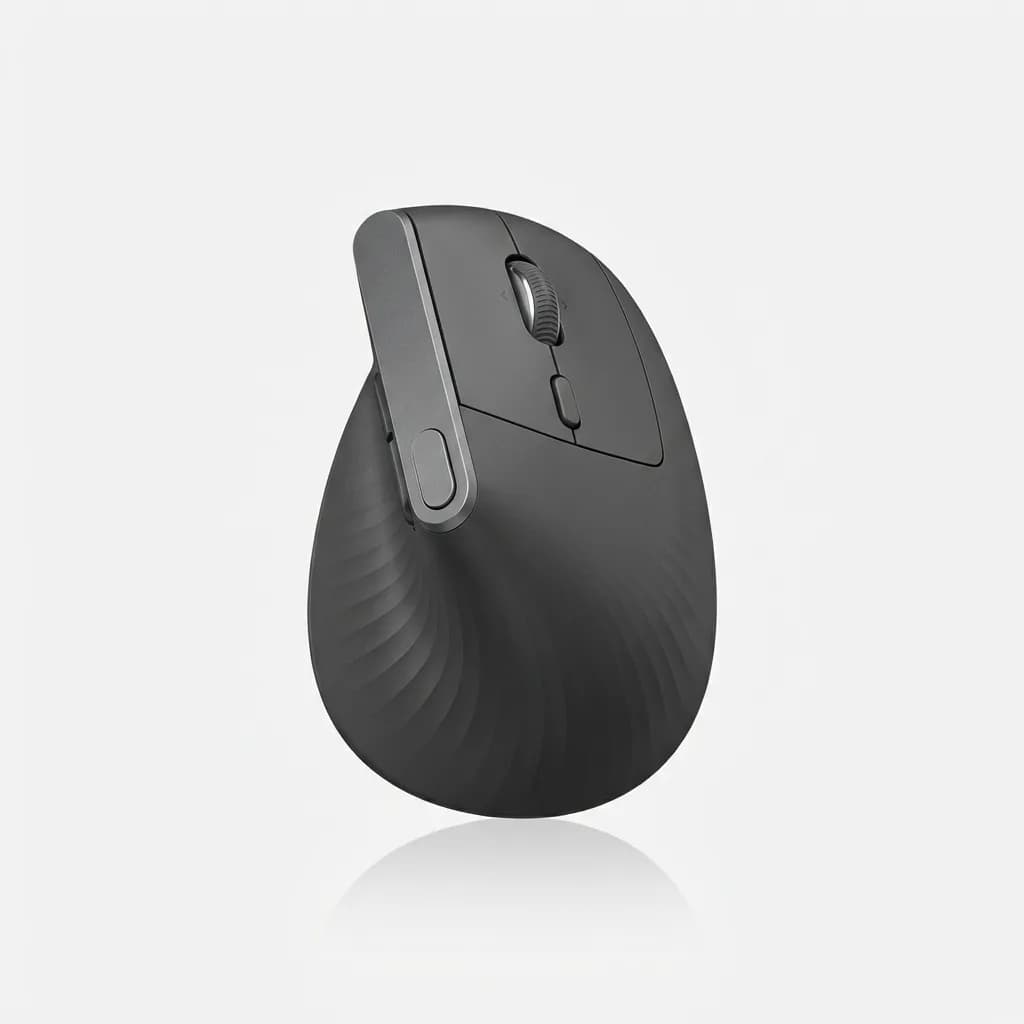
Logitech MX Vertical Wireless Mouse
$100
57-degree vertical angle reduces forearm strain. 4,000 DPI sensor, 4-month battery life, works on glass. Best for medium to large hands.
One frustration: the scroll wheel has no horizontal tilt. You'll need keyboard shortcuts for side scrolling in wide spreadsheets or timelines.
Logitech MX Ergo: Best Trackball for Zero Wrist Movement
Trackballs eliminate wrist movement entirely. Your hand stays stationary while your thumb or fingers move the ball. The MX Ergo uses a thumb-operated design with an adjustable hinge that tilts the body from 0 to 20 degrees.
At 20 degrees, the trackball position matches your hand's natural arc when resting on a desk. Precision mode drops DPI from 512 to 256 for pixel-perfect cursor control in photo editing or CAD work. The 34mm trackball responds to light finger pressure, and you can pop it out for cleaning without tools.
Battery life hits eight months in Bluetooth mode. Dual connectivity lets you pair with two devices and switch with a button press. At 164 grams, it's the heaviest option here, but weight doesn't matter since it never moves.
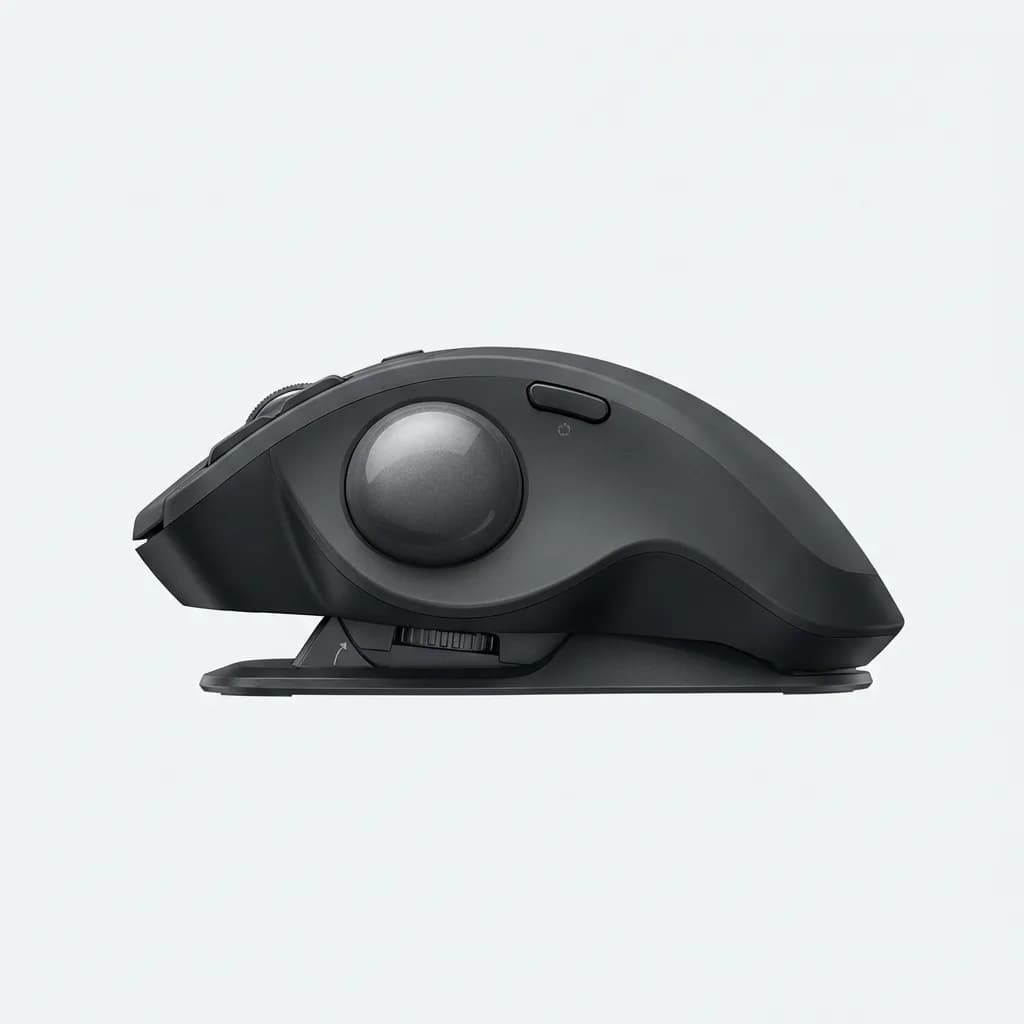
Logitech MX Ergo Wireless Trackball Mouse
$100
Thumb-operated trackball eliminates wrist movement. Adjustable 0-20 degree tilt, 8-month battery, precision mode for detailed work.
The learning curve is real. Expect two to three days of reduced productivity while your thumb builds muscle memory. Gaming with a trackball takes even longer to master, though some users swear by it for strategy games and turn-based titles.
Anker Wireless Vertical Mouse: Best Budget Option
At $26, the Anker vertical mouse delivers 90% of the MX Vertical's ergonomic benefit for a quarter of the price. The 60-degree angle is slightly more aggressive, which some users find more comfortable for severe wrist pain.
Three DPI settings (800, 1200, 1600) cover most use cases. The optical sensor occasionally stutters on glossy surfaces, but performs fine on mouse pads and wood desks. Two AAA batteries power it for up to 18 months, and the power switch prevents battery drain when traveling.
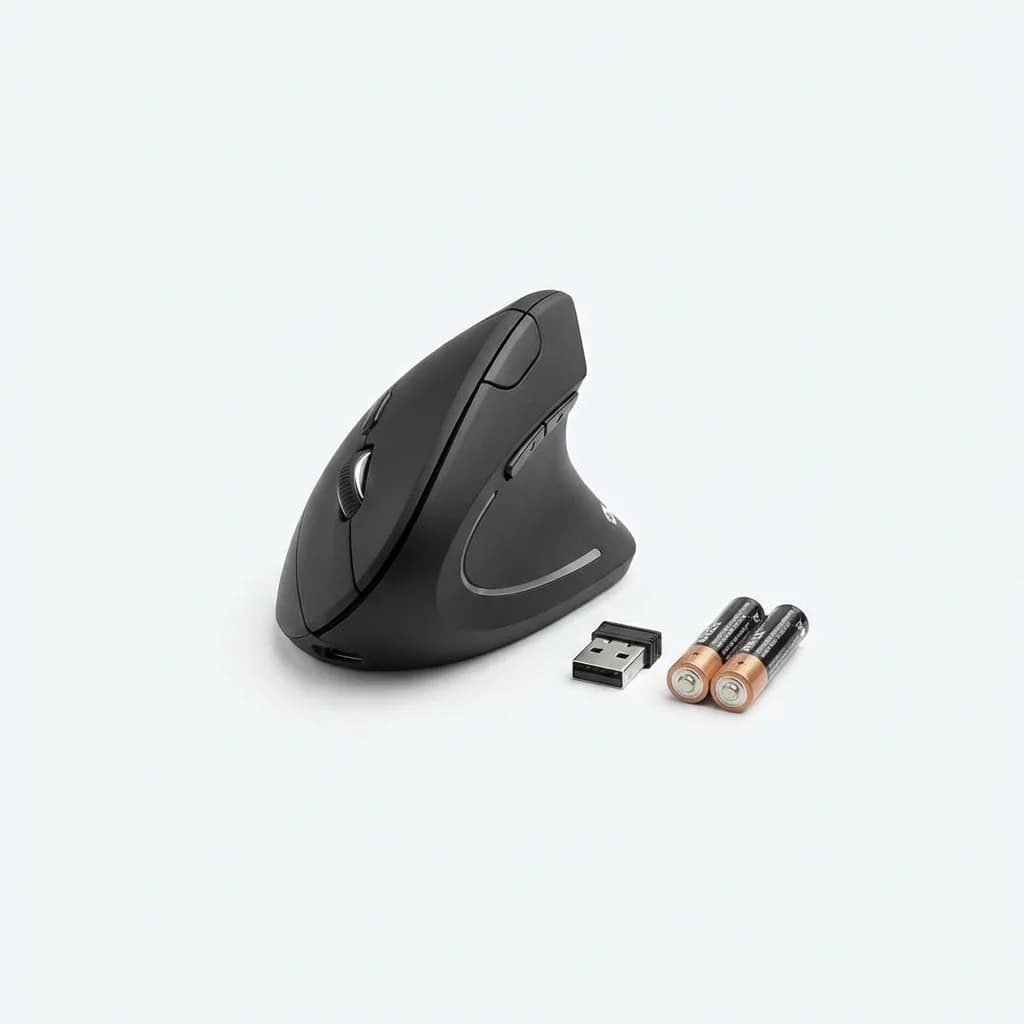
Anker Wireless Vertical Ergonomic Mouse
$26
60-degree vertical angle at budget price. 800-1600 DPI, 18-month battery life from two AAA batteries. Minor tracking issues on glossy surfaces.
Build quality is acceptable but not premium. The plastic feels hollow compared to Logitech's textured rubber grips. The forward and back buttons require more force to activate, which can strain your thumb during extended use. For occasional computer users or testing whether vertical mice work for you, it's a solid entry point.
How Vertical Mice Reduce Wrist Pain
Standard mice force your forearm into full pronation, rotating the radius bone over the ulna. That rotation compresses the median nerve (causing carpal tunnel symptoms) and strains the extensor muscles running along your forearm.
Vertical mice rotate your hand toward a neutral position, similar to holding a glass or shaking hands. This reduces pronation, relieves nerve compression, and shifts muscle activation from the extensors to larger shoulder and upper arm muscles.
The angle matters. Mice angled at 45-60 degrees provide the most benefit. Anything less than 40 degrees offers minimal ergonomic improvement. Above 70 degrees, you start fighting gravity, which creates different strain patterns.
Kensington Pro Fit Ergo: Best for Large Hands
The Pro Fit Ergo targets users with hands larger than 20cm. The extended palm rest and wide thumb groove accommodate big grips without cramping fingers. At 45 degrees, it's less aggressive than the Anker but more than the MX Vertical.
Three programmable buttons plus a dedicated DPI switch (800, 1200, 1600, 2400) give flexibility for different tasks. The wired USB connection eliminates battery concerns and provides zero-latency response for gaming. At 145 grams with a 1.5-meter braided cable, it balances desk stability with movement freedom.
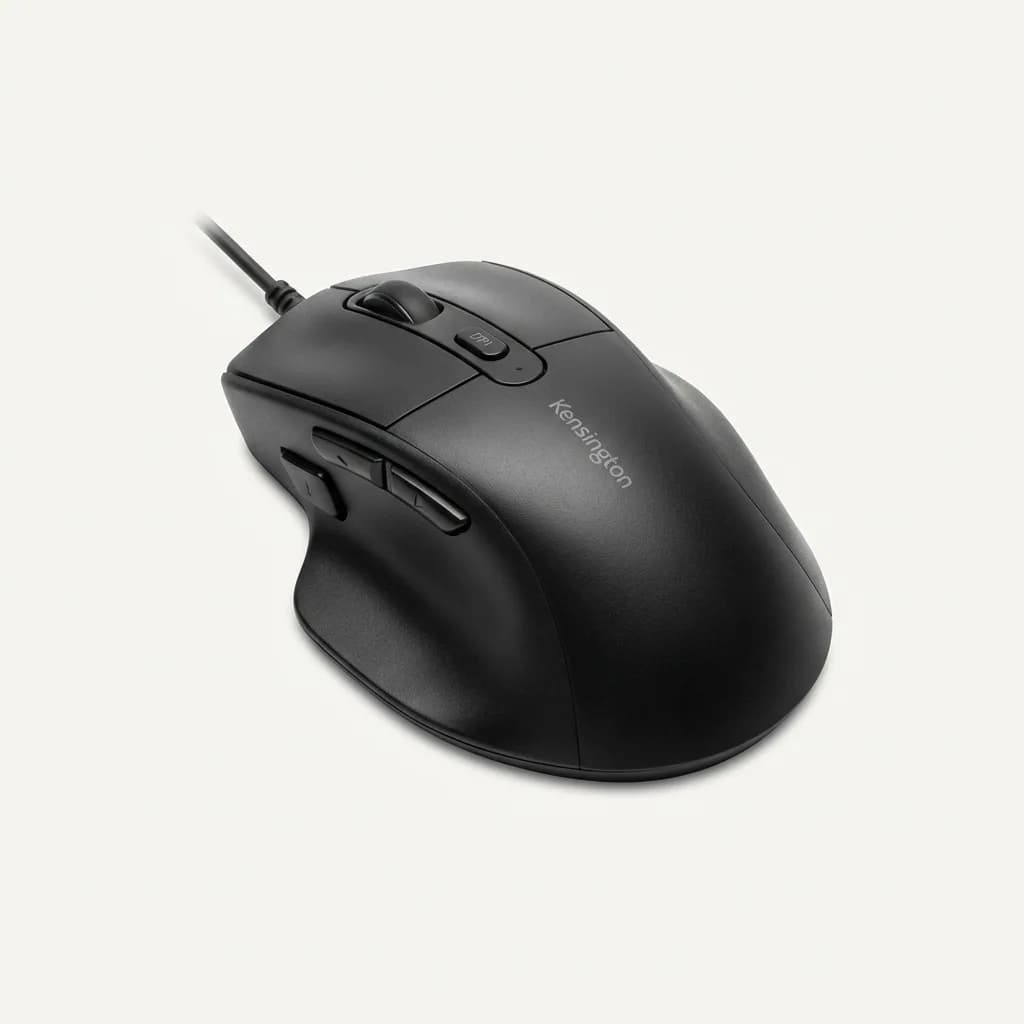
Kensington Pro Fit Ergo Wired Mouse
$30
45-degree angle for large hands (20cm+). Three programmable buttons, four DPI settings, wired USB for zero latency. Extended palm rest.
The matte finish resists fingerprints better than glossy alternatives. The scroll wheel has defined notches for precise increments in Photoshop and Premiere Pro.
J-Tech Digital V628: Best for Small Hands
Small hands (under 17cm) struggle with most vertical mice. The V628 shrinks dimensions by 15% compared to standard vertical designs, bringing buttons within easy thumb reach.
The 78-degree angle is the steepest here, nearly vertical. That extreme position maximizes pronation reduction but requires stronger grip strength to stabilize the mouse during movement. The optical sensor maxes out at 1600 DPI, adequate for 1080p and 1440p displays but limiting on 4K screens.
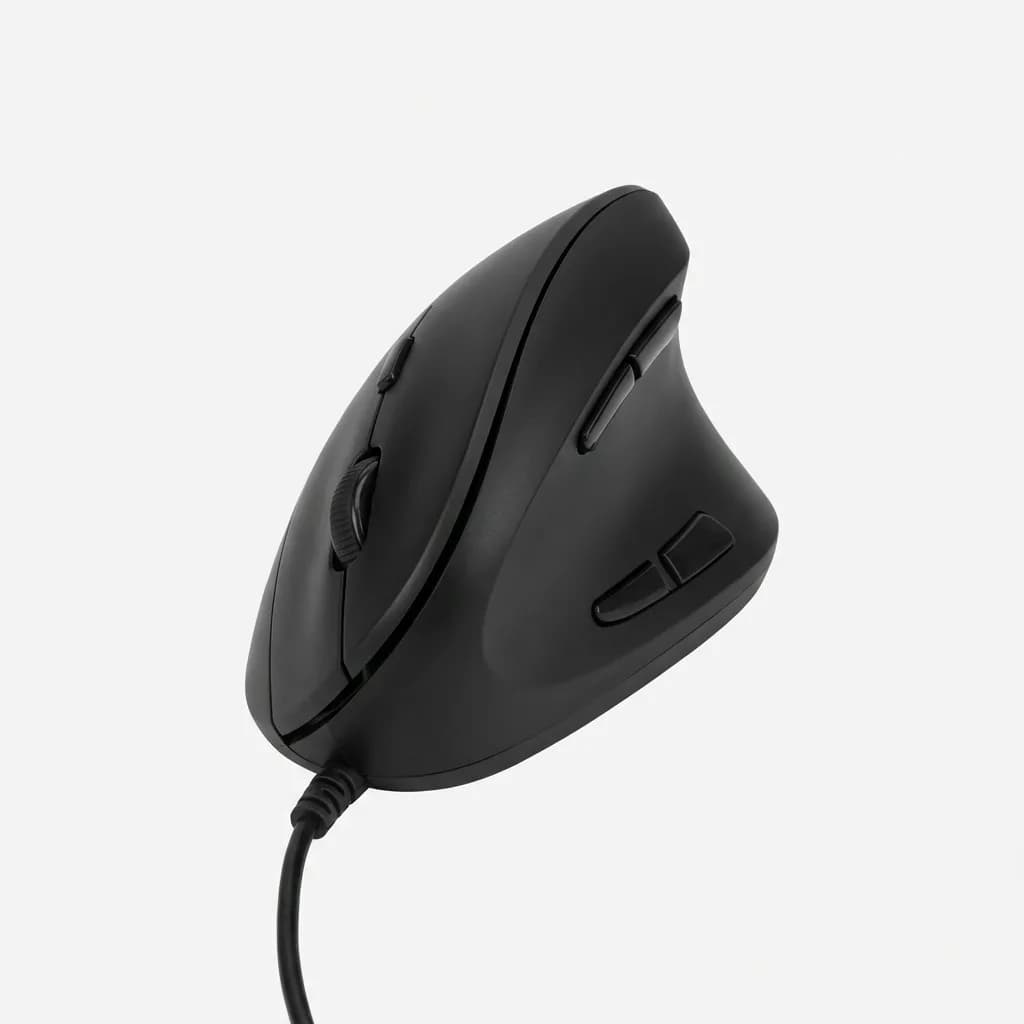
J-Tech Digital V628 Wired Vertical Mouse
$25
Compact vertical design for hands under 17cm. Steep 78-degree angle, 800-1600 DPI, wired USB. Requires stronger grip but maximizes wrist relief.
The wired connection keeps it budget-friendly at $25. Expect some cursor wobble during fast movements, but daily productivity tasks perform fine.
What About Gaming Mice for Wrist Pain?
Gaming mice prioritize low weight and high DPI over ergonomics. Most weigh 60-80 grams with symmetrical or right-handed claw grip shapes. That design increases wrist extension during flick shots and tracking.
If gaming triggers wrist pain, look for mice with palm rest designs above 100 grams. The extra weight stabilizes hand position and reduces micro-adjustments. The Razer Basilisk V3 and Logitech G502 both offer pronounced palm rests with adjustable DPI for alternating between precision and speed.
For FPS and competitive gaming, vertical mice introduce too much learning curve. Consider an angled mouse like the Logitech MX Master 3S instead. The 15-degree tilt provides mild ergonomic benefit without sacrificing the familiar grip for high-APM games.
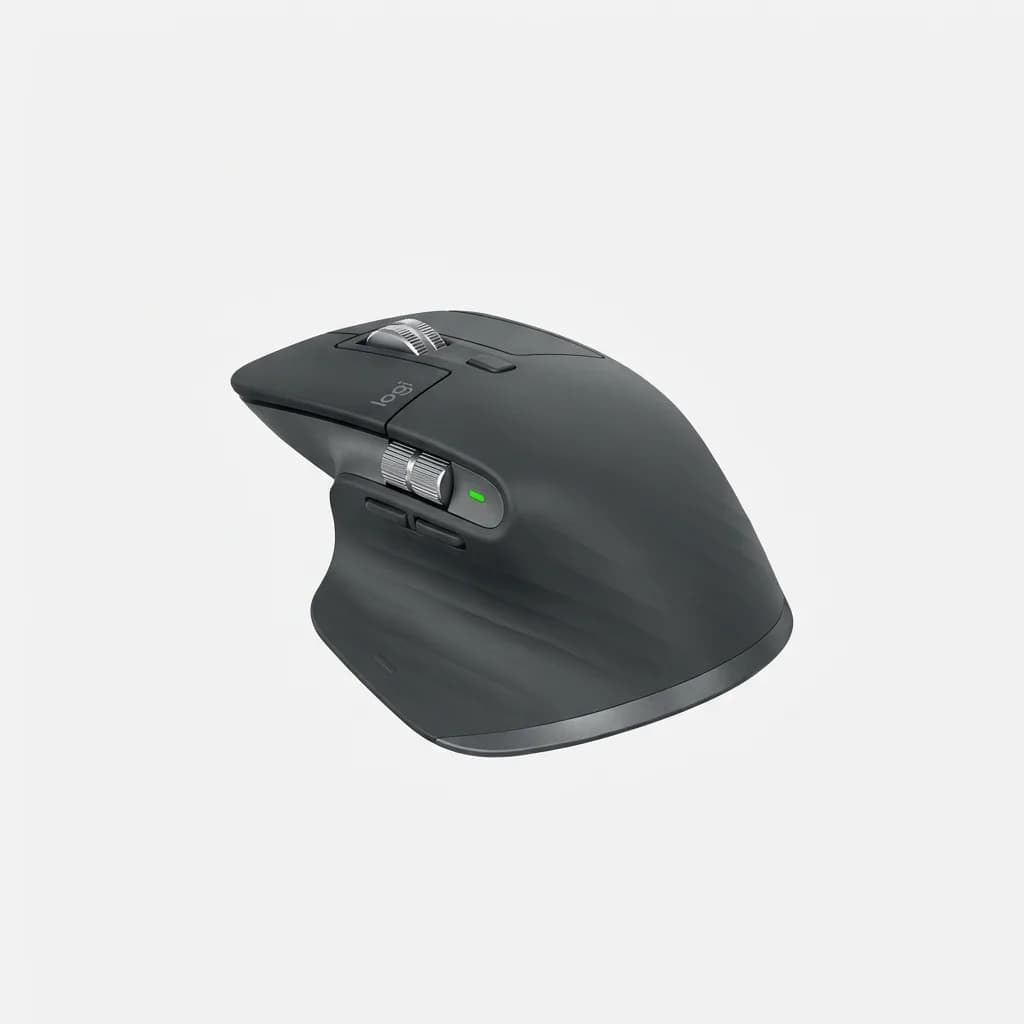
Logitech MX Master 3S Wireless Mouse
$100
Subtle 15-degree angle balances ergonomics with gaming performance. 8,000 DPI sensor, thumb scroll wheel, quiet clicks, works on glass. Best hybrid option.
Do Trackballs Work for Wrist Pain?
Trackballs split into thumb-operated (like the MX Ergo) and finger-operated designs. Thumb trackballs keep your hand stationary, eliminating wrist movement but shifting repetitive stress to your thumb joint. If you have thumb arthritis or trigger thumb, this creates new problems.
Finger-operated trackballs (like the Kensington Expert) distribute movement across index and middle fingers. They require both hands for button clicks, which disrupts workflow for copy-paste and shortcuts. The learning curve exceeds thumb trackballs by a week or more.
Trackballs shine for limited desk space. They require zero lateral movement, perfect for cramped airplane tray tables or standing desk shelves. They also eliminate mouse drift during long documents or video editing timelines.
Choosing the Right Ergonomic Mouse Angle
Start with moderate angles (45-60 degrees) unless you have diagnosed carpal tunnel syndrome. Extreme vertical positions (70+ degrees) might overcorrect and strain different muscle groups.
Test the mouse for three full workdays minimum. Day one feels awkward as your muscle memory adjusts. Day two reduces discomfort by 60%. By day three, you'll know if the angle works for your specific pain pattern.
Hand size matters more than most reviews admit. Vertical mice sized for average male hands (19cm) cramp smaller hands and force finger hyperextension. Measure your hand from wrist crease to fingertip, then check manufacturer specs.
Transition Tips for Switching to Vertical Mice
Lower your DPI by 20-30% during the first week. Higher sensitivity amplifies cursor instability when learning a new grip. Once muscle memory develops, raise DPI back to your preferred setting.
Keep your old mouse available for tasks requiring precision. Photo editing, vector graphics, and detailed CAD work suffer during the transition period. Switch back for critical deadlines, then return to the ergonomic mouse for email and browsing.
Position the mouse closer to your keyboard. Vertical mice have taller profiles, so reaching outward increases shoulder strain. Aim for 6-8 inches between keyboard and mouse, with your elbow at 90 degrees when gripping.
When to See a Doctor Instead
Ergonomic mice reduce strain from poor equipment, but they won't fix underlying nerve damage or tendon injuries. If pain persists after two weeks with proper ergonomic setup, see a hand specialist or orthopedist.
Warning signs that require medical attention: numbness in fingers, pain that wakes you at night, weakness gripping objects, or pain that radiates up your forearm into your elbow. These symptoms suggest nerve compression or tendinitis beyond what equipment changes can address.
Physical therapy combined with ergonomic equipment delivers better results than either approach alone. A therapist can identify specific muscles causing pain and provide targeted stretches.
Final Take
The Logitech MX Vertical hits the best balance of comfort, build quality, and features for most users. If you're unsure whether vertical mice work for you, the Anker wireless model costs less than two lunches and delivers 90% of the benefit. Small hands should grab the J-Tech V628, while trackball fans won't find better than the MX Ergo.
Whatever you choose, commit to three full workdays before judging. Your wrist adapted to poor ergonomics over months or years. Giving it 72 hours to readapt is fair. Most users report 50-70% pain reduction within the first week and near-elimination by week three.
Your hand already knows how to rest in a neutral position. It does it every time you stand with arms relaxed. An ergonomic mouse just lets it maintain that position while working.
The Weekly Dispatch
Enjoying this article?
Subscribe and get our best gear picks delivered every Sunday morning.
Related Stories
Best Under Desk Treadmill for Standing Desk 2026
Walking while working isn't a gimmick anymore. We tested the top under-desk treadmills that actually fit your standing desk, stay quiet, and survive daily use.
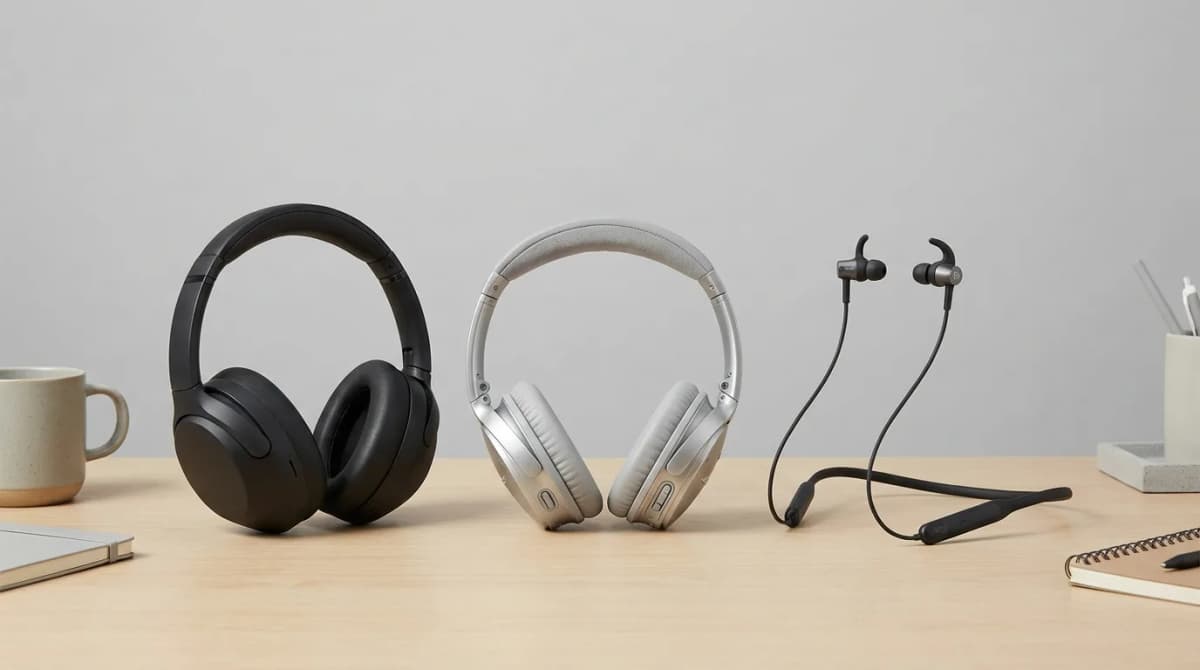
Best Noise Canceling Headset for Video Calls 2026
Background noise ruins video calls. We tested the top noise-canceling headsets to find which ones actually silence distractions and deliver clear audio.
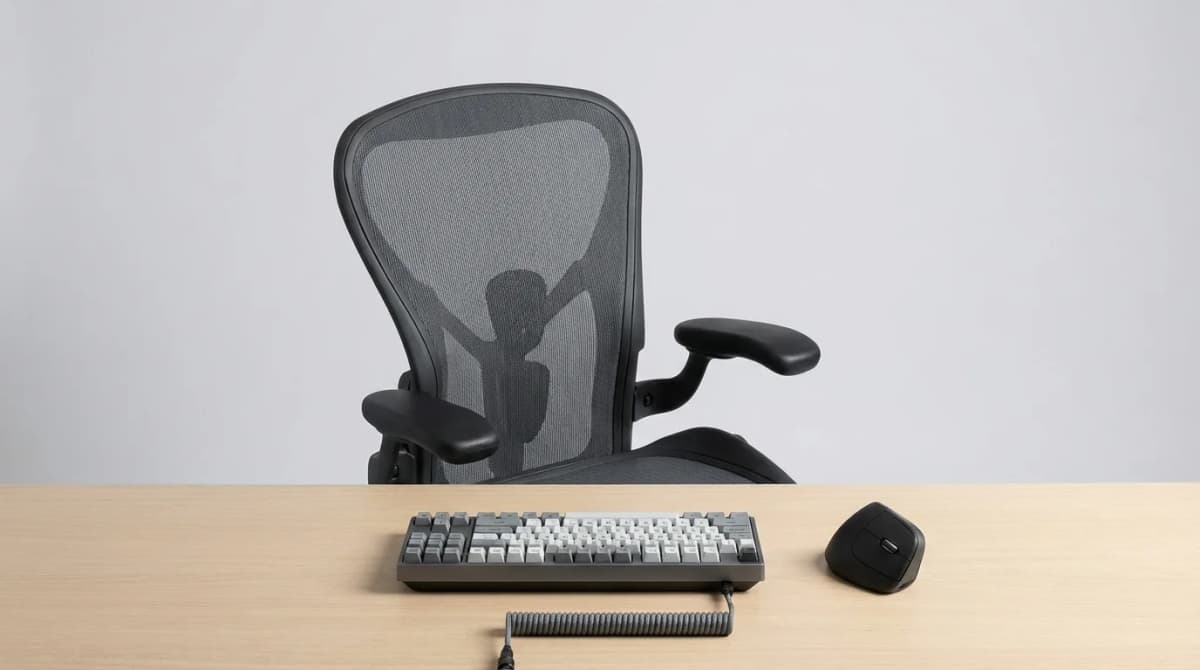
Ergonomic Office Gear for a Healthy Workspace
Transform your workspace with ergonomic gear that prevents pain and boosts productivity. From chairs to keyboards, here's what actually works.