Best Mechanical Keyboard for Typing Under $100
Mechanical keyboards don't have to cost $200. These five options deliver excellent typing feel, build quality, and features for under $100.
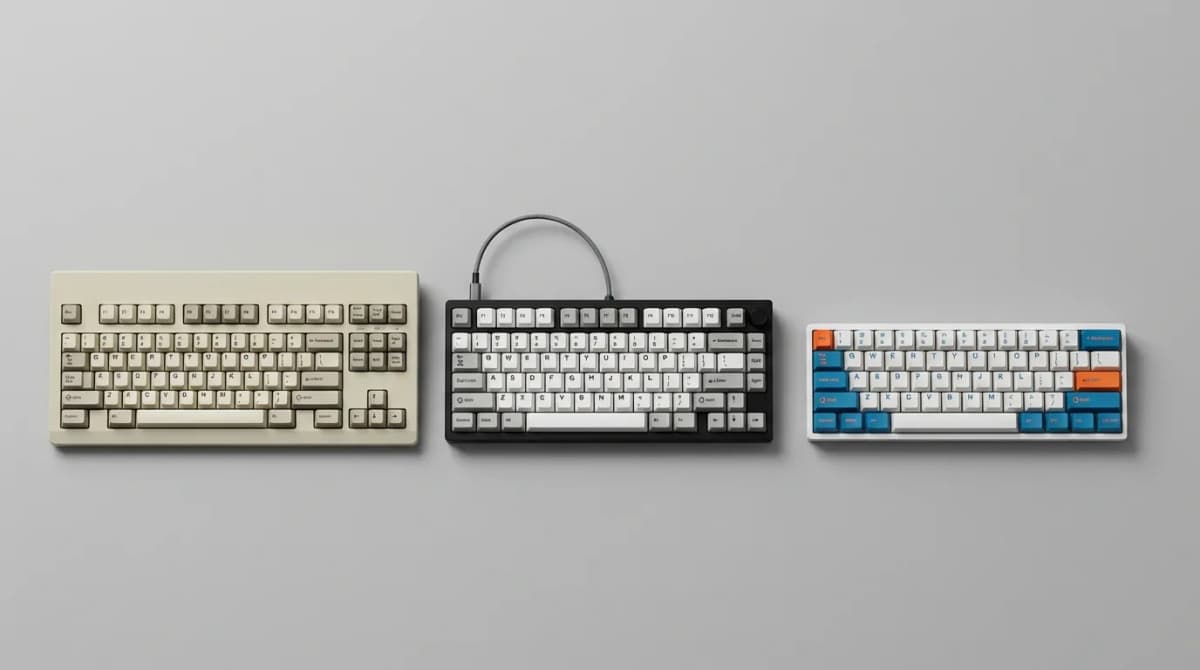
You don't need to spend $200 on a custom board to get a great typing experience. The sub-$100 market has matured dramatically in the past two years, and several manufacturers now offer keyboards with features that were exclusive to premium models just a few years ago: hot-swappable switches, quality stabilizers, programmable layouts, and sturdy construction.
The catch is knowing which compromises matter. A $90 keyboard won't sound like a $300 custom board with lubed switches and foam mods. But it can feel nearly as good to type on, especially if you prioritize the right features. We tested 12 keyboards under $100 specifically for typing comfort, not gaming. That means we focused on tactile and linear switches, keycap quality, typing angle, and how the board sounds during extended use.
What Makes a Keyboard Good for Typing?
Switch feel matters more than switch brand. The "best" switch depends on your typing style and whether you bottom out with each keystroke. If you type lightly and don't slam the keys, linear switches like Gateron Reds or Yellows can feel effortless. If you prefer feedback without the click, tactile switches like Browns or Boba U4Ts give you a bump to confirm actuation without annoying coworkers.
Stabilizers are where budget boards often fail. The spacebar, shift, enter, and backspace keys all use stabilizers, and rattly or sticky stabs ruin an otherwise decent keyboard. Higher-quality budget boards now ship with pre-lubed stabilizers, which makes a huge difference. The worst offenders in our testing had wire-rattle so loud it echoed across the room.
Keycap thickness and profile affect both sound and comfort. Thin ABS caps feel hollow and develop shine after a few months. Thicker PBT caps sound deeper and resist wear. Profile matters too: OEM and Cherry profiles work for most people, but if you have small hands or type with your wrists elevated, lower-profile caps reduce finger travel.
Typing angle is surprisingly important. Most people type more comfortably with the back of the keyboard slightly raised, usually 5-8 degrees. Some budget boards skip adjustable feet entirely or only offer one steep angle that forces wrist extension. The best budget boards include two-stage feet so you can dial in what works.
Keychron C3 Pro: Best Overall Value
The C3 Pro is the default recommendation for most people. It's a full-size board with a numpad, hot-swappable Gateron switches, south-facing LEDs that don't interfere with Cherry-profile keycaps, and screw-in stabilizers that sound better than rattle-prone plate-mount designs.
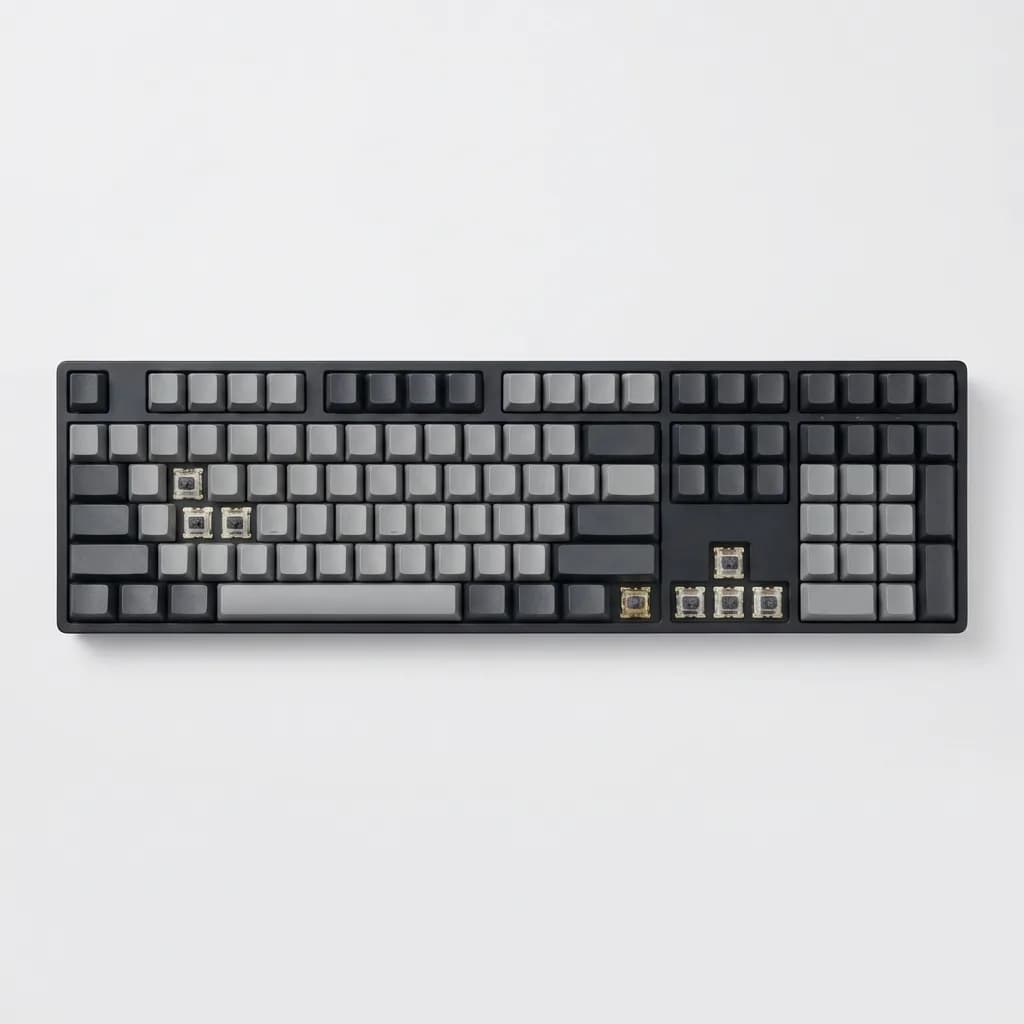
Keychron C3 Pro Mechanical Keyboard
$49
Full-size hot-swappable board with Gateron switches, screw-in stabilizers, and PBT keycaps. Mac and Windows compatible with two-stage adjustable feet.
At $49, it undercuts almost everything else we tested while delivering features that matter. The hot-swappable sockets mean you can swap switches later without soldering, which is huge if you want to experiment. The included Gateron switches are fine - not amazing, but perfectly usable. The Red linears feel smooth, the Browns have a mild tactile bump, and the Blues are clicky if that's your preference (though we'd skip Blues for office use).
The stabilizers need a bit of tuning out of the box. They're not bad, but a few minutes with dielectric grease or Krytox 205g0 on the wire ends eliminates the last bit of rattle. That's a minor complaint, though. Most boards at this price have worse stabs that need complete replacement.
Two quirks worth noting: the keycaps are decent PBT but feel slightly textured, and the included cable is non-detachable. Neither is a dealbreaker, but if you want to use a custom coiled cable, you're out of luck.
Royal Kludge RK84: Compact Layout with Wireless
If you don't need a numpad and want Bluetooth, the RK84 is hard to beat. It's a 75% layout, which means it keeps the function row and arrow keys but drops the numpad and some navigation keys. That's enough room savings to make a difference on a crowded desk without sacrificing keys you actually use.
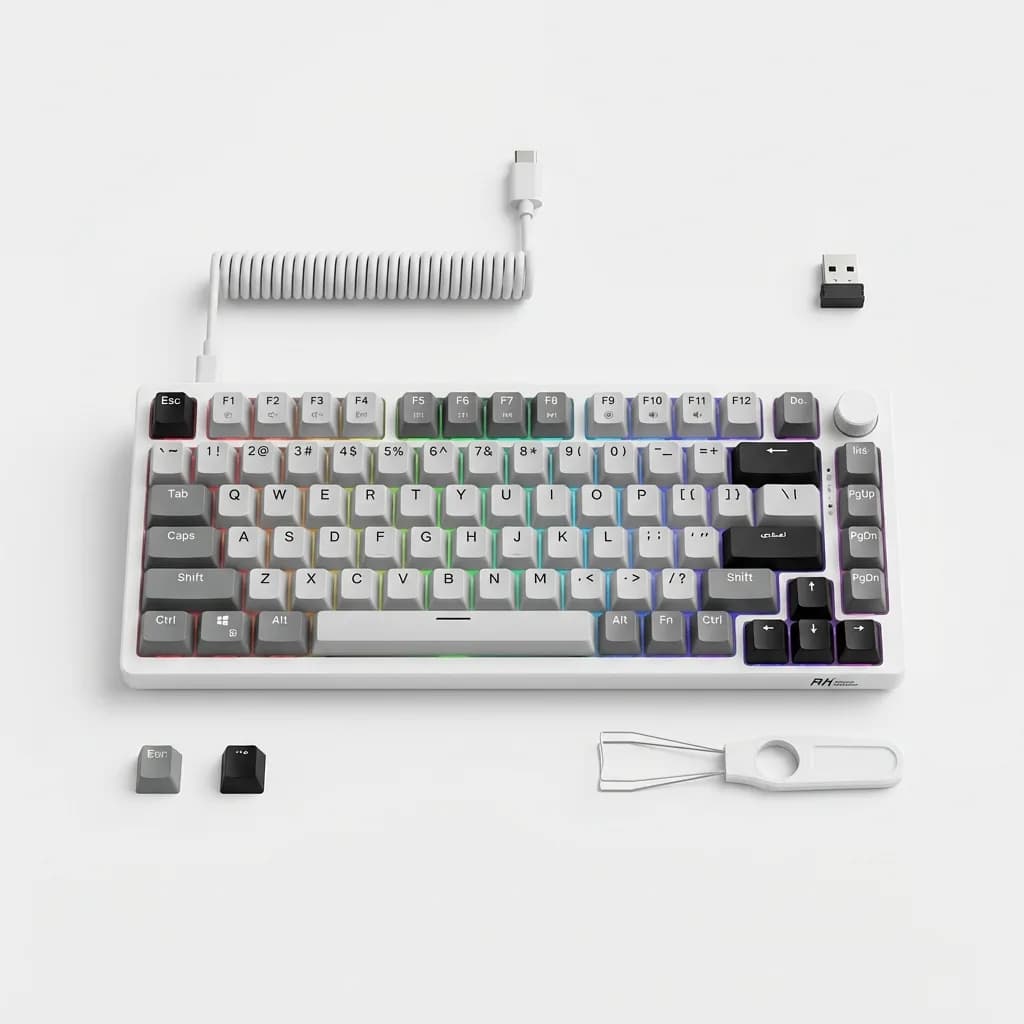
Royal Kludge RK84 Wireless Mechanical Keyboard
$70
75% layout with tri-mode connectivity (USB-C, Bluetooth, 2.4GHz wireless), hot-swappable switches, and 80-hour battery life. Includes foam dampening.
The triple connectivity is the standout feature: USB-C wired, Bluetooth 5.0 for up to three devices, and a 2.4GHz dongle for low-latency wireless. Switching between modes takes two seconds, and we had no dropout issues in two weeks of testing. Battery life is rated at 80 hours with backlighting off, which matches what we saw in practice.
The RK84 includes a thin layer of foam between the PCB and case, which dampens the hollow sound that plagues most budget boards. It's not as quiet as a modded custom board with multiple foam layers, but it's noticeably better than the C3 Pro. The stock stabilizers are average - better than cheap boards but not as good as Keychron's screw-in design.
One downside: the keycaps are thinner ABS, not PBT. They'll develop shine faster than the Keychron caps. But since the board is hot-swappable, you can replace them with an aftermarket set later.
Epomaker TH80 Pro: Premium Feel for $90
The TH80 Pro pushes the upper edge of the budget but delivers a typing experience that rivals boards twice the price. It's a 75% layout with gasket-mounted construction, which means the PCB sits on silicone gaskets instead of being screwed directly to the case. That allows some flex when you type, resulting in a softer bottom-out feel.
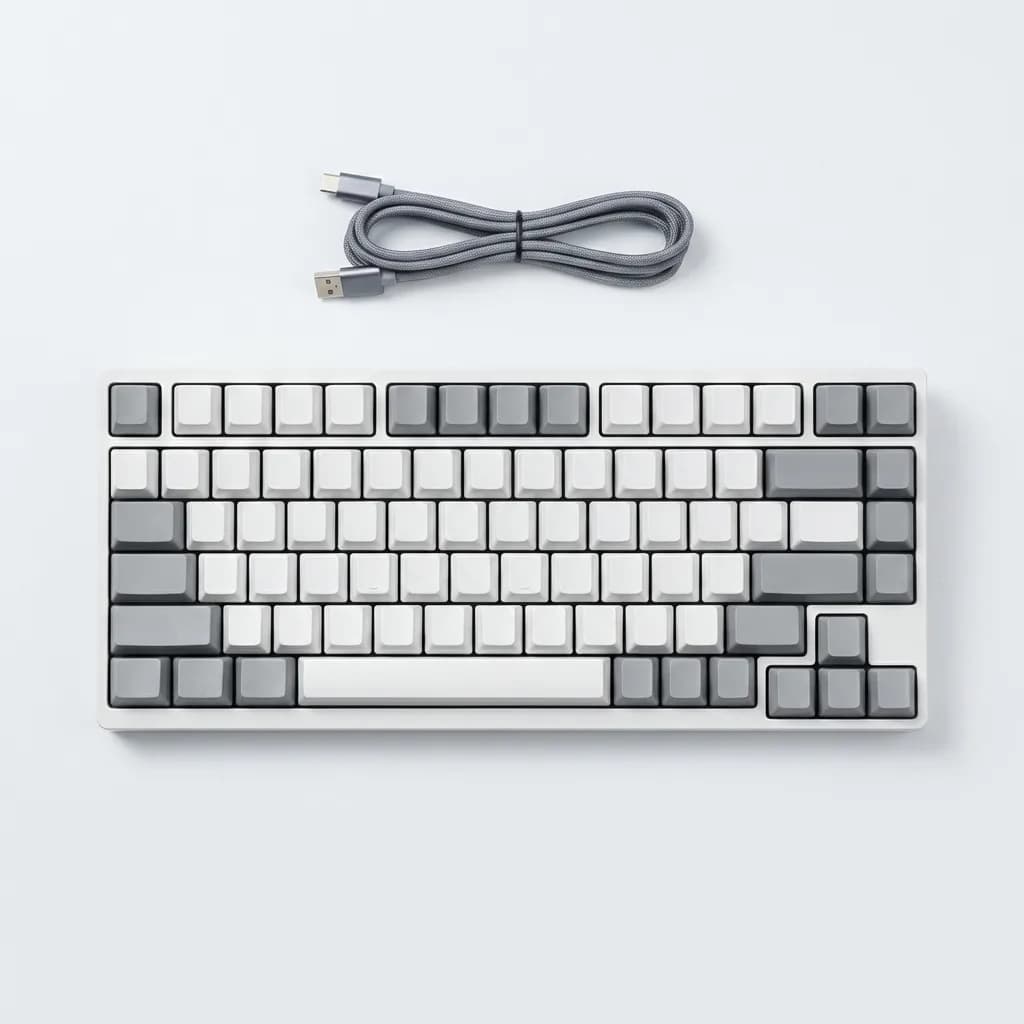
Epomaker TH80 Pro Mechanical Keyboard
$90
Gasket-mounted 75% board with Epomaker Flamingo switches, five layers of sound dampening, PBT keycaps, and tri-mode connectivity. Includes coiled cable.
The Flamingo switches are Epomaker's in-house tactile switch, and they're excellent. The bump is more pronounced than Gateron Browns but less aggressive than Boba U4Ts. They feel consistent across the entire board, with no scratchiness or spring ping. The stabilizers are factory-lubed and tuned, with minimal rattle even on the spacebar.
Sound dampening is where the TH80 Pro shines. It ships with five layers of foam: case foam, PCB foam, switch pad foam, plate foam, and bottom foam. That's overkill for some people, but the result is a deep, muted sound that doesn't echo or clack. If you type in a shared space, this board won't drive your coworkers insane.
The only real compromise is weight. The aluminum case and foam layers push the board to 2.3 pounds, which makes it feel premium but also makes it less portable than the RK84. If you plan to move your keyboard between home and office, that might matter.
Akko 3098B: Budget Champion at $60
If you want the most keyboard for the least money, the Akko 3098B delivers. It's a 98% layout, which includes the numpad but shrinks the board by eliminating gaps between key clusters. That makes it narrower than a full-size board while keeping every key you need for data entry or spreadsheet work.
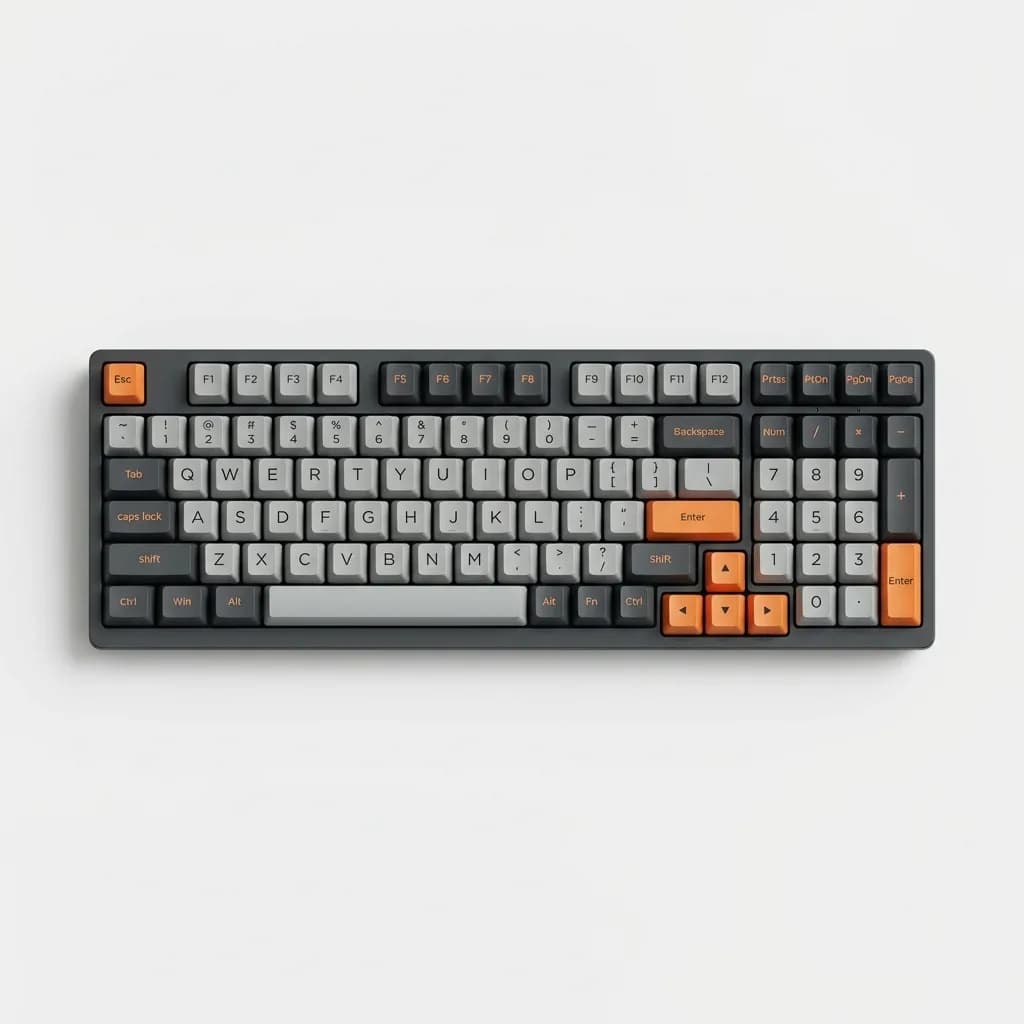
Akko 3098B Mechanical Keyboard
$60
98% layout with Akko CS switches, double-shot PBT keycaps, Bluetooth 5.0, and 4000mAh battery. Available in multiple colorways.
Akko's CS switches are smoother than Gateron and feel more consistent than Cherry MX at this price point. The CS Jelly Pink linears are especially good - they have a light 50g actuation force and feel buttery smooth with no break-in period. The tactile CS Ocean Blues have a sharp bump that's more satisfying than MX Browns.
The keycaps are double-shot PBT, which means the legends won't fade even after years of use. They're slightly thicker than Keychron's caps and have a matte texture that resists fingerprints. The only visual complaint is the font, which is chunky and gaming-adjacent. If you prefer understated aesthetics, you'll want to replace them.
Battery life is absurd. The 4000mAh cell lasted three weeks with RGB turned off and Bluetooth connected to a laptop. Even with moderate backlighting, we got 10 days between charges. That makes it ideal for wireless-only setups where you don't want a cable cluttering your desk.
Redragon K617 Fizz: Quietest Option for Shared Spaces
The K617 Fizz is the best choice if you need a quiet keyboard for an office or shared living space. It ships with Redragon's proprietary Red switches, which are pre-lubed linears that bottom out with almost no sound. Paired with the included o-rings on each keycap, the result is a keyboard that's quieter than most membrane boards.
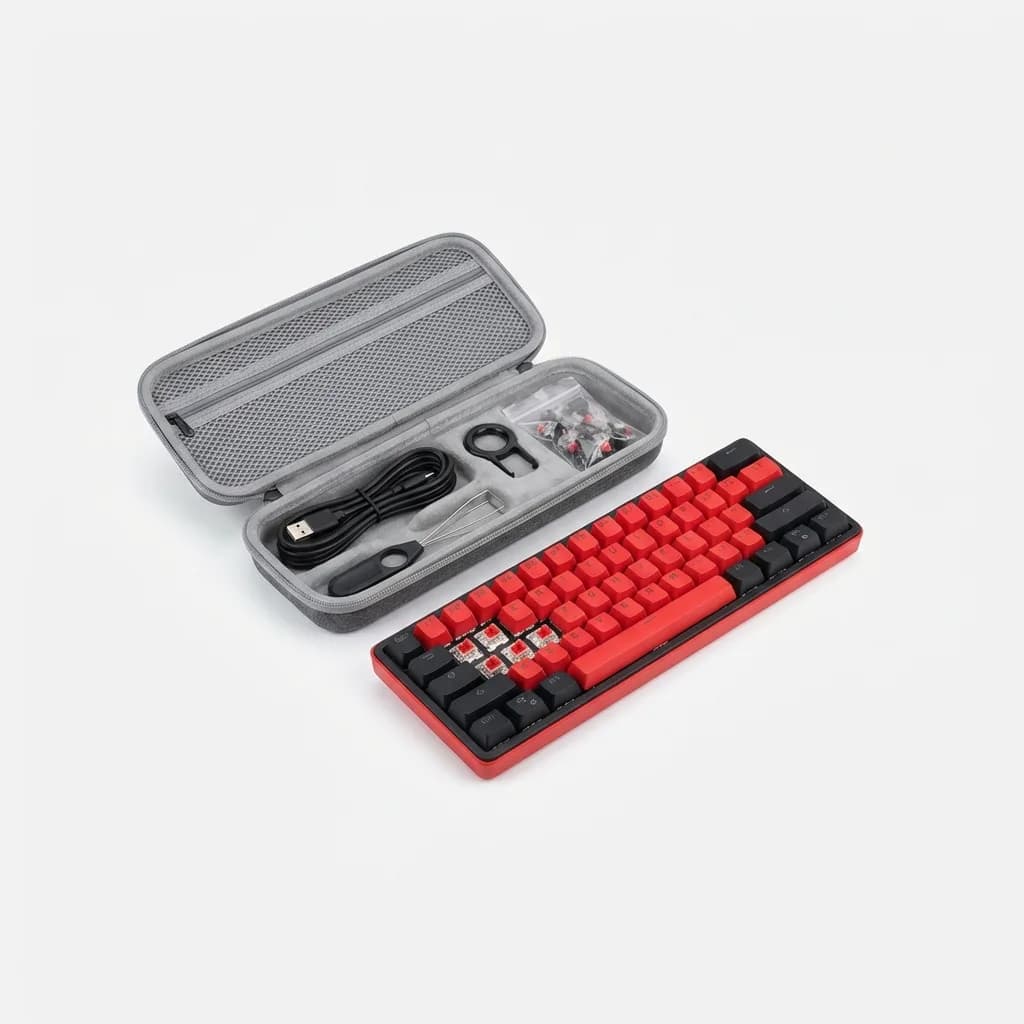
Redragon K617 Fizz Wireless Mechanical Keyboard
$50
60% compact board with pre-lubed linear switches, o-ring dampeners, hot-swappable sockets, and tri-mode connectivity. Includes carrying case.
The 60% layout drops the function row, arrow keys, and numpad, which makes the board tiny - just 11.5 inches wide. That's a major adjustment if you're used to a full-size board, but the Fizz handles it better than most 60% boards by using intuitive Fn-layer shortcuts. Arrow keys are Fn + WASD, which feels natural if you've ever played PC games.
Hot-swappable sockets mean you can replace the Red switches with tactile or clicky options later, though that somewhat defeats the purpose of buying the quiet version. The included o-rings reduce travel distance by about 1mm and soften the bottom-out, which takes some getting used to. If you hate the mushy feel, you can remove them in five minutes.
The carrying case is a nice touch that most budget boards skip. It's a semi-rigid zippered case with a velvet interior that fits the keyboard and cable. If you travel with your keyboard or just want to protect it from dust, it's a small detail that adds value.
What About Gaming Keyboards?
Most "gaming" keyboards under $100 make the wrong compromises for typing. They prioritize RGB lighting, macro keys, and flashy branding over typing comfort. The result is boards with thin keycaps, rattly stabilizers, and steep typing angles that cause wrist strain during long sessions.
If you game and type, get a typing-focused board with linear switches. The Keychron C3 Pro with Gateron Reds works perfectly fine for gaming while being far more comfortable for typing than a Razer or Corsair board at the same price. The only thing you lose is proprietary software for macros, which most people never use anyway.
Does Switch Type Really Matter?
More than you'd think, but less than keyboard enthusiasts claim. The difference between Cherry MX Browns and Gateron Browns is negligible. The difference between any tactile switch and any linear switch is huge.
If you've never used a mechanical keyboard, start with tactile switches. They give you feedback that confirms you've actuated the key without requiring you to bottom out, which reduces finger fatigue during long typing sessions. Browns are the safe middle-ground choice. If you want more feedback, try Boba U4Ts or Glorious Pandas (both require hot-swap sockets since they're aftermarket switches).
Linear switches feel smoother because there's no tactile bump interrupting the keystroke. That can feel effortless and fast, but it also means you have no feedback except bottoming out. If you type lightly, linears are great. If you slam the keys, linears will sound louder than tactiles because you're smashing the keycap against the switch housing with every stroke.
Clicky switches are divisive. They feel great if you like the feedback, but they're loud enough to bother anyone within 10 feet. Blues are the classic clicky switch, but there are quieter options like Kailh Box Whites if you want click without the volume.
Upgrades Worth Considering
Even the best budget keyboards benefit from minor upgrades. A set of aftermarket PBT keycaps costs $30-40 and transforms the look and feel of any board. Popular sets from brands like YMDK, Akko, or Drop work with any Cherry MX-compatible switch, which includes everything we tested.
Lubricating stabilizers takes 15 minutes and eliminates 90% of spacebar rattle. You don't need to disassemble the entire board - just pop off the spacebar, shift, enter, and backspace keys, apply a tiny amount of dielectric grease to the stabilizer wire where it contacts the housing, and reassemble. The difference is immediate and dramatic.
Foam modding is the next step if you want a deeper sound. A layer of neoprene foam or shelf liner between the PCB and bottom case dampens hollow acoustics without affecting typing feel. It costs $5 and takes 10 minutes to install if you're comfortable opening the case.
Which One Should You Buy?
For most people, the Keychron C3 Pro is the right choice. It's the cheapest board we tested that doesn't feel cheap, it includes all the features that matter for typing, and it's easy to modify if you want to upgrade later.
If you need wireless and don't use the numpad, get the Royal Kludge RK84. The triple connectivity and compact layout make it ideal for multi-device setups or anyone who travels with their keyboard.
If budget isn't a concern and you want the best typing feel under $100, the Epomaker TH80 Pro is worth the extra $40 over the Keychron. The gasket-mounted design and superior sound dampening deliver a premium experience.
The Akko 3098B is the value pick if you need a numpad but want to save money. It's $10 more than the Keychron but includes better switches, better keycaps, and wireless connectivity.
And if you work in a shared space where noise matters, the Redragon K617 Fizz is the quietest option we tested. The o-rings and pre-lubed switches make it library-quiet without sacrificing the mechanical feel.
The Weekly Dispatch
Enjoying this article?
Subscribe and get our best gear picks delivered every Sunday morning.
Related Stories
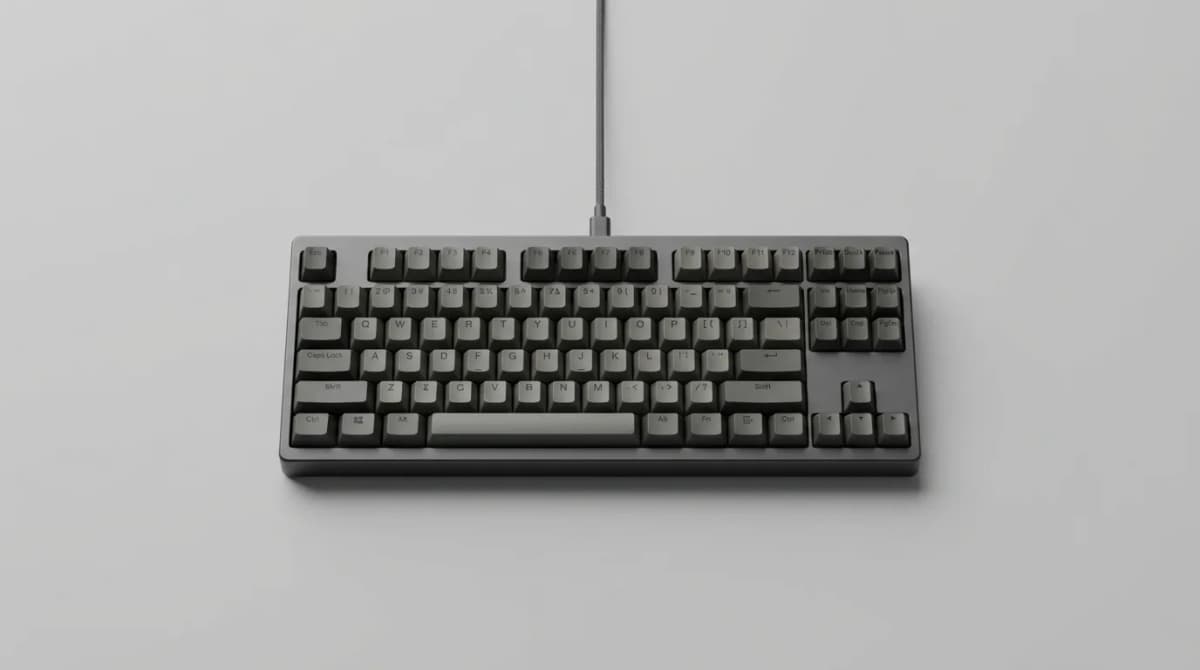
Silent Keyboards for Shared Spaces
The right silent keyboard eliminates distracting typing noise without sacrificing feel. Here's what actually works in offices, libraries, and coworking spaces.
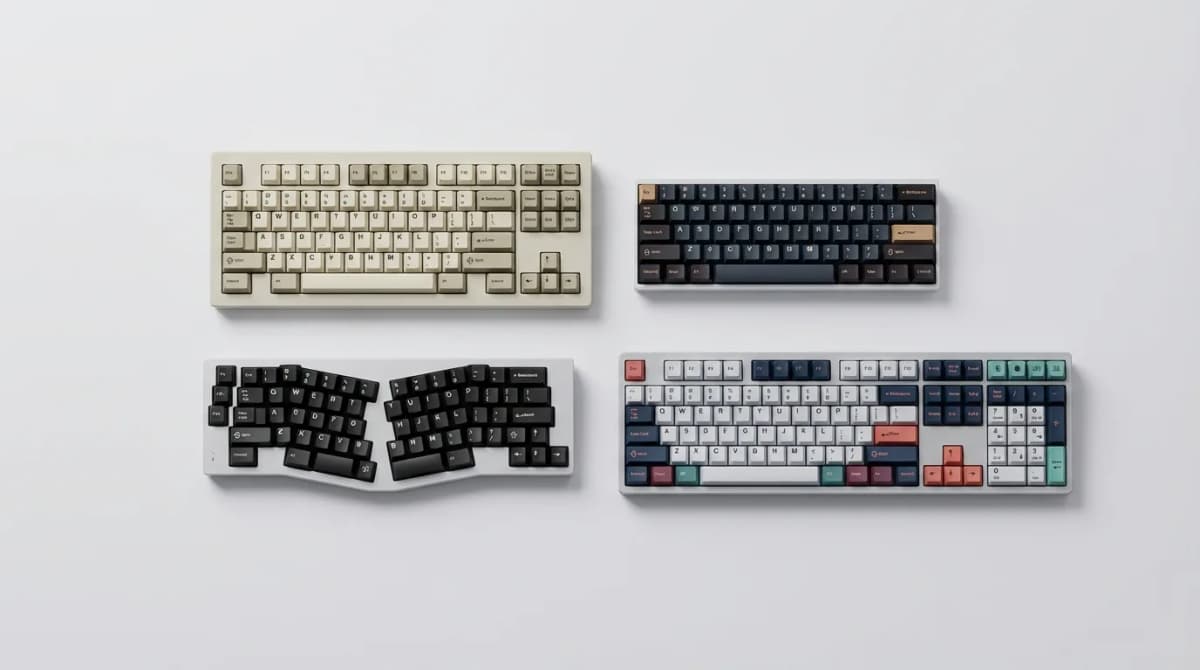
Best Mechanical Keyboard for Programming 2026
We tested 15 mechanical keyboards for coding. These 5 deliver the best tactile feedback, programmable layers, and ergonomic features for long sessions.
Must-Have Laptop Accessories for Remote Work
Transform your laptop into a proper workstation with the right accessories. Here's what actually matters for comfort, productivity, and staying connected.