Best Cable Labels and Tiny Accessories for Travel
Stop digging through your tech pouch to find the right cable. These tiny labels and accessories keep travel electronics organized and mistake-proof.
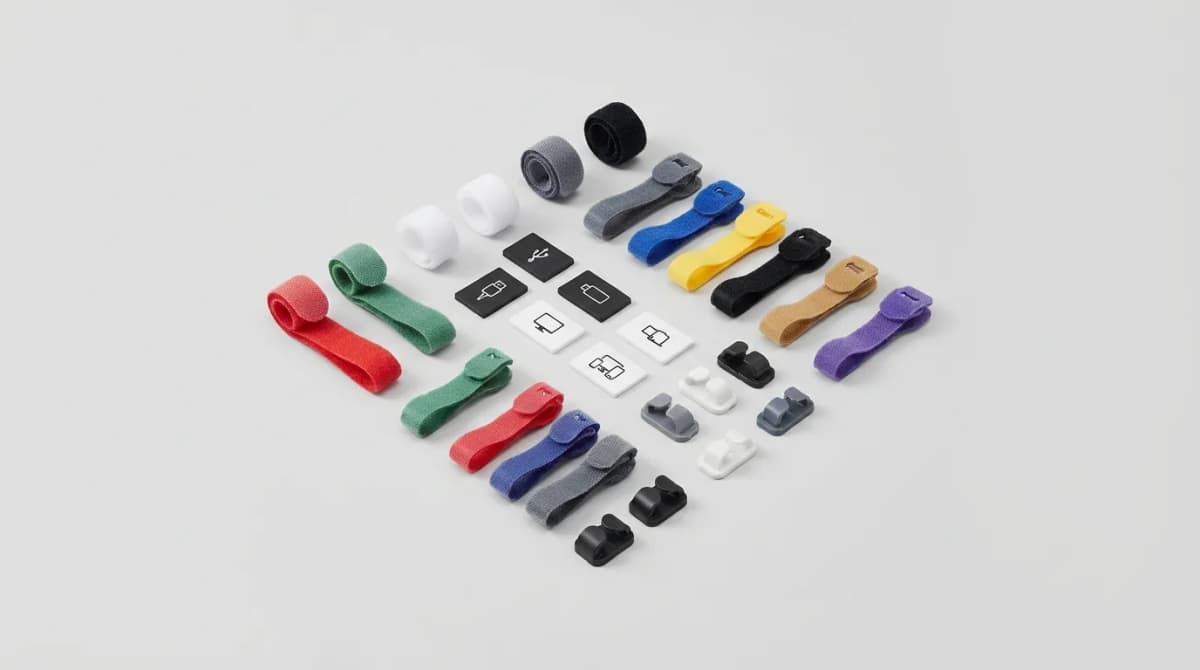
You're in an airport lounge with 20 minutes before boarding. Your laptop is dying. You pull out three identical black cables from your tech pouch and realize none of them are labeled. One's USB-C to USB-C for fast charging, one's USB-C to Lightning for your phone, and one's a data-only cable that won't charge anything. This happens every trip until you start labeling your gear.
Cable labels and micro-accessories for travel aren't about being obsessive. They're about eliminating the mental overhead of identifying gear when you're tired, rushed, or working in dim light. The right system takes five minutes to set up and saves you from cable roulette every single day on the road.
Why cable labeling matters more than cable management
Most travelers focus on cable organization - velcro ties, cord wraps, cases with elastic loops. That's fine for keeping things tidy, but it doesn't solve the identification problem. When you have multiple USB-C cables that look identical, you need to know which one does what without testing each one.
The issue gets worse as gear standardizes. USB-C is everywhere now, but not all USB-C cables support the same power delivery, data speeds, or video output. A cable that looks identical to your 100W charging cable might only support 60W, or might be data-only. Physical labels solve this instantly.
Good cable labels stick permanently, stay readable after months in a bag, and don't add bulk. They should be small enough to not interfere with cable wrapping or port access, but large enough to read at a glance. Heat-shrink tubing works but looks industrial. Adhesive labels peel off. The best options use durable materials designed specifically for cable identification.
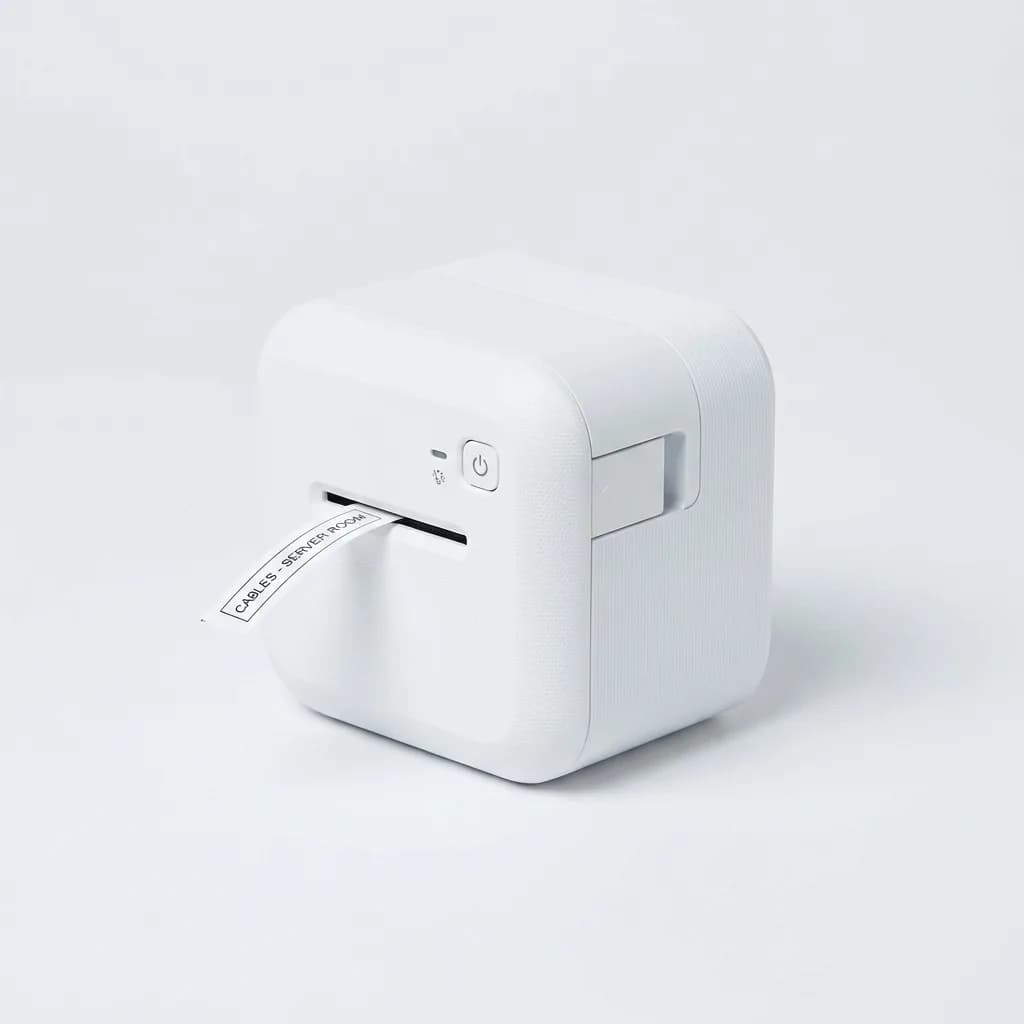
Brother P-touch CUBE Label Maker
$49
Compact Bluetooth label maker with smartphone app. Creates durable laminated labels up to 12mm wide. Perfect for cable identification with long-lasting adhesive.
Heat shrink vs adhesive labels vs write-on tags
Heat-shrink tubing gives you the most permanent solution. You slide it over the cable end before attaching the connector, write on it with a marker, then use a heat gun to shrink it tight. It won't peel, won't fade in sunlight, and won't leave residue if you ever remove it. The downside is commitment - once it's on, it stays on. And you need a heat gun, which most travelers don't carry.
Adhesive cable labels split into two types: wrap-around flags and direct-stick tags. Flag-style labels wrap around the cable and stick to themselves, creating a tab you can read from any angle. They're easy to apply and reposition. Direct-stick labels adhere flat to the cable jacket and sit flush, but you can only read them from one side. Both work fine if you use laminated labels that won't smudge or peel.
Write-on cable tags give you flexibility without permanence. These are small plastic or silicone tags with a surface you can write on with permanent marker. They clip or thread onto cables and stay in place through normal handling. The best ones have a matte write-on surface that doesn't smudge and comes in multiple colors for additional visual coding.
We use a mix. Heat shrink for cables we'll never change (like the USB-C cable permanently attached to our power bank). Adhesive labels for everyday charging cables. Write-on tags for cables we swap between devices or lend to others.
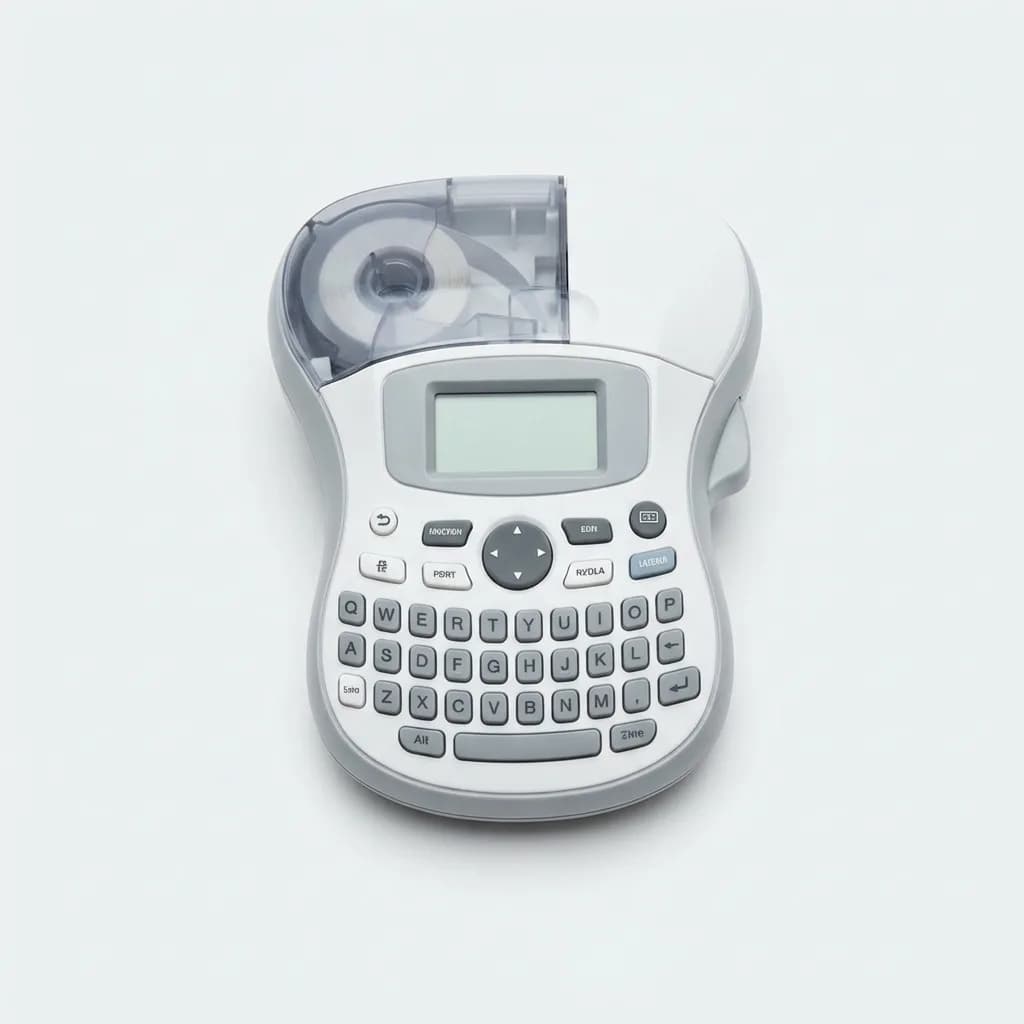
Dymo LetraTag Label Maker with Keyboard
$29
Handheld label printer with QWERTY keyboard. Prints on plastic, paper, or metallic tape. Compact enough for travel with clear, durable labels.
Color coding cables and accessories
Color is faster than text. If your USB-C charging cable has a blue tag and your Micro-USB cable has a red tag, you can grab the right one from your bag without reading anything. This works especially well in low light or when you're half-asleep on a redeye flight.
The strategy works best when you keep it simple. One color per cable type: blue for USB-C, red for Lightning, green for Micro-USB, black for data cables. Or one color per device: blue for laptop cables, red for phone, green for camera. Pick a system and stick with it across all your gear.
Colored velcro cable ties work for this if you don't want to label the cables themselves. Wrap each cable with its designated color tie and you get visual identification plus organization in one step. The downside is bulk - velcro ties take up space and add weight compared to thin adhesive labels.
Heat shrink tubing comes in every color, which makes it ideal for color coding. You can use one color per cable type and still add text labels for specific details like wattage or speed rating. The combination of color and text gives you quick visual identification plus detailed information when you need it.
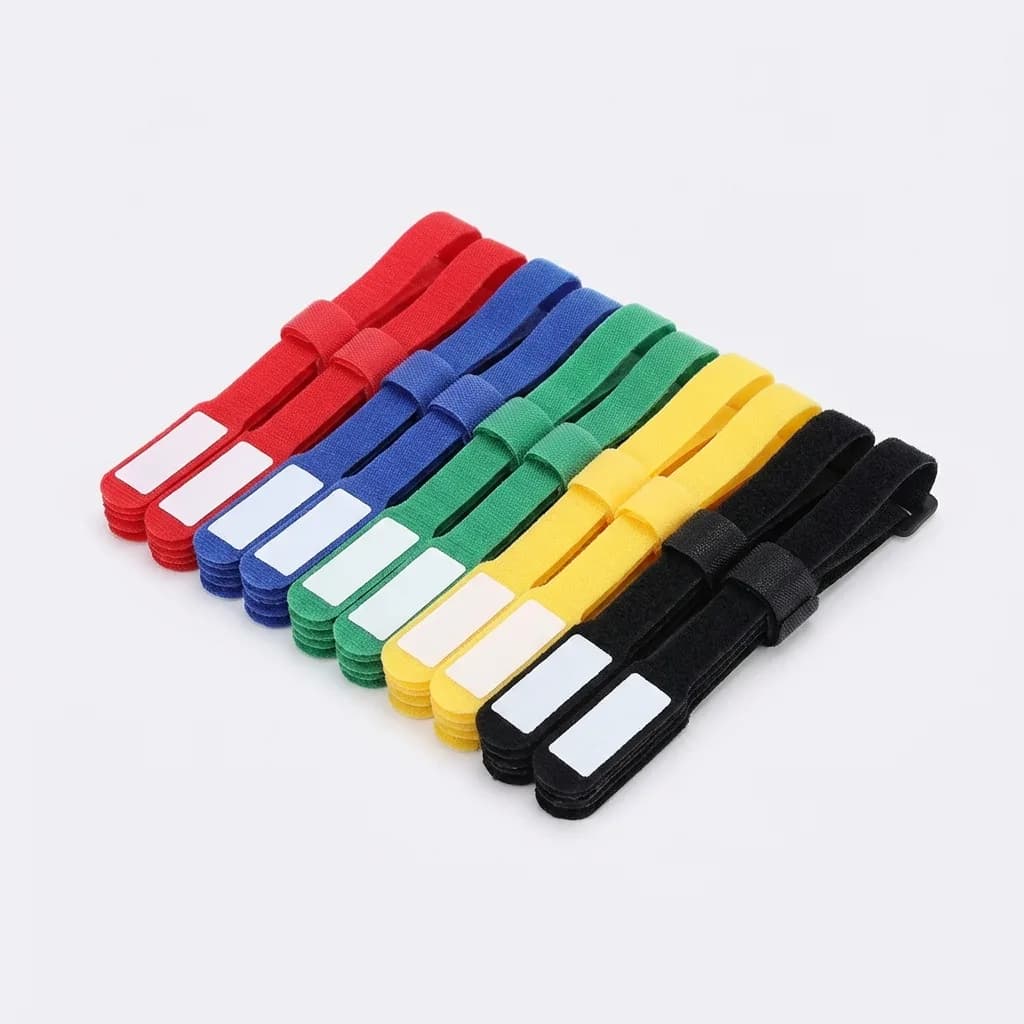
JOTO Cable Management Straps with Labels
$9
Velcro cable ties with built-in write-on label surface. Adjustable, reusable, and color-coded. Includes 20 straps in 5 colors with space for custom labeling.
Micro accessories that solve specific travel problems
Cable labels handle identification, but a few other tiny accessories solve problems that crop up constantly when traveling. These are items small enough to live permanently in your tech pouch without taking up meaningful space.
USB port blockers prevent data theft when you charge from public USB ports. They're physical adapters that pass through power only, blocking the data pins. Essential for airports, hotels, and conference centers where USB charging stations might be compromised. They're the size of a USB adapter and weigh nothing.
Right-angle adapters let you charge devices in tight spaces - behind airplane seats, in packed bags, or when the only outlet is blocked by furniture. A 90-degree USB-C or Lightning adapter adds maybe 5mm to your cable but can be the difference between charging overnight and waking up to a dead battery.
Cable clips keep cords accessible and untangled. Small adhesive clips stick to laptop lids, desk edges, or bag interiors and hold cables in place. Better than fishing through a bag every time you need to plug something in. The 3M Command strips version comes off clean when you need to remove them.
Magnetic cable organizers use rare-earth magnets to snap cables together or stick them to metal surfaces. Perfect for airplane tray tables, hotel desks, or coworking spaces where you need to set up and tear down quickly. They're reusable and work with any cable thickness.
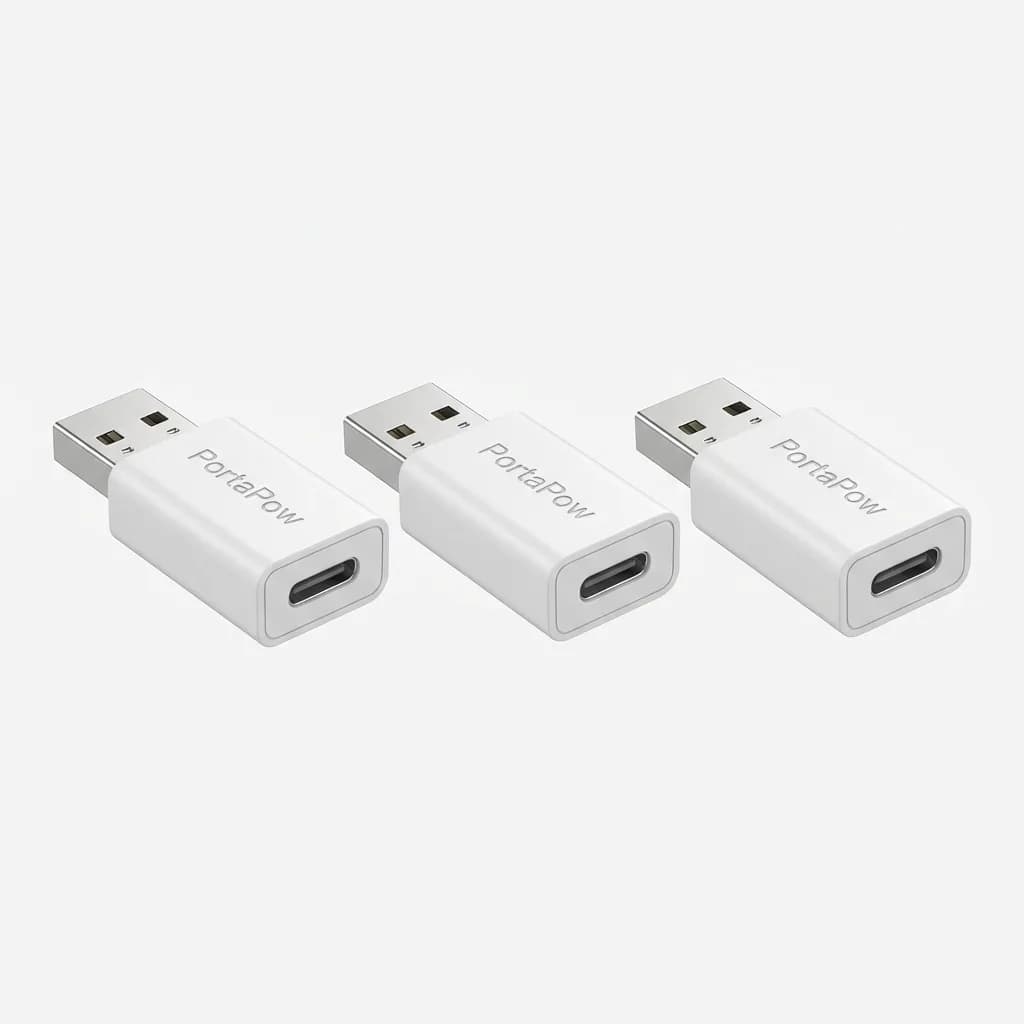
PortaPow USB Data Blocker 3-Pack
$11
USB-A to USB-C data blockers for safe public charging. Pass through power only, block data pins completely. Compact design with fast charging support up to 3A.
Building a labeling system that travels well
The best cable labeling system is one you'll actually maintain. That means fast to set up, easy to update, and durable enough to last through TSA screenings, bag compressions, and daily use.
Start with your most-used cables - phone charger, laptop charger, power bank cable. Label them clearly with what they are and what they're for. "USB-C 100W Laptop" beats "Cable 1" because you'll know exactly what it does six months from now when the labels start to fade.
Use consistent terminology. If you call it "USB-C to USB-C" on one cable, don't call it "USB Type-C" on another. Pick one naming convention and stick with it. Include wattage for charging cables (60W, 100W) and speed for data cables (USB 3.2, Thunderbolt 4) so you grab the right cable for the job.
Update labels when you swap gear. Nothing's worse than a label that says "iPhone" on a cable you now use for your Android tablet. Keep a mini label maker or pack of adhesive labels in your travel kit so you can relabel on the road if needed.
Test your system before a big trip. Pull everything out of your bag in normal room lighting, then try again with your phone flashlight in a dark room. If you can't read the labels or distinguish cables quickly, your system needs work. The goal is zero cognitive load when you're jet-lagged and need to charge something at 2 AM.
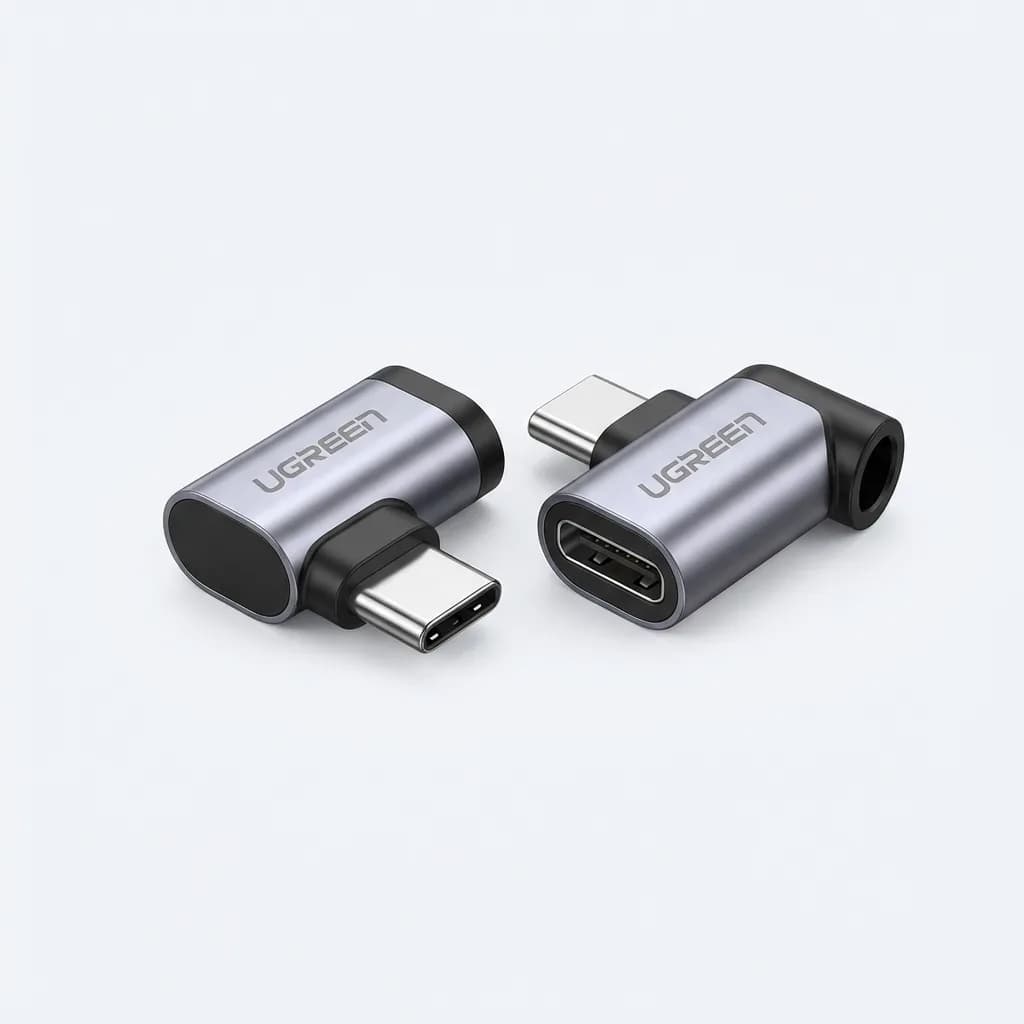
UGREEN Right Angle USB-C Adapter 2-Pack
$13
90-degree USB-C male to female adapters for tight spaces. Support 100W power delivery and USB 3.1 data speeds. Aluminum housing, compact design for travel.
What to label beyond cables
Adapters need labels too. Your USB-C to HDMI adapter looks identical to your USB-C to Ethernet adapter in a bag. A small label on each one saves you from unpacking everything to find the right dongle.
Power banks should show capacity and output. A label reading "20,000 mAh, 2x USB-C 45W" tells you everything you need to know. Especially useful if you travel with multiple power banks for different trip lengths.
Memory cards and USB drives get lost or mixed up constantly. Label them with capacity and what they're for. "256GB Camera Backup" or "128GB Work Files" prevents you from accidentally formatting the wrong drive.
Wall chargers multiply fast. We have a 100W dual-port for laptop and phone, a 30W single-port for phone only, and a 65W GaN charger for overnight charging. Each one has a small label on the back indicating output so we can grab the right one without checking specs.
Even tech pouch pockets benefit from labels if you use a bag with multiple compartments. A tiny label on each pocket interior ("Cables," "Adapters," "Power Banks") speeds up packing and keeps you organized across multiple trips.
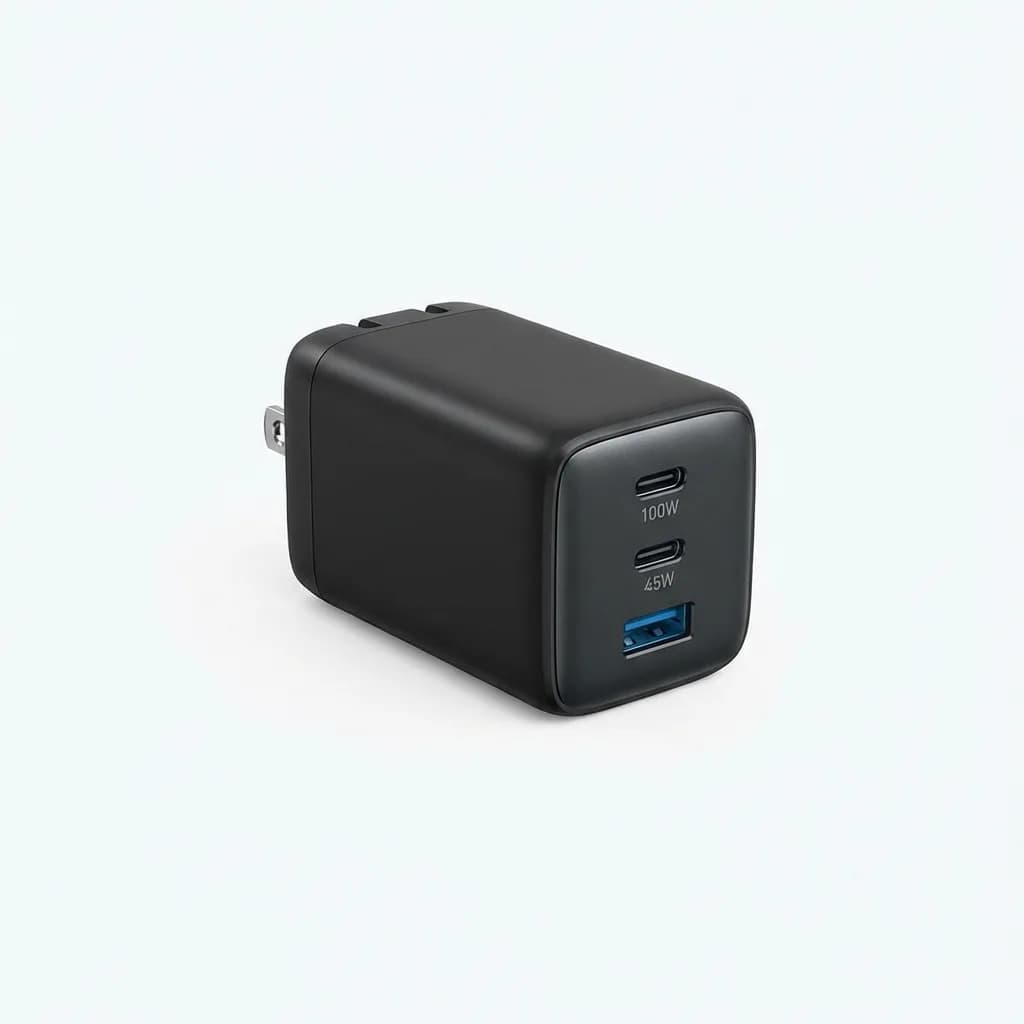
Anker 100W 3-Port USB-C GaN Charger
$79
Compact GaN charger with two USB-C ports (100W, 45W) and one USB-A port. Foldable plug, small footprint for travel. Powers laptop, phone, and accessories simultaneously.
The gear that doesn't need labels
Some items are self-explanatory and labeling them adds clutter without value. Your laptop doesn't need a label saying "Laptop." Your phone case doesn't need identification unless you own multiple identical phones.
Single-purpose items with obvious functions skip labels. Your Apple Watch charging puck only works with Apple Watch. Your Kindle cable only fits Kindle. Labeling these wastes time and makes your setup look over-organized.
Items you use constantly don't need labels because muscle memory takes over. Your daily phone charging cable doesn't need a tag because you know it by feel and see it every day. Save labels for gear you use occasionally or might confuse with similar items.
Large items with clear branding skip labels. Your GoPro is obviously a GoPro. Your Sony camera is clearly marked. Labels help most on small, unmarked, or generic-looking gear that could be anything at a glance.
The test is simple: if you can identify it instantly in dim light while half-asleep, it doesn't need a label. If you've ever grabbed the wrong cable, adapter, or accessory and had to swap it, it needs a label.
Common mistakes with cable labeling
Over-labeling makes everything harder to read. If every cable has a two-inch label with three lines of text, you haven't simplified anything. Keep labels minimal - device name and wattage for charging cables, device name and standard for data cables. That's it.
Using labels that peel or fade defeats the purpose. Cheap paper labels last maybe one trip before they're illegible. Invest in laminated labels from a quality label maker or use heat shrink tubing that stays readable indefinitely.
Inconsistent placement confuses rather than helps. If labels are sometimes near the connector, sometimes in the middle, sometimes near the other end, you waste time searching for them. Pick one spot (we use 2-3 inches from the source end) and label every cable there.
Labeling with information that changes causes problems. Don't label a cable "iPhone 13 Charger" if you'll upgrade to an iPhone 15 next year. Label it "Lightning Cable 20W" instead. Device names change, cable specs don't.
Not updating labels when you repurpose gear leads to confusion. If you start using your old iPad cable for your bike light, change the label. Old information is worse than no information because it actively misleads you when you're trying to grab the right cable quickly.
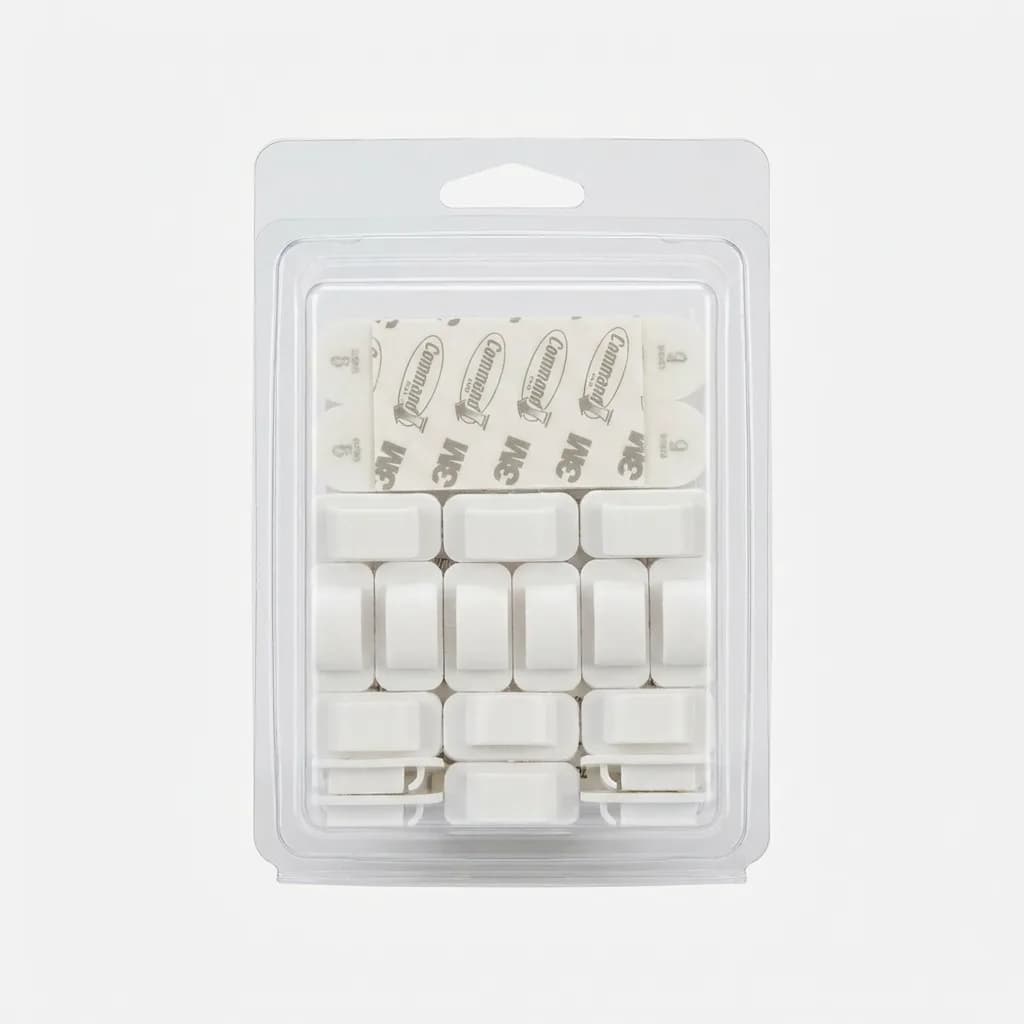
3M Adhesive Cable Clips 20-Pack
$8
Low-profile cable management clips with Command strip adhesive. Holds cables up to 5mm diameter. Removable without damage, ideal for laptop lids, desks, and bags.
The difference between organized travel tech and a bag full of mystery cables comes down to five minutes of setup and a handful of labels. You'll never dig through your tech pouch wondering which cable is which again, and you'll never accidentally grab a data-only cable when you need fast charging. Small investment, daily payoff.
The Weekly Dispatch
Enjoying this article?
Subscribe and get our best gear picks delivered every Sunday morning.
Related Stories
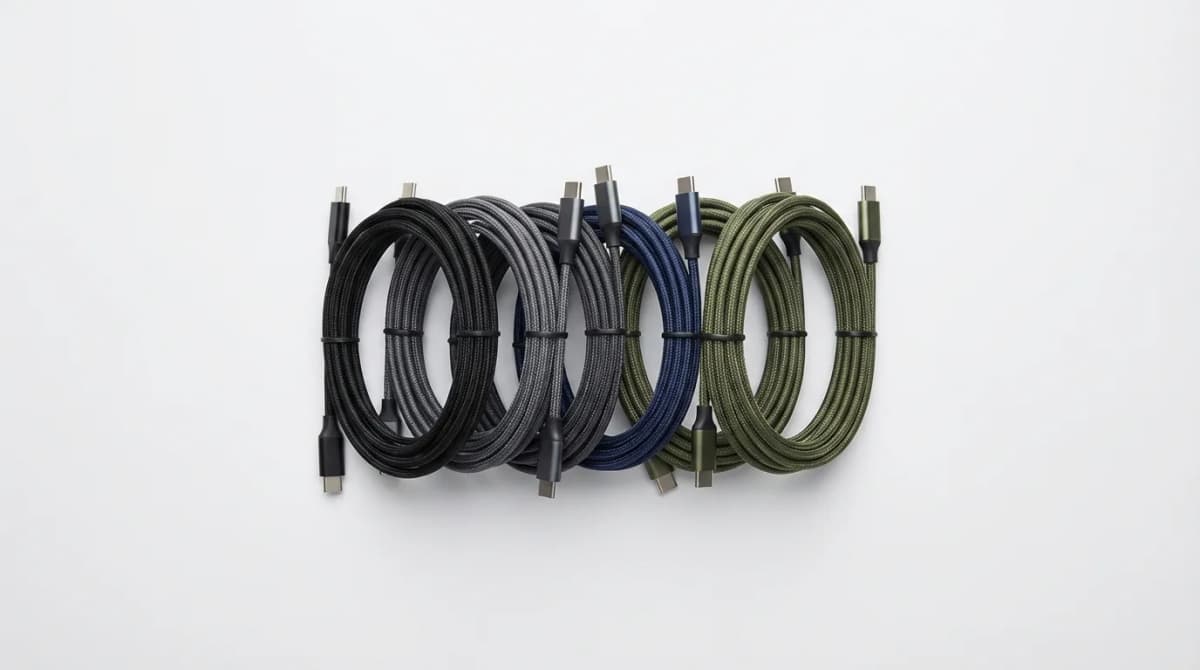
Best Compact USB-C Cables for EDC
The right USB-C cable can make or break your EDC charging setup. We tested compact options for durability, length, and multi-device compatibility.
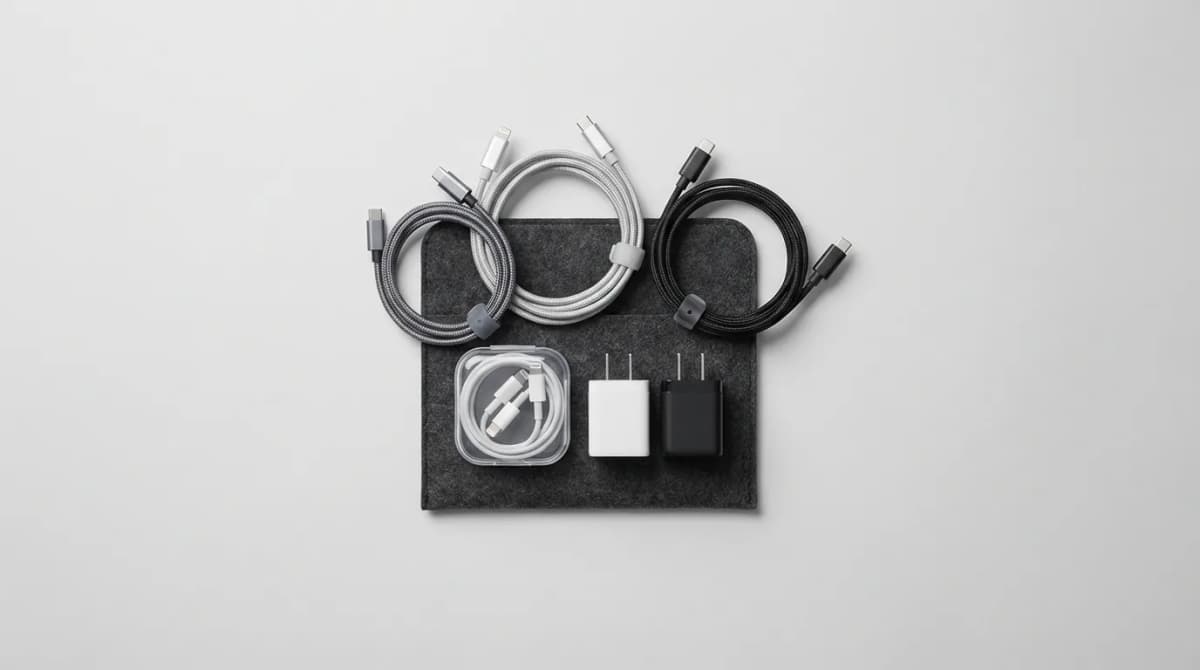
Build a Minimal Cable Set That Fits All Devices
Stop carrying a tangled mess of cables. Learn how to build a streamlined cable kit that handles phones, laptops, tablets, and accessories with just three cables.
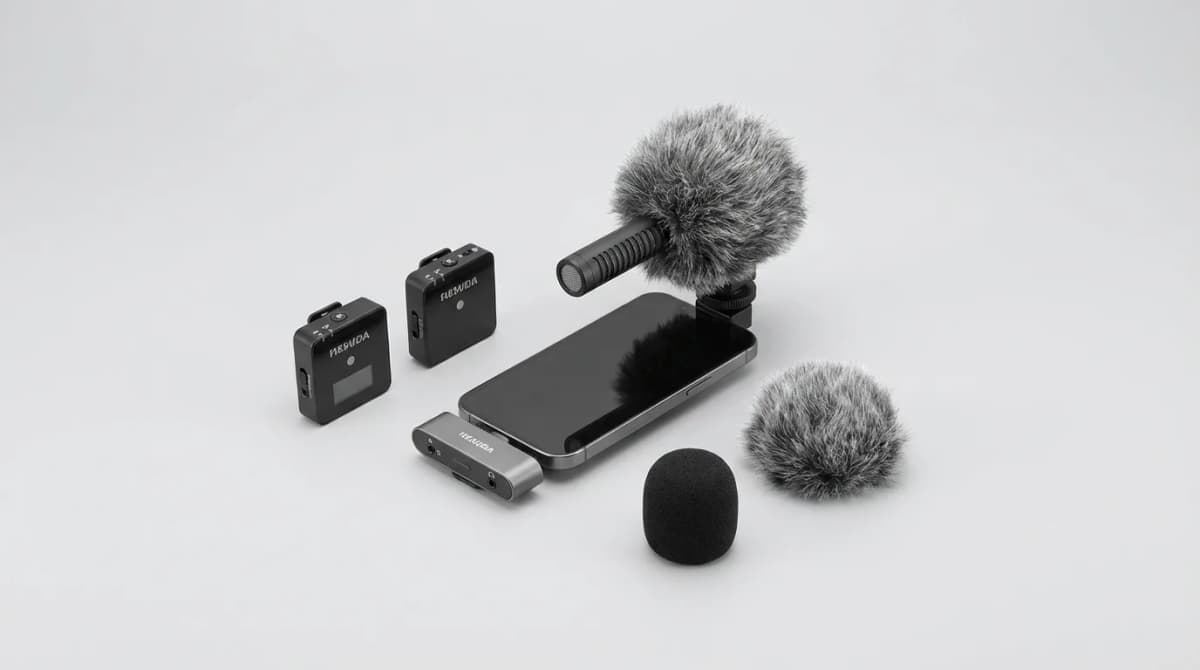
How to Record Better Audio on the Go
Master mic placement, defeat wind noise, and streamline your mobile recording workflow with gear and techniques that actually work in the field.