How to Digitize Your Wallet Without Regret
Going wallet-free sounds great until your phone dies at dinner. Here's how to transition to digital payments smartly with the right backup plan.
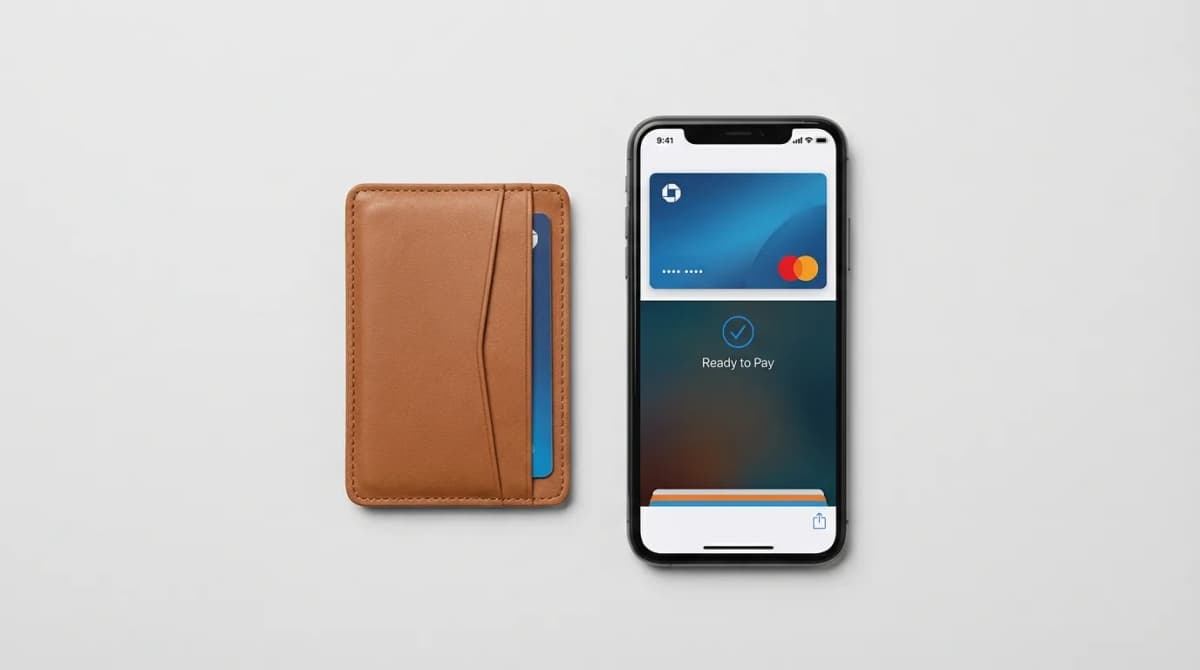
I watched a friend get stranded at a gas station in rural Nevada because his phone died and he'd left his physical wallet at home three months earlier. He never looked back after that. Not at going digital, but at doing it without a safety net.
The appeal of ditching your wallet is real. Apple Pay and Google Pay work almost everywhere now. Your phone is always with you. One less thing to carry, one less thing to lose. But the transition from leather bifold to purely digital needs more thought than most people give it.
The question isn't whether you should go digital. It's which cards stay physical, what your backup plan looks like, and how you handle the inevitable moments when digital fails.
Start with a wallet audit, not a purge
Pull everything out of your current wallet and sort it into three piles: use weekly, use monthly, haven't touched in six months. Most people carry 8-12 cards but actively use three.
Your daily drivers go digital first. Credit cards, debit cards, transit passes, gym memberships, anything with tap-to-pay capability gets added to Apple Wallet or Google Pay immediately. These are your testing ground.
The monthly-use pile needs more consideration. Insurance cards, rarely-used credit cards, membership cards for stores you visit occasionally. Some of these have digital versions through their own apps. Others you'll photograph and store in a password manager. A few might need to stay physical.
That third pile? Trash it. The loyalty card for a gym you quit two years ago, the punch card for a coffee shop that closed, the business cards you'll never call. You're not digitizing these. You're finally admitting you don't need them.
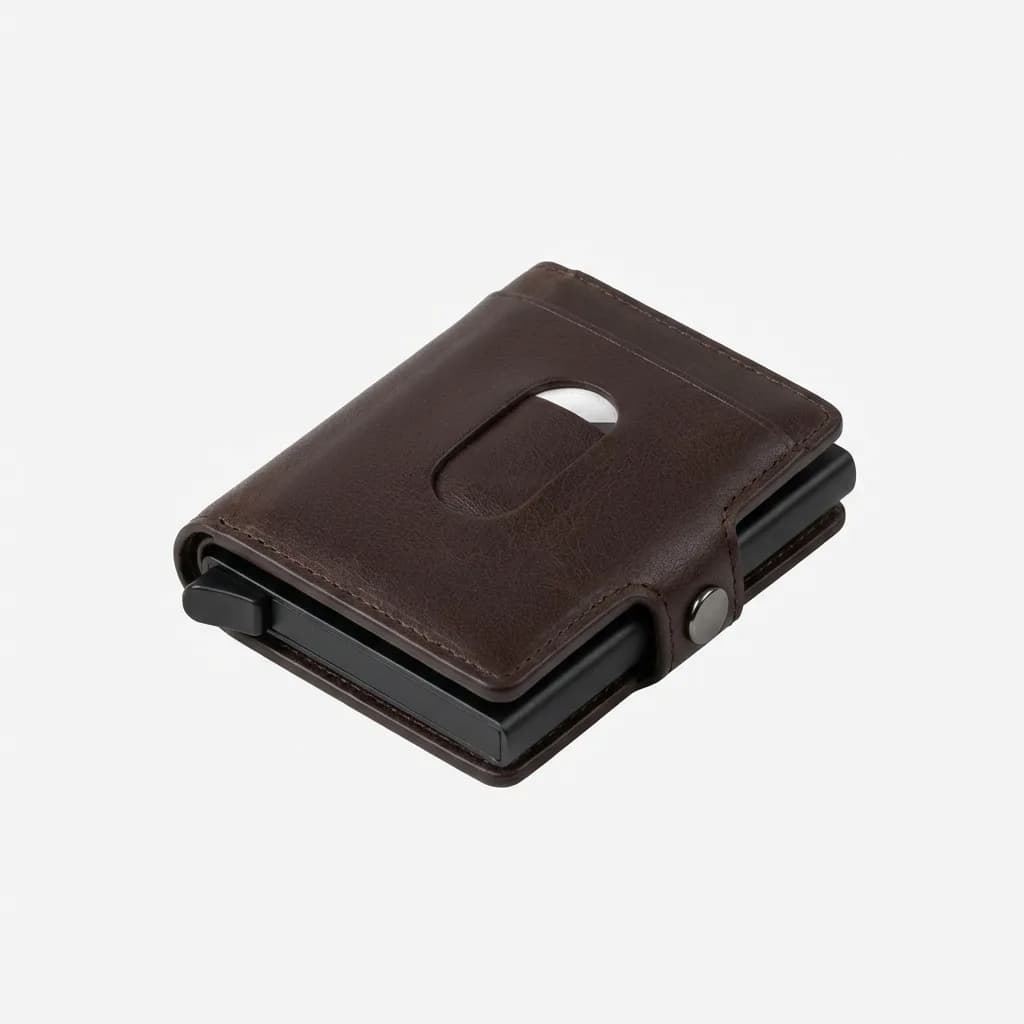
Ekster Parliament Wallet
See current price
RFID-blocking slim wallet with quick-access card mechanism, holds 4-6 cards, aluminum frame with leather exterior, includes tracker slot for AirTag or Chipolo.
Which cards must stay physical
Your driver's license stays in your pocket. Period. Yes, some states offer digital versions, but acceptance is spotty and you'll still need the physical card for flights, car rentals, and any interaction with law enforcement outside your home state.
One credit card needs to live outside your phone. Not in it, not stored digitally, but physically accessible when your phone is dead, lost, or broken. This is your nuclear option. Choose a card with no foreign transaction fees and good customer service.
Your health insurance card should stay physical unless your provider's app is genuinely reliable. Hospital systems and urgent care clinics have wildly inconsistent technology. When you're injured or sick, you don't want to discover their intake system can't accept a screenshot.
The debate around cash is personal, but keep at least $40 in small bills somewhere. Not for daily use, but for the food truck that doesn't take cards, the parking meter that's cash-only, or the moment when all electronic payment systems go down. It happens more than you'd think.
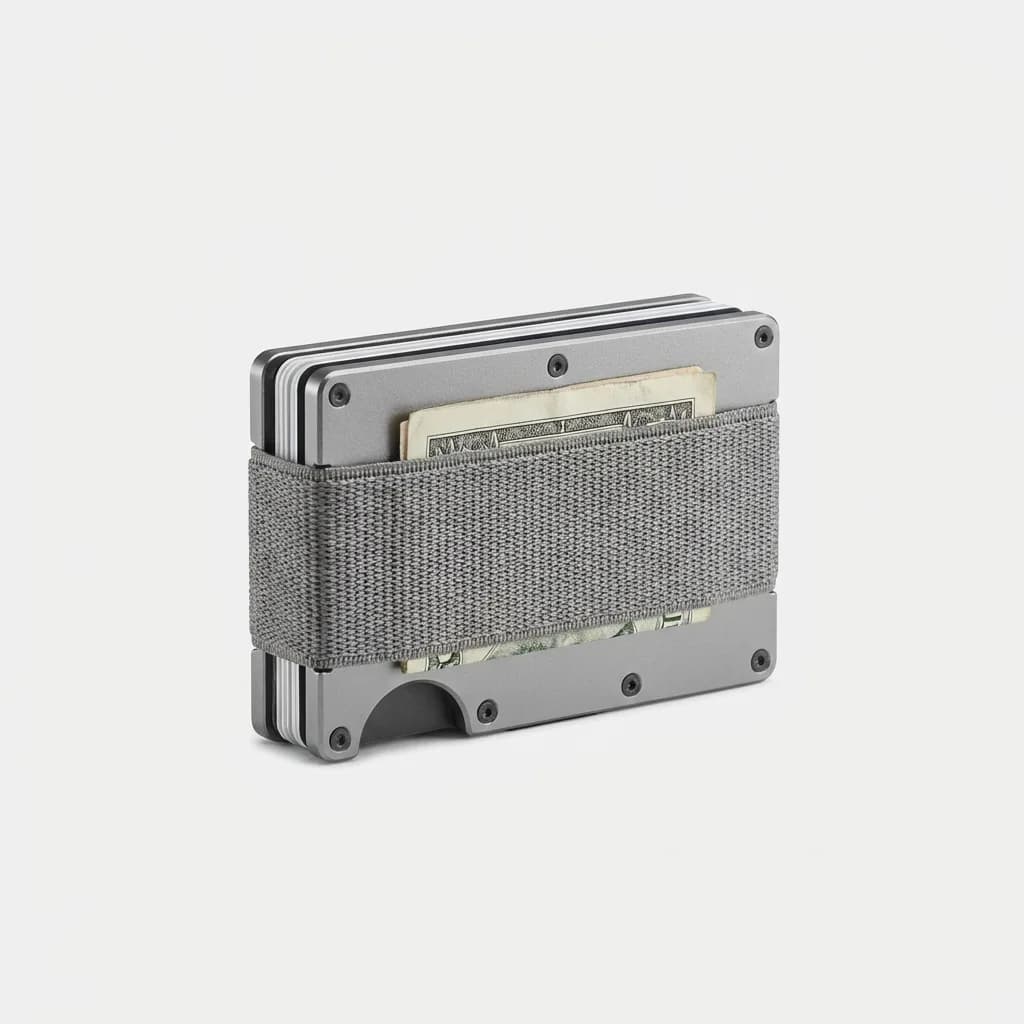
Ridge Wallet
See current price
Minimalist RFID-blocking wallet, holds 1-12 cards with elastic strap for cash, machined aluminum or carbon fiber construction, lifetime guarantee.
Your phone is now mission-critical equipment
Going mostly digital means your phone can't die at 3pm. Battery anxiety becomes wallet anxiety. If your iPhone or Android doesn't comfortably last a full day, fix that before you ditch your wallet.
A portable battery pack isn't optional anymore. It's part of your EDC. Not a massive 20,000mAh brick, but something pocketable that gives you 50-100% charge in a pinch.
Power Reserve Mode on iPhone (accessible when your battery hits 5%) keeps Apple Pay working for up to five hours after your phone dies. That's enough to get home or call a ride. Android's Battery Saver does similar, though tap-to-pay timing varies by device.
Face ID and fingerprint sensors need to work flawlessly. If you're constantly falling back to your passcode because the sensor is unreliable, digital payments become friction instead of convenience. Clean your screen, re-register your fingerprints, or upgrade your phone.
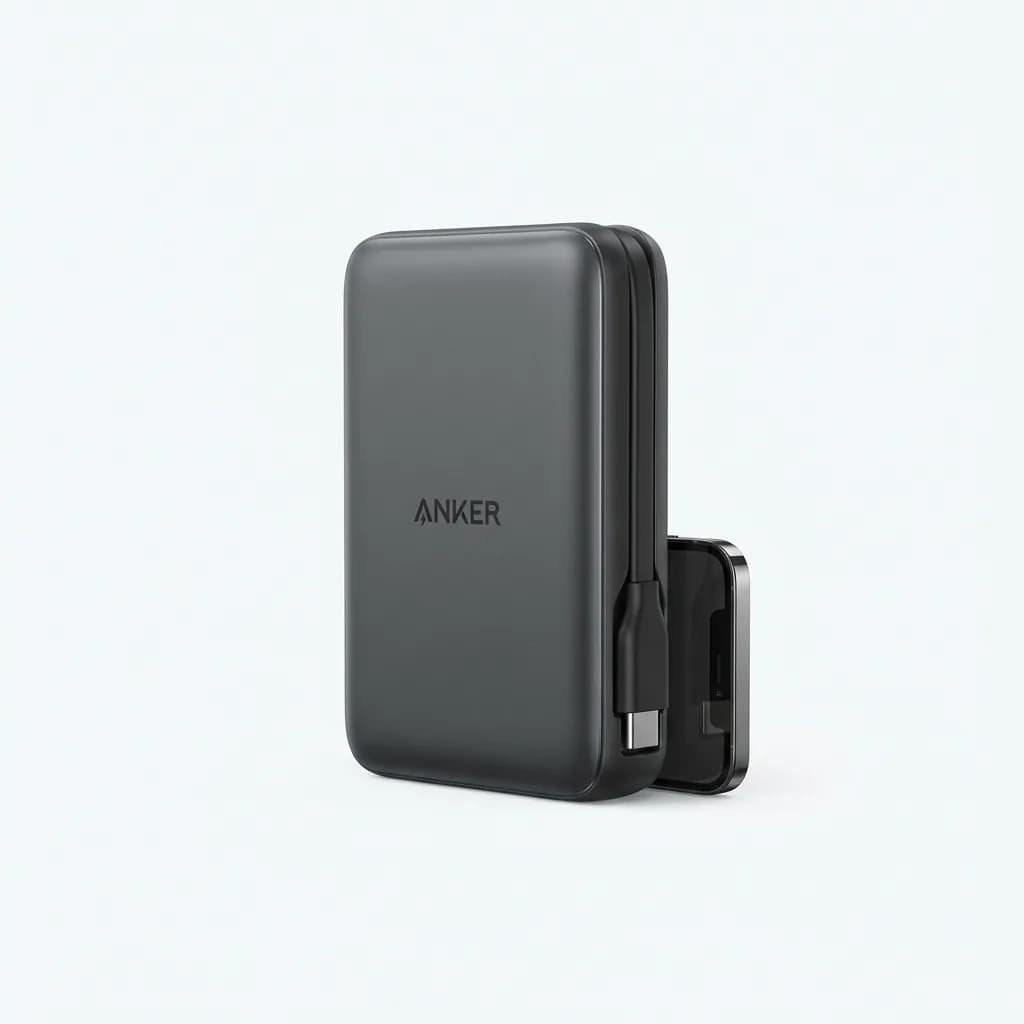
Anker 321 Power Bank (PowerCore 5K)
See current price
Ultra-compact 5,000mAh portable charger, 1.8oz weight, built-in USB-C cable, PowerIQ 3.0 charging technology, fits in pocket with phone.
The backup wallet you'll actually carry
You're not going fully digital. You're going mostly digital with a minimalist physical backup. That requires a different kind of wallet.
Traditional bifolds and trifolds make no sense when you're carrying 2-4 cards plus some cash. You need something that disappears in a front pocket, holds exactly what you've designated as backup, and doesn't create bulk.
Slim cardholders work if your backup is purely cards. Metal wallets like the Ridge or Ekster hold 4-6 cards rigidly, with an elastic strap for bills. They're 10mm thick maximum. You'll forget you're carrying it.
Money clips with a card slot suit the cash-forward approach. Brands like Royce, Serman, and simple titanium clips hold 2-3 cards plus folded bills in a package thinner than a standard credit card stack.
Avoid the temptation to get a wallet that holds 8-12 cards "just in case." That defeats the purpose. Your backup wallet should be uncomfortable to overfill. It's a guardrail, not a new organizational system.
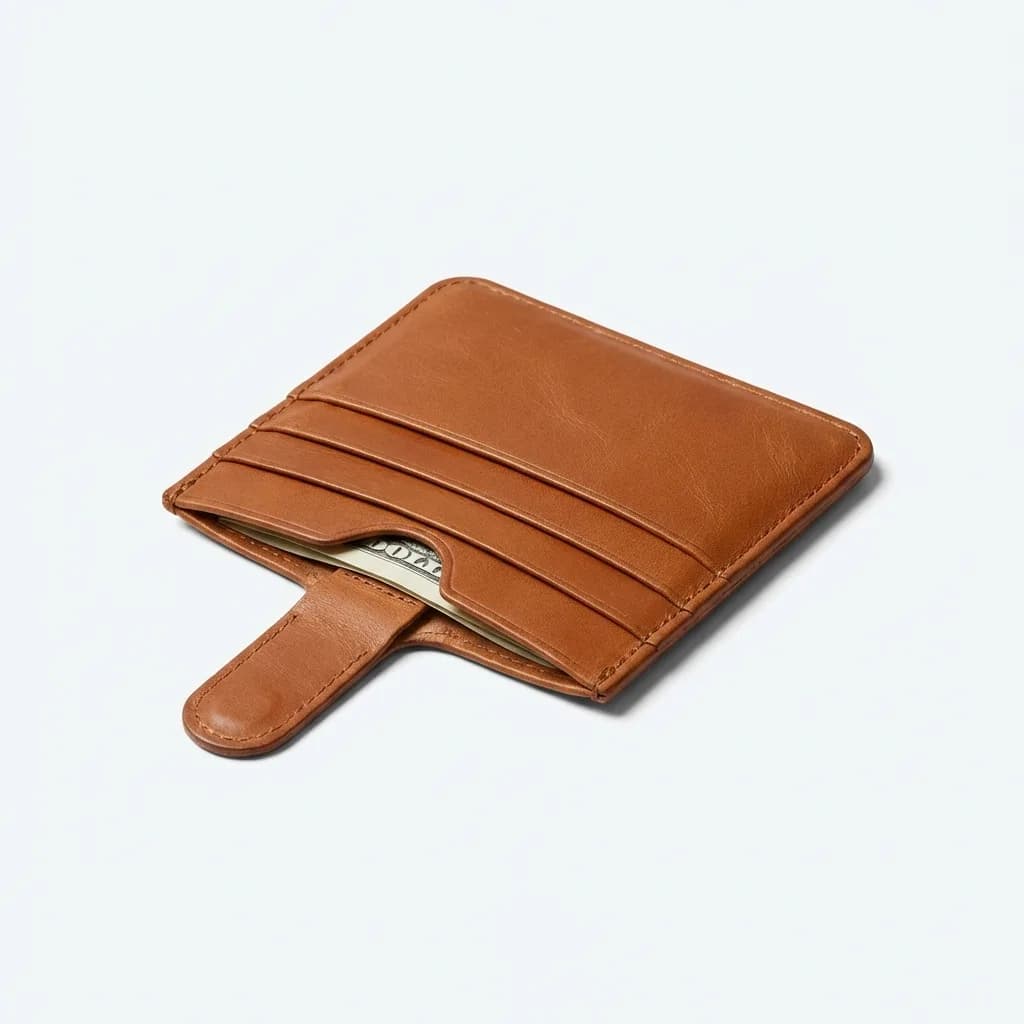
Bellroy Card Sleeve
See current price
Premium leather card sleeve, holds 4-8 cards plus flat cash, pull-tab for quick card access, vegetable-tanned leather, 8mm thin profile.
Testing the transition over 30 days
Don't wake up one day and declare yourself digital. Test it gradually over a month while your physical wallet is still complete.
Week one: Add your primary credit card and debit card to Apple Pay or Google Pay. Use them exclusively, but keep your physical cards in your wallet. You're building muscle memory and discovering where tap-to-pay doesn't work.
Week two: Add your loyalty cards, transit passes, and anything else with digital capability. Start leaving your physical wallet in the car or at home for short trips. The goal is to identify what you actually miss.
Week three: Move to your minimal backup wallet with just your license, one credit card, insurance card, and emergency cash. Your phone handles everything else. This is your sustainable setup. Live in it for a full week.
Week four: Stress test. Take a day trip, go to an unfamiliar area, visit small businesses. You'll discover edge cases: the farmer's market that's cash-only, the parking garage where cell service dies, the restaurant with a broken NFC reader.
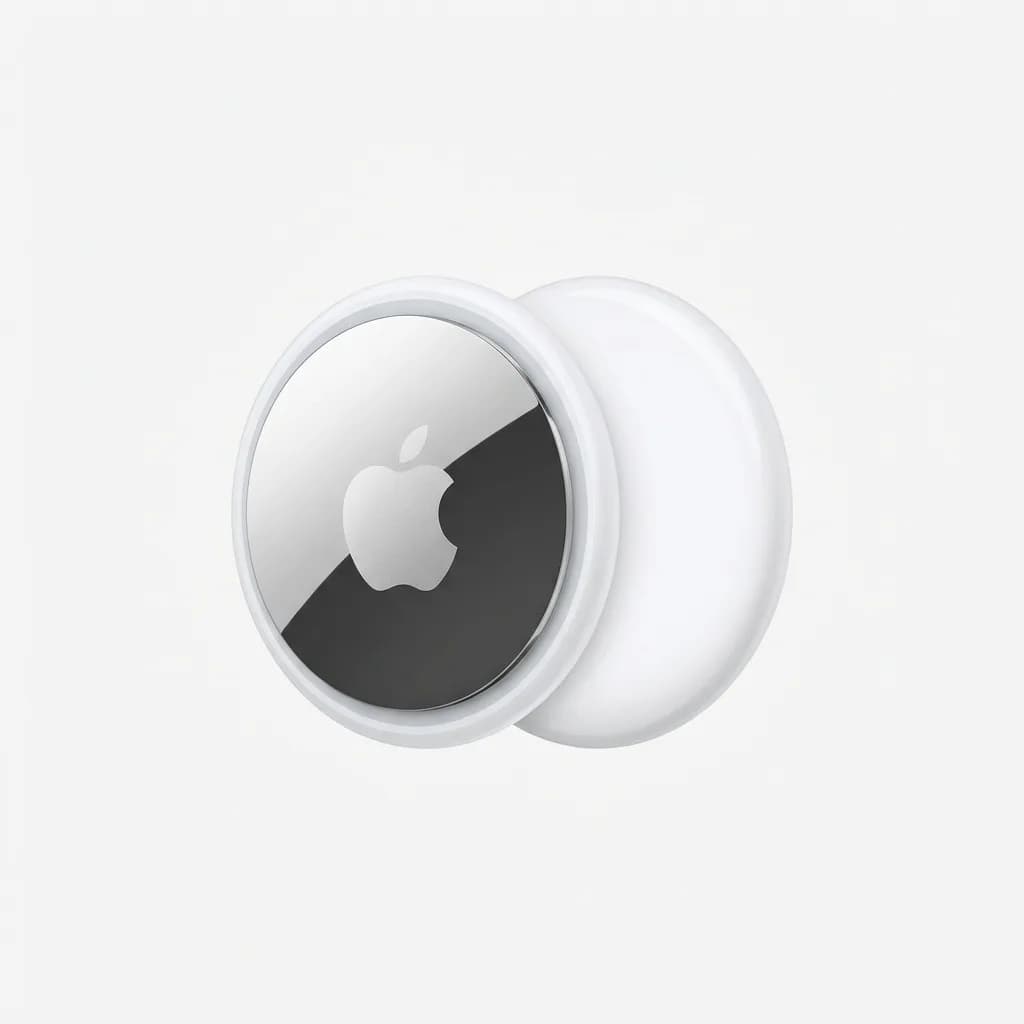
Apple AirTag
See current price
Bluetooth tracking device, integrates with Find My network, replaceable CR2032 battery lasts 1+ year, IPX67 water resistance, precise finding with U1 chip on compatible iPhones.
What to do when digital payments fail
You will encounter terminals that don't recognize your phone's tap. You will have days when your battery dies faster than expected. You will visit places where "card reader's broken, cash only" is the reality.
The physical backup card in your minimal wallet handles 90% of these situations. Pull it out, swipe or insert, move on. This is why it can't be stored only at home.
For the cash-only scenarios, know where ATMs are in your regular areas. Bank of America, Chase, and Wells Fargo have the densest networks. Your backup credit card should allow cash advances in true emergencies, though the fees sting.
When your phone dies completely, you're temporarily back to physical-only. This is fine. It's not a failure of your system. It's why your backup wallet exists.
The real failure mode is having everything digital with no physical backup. That's when you're calling friends to Venmo you money or awkwardly asking restaurants to hold your license while you run to an ATM.
Security is different, not better or worse
Digital wallets use tokenization. When you tap to pay, the merchant never sees your real card number. They get a one-time code that's useless if intercepted. This makes skimming impossible.
But your phone itself becomes a single point of failure. Someone with your unlocked phone has access to everything. Passcodes, Face ID, and fingerprint locks are no longer convenience features. They're essential security layers.
Enable two-factor authentication on Apple Pay and Google Pay. Require biometric authentication for every transaction, not just purchases over $50. Turn on Find My iPhone or Android's Find My Device. These aren't optional.
Physical wallets can be pickpocketed, but they can't be remotely accessed. Digital wallets can't be pickpocketed, but they're vulnerable to phishing, SIM swaps, and social engineering. Different threats, different mitigations.
The hybrid approach, mostly digital with minimal physical backup, gives you the security benefits of tokenization while maintaining a fallback that requires physical theft to compromise.
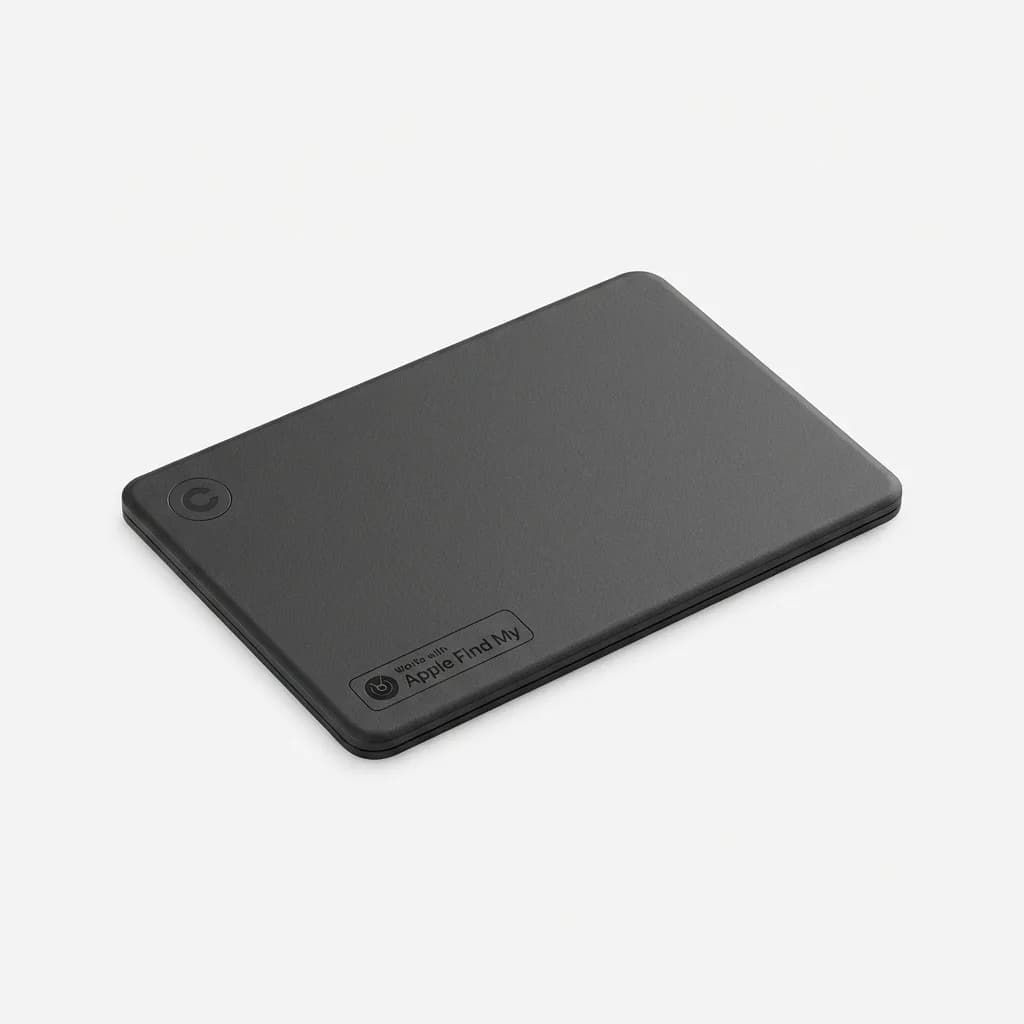
Chipolo CARD Spot
See current price
Ultra-thin Bluetooth tracker for wallets, works with Apple Find My network, 2.2mm thick, rechargeable battery lasts 2+ years, IPX5 water resistance, fits in card slot.
The cards that never go digital
Gift cards, hotel key cards, and some transit systems still require physical plastic. You can't digitize everything, and trying to force it creates more problems than it solves.
Store gift cards often have digital options through the retailer's app, but mall-wide gift cards and third-party cards usually don't. If you use these regularly, they need a home. Some people keep a separate small pouch. Others designate one slot in their backup wallet.
Hotel key cards are temporary by nature, but they're a pain point for minimal wallets. You need quick access, but they're gone in 2-3 days. Front pocket carry during your stay, immediate disposal at checkout.
Transit passes vary wildly. New York's MTA, London's Oyster, and many others have digital options. Smaller city systems might not. If your daily commute requires a physical card, that changes your wallet setup entirely.
Gym memberships, building access cards, and parking passes for work fall into this category too. You can't digitize them, you use them multiple times per week, and forgetting them creates real problems.
Adapting to regional differences
Tap-to-pay adoption in major US cities is near-universal. New York, San Francisco, Los Angeles, Seattle, you'll rarely encounter a place that can't take Apple Pay or Google Pay. Small towns and rural areas? Totally different story.
Europe and Asia are generally ahead of the US on contactless payment infrastructure. If you travel internationally, your digital setup often works better abroad than at home.
But some countries still run on cash. Japan's convenience stores take IC cards but many restaurants are cash-only. Germany has surprising cash preference despite being technologically advanced. Know before you go.
Your backup physical card needs no foreign transaction fees if you travel. Chase Sapphire, Capital One Venture, any card that doesn't add 3% internationally. This isn't optional for frequent travelers.
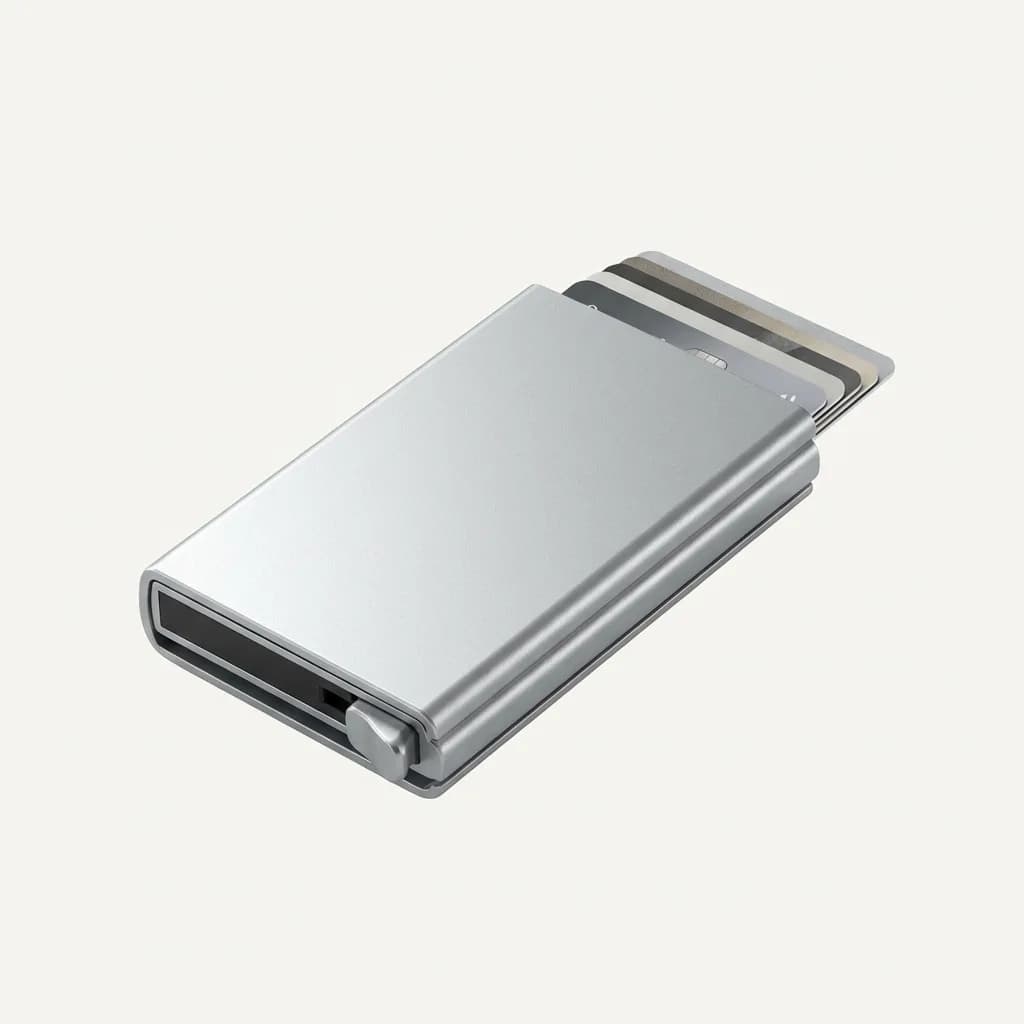
Secrid Cardprotector
See current price
Aluminum RFID-blocking card case, holds 4-6 cards, one-handed ejection mechanism, 63mm x 102mm x 8mm, anodized aluminum construction, 6-year warranty.
When to stay fully analog
If you work in an environment where phones aren't allowed, you can't go digital. Secure facilities, certain construction sites, some healthcare settings, these require traditional wallets.
If your phone is frequently dead because your job requires heavy use, adding payment dependency is a mistake. Delivery drivers, field technicians, anyone using their phone for navigation and communication all day should think twice.
If you're constantly in areas with poor cell service, digital payments become unreliable. They usually work offline for a few transactions, but "usually" isn't good enough in truly remote areas.
The digitization push works best for office workers, students, and urban dwellers with predictable routines and reliable charging access. If that's not you, forcing it creates stress instead of simplifying your carry.
Making the system permanent
After your 30-day test, you'll know what works. Most people land on 2-4 physical cards (license, one credit card, insurance, maybe a transit pass) plus $40-60 in cash, all in a slim wallet that lives in their front pocket.
Everything else is digital. Credit cards, debit cards, loyalty programs, digital tickets, boarding passes, all managed through Apple Wallet, Google Pay, or the relevant apps.
Add a small Bluetooth tracker like an AirTag or Chipolo Card to your physical wallet. It's now your most critical item. Losing it means losing your entire backup system.
Review your setup every six months. Cards expire, you change banks, new digital options become available. What worked in January might need adjustment by July.
The regret in digitizing your wallet doesn't come from the technology failing. It comes from not having a plan for when it fails. Build that plan first, test it thoroughly, and the transition is smooth.
Your phone handles 95% of payments. Your backup wallet handles the other 5% plus emergencies. That's the sustainable middle ground between carrying everything and carrying nothing.
The Weekly Dispatch
Enjoying this article?
Subscribe and get our best gear picks delivered every Sunday morning.
Related Stories
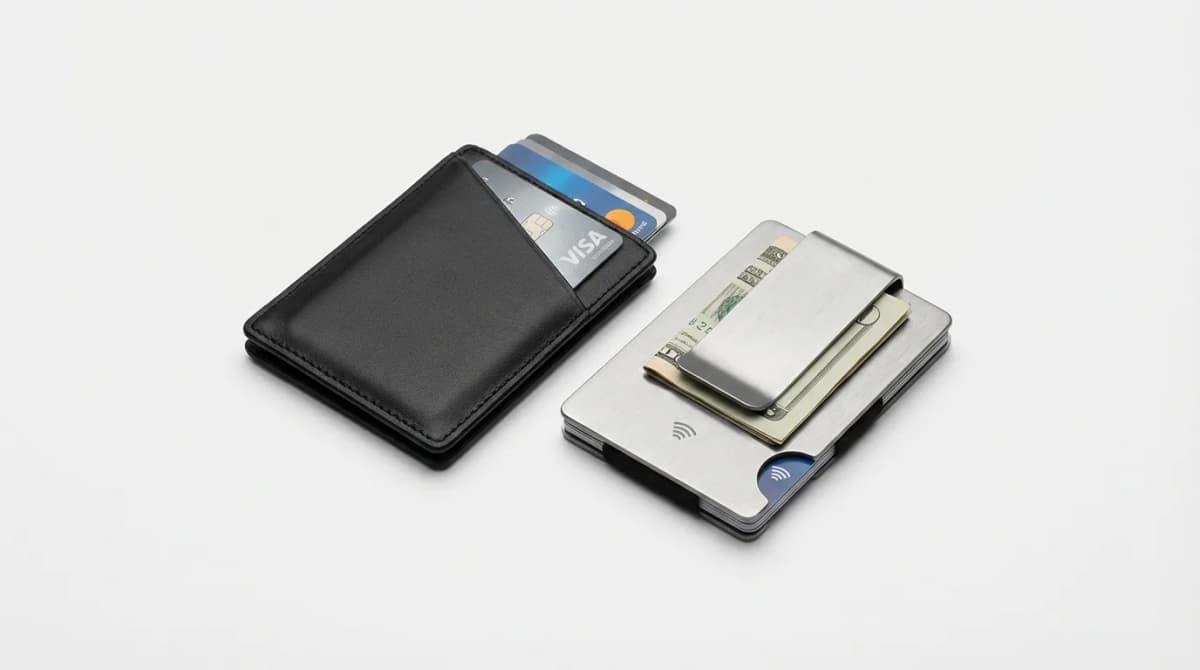
Best Minimal Wallet Setup for Contactless Payments
Contactless payments make it easy to leave the bulk behind. Here's how to build a minimal wallet setup that works without compromises.
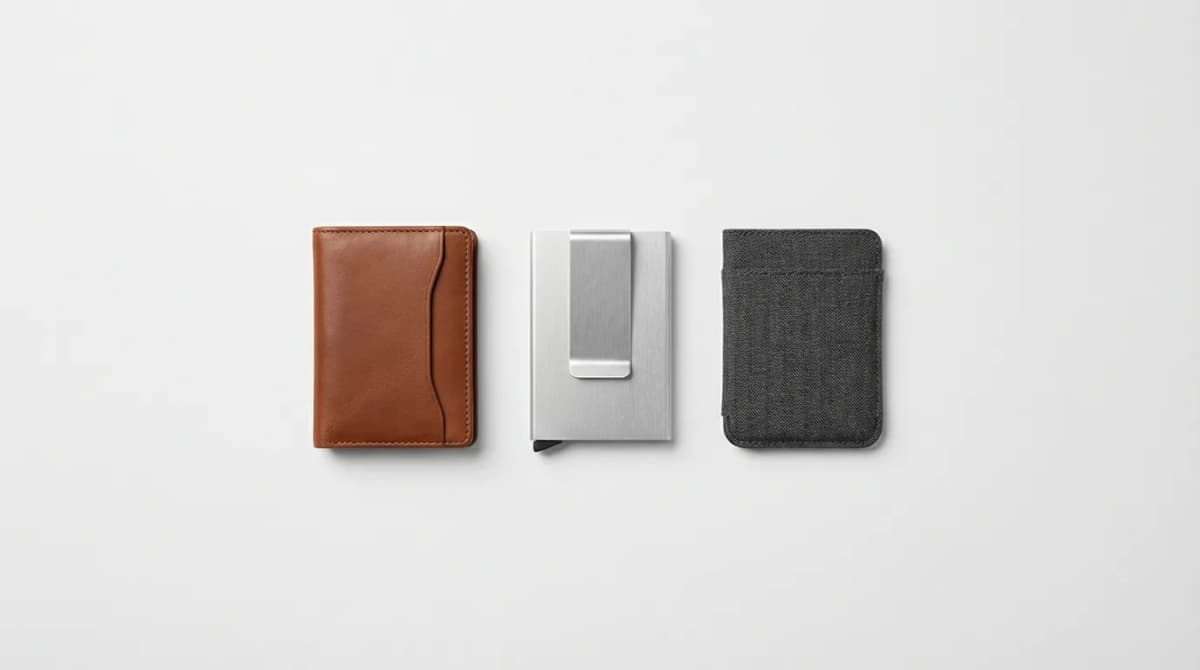
Best Minimalist Wallets of 2026: Slim EDC Picks
The best minimalist wallets balance card capacity with pocket-friendly profiles. We tested slim designs in leather, metal, and carbon fiber to find winners.
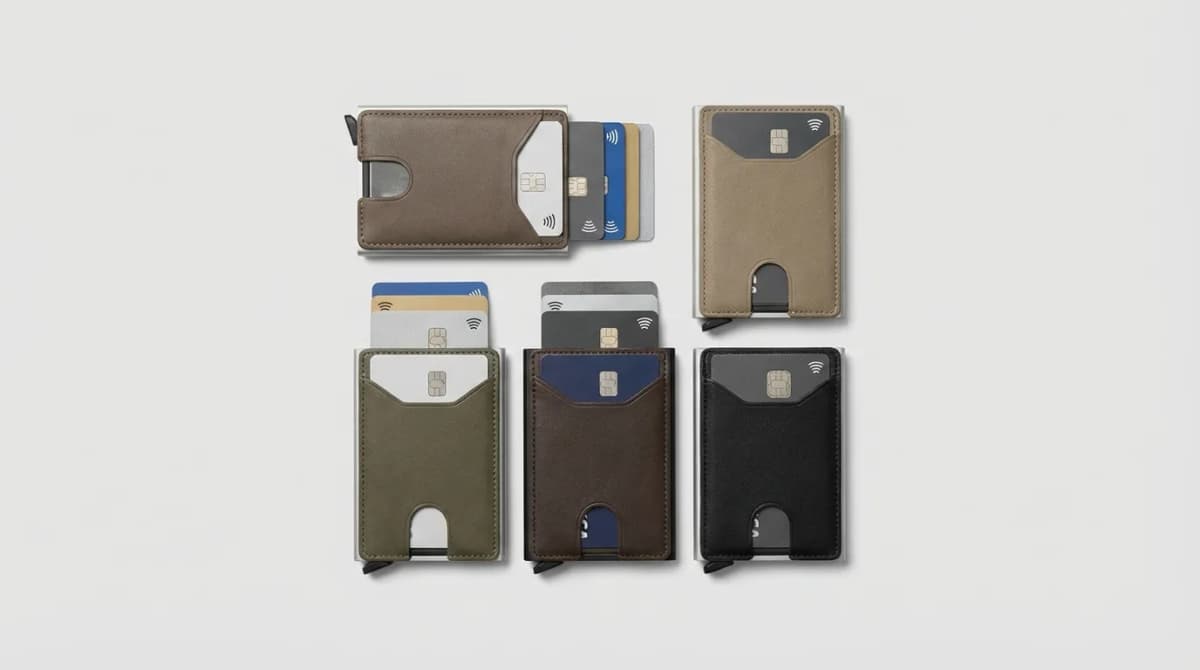
RFID Blocking: Do You Need It in Your Wallet?
RFID blocking wallets claim to protect your cards from digital theft. But is the threat real, or is it marketing hype? Here's what actually matters.