EDC Tech for iPhone Users in 2026
The best iPhone accessories that actually earn a spot in your everyday carry. MagSafe wallets, fast chargers, mounts, and power banks tested for daily use.
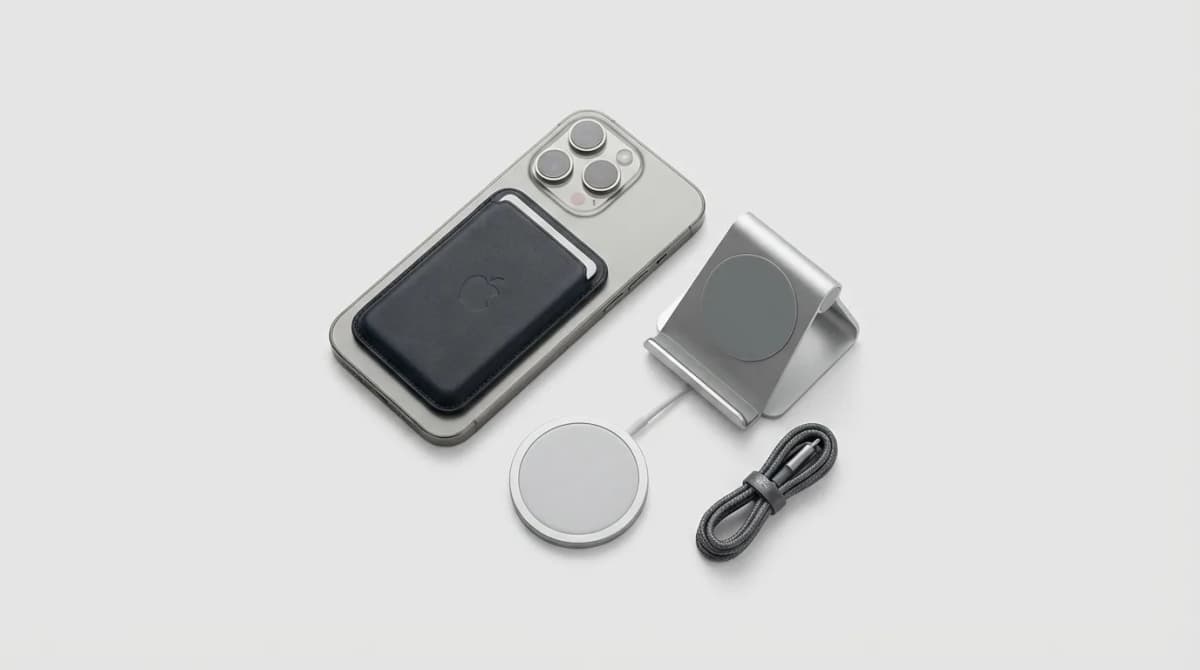
Your iPhone is already in your pocket. The question is what else you're carrying to keep it charged, mounted, protected, and useful throughout the day. Most iPhone accessories promise convenience but add bulk, fail after a month, or solve problems you don't actually have.
We've tested dozens of MagSafe add-ons, charging solutions, and mounting systems to find what actually works for daily carry. The winners earn their space by doing one thing exceptionally well or by replacing multiple items you'd otherwise need.
MagSafe Wallets Worth Carrying
Apple's own MagSafe wallet looks clean but holds three cards maximum and offers zero protection. That's fine for minimalists who carry one ID and two cards. Everyone else needs more capacity or better design.
The Moft MagSafe wallet solves this with a folding stand built in. It holds three cards like Apple's version but transforms into a viewing angle for video calls or media. The stand is stiff enough to hold position but thin enough to not add noticeable bulk. We found it useful several times a day, especially on flights or at coffee shops where propping your phone matters.
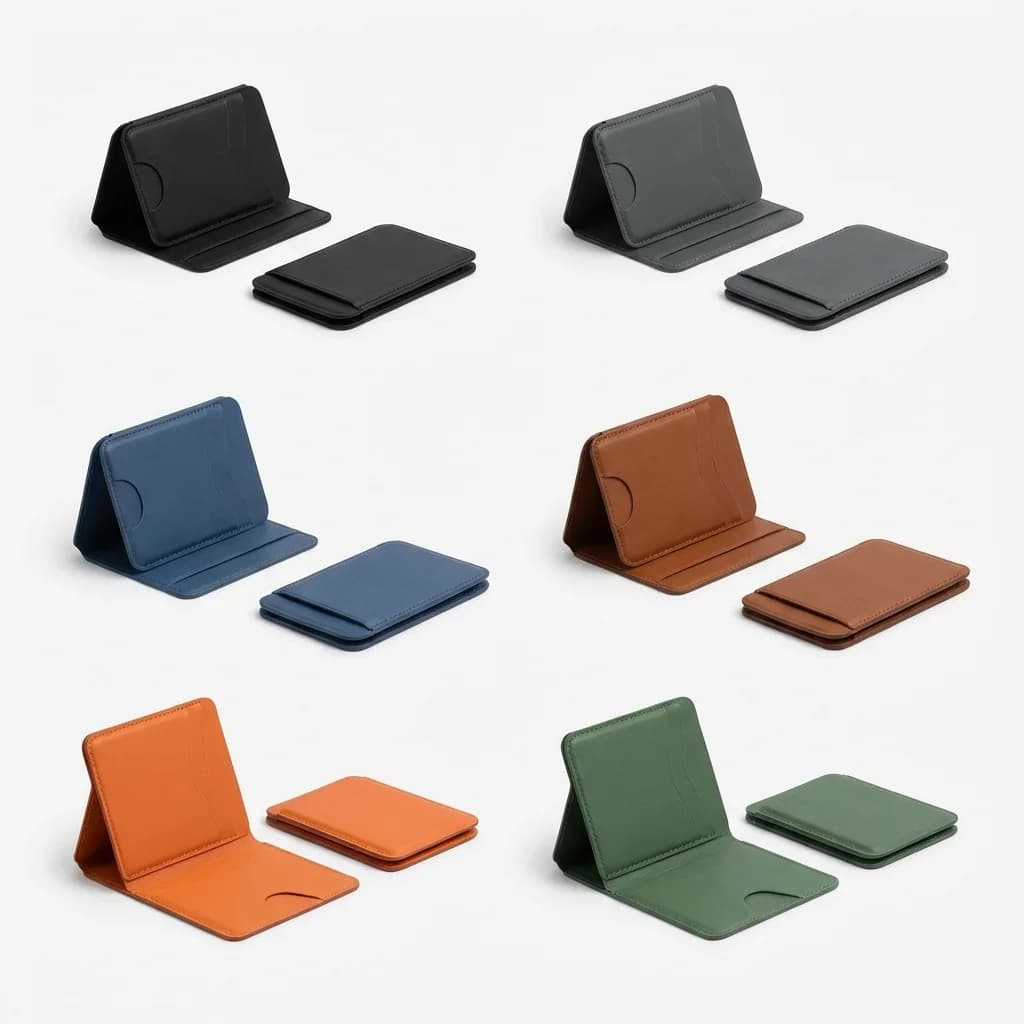
Moft MagSafe Wallet Stand
$30
Combines 3-card wallet with folding stand. Thin profile, strong magnets, multiple viewing angles. Available in 6 colors.
For actual wallet replacement, the Ridge MagSafe model holds 12 cards in an aluminum or carbon fiber shell. It's thicker than other MagSafe wallets but thinner than carrying a separate wallet. The cash strap is optional and actually stays put. If you're committed to phone-only carry, this is the most capable option.
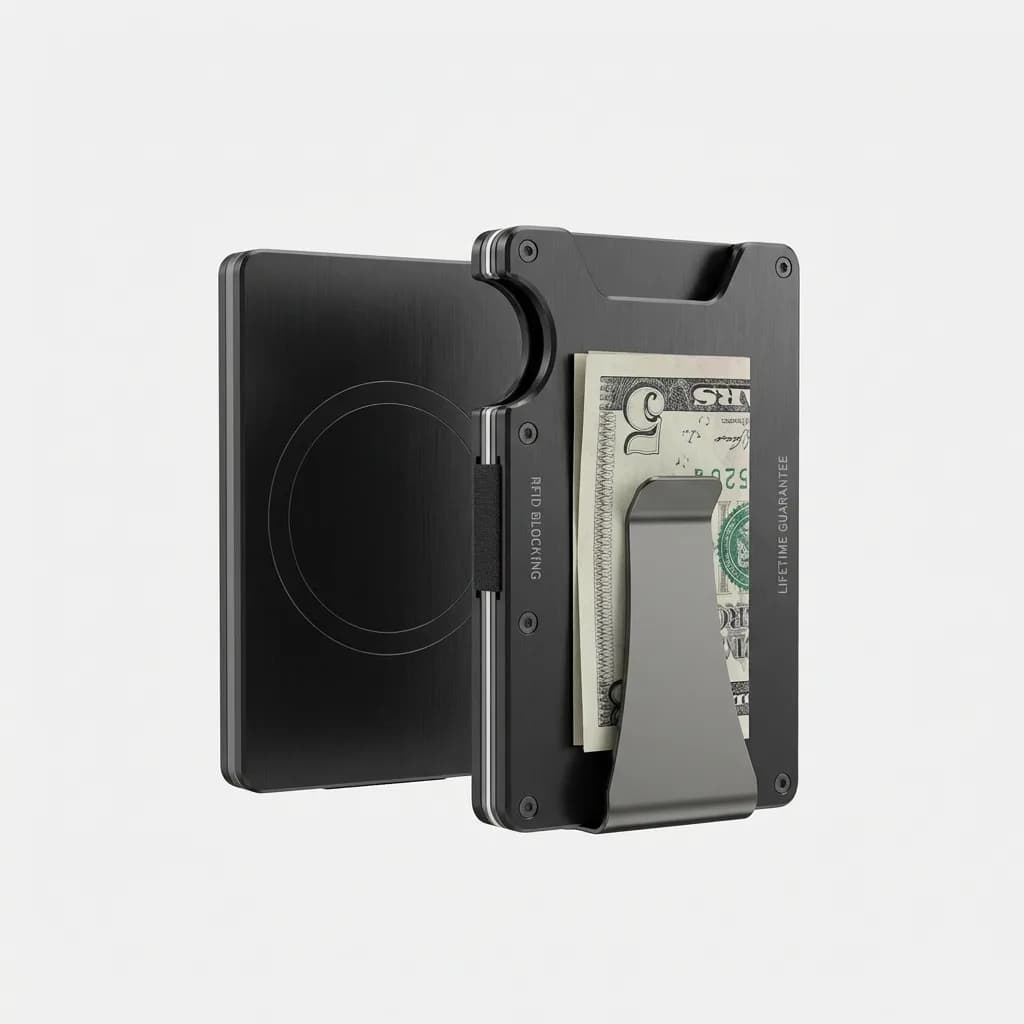
Ridge MagSafe Wallet
$75
12-card capacity aluminum wallet with strong MagSafe attachment. RFID blocking, lifetime guarantee, optional money clip.
The mistake people make is treating MagSafe wallets like regular wallets. They're not. Magnets can fail if you snap them on and off repeatedly, especially cheaper models. The best practice is leaving it attached most of the time and using it as a grip when you need to remove it temporarily.
Fast Charging That Actually Matters
iPhone 15 and 16 models support USB-C charging up to 27W, but most people still use old 5W or 12W adapters because they came with previous phones. The difference is noticeable. A 20W or higher charger gets you from 0% to 50% in about 30 minutes, which matters when you're leaving the house in 20 minutes.
Anker's 735 Nano II is a 65W three-port charger smaller than most single-port bricks. Two USB-C ports and one USB-A handle your iPhone, AirPods, and whatever else needs power. It's powerful enough to charge a MacBook Air while also charging your phone, which makes it useful for travel or desk setups where you want one charger for everything.
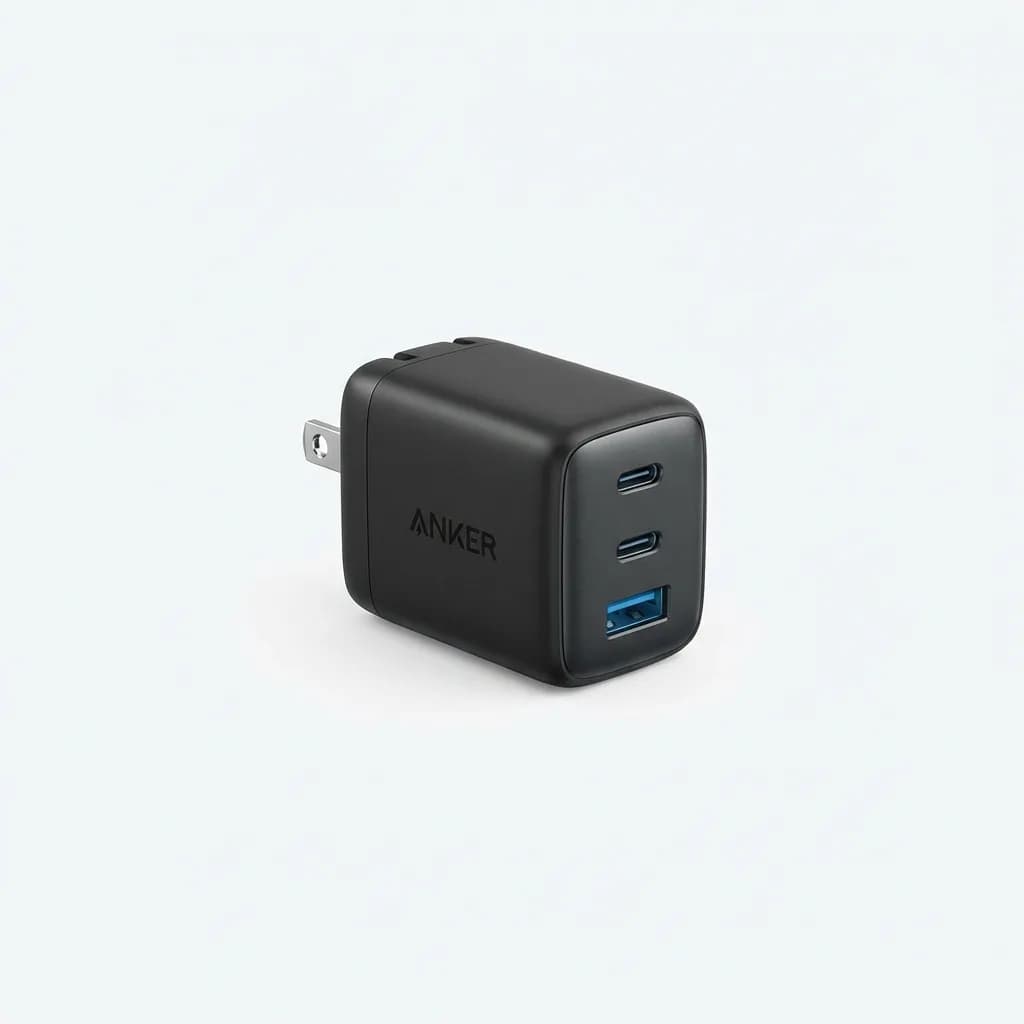
Anker 735 GaN Charger (Nano II 65W)
$40
65W triple-port wall charger with foldable plug. Powers iPhone at max speed plus laptop and earbuds simultaneously. GaN tech keeps it compact.
For car charging, most adapters are either too slow or poorly designed. The Anker 341 car charger delivers 24W per port from two USB-C outputs, enough to fast charge two iPhones simultaneously. It sits nearly flush with the 12V socket, which prevents the protruding adapter problem that catches on bags or knees.
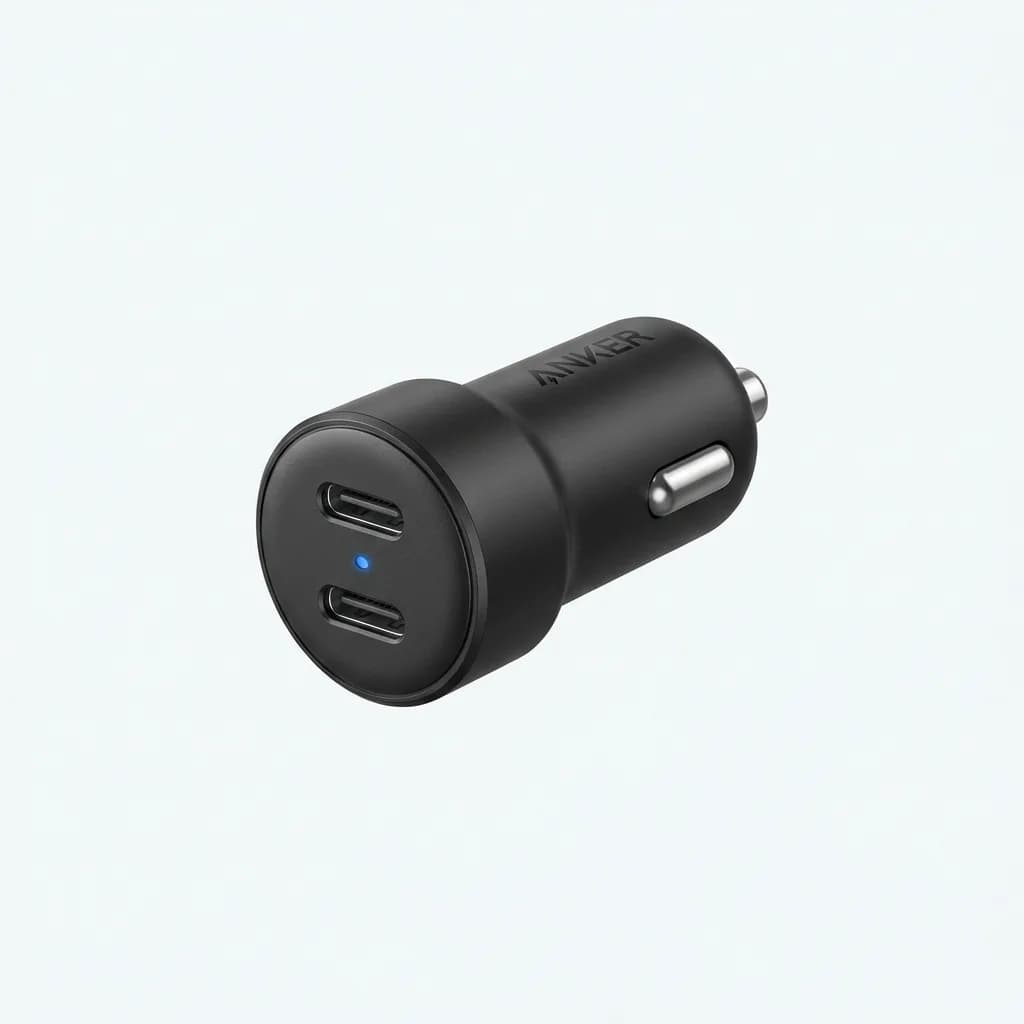
Anker 341 USB-C Car Charger (48W)
$20
Dual USB-C car adapter with 24W per port. Low-profile design, LED indicator, PowerIQ 3.0 technology. Charges two devices at full speed.
Power Banks You'll Actually Carry
Most power banks are too heavy for EDC or too small to matter. The Anker 325 hits the middle at 10,000mAh, enough for two full iPhone charges in a package that weighs 7 ounces. It's not pocketable but fits easily in any bag, and the dual USB-C ports mean you can charge the bank while using it to charge your phone.
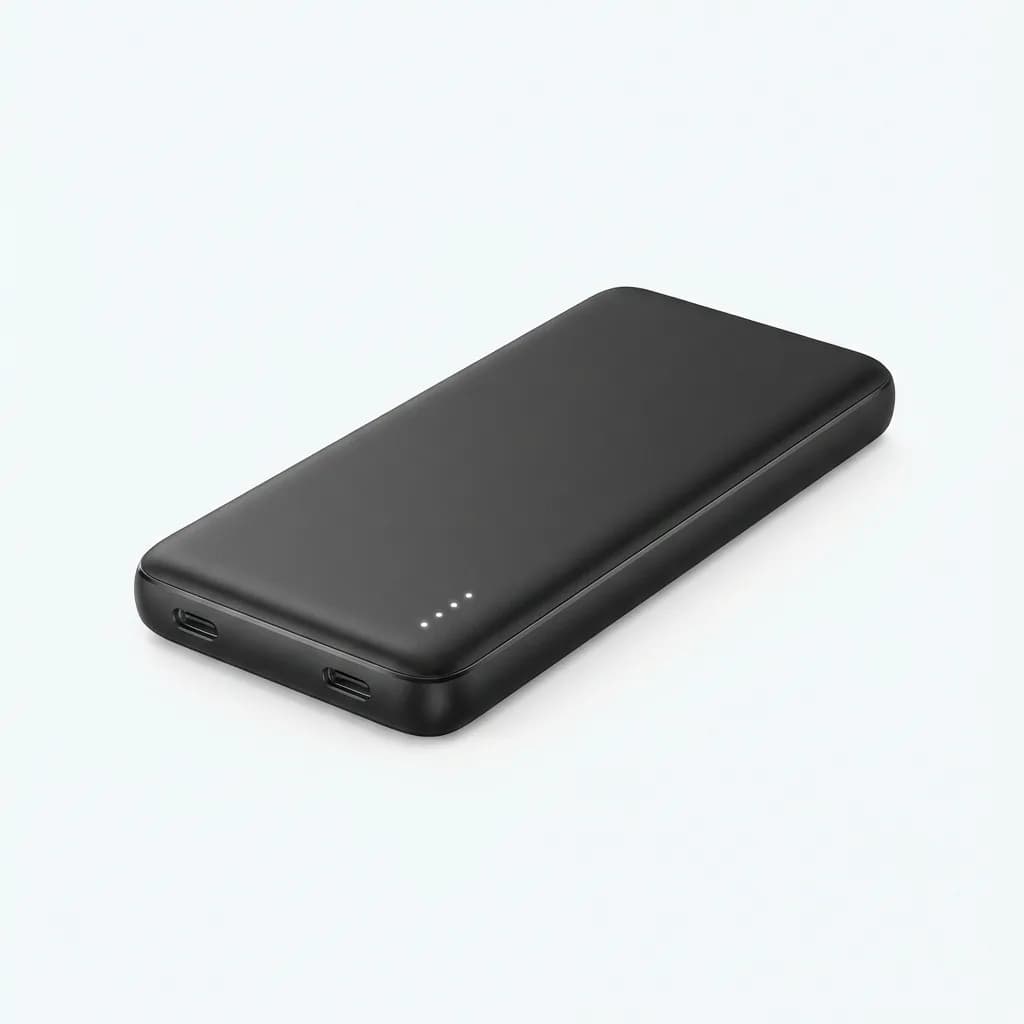
Anker 325 Power Bank (10000mAh)
$26
10,000mAh capacity with dual USB-C ports and 20W Power Delivery. Slim design, LED indicators, pass-through charging support.
The MagSafe alternative is Anker's 622 Magnetic Battery. It's only 5,000mAh but snaps directly to your phone and includes a fold-out stand. The stand turns it into a charging dock for your desk or nightstand, which gives it utility beyond emergency power. We found ourselves using it more as a desktop stand that happens to charge than as a traditional power bank.
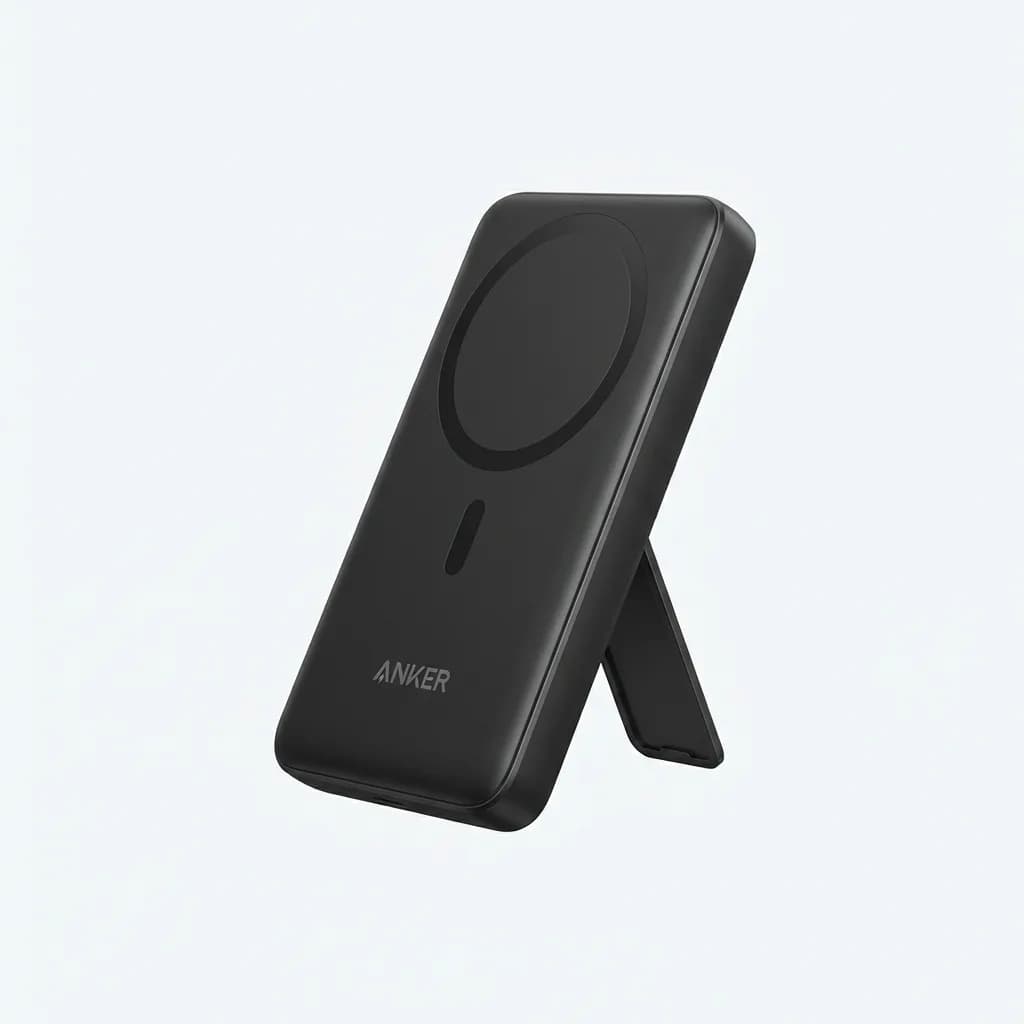
Anker 622 MagSafe Power Bank (5000mAh)
$46
MagSafe-compatible 5,000mAh battery with fold-out stand. 7.5W wireless charging, strong magnets, doubles as desktop phone holder.
The tradeoff with MagSafe power banks is heat. Wireless charging generates more heat than wired, and having the battery pressed against your phone makes it worse. This isn't a problem for topping up 20-30%, but for full charges, a wired connection is faster and cooler.
Car Mounts That Hold Position
Most phone mounts either block vents, fall off windshields, or use weak magnets that drop your phone on the first pothole. The ESR HaloLock Magnetic Car Mount solves this with a vent clip that doesn't obstruct airflow and magnets strong enough to hold an iPhone 16 Pro Max through aggressive turns.
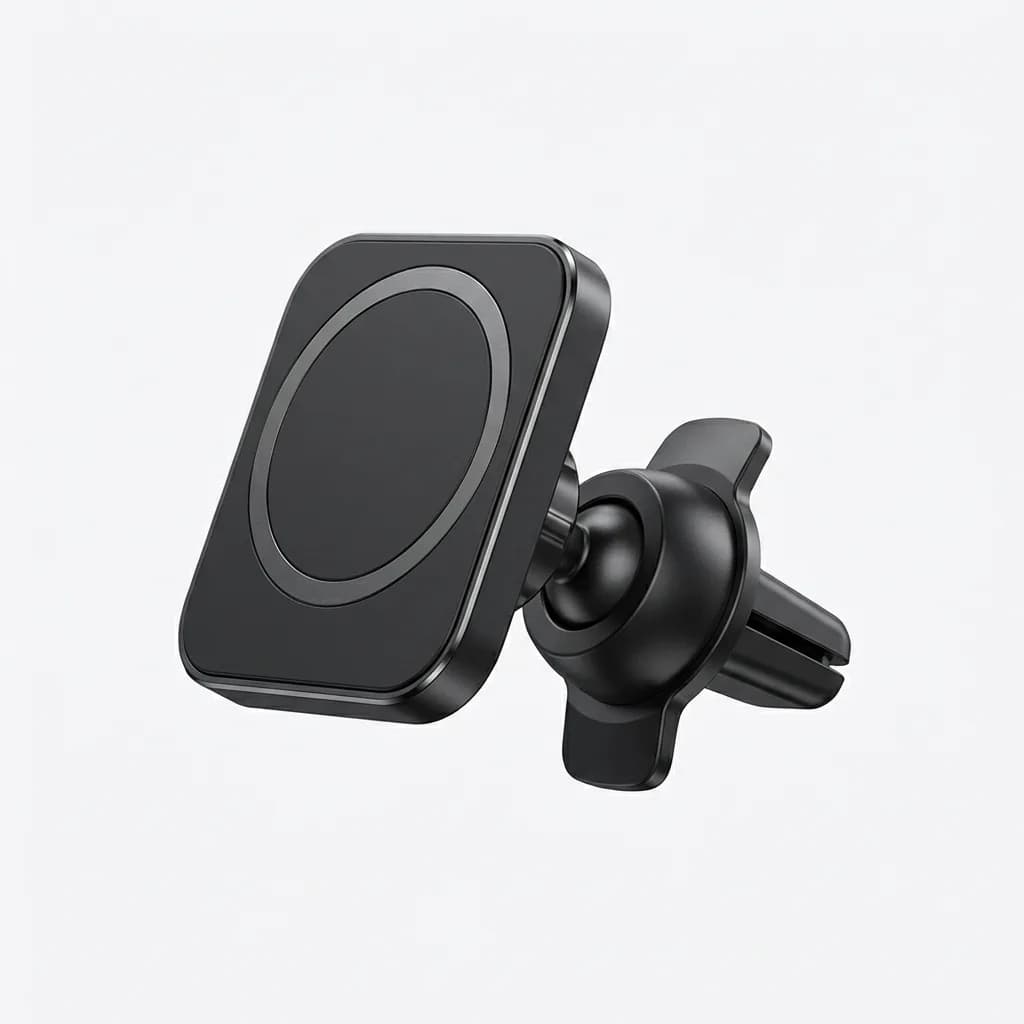
ESR HaloLock Magnetic Car Mount
$20
MagSafe-compatible vent mount with 360-degree rotation. Strong ring magnets, one-handed operation, works with all iPhone 12 and newer.
For dash mounting, the iOttie Velox adds wireless charging to the mount. It delivers 10W to Android devices and 7.5W to iPhones, which isn't fast charging but maintains battery level during navigation. The suction cup works on dashboards and windshields, and the adjustable arm gives you more positioning options than vent clips.
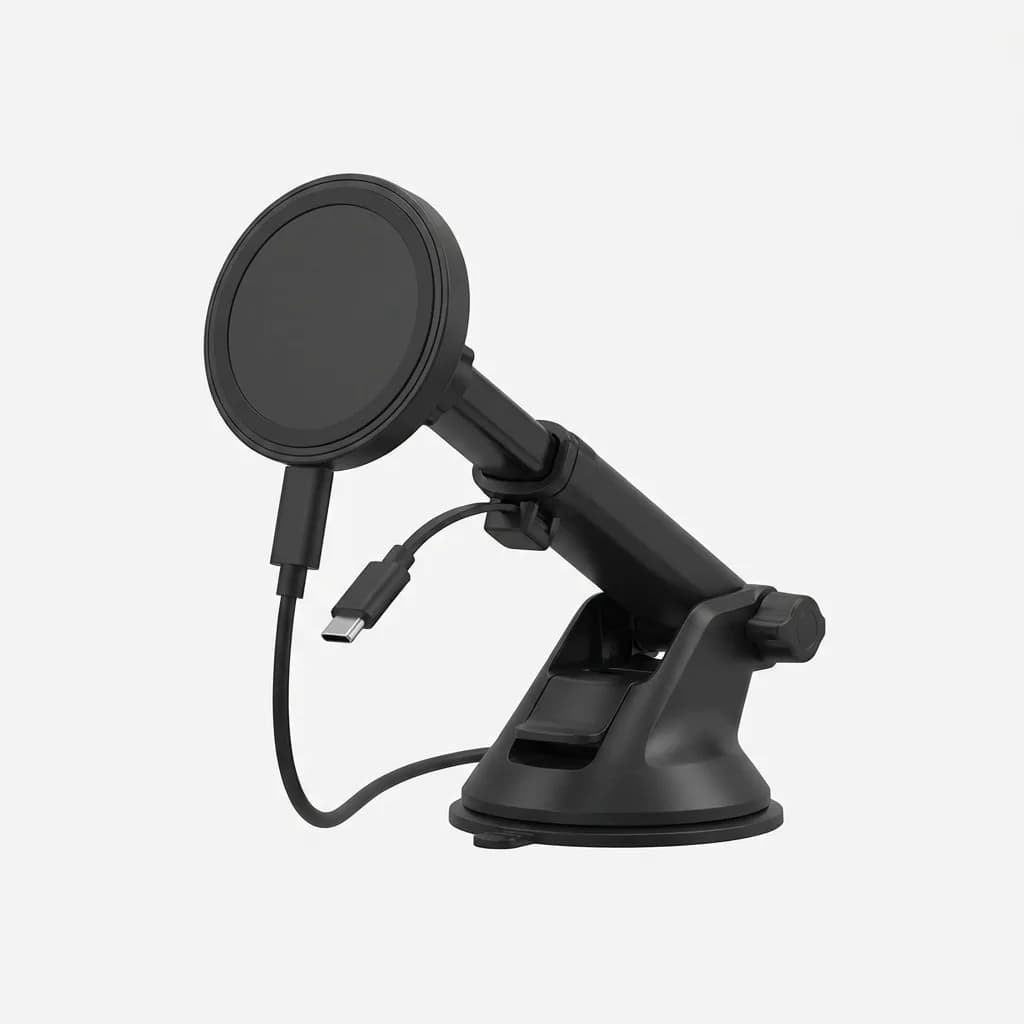
iOttie Velox MagSafe Car Mount Charger
$50
Magnetic dashboard mount with 7.5W wireless charging. Telescoping arm, strong suction base, cable management clip, USB-C power input.
The mistake with car mounts is assuming MagSafe alone is enough. It's not. Road vibration and sudden stops will dislodge a phone held only by magnets. Look for mounts with mechanical grips or extremely strong magnet arrays rated specifically for automotive use.
Cables Worth Keeping
Apple includes a USB-C to USB-C cable with iPhone 15 and newer, but it's only one meter long and not particularly durable. For desk or bedside use, a longer cable matters. Anker's PowerLine III Flow USB-C cable comes in two-meter and three-meter lengths, uses a braided design that resists tangling, and supports the full 27W charging speed iPhones can handle.
The cable also works with MagSafe chargers, MacBooks, and any other USB-C device, which means fewer cables to track. We've been using the same Anker cables for over a year with no fraying or connection issues, which is more than we can say for cheaper alternatives.
For travel, shorter cables make more sense. The six-inch Anker USB-C to USB-C cable fits in any pocket and eliminates the cable management problem entirely. It's too short for most stationary use but perfect for power banks, car adapters, or any situation where you want charging without cable spaghetti.
What About AirPods?
AirPods Pro (2nd generation) pair instantly with iPhones and switch automatically between devices signed into the same Apple ID. This sounds like a minor feature until you experience it. Walk away from your MacBook mid-podcast, pull out your iPhone, and playback continues without touching anything. That seamlessness is hard to replicate with third-party earbuds.
The MagSafe charging case means AirPods work with the same charging pads and stands as your iPhone, which reduces the number of charging cables you need. We keep a single MagSafe puck on the desk and rotate between phone and AirPods depending on what needs power.
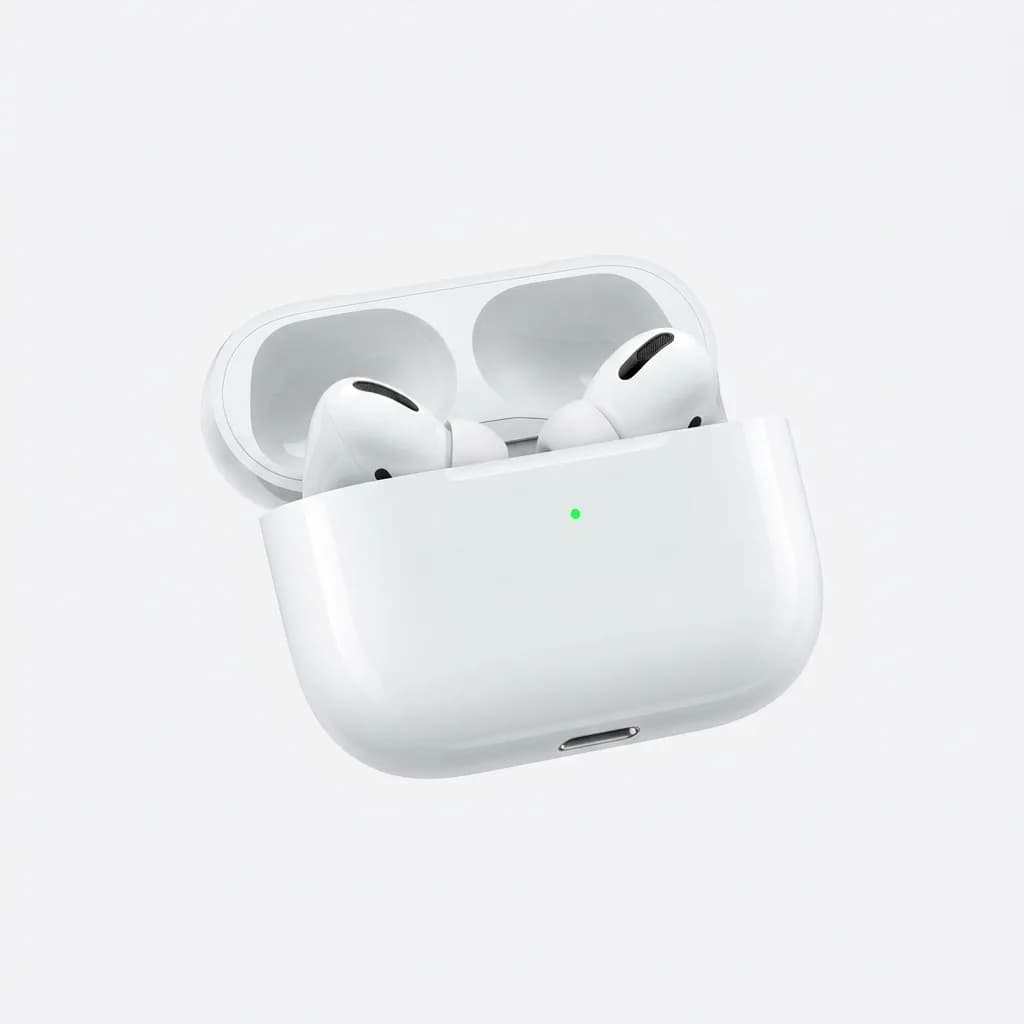
Apple AirPods Pro (2nd Gen)
$190
Active noise cancellation, transparency mode, H2 chip for instant pairing. MagSafe charging case, 6 hours battery, IPX4 water resistance.
Do You Need a MagSafe Charger?
Maybe. MagSafe charging is convenient but not necessary. If you charge overnight, speed doesn't matter and any Qi wireless charger works. If you need speed, a USB-C cable is faster and cheaper than MagSafe.
Where MagSafe makes sense is in situations where precise alignment matters. Regular wireless chargers require centering your phone on a pad, and if you miss by half an inch, charging fails. MagSafe snaps into position automatically. For bedside tables, car mounts, and desk setups where you're placing your phone repeatedly, that magnetic alignment saves minor frustration dozens of times per day.
The Belkin BoostCharge Pro 3-in-1 is expensive but handles iPhone, Apple Watch, and AirPods from a single plug. It's overkill if you only need phone charging, but if you're already carrying multiple Apple devices, it replaces three separate chargers. The weight and size make it better suited for office desks than travel, but for stationary use it's the cleanest solution.
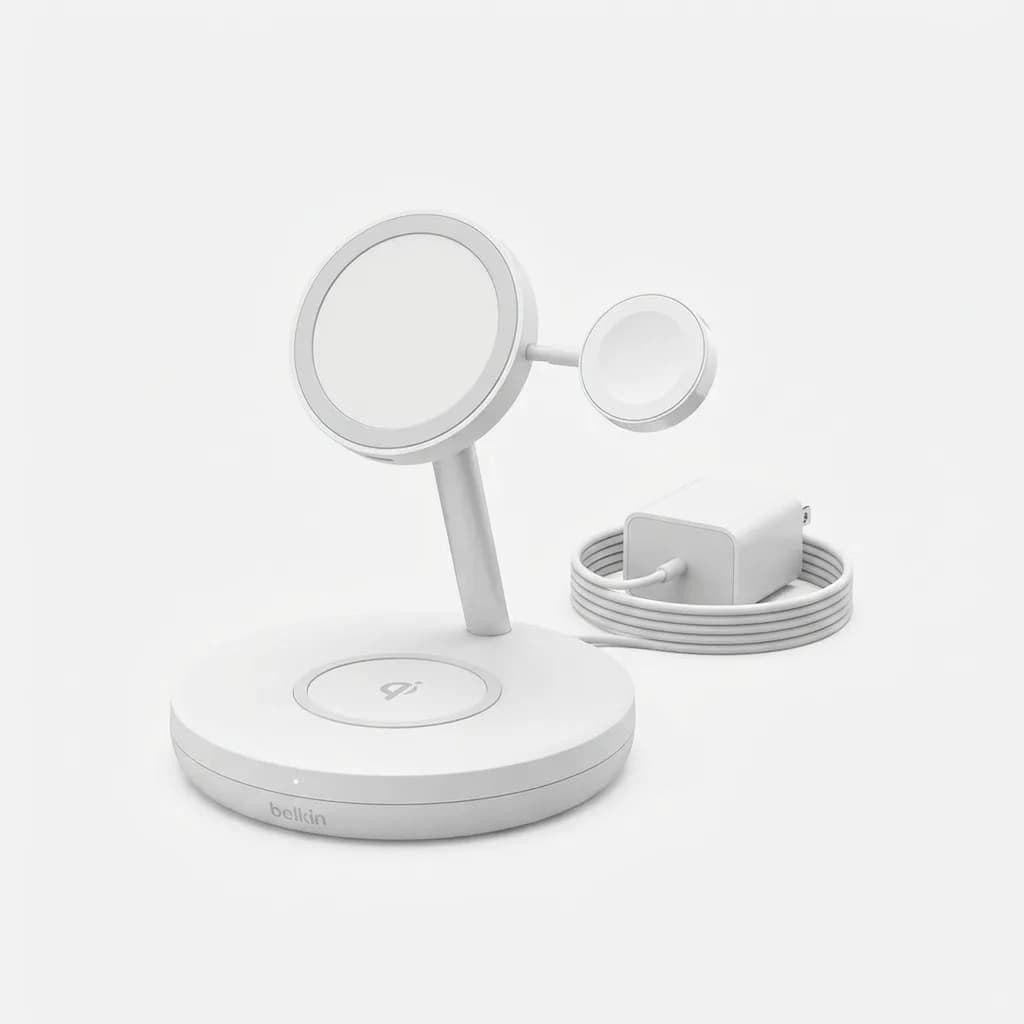
Belkin BoostCharge Pro 3-in-1 MagSafe Stand
$150
Charges iPhone (15W), Apple Watch, and AirPods simultaneously. Official MagSafe module, weighted base, LED indicators, includes power adapter.
What Actually Matters
Most iPhone accessories are solutions to problems that don't exist. You don't need a lens attachment, a battery case, or a phone grip unless you have specific use cases for them. What you do need are the basics done well: fast charging at home and in the car, reliable mounting, and backup power that doesn't weigh down your bag.
Start with a 20W or higher wall charger and a quality USB-C cable. Add a car charger if you drive regularly. Choose a MagSafe wallet if you want to consolidate carry items or a power bank if you're frequently away from outlets for extended periods. Everything else is optional and depends on your specific daily routine.
The best EDC tech is the gear you forget you're carrying until the moment you need it. That's the standard these accessories meet.
The Weekly Dispatch
Enjoying this article?
Subscribe and get our best gear picks delivered every Sunday morning.
Related Stories
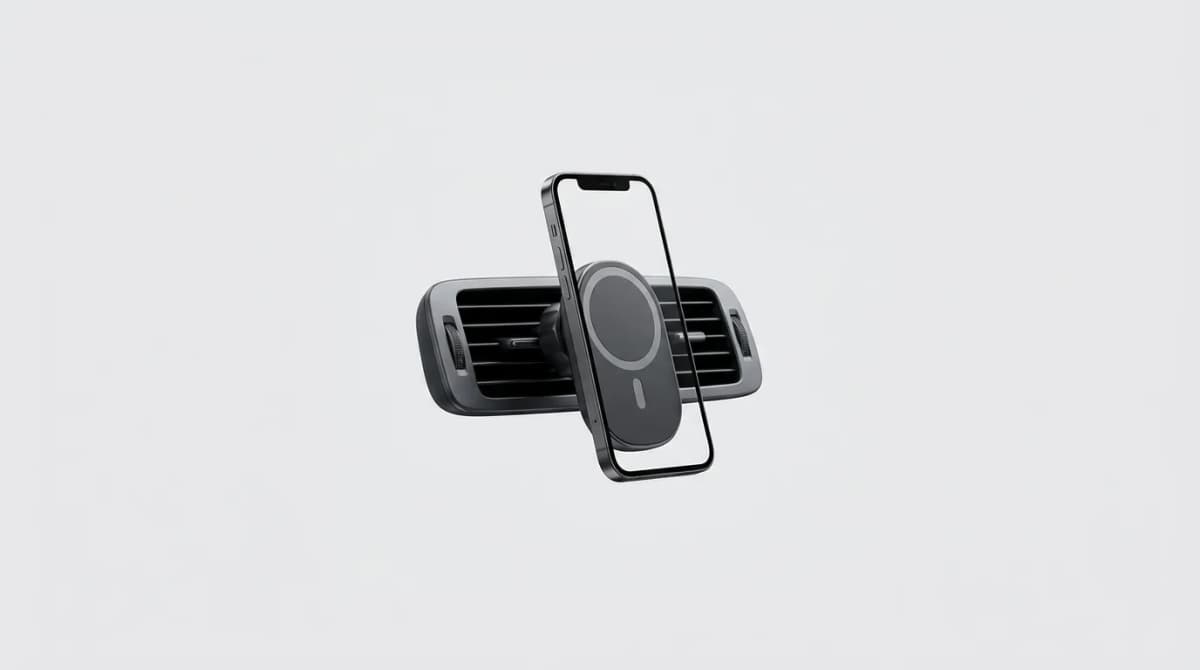
Best MagSafe Car Mounts for Commuters
MagSafe car mounts promise one-handed convenience, but many fail under vibration and heat. We tested the mounts that actually hold through rough roads.
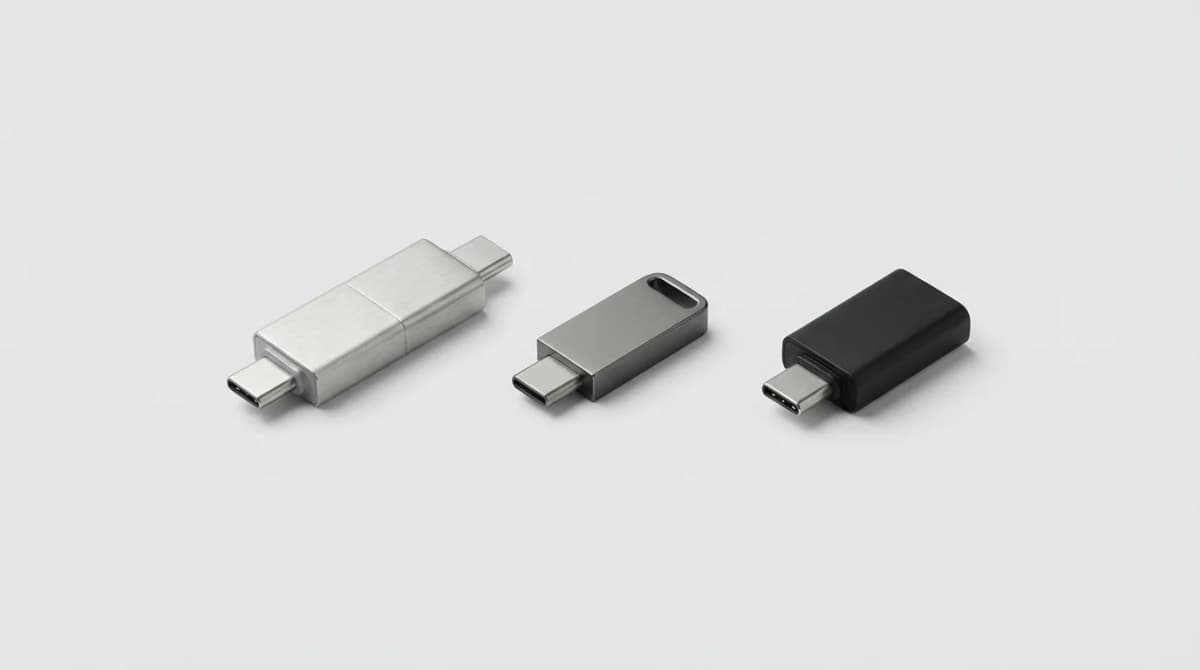
Best USB-C Flash Drive for iPhone and Android
USB-C flash drives bridge the gap between your phone and computer. We break down speed, capacity, and durability to find the best dual-purpose drives worth buying.
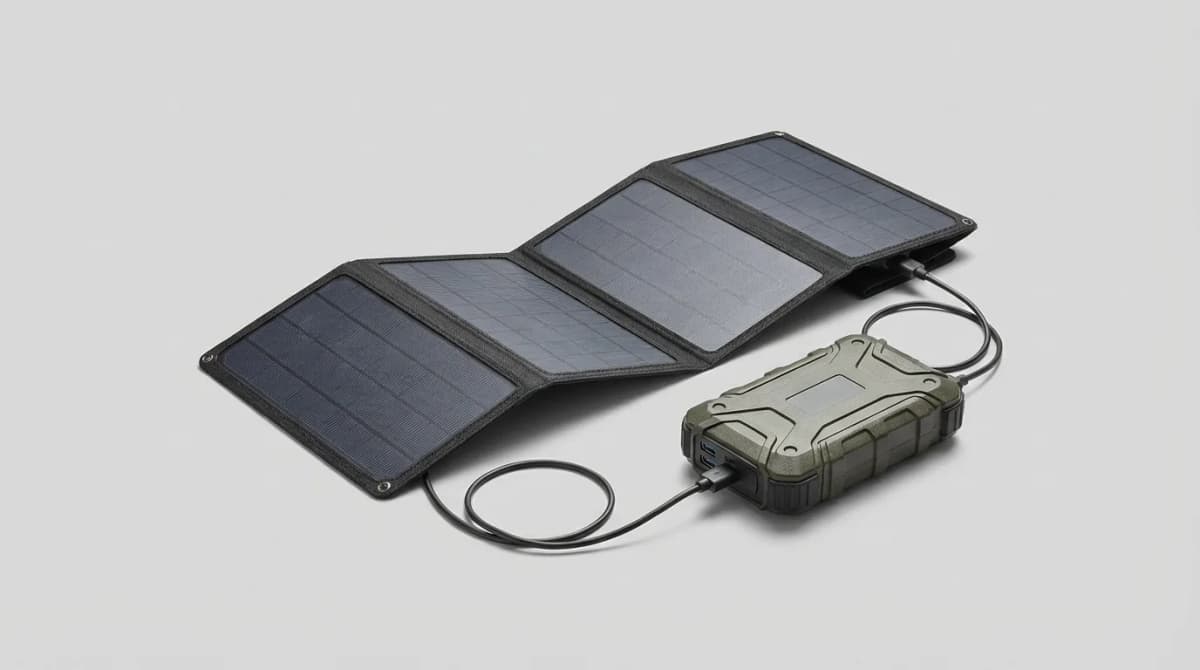
Solar Chargers and Power Banks: Green Solutions
Solar chargers convert sunlight into power for your devices, but efficiency varies wildly. We break down panel specs, capacity tradeoffs, and which models actually work.