Digital Nomad Gear: Essentials for Working Anywhere
The right gear makes remote work sustainable. We break down the essential tools that balance portability with productivity for digital nomads.
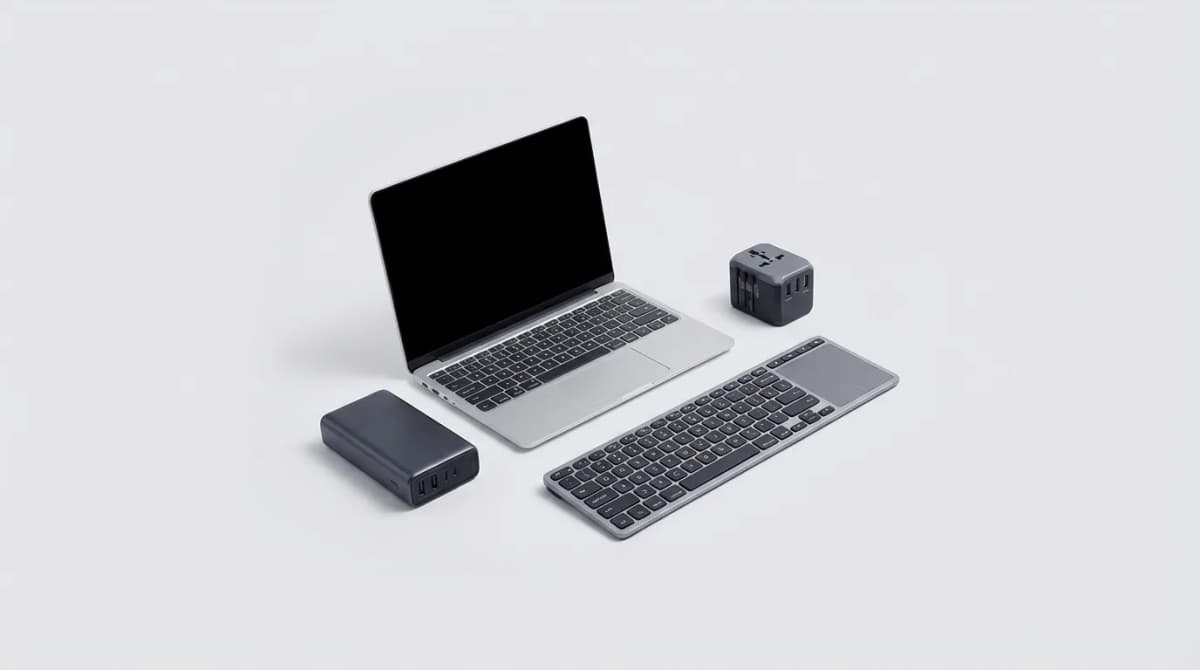
You can't work effectively from a Bali cafe with a 15-inch gaming laptop and a tangle of cables. The digital nomad lifestyle demands gear that's compact, reliable, and versatile enough to handle everything from airport lounges to coworking spaces. After testing dozens of setups across multiple countries, we've identified the core pieces that actually matter.
The challenge isn't just finding portable gear. It's finding portable gear that doesn't force you to compromise on productivity. A laptop that's light enough for daily carry but powerful enough for video calls. A power solution that works in any country without a carry-on full of adapters. A keyboard that doesn't make you hate typing after an hour.
The laptop decision: weight versus capability
Most digital nomads overthink this. You don't need a MacBook Pro unless you're editing 4K video. You don't need a gaming laptop unless you're actually gaming. What you need is something between 2.5 and 3.5 pounds with at least 8 hours of real-world battery life.
The sweet spot is 13 to 14 inches. Smaller screens kill productivity. Larger laptops kill portability. The display quality matters more than specs for most remote work. If you're staring at spreadsheets and Slack all day, a sharp IPS or OLED panel reduces eye strain significantly.
Processing power depends on your actual workload. Web developers can survive on a mid-range processor. Video editors cannot. Most nomads fall somewhere in between, running multiple browser tabs, video conferencing, and light creative work. An Intel Core i5 or AMD Ryzen 5 handles this without thermal throttling in hot climates.

Dell XPS 13 Plus
See current price
13.4-inch OLED display, Intel Core i7, 2.7 lbs. Premium build quality with excellent battery life and a compact footprint for travel.
Storage deserves attention. Cloud services fail when WiFi is unreliable. A 512GB SSD gives you enough local storage for critical files without adding weight or cost. Avoid anything with spinning hard drives. They don't handle the constant movement well.
Portable office setup: the ergonomics you can't skip
Working from a laptop keyboard and trackpad destroys your wrists and neck after a few months. You need a way to raise the screen to eye level and use a proper keyboard. The question is how to do this without carrying a full desktop setup.
A foldable laptop stand solves the screen height problem. The Roost Stand weighs 5.9 ounces and collapses to the size of a ruler. It's not the cheapest option, but it's the most portable one that actually keeps your laptop stable. Cheaper stands wobble or collapse under the weight of larger laptops.
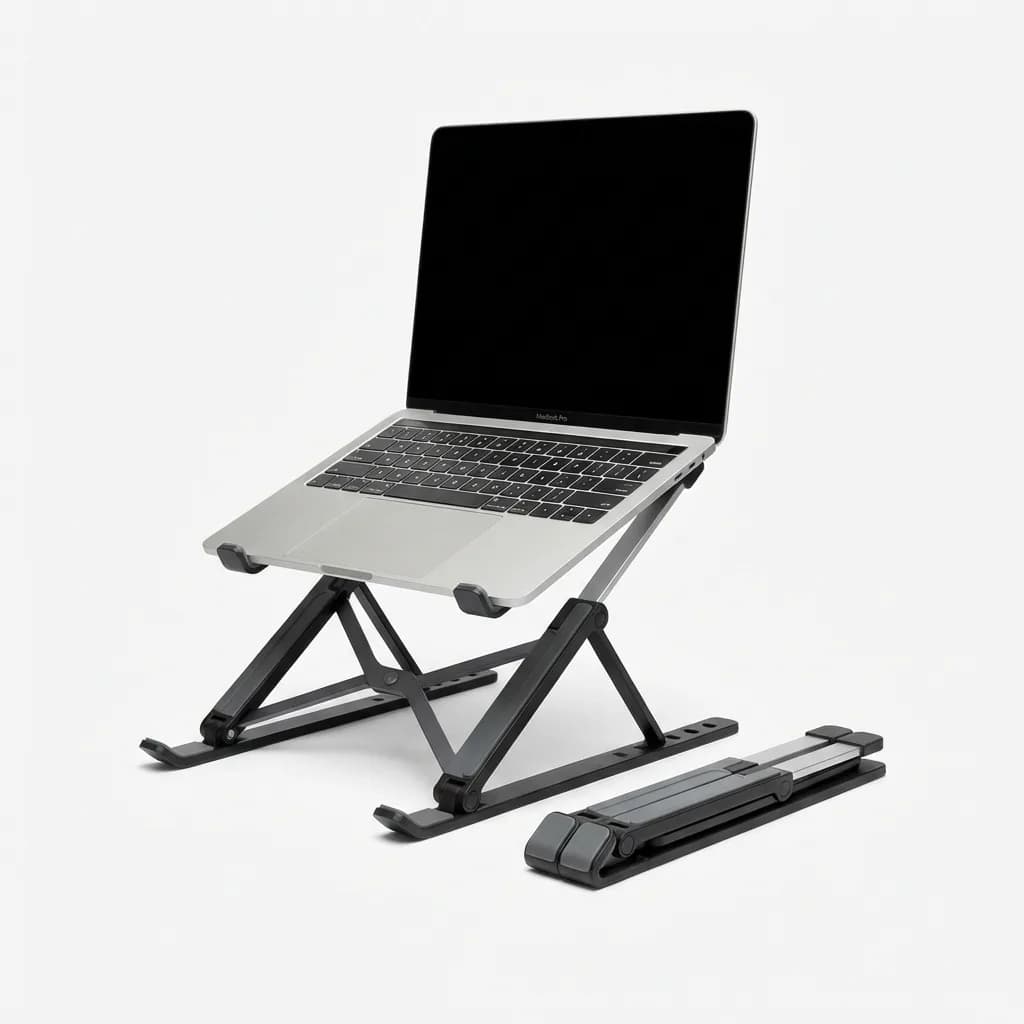
Roost Laptop Stand V3
$74.95
Adjustable height, ultra-portable at 5.9 oz, supports laptops up to 15 inches. Folds flat for easy packing.
Pair the stand with a compact mechanical or low-profile keyboard. Full-size keyboards don't fit in most backpacks. 75% layouts cut the number pad but keep the arrow keys and function row. This is the minimum viable layout for productivity work.
We've tested dozens of travel keyboards. The Keychron K3 hits the best balance. It's a 75% layout with low-profile mechanical switches, Bluetooth connectivity, and a battery that lasts weeks. The aluminum body adds a bit of weight but prevents the flex you get with plastic travel keyboards.
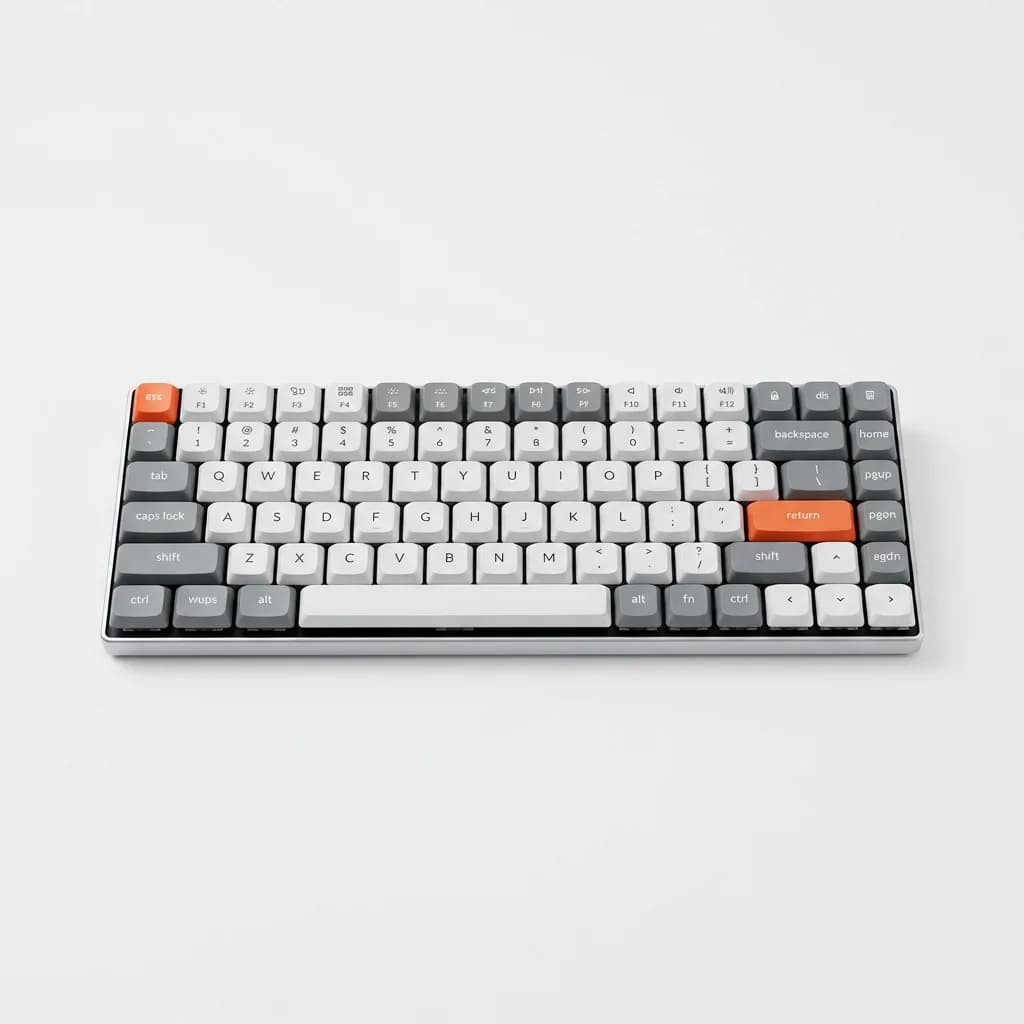
Keychron K3 Wireless Mechanical Keyboard
See current price
75% layout, low-profile mechanical switches, Bluetooth and wired modes. Slim aluminum body fits easily in backpacks.
A wireless mouse completes the setup. Skip the tiny travel mice. They're uncomfortable for extended use. Get a normal-sized mouse that fits your hand. The Logitech MX Anywhere 3 works on any surface, including glass, and connects to three devices simultaneously. This matters when you're switching between your laptop and tablet throughout the day.
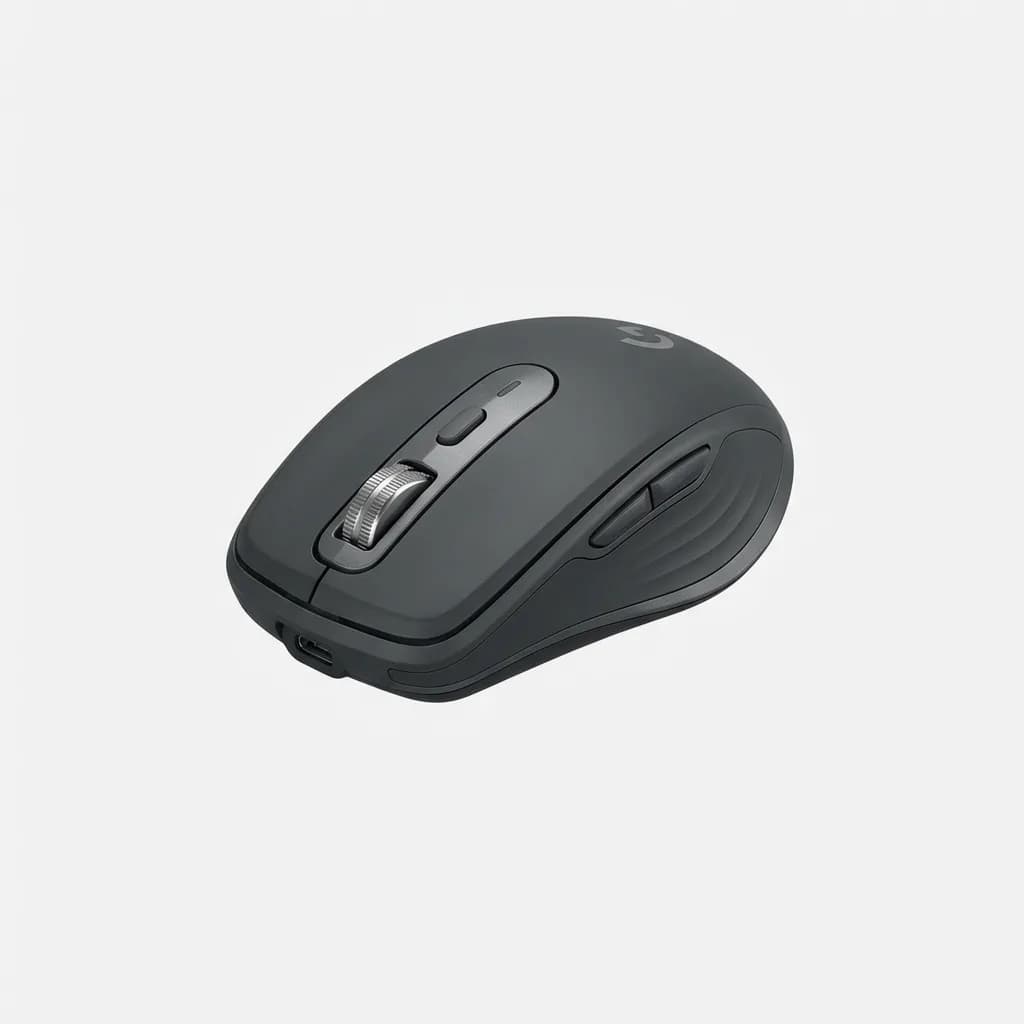
Logitech MX Anywhere 3
See current price
Compact wireless mouse with 4000 DPI sensor, works on glass, connects to 3 devices. Rechargeable battery lasts up to 70 days.
Power solutions: adapters, banks, and charging strategy
Power is the bottleneck that kills productivity. You need a strategy for keeping devices charged across different countries with different outlet types and voltage standards.
Start with a universal travel adapter. Not the cheap multi-country ones that burn out after a month. Get one with built-in surge protection and USB ports. The Epicka Universal Travel Adapter covers over 150 countries, includes four USB-A ports and one USB-C port, and has fuses you can replace if they blow.
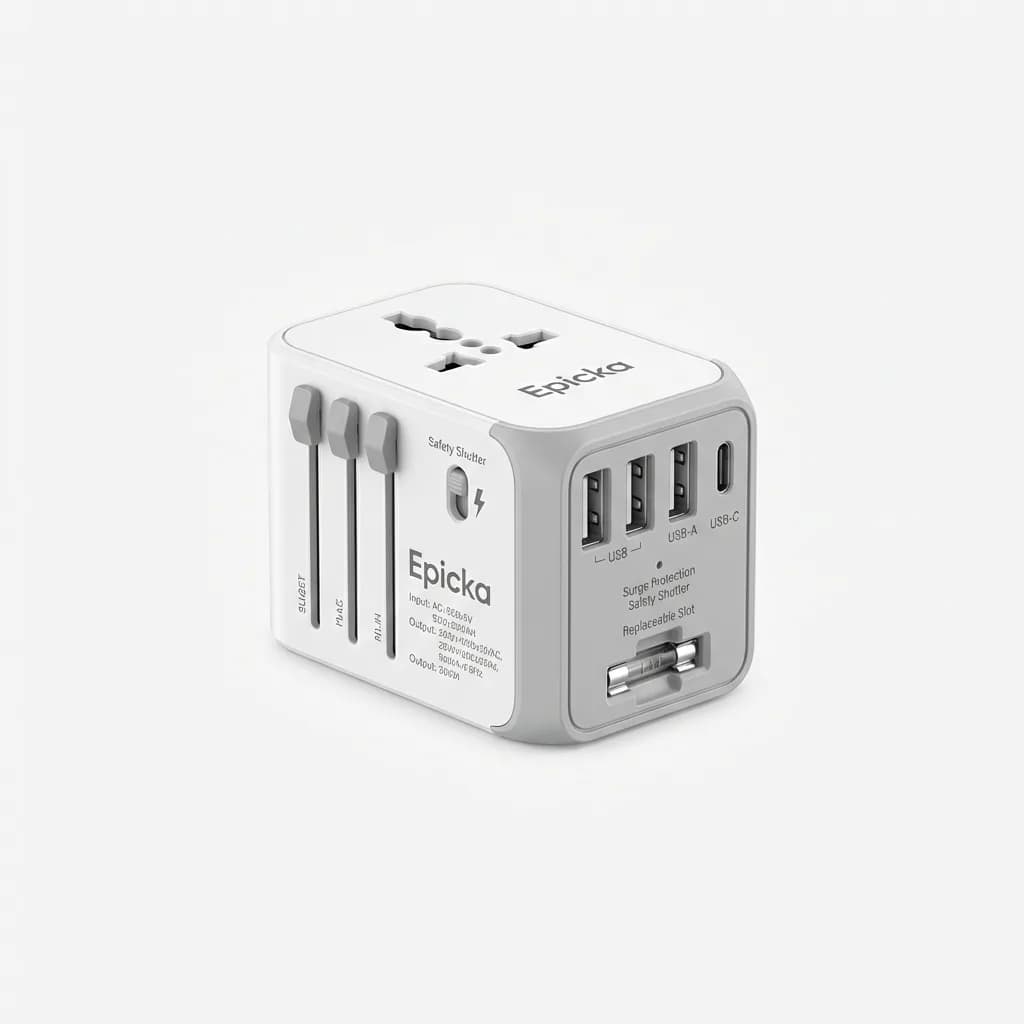
Epicka Universal Travel Adapter
See current price
Covers 150+ countries, 4 USB-A ports, 1 USB-C port, replaceable fuse. Surge protection and safety shutters included.
A high-capacity power bank keeps you working when outlets aren't available. Airports, trains, and outdoor cafes often lack accessible power. The Anker 737 Power Bank delivers 24,000mAh with 140W output. It can charge a MacBook Pro to full battery while simultaneously charging your phone and tablet.
TSA and international airlines allow power banks up to 100Wh in carry-on luggage. The Anker 737 sits at 86.4Wh, well under the limit. Larger batteries get confiscated at security.
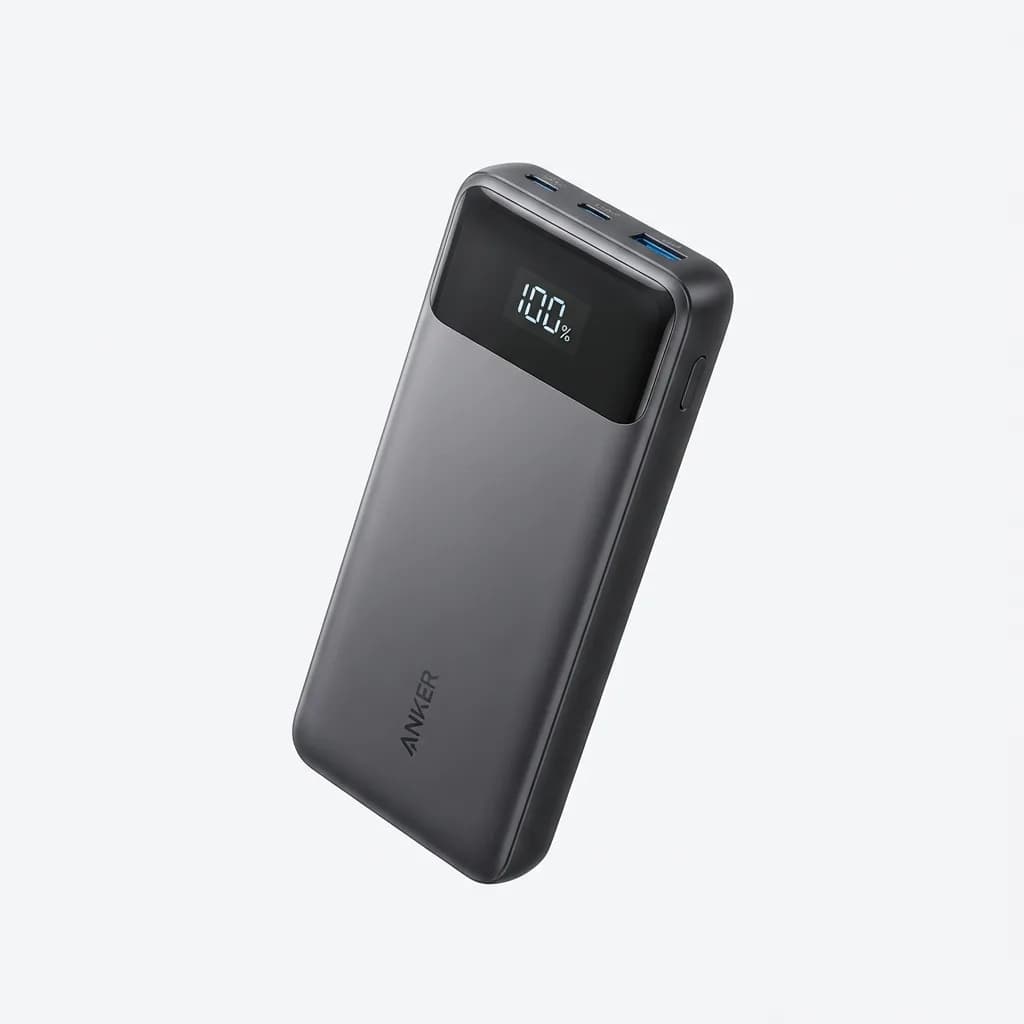
Anker 737 Power Bank 24,000mAh
See current price
140W output, 86.4Wh capacity (airline safe), charges laptops and phones simultaneously. Digital display shows remaining power.
Consolidate your charging cables with a GaN charger. Gallium nitride technology produces compact chargers with high wattage output. The Ugreen Nexode 100W charger has three USB-C ports and one USB-A port in a package smaller than Apple's old 61W brick. You can charge your laptop, phone, tablet, and wireless earbuds from a single outlet.
What about noise-canceling headphones?
Cafes, coworking spaces, and airports are loud. You need active noise cancellation for focus work and video calls. Over-ear headphones provide better ANC than earbuds, but they take up significant space in a backpack.
The Sony WH-1000XM5 delivers the best noise cancellation available in a foldable design. The carrying case adds bulk, but the 30-hour battery life means you're not constantly hunting for charging cables. The ambient sound mode lets you hear announcements without removing the headphones.
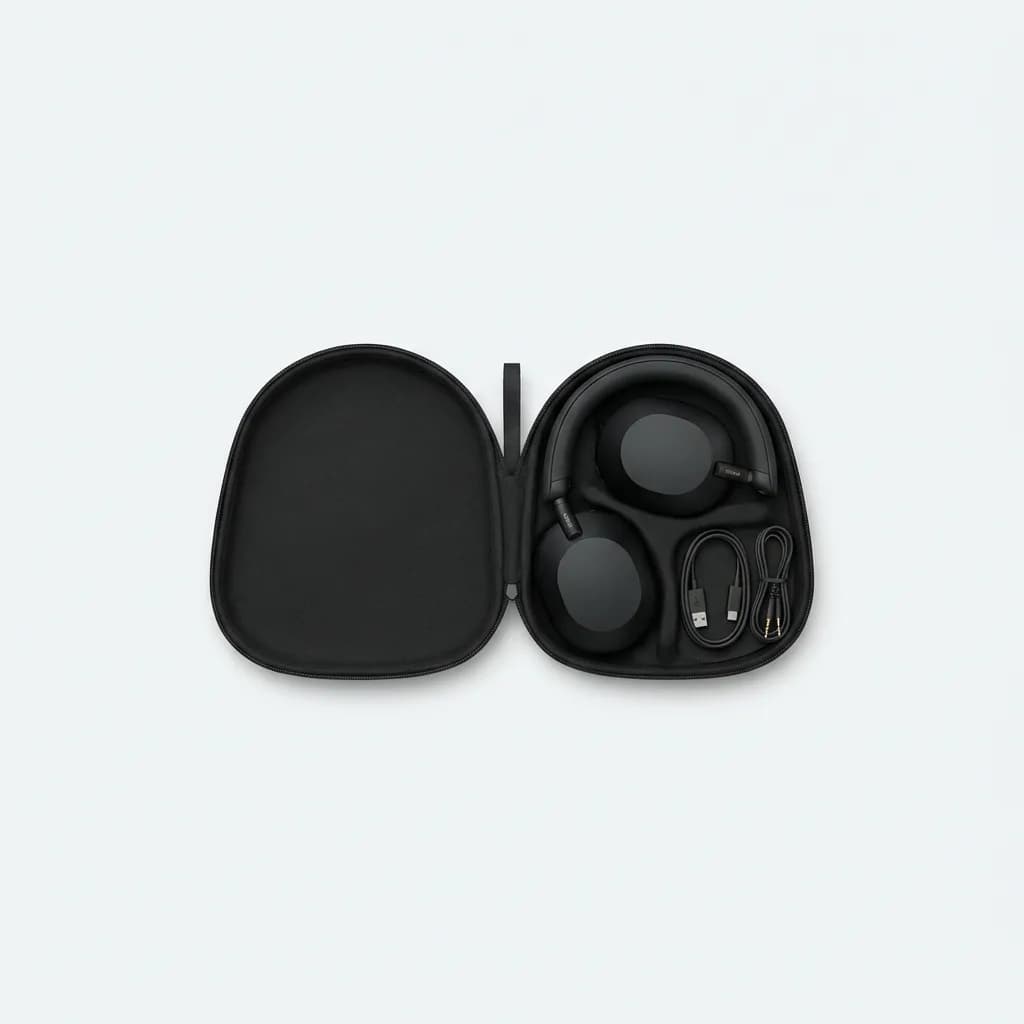
Sony WH-1000XM5 Wireless Noise Canceling Headphones
See current price
Industry-leading ANC, 30-hour battery, foldable design with carrying case. Eight microphones for clear call quality.
Earbuds work for shorter sessions. The AirPods Pro 2 fit in any pocket and offer solid ANC for their size. The transparency mode is more natural than Sony's over-ear option. Battery life is the limitation at six hours per charge, but the case extends this to 30 hours total.
The backpack that holds everything
Your gear is worthless if your backpack falls apart after three months of daily use. You need something built for constant movement with organization that keeps cables from tangling and electronics protected.
The Aer Travel Pack 3 is purpose-built for digital nomads. The main compartment opens clamshell-style for easy airport security checks. A dedicated laptop sleeve holds up to 16-inch laptops. Multiple organizational pockets keep chargers, adapters, and accessories separated. The water-resistant exterior protects gear during unexpected rain.
At 33 liters, it maxes out carry-on dimensions for most airlines. This forces you to pack strategically, which is exactly the point. If it doesn't fit in one bag, you probably don't need it.
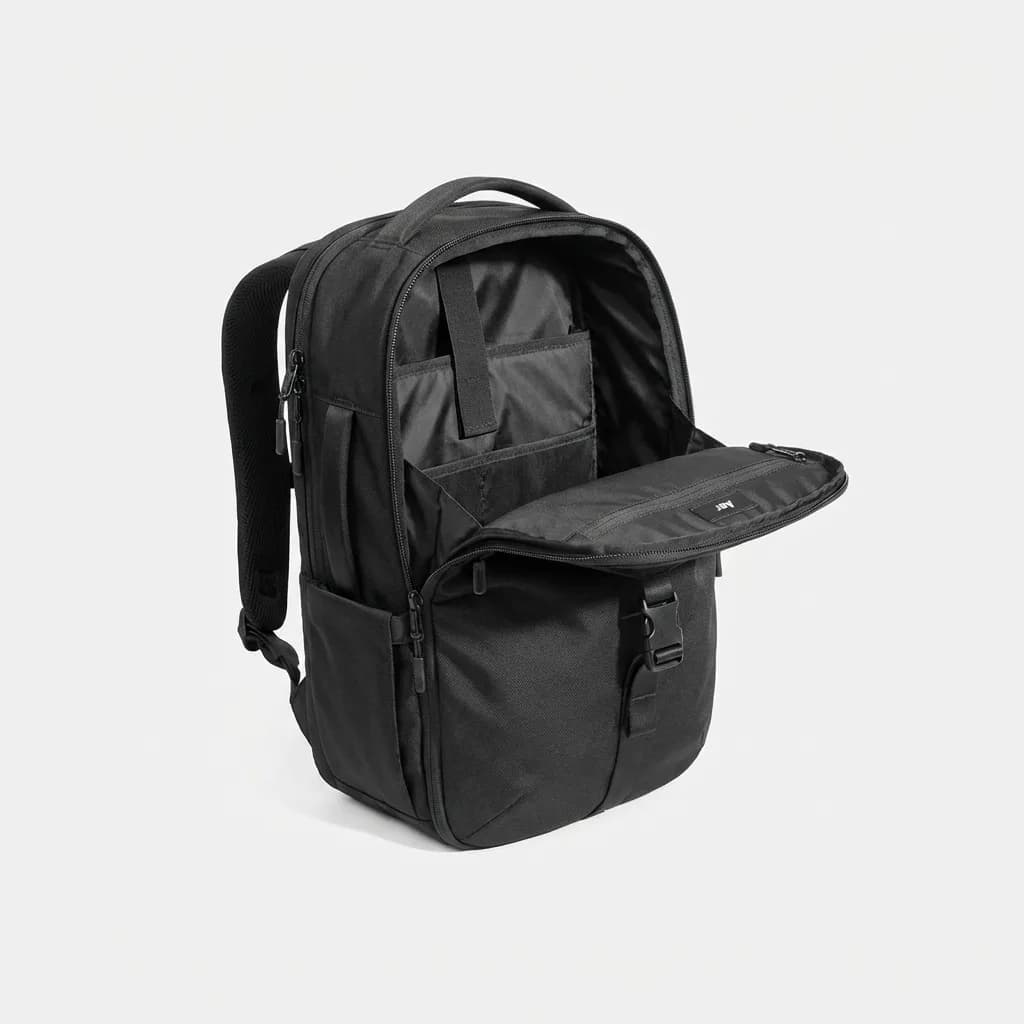
Aer Travel Pack 3
$280
33L capacity, clamshell opening, dedicated laptop compartment for 16-inch devices. Water-resistant Cordura fabric with YKK zippers.
The mistakes most digital nomads make
Overpacking is the default error. You don't need three pairs of headphones or backup cables for every device. Bring one of everything and replace it locally if it breaks. Most countries have electronics stores.
Underpowered charging is the second mistake. Your laptop's included charger isn't enough when you're charging multiple devices. A 100W GaN charger with multiple ports eliminates the cable mess and reduces the number of adapters you need.
Ignoring ergonomics is the third mistake. Working from a laptop keyboard might feel fine for a week. After a month, you'll have wrist pain. After six months, you'll have repetitive strain injuries. The laptop stand and external keyboard aren't optional accessories. They're injury prevention.
Making the setup work long-term
Digital nomad gear needs to survive constant packing, security checks, climate changes, and the occasional drop. Build quality matters more than features. A $50 keyboard that breaks after two months costs more than a $150 keyboard that lasts two years.
Test your full setup before you leave. Spend a week working from cafes and coworking spaces in your home city. You'll discover what's missing or unnecessary before you're 8,000 miles from home.
Keep cables organized with cable ties or pouches. A tangled mess of charging cables wastes time and increases the chance you'll forget something when packing quickly.
Back up your data locally and to the cloud. Hard drives fail. Laptops get stolen. Cloud storage fails when internet is unreliable. You need both.
The gear list above focuses on the essentials that make remote work sustainable. You'll add and remove items based on your specific needs, but these core pieces form the foundation of a portable office that actually works.
The Weekly Dispatch
Enjoying this article?
Subscribe and get our best gear picks delivered every Sunday morning.
Related Stories
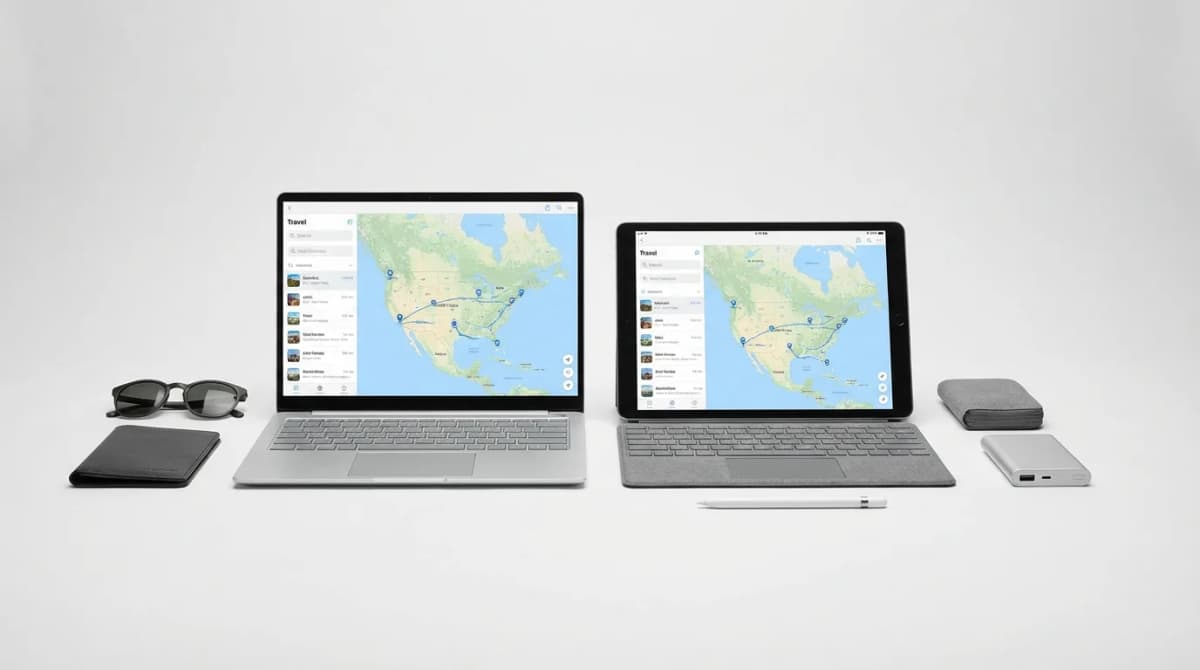
Laptop vs Tablet: Finding the Right Travel Computer
Choosing between a laptop and tablet for travel depends on what you do, not just what fits in your bag. Here's how to match your device to your actual workflow.
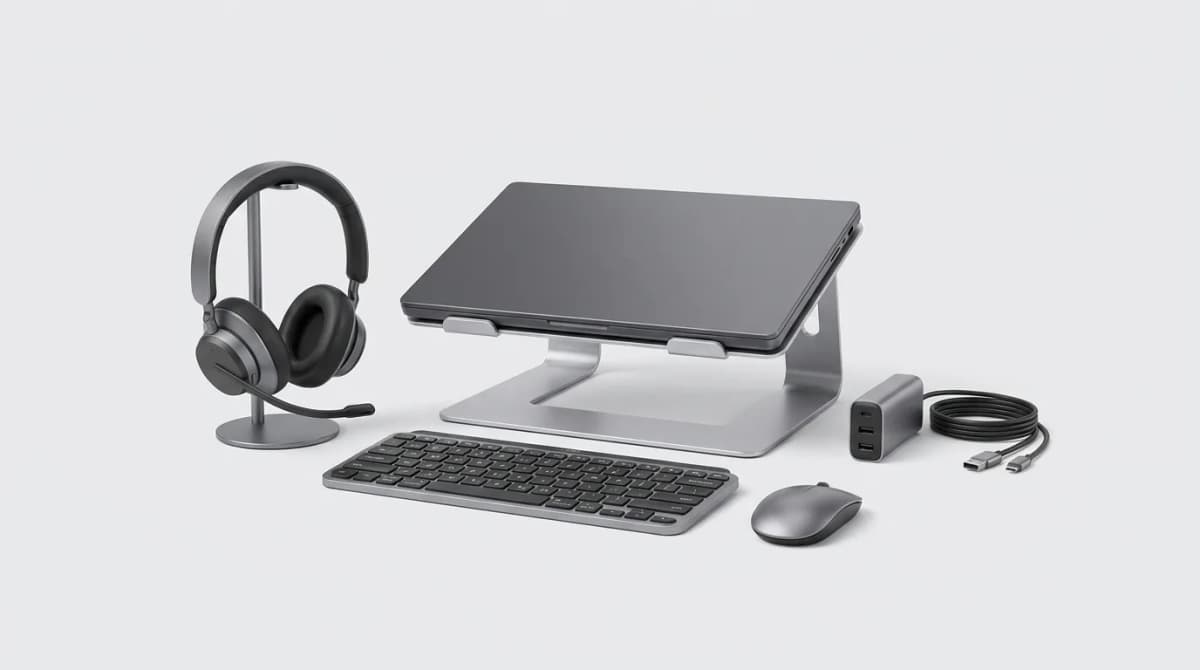
Best Work From Anywhere Kit Under 300 Dollars
Building a complete mobile work setup for under 300 dollars means choosing gear that pulls double duty and skipping the nice-to-haves that don't matter.
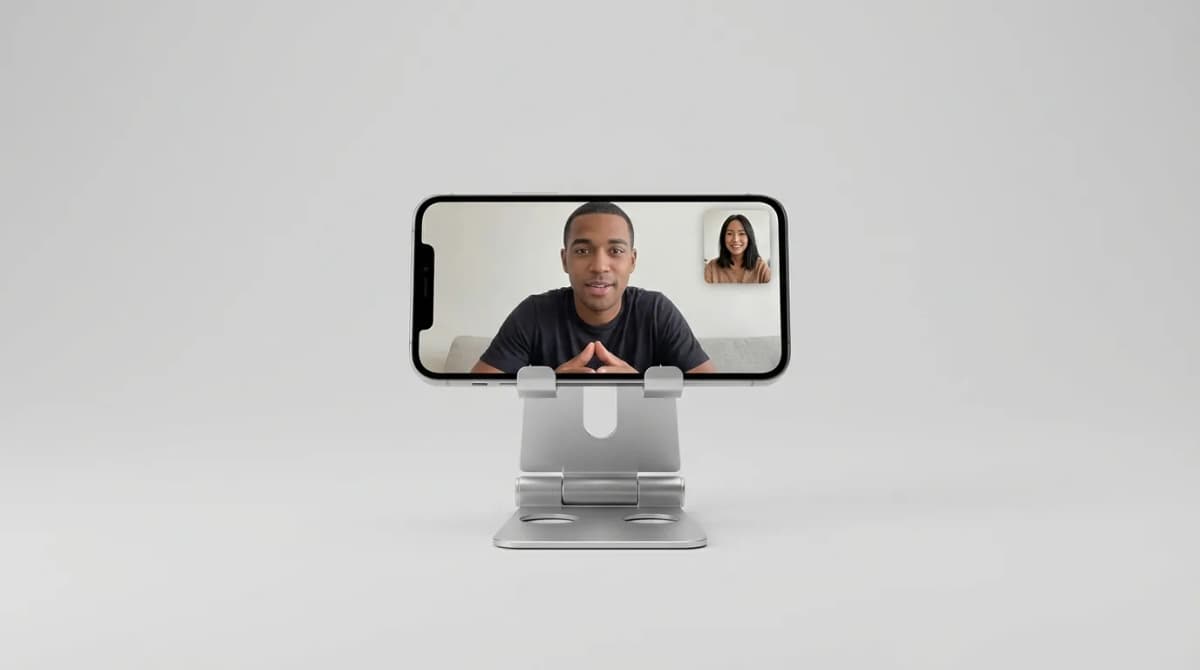
Best Phone Stands for Travel Video Calls
Portable phone stands make video calls possible from hotel rooms, coffee shops, and airports. We break down what separates stable designs from wobbly junk.