VR and AR Gadgets in 2026: Ready for Daily Use?
We tested the latest VR and AR headsets to see if they've crossed the threshold from novelty to necessity. Here's what actually works in 2026.
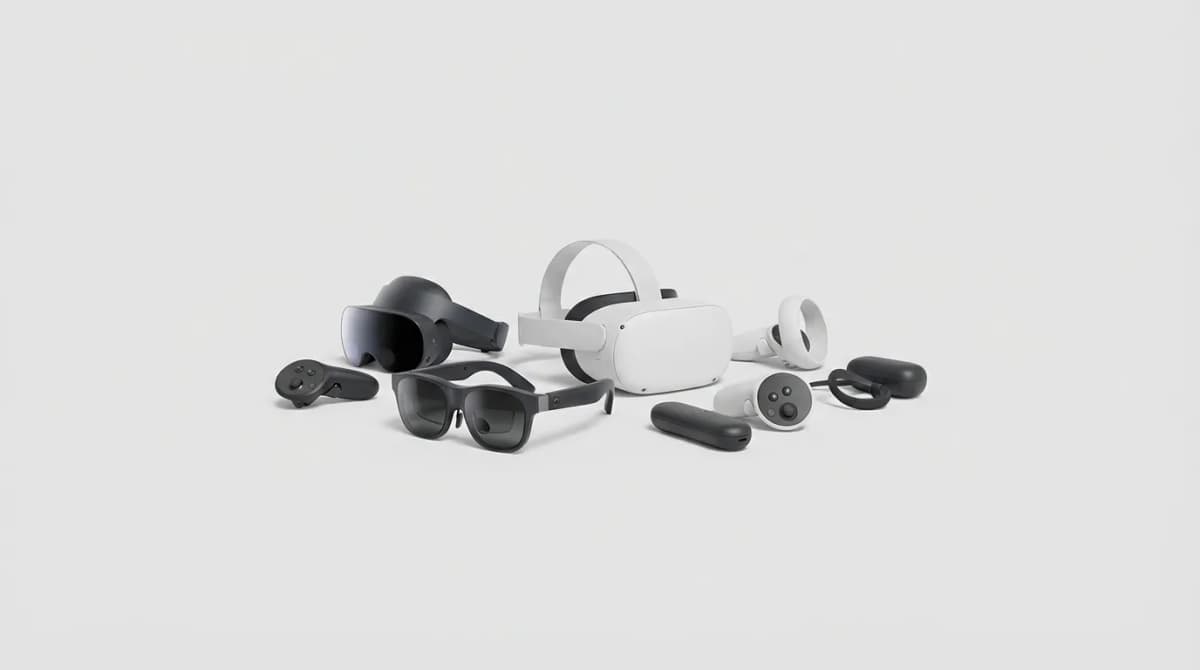
Three years ago, you needed to explain what VR meant to most people. Today, the question isn't whether virtual and augmented reality work, it's whether they're worth strapping to your face every day. We've spent months testing the current generation of headsets to find out which promises manufacturers actually delivered on.
The short answer: some of these devices have genuine everyday utility now, while others remain impressive tech demos searching for a reason to exist.
What Changed Since 2023
The headsets released in 2024 and 2025 fixed three critical problems that kept earlier generations stuck in enthusiast territory. Weight distribution improved dramatically - the Meta Quest 3S moved the battery to the back strap, and Apple's Vision Pro uses a modular design that lets you choose between comfort and battery life.
Passthrough video quality jumped from "navigate your room without hitting furniture" to "read your phone screen clearly." That sounds minor until you realize it's the difference between removing your headset every few minutes and actually staying immersed for extended sessions.
The bigger shift happened in software ecosystems. Microsoft and Meta finally aligned on universal app standards, which means productivity apps like Horizon Workrooms and Immersed now work across multiple headset brands. You're no longer locked into a single manufacturer's walled garden.
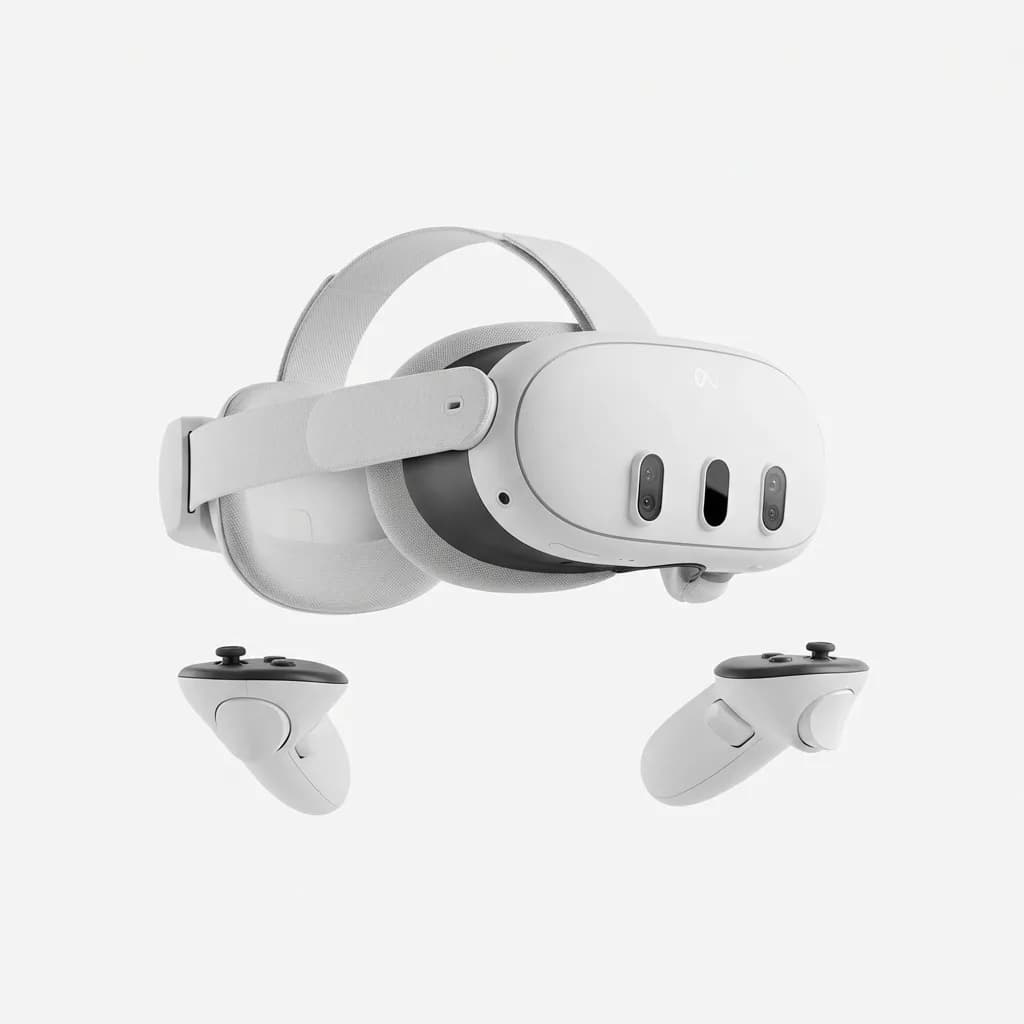
Meta Quest 3S
$299
128GB standalone VR headset with improved weight distribution, 4K+ passthrough, and backward compatibility with Quest 2 game library. Pancake lenses reduce bulk.
We tested the Quest 3S for 60 days as a primary gaming and fitness device. The weight balance eliminates the front-heavy feel that made older Quests uncomfortable after 30 minutes. Passthrough is sharp enough for typing on a physical keyboard, though color accuracy still leans slightly green in low light.
Gaming Performance vs Practical Computing
VR gaming crossed the "good enough" threshold two years ago. The real question in 2026 is whether these headsets can replace monitors for actual work.
After using the Vision Pro as a secondary display for coding and email, the answer is "sort of." Virtual screens work well for focus-intensive tasks where you want to eliminate physical distractions. We found ourselves using it for deep writing sessions and video editing review, but returning to physical monitors for anything requiring rapid context switching between windows.
The ergonomics still don't support all-day wear. Two hours feels comfortable. Four hours is pushing it. Eight hours requires taking breaks every 45 minutes or accepting neck fatigue. That's a meaningful limitation when phones and laptops demand zero accommodation for multi-hour use.
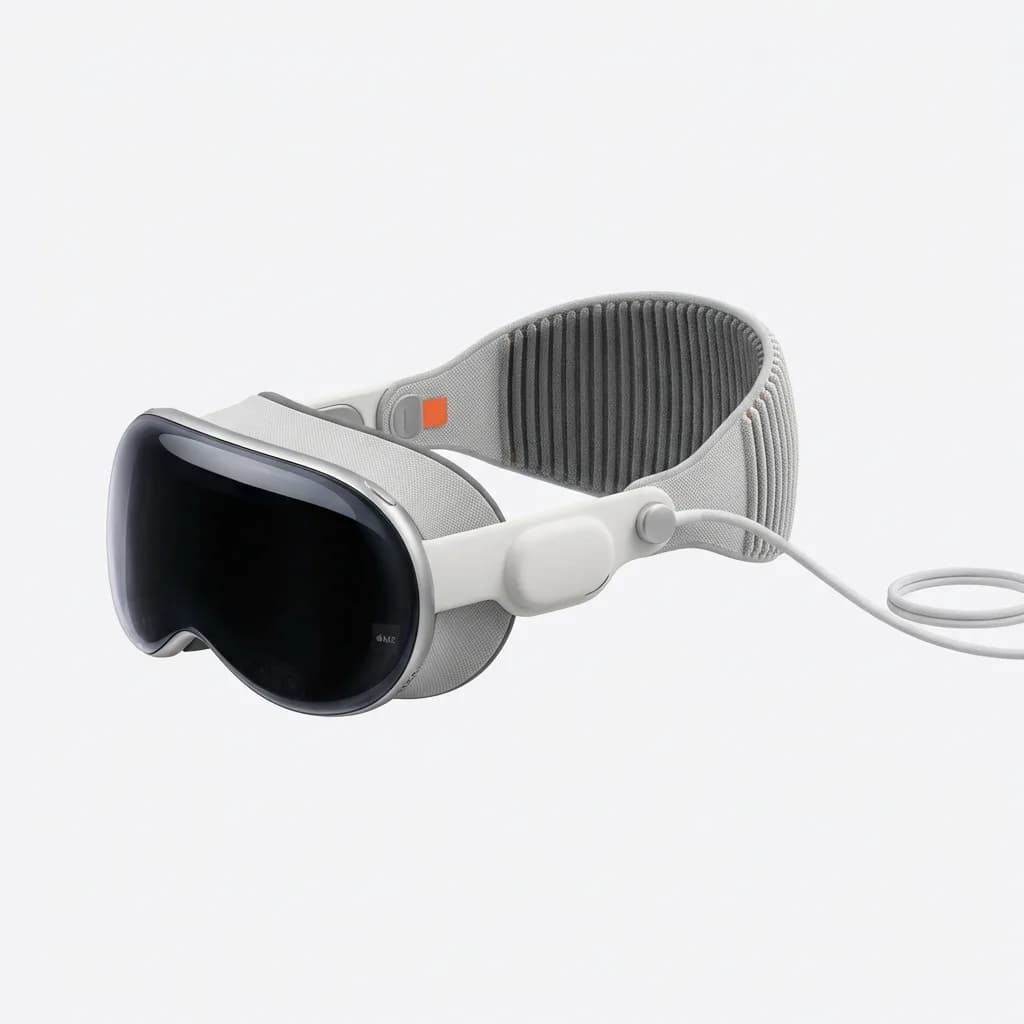
Apple Vision Pro
$3,499
Spatial computing headset with M2 chip, 4K micro-OLED displays per eye, and eye/hand tracking. Seamless Mac integration and premium build quality at premium price.
Gaming benefits from different strengths. Beat Saber and similar rhythm games remain the killer apps for VR, because they genuinely can't exist in any other format. The physical movement component makes them more engaging than traditional games for fitness purposes, though calling it a "workout replacement" oversells the intensity.
Serious sim racing and flight simulation players get the most value from current VR headsets. The immersion advantage is substantial when you're sitting stationary and the entire experience revolves around head tracking. iRacing and Microsoft Flight Simulator in VR create presence that flat screens simply can't match.
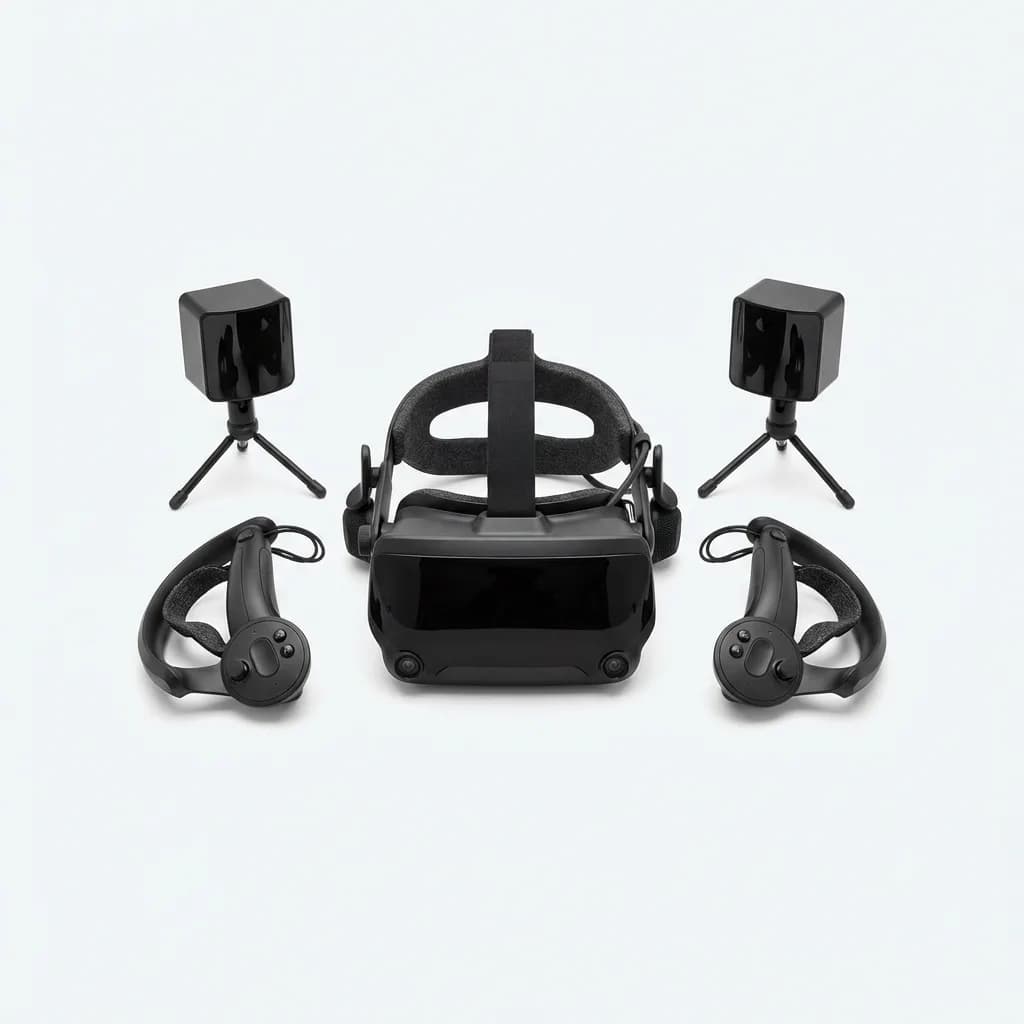
Valve Index
$999
PC-powered VR headset with 120Hz refresh rate, 130-degree field of view, and finger-tracking controllers. Requires base stations but delivers high-fidelity experiences for sim enthusiasts.
Are AR Glasses Actually Useful Yet?
True AR glasses, the kind you wear all day like regular eyewear, remain in the awkward prototype phase. The Xreal Air 2 Ultra and Rokid Max represent the current state of the art, and they're best understood as wearable external monitors rather than true augmented reality devices.
These lighter glasses excel at private viewing for flights and commutes. You get a virtual screen visible only to you, which solves a real problem for travelers who want to work or watch content without revealing their screen to neighbors. Battery life typically runs 4-6 hours, which covers most flights.
The limitation is field of view and brightness. The virtual screens occupy a smaller visual area than a laptop display, and outdoor visibility remains poor in direct sunlight. You're essentially trading portability for screen real estate and usability in varied lighting conditions.
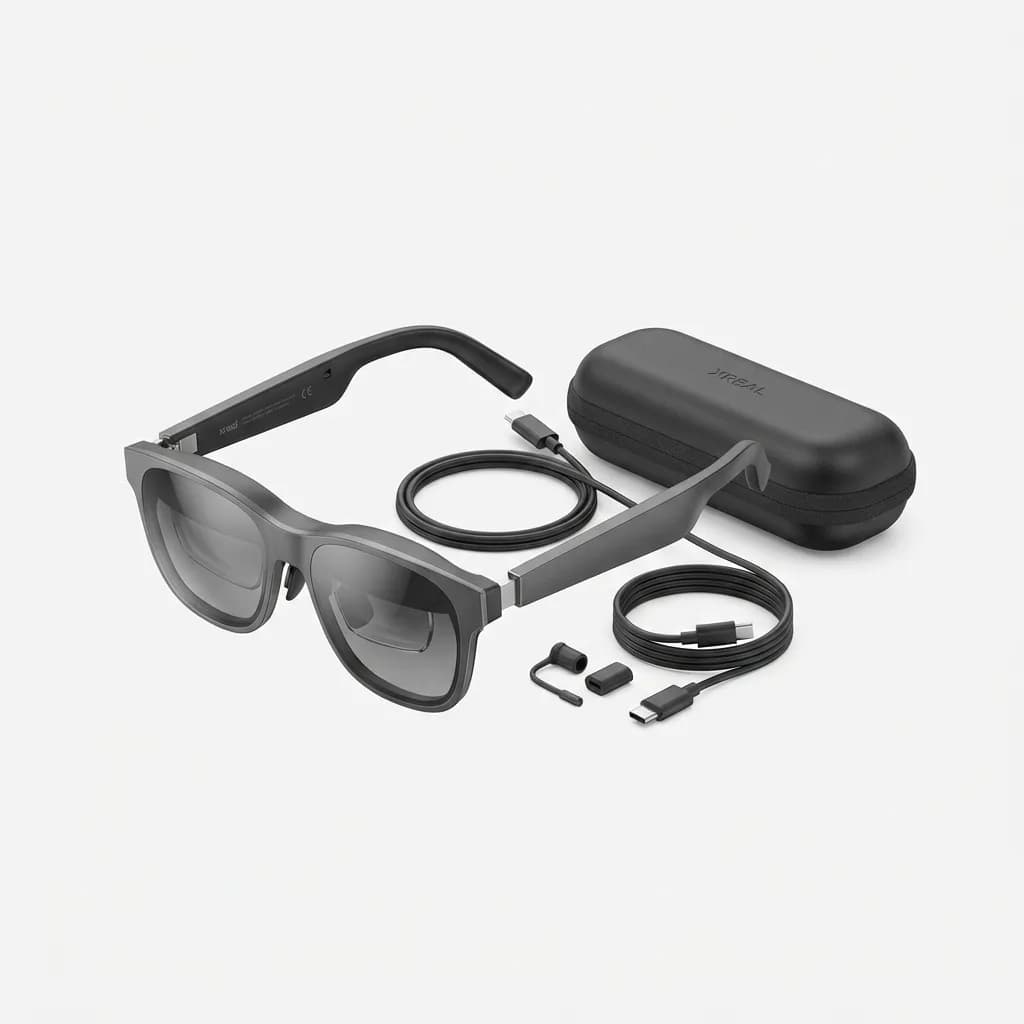
Xreal Air 2 Ultra
$699
AR glasses with 52-degree field of view, 500-nit brightness, and USB-C connectivity. Works with phones, tablets, and laptops as a wearable display with spatial anchoring.
The spatial anchoring features that let you "pin" virtual screens to physical locations in your environment work inconsistently. In controlled indoor spaces with good lighting and distinct visual features, they're impressive. In generic office environments or outdoors, the screens drift and require frequent repositioning.
For the specific use case of private viewing during travel, these glasses deliver clear value. For the broader vision of replacing phones and laptops with AR overlays, the technology needs another generation or two.
What About Comfort and Social Acceptance?
No amount of technical improvement fixes the fundamental awkwardness of wearing a headset in shared spaces. You can use a laptop at a coffee shop without drawing attention. You cannot use a Vision Pro at a coffee shop without looking like you're making a statement.
That social friction matters more than enthusiasts want to admit. Technology that requires you to broadcast "I am a person who wears VR in public" faces adoption barriers beyond pure functionality. The AR glasses like Xreal are better on this front because they resemble chunky sunglasses rather than ski goggles, but you still can't make eye contact with people around you.
Home use avoids the social dimension but introduces different tradeoffs. VR headsets isolate you from your environment by design. That's fine for dedicated gaming sessions. It's awkward when you have roommates or family members trying to interact with you. Passthrough helps but doesn't eliminate the "person in their own world" vibe.
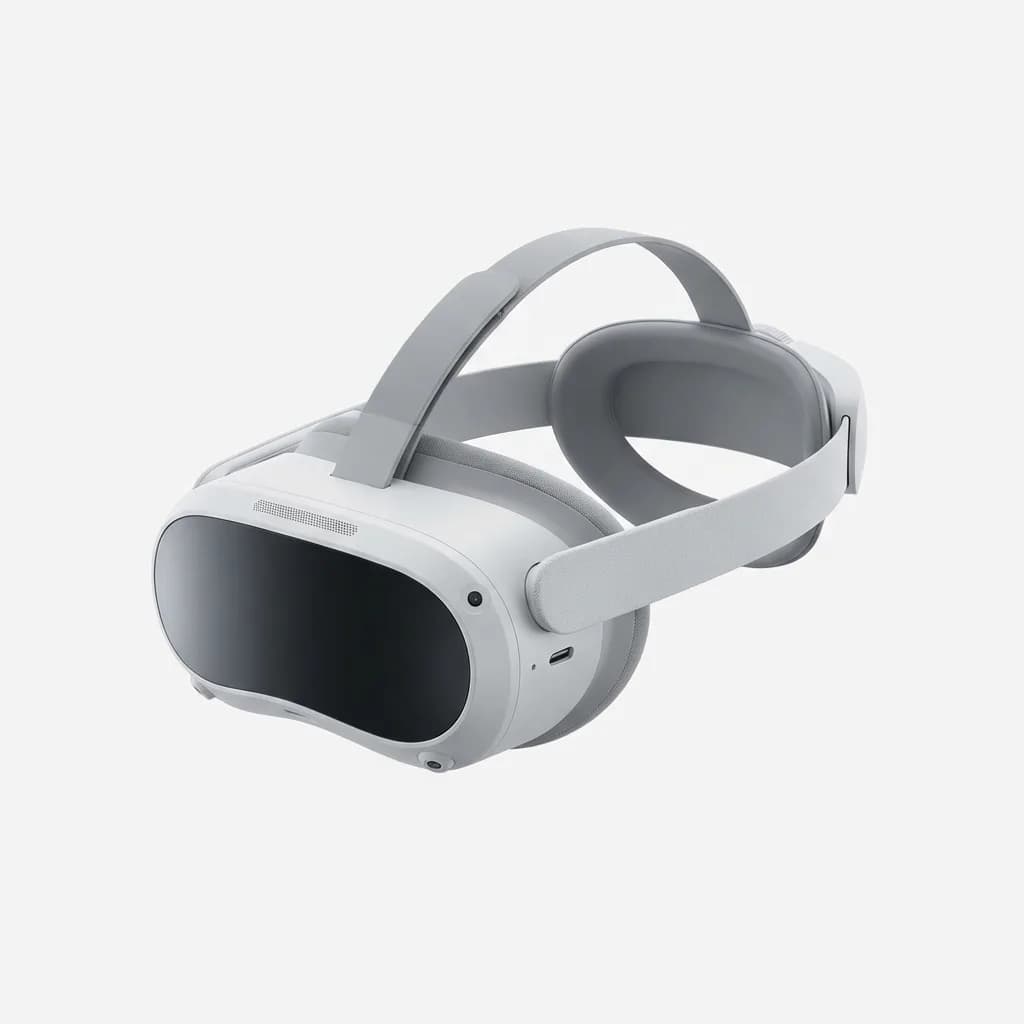
PICO 4
See current price
Standalone VR headset with pancake optics, 1200 PPI displays, and lighter 295g weight. Strong game library and affordable entry point for wireless VR experiences.
The lighter headsets reduce physical discomfort but don't solve the isolation problem. We found ourselves using VR more often when alone than when others were home, even for solo activities that theoretically shouldn't require social engagement.
Specific Use Cases That Actually Work
Fitness applications crossed into genuinely useful territory. Supernatural, FitXR, and Les Mills Bodycombat deliver structured workouts that feel more like classes than games. The tracked motion adds accountability that YouTube workout videos lack.
The catch is you need dedicated space. A 6x6 foot clear area is minimum, and you'll want more if you're prone to enthusiastic movement. That's manageable in a home gym setup but difficult in a small apartment.
Virtual tourism and educational experiences work better than expected. Wander lets you explore photogrammetry scans of real locations with surprising presence. National Geographic's VR content brings documentary subjects closer than traditional video. These aren't daily use cases, but they're compelling enough to justify occasional sessions.
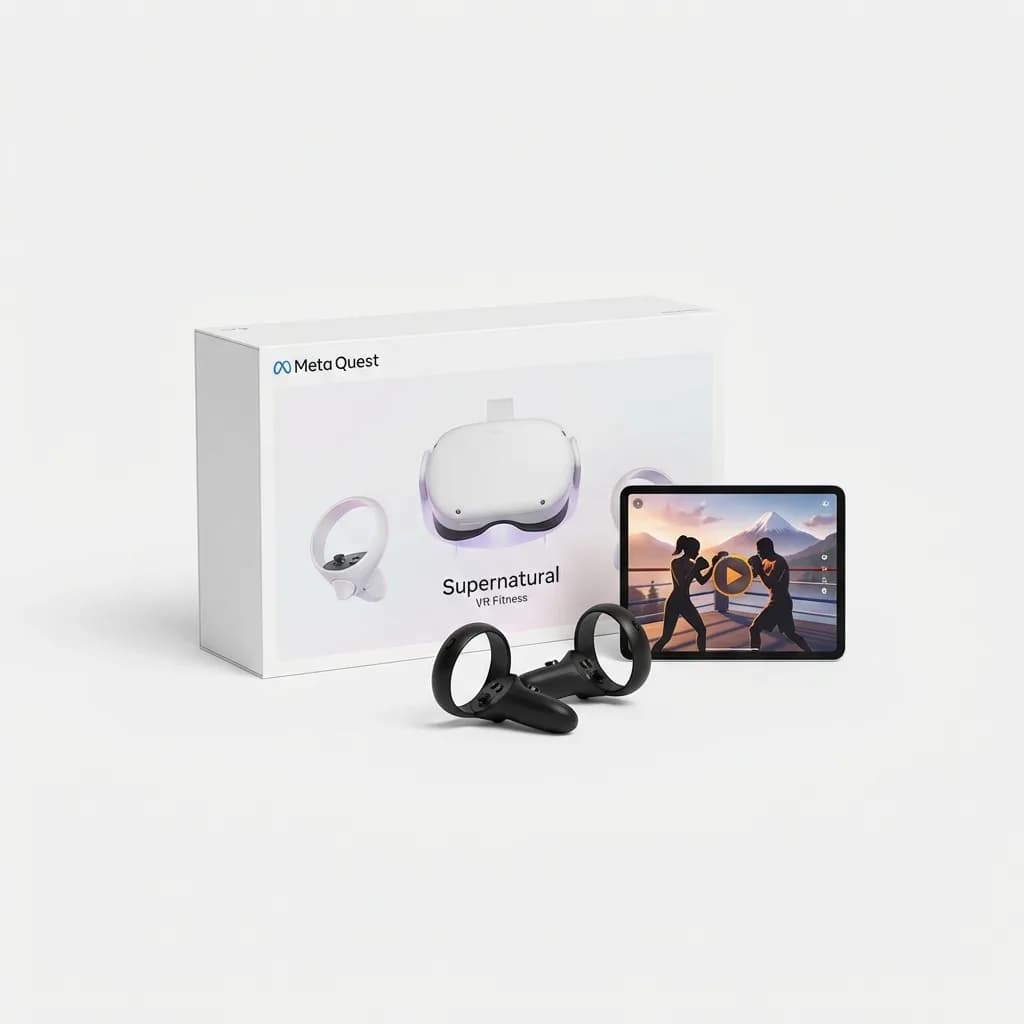
Supernatural VR Fitness Subscription
$19/month
Daily VR workouts combining boxing and rhythm gameplay with real-world locations. Requires Meta Quest headset and monthly subscription. Professional instructors and adaptive difficulty.
Remote collaboration tools remain hit or miss. Horizon Workrooms creates a conference room where avatars of coworkers sit around a virtual table. It's novel for about 30 minutes, then most people want to go back to standard video calls where they can see actual faces and don't need to wear a headset.
The exception is collaborative design work. Tools like Gravity Sketch and Adobe Substance 3D Modeler benefit from VR's spatial manipulation in ways that flat screens can't replicate. If your job involves 3D modeling or architectural visualization, VR provides genuine workflow improvements.
The Verdict: Niche Tool or Ready for Everyone?
VR and AR in 2026 occupy a middle ground. They're no longer experimental toys that break constantly or deliver disappointing experiences. The hardware works reliably, content libraries are substantial, and use cases beyond gaming have emerged.
But they haven't reached smartphone-level ubiquity for good reasons. The physical demands of wearing a headset limit session length. The social awkwardness restricts when and where you'll actually use them. The value proposition remains strongest for specific activities rather than general-purpose computing.
If you fall into one of these categories, current headsets deliver enough utility to justify purchase: serious gamers who want immersive experiences, fitness enthusiasts looking for engaging workouts, sim racing or flight sim hobbyists, frequent travelers who want private screens, or professionals working in 3D design.
For everyone else, the honest answer is to wait. The technology works, but it hasn't reached the point where daily use feels natural enough to replace devices that already serve those needs without requiring you to strap hardware to your face.
The gap between "technically capable" and "actually preferred" is narrower than it's ever been. We're one or two hardware generations away from mainstream everyday use. Just not quite there yet.
The Weekly Dispatch
Enjoying this article?
Subscribe and get our best gear picks delivered every Sunday morning.
Related Stories
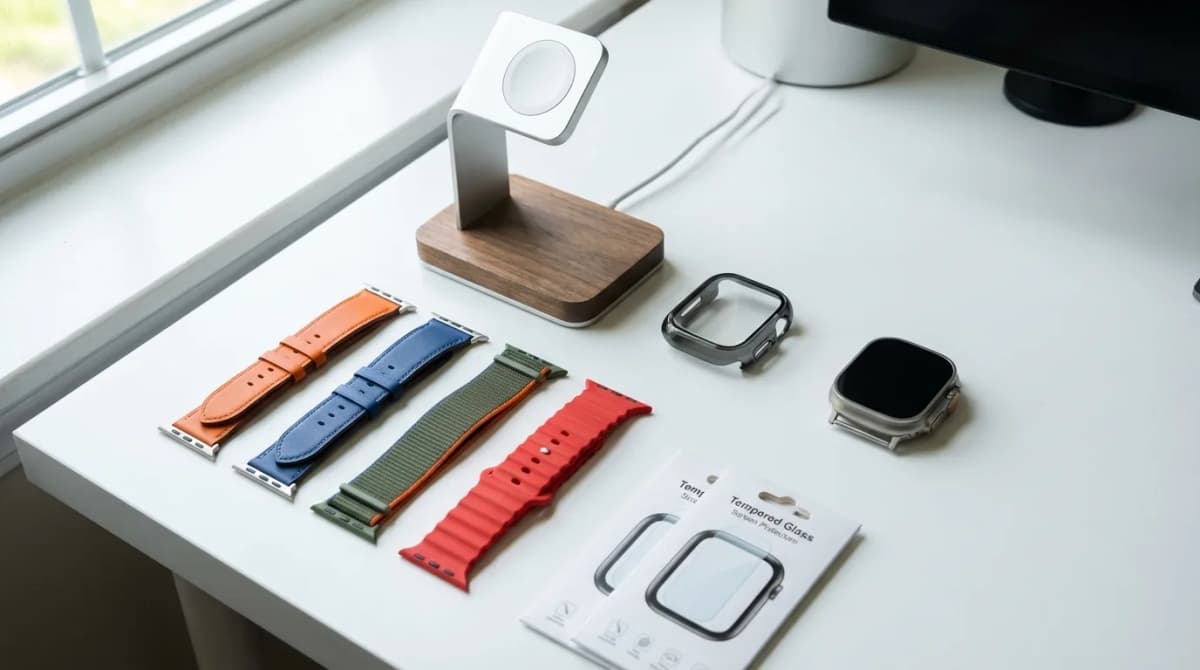
10 Best Apple Watch Accessories You Need (2026)
Transform your Apple Watch experience with these essential accessories - from rugged cases to premium bands and wireless charging solutions.
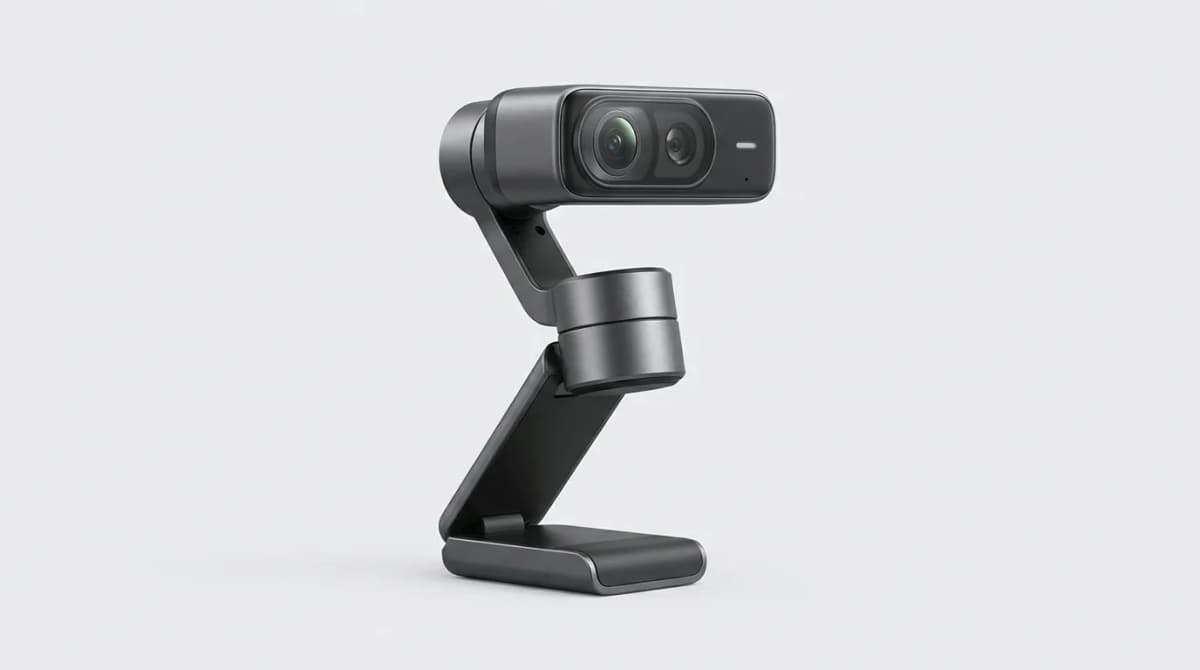
Insta360 Link 2 Pro Review: Is It Worth It
The Insta360 Link 2 Pro brings gimbal stabilization and AI tracking to your desk. We tested it for three weeks to see if the premium features justify the cost.
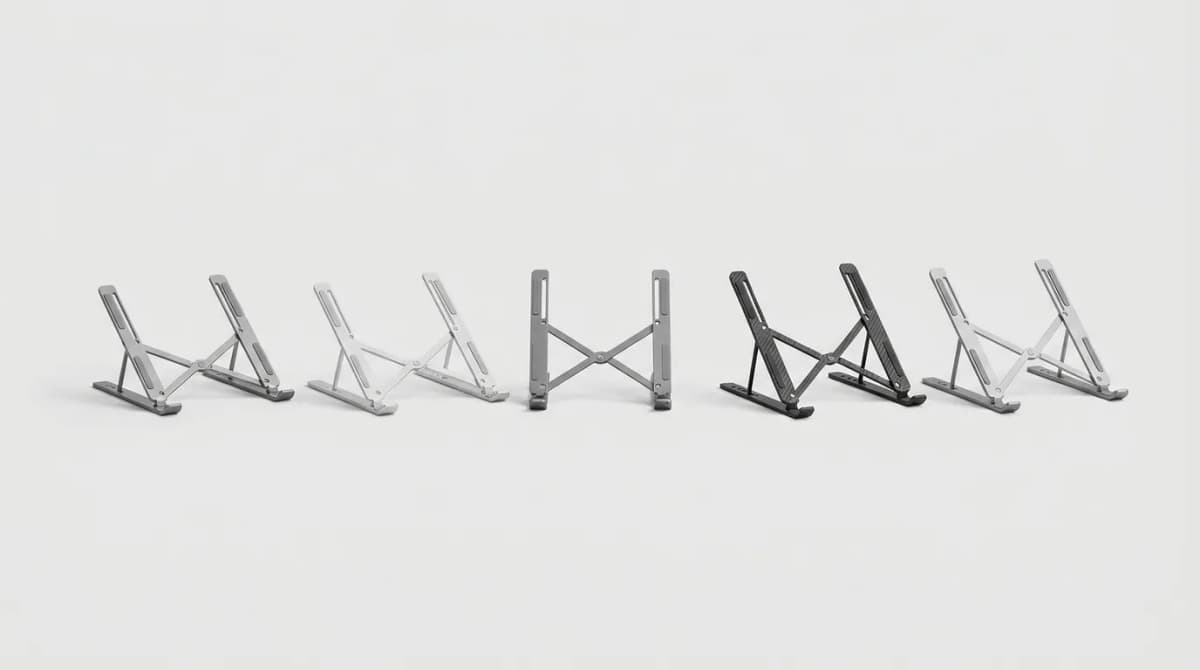
Best Portable Laptop Stands Under 1 Pound
Ultralight laptop stands that weigh less than 1 pound but still deliver stable ergonomic lift. We tested fold size, airflow, and real-world stability.