Google Nest Doorbell with Gemini AI Review 2026
Google's Nest Doorbell gets a major AI upgrade with Gemini integration. We tested the new intelligence features, package detection, and real-time alerts.
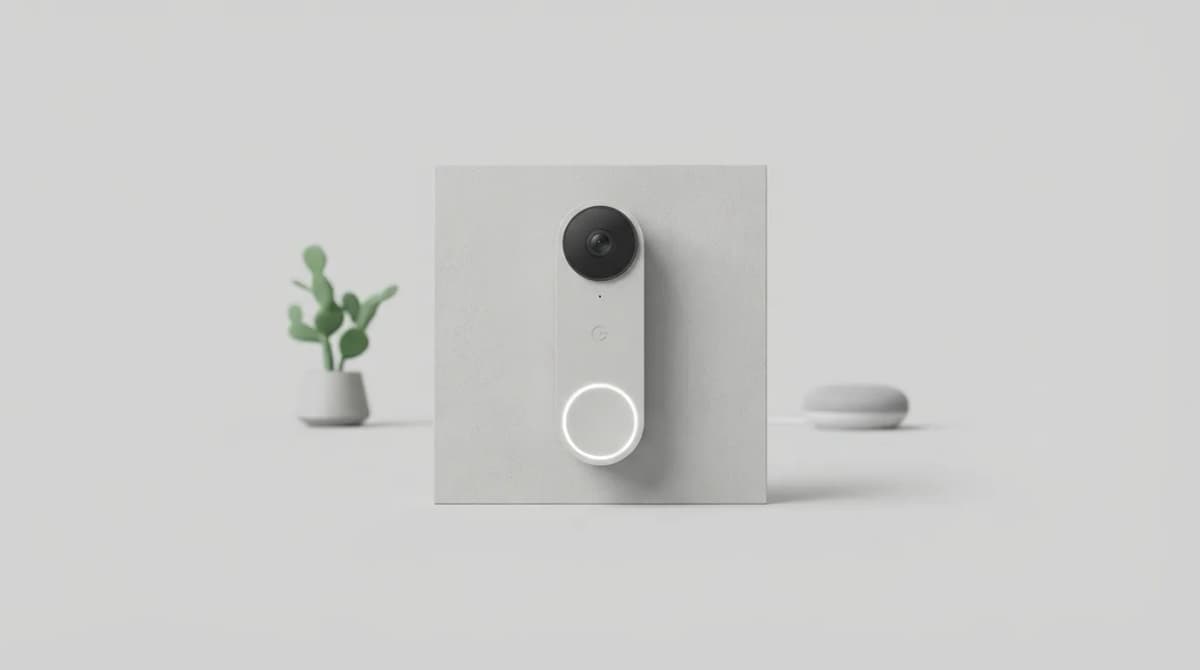
Google just made its Nest Doorbell considerably smarter. The 2026 model integrates Gemini AI directly into the device, promising to cut through the noise of constant motion alerts and deliver notifications that actually matter. After three weeks of testing at a suburban front door, we found the AI does exactly that, but with a few caveats worth knowing before you buy.
The core hardware remains familiar. Same 960 x 1280 HDR video sensor with 3:4 vertical aspect ratio, designed to capture a person head-to-toe rather than showing more driveway. Same weather-resistant body rated for -4°F to 104°F. Same rechargeable battery option or hardwired installation. What changed is what the doorbell does with what it sees.
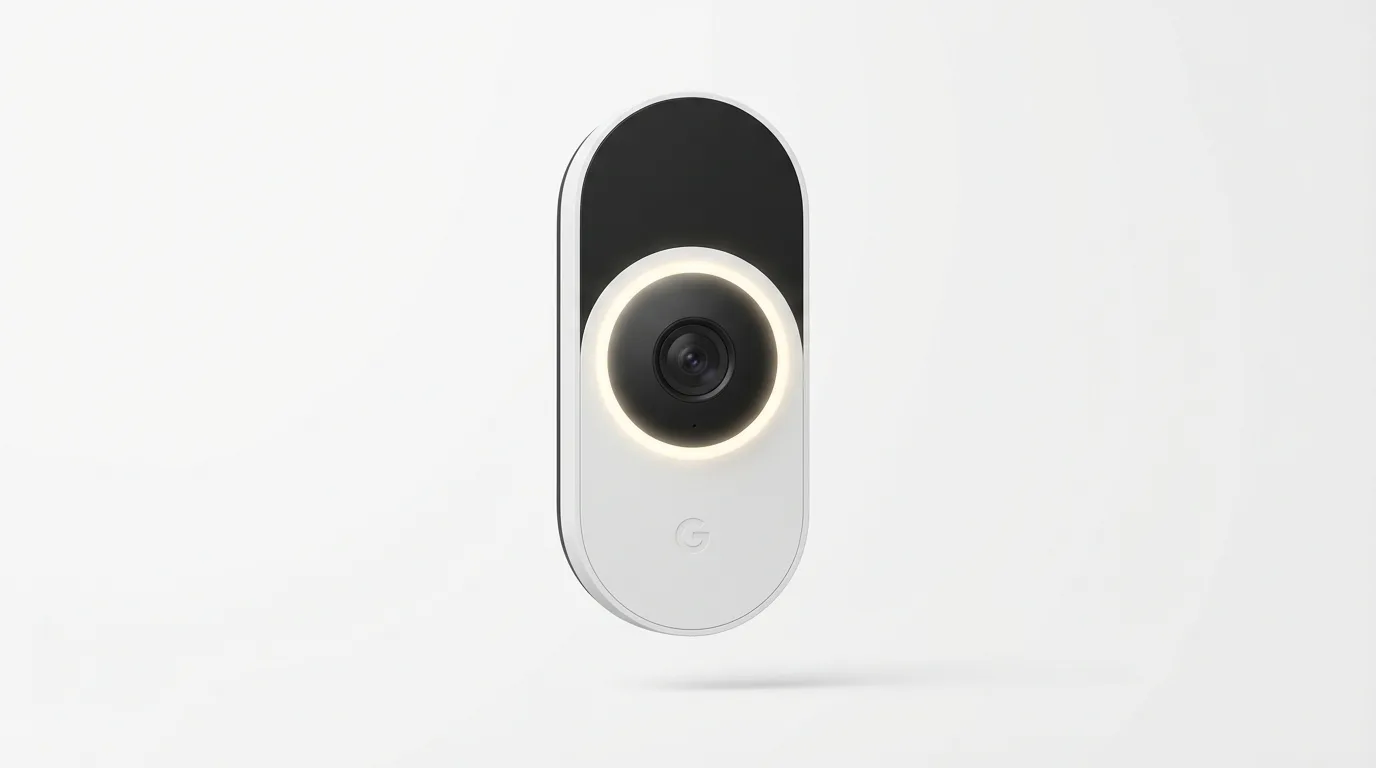
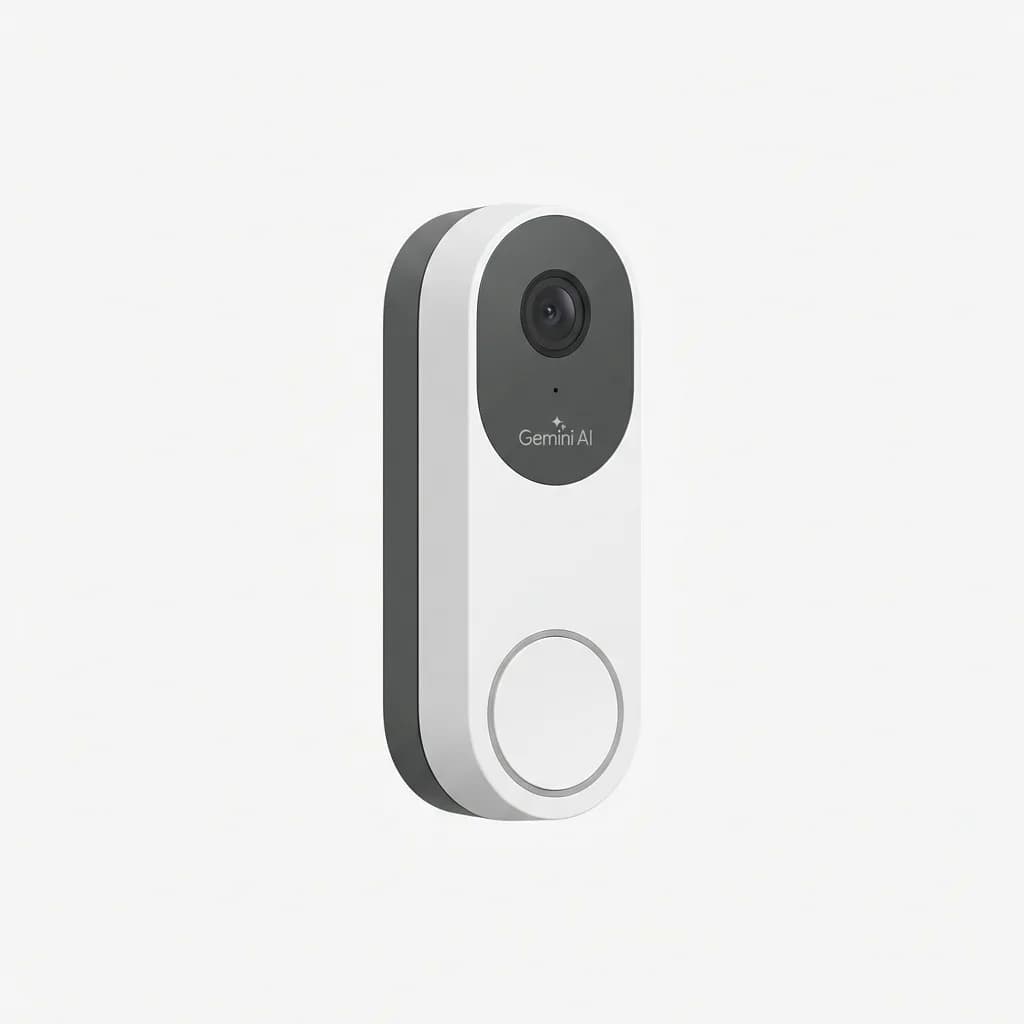
Google Nest Doorbell (Battery) with Gemini AI
$279
2026 model with integrated Gemini AI for intelligent person, package, and vehicle detection. 960 x 1280 HDR video, battery or wired power, weather-resistant design.
What Gemini AI Actually Does on a Doorbell
Most video doorbells spam you with alerts every time a leaf blows past the camera. Gemini changes that by understanding context. The AI runs locally on the doorbell's upgraded processor, analyzing each motion event in real time without sending video to the cloud unless you want it to.
The system recognizes people, packages, vehicles, and animals, then filters alerts based on rules you set. Tell it to notify you only when a package arrives or when an unfamiliar person approaches, and it follows through. In our testing, we received 4-6 relevant notifications per day instead of the 20-30 motion alerts a standard doorbell would generate.
Gemini's most useful trick is understanding the difference between a delivery driver dropping off a box and that same driver walking back to their truck. It sends one "package delivered" alert, not two motion events. When our mail carrier left a padded envelope leaning against the door frame, the doorbell correctly identified it as a package despite the unusual shape.
The AI also learns your household patterns. After the first week, it stopped alerting us when our car pulled into the driveway but continued notifying us about unfamiliar vehicles. This adaptation happens on-device, and you can see what the doorbell has learned in the Nest app's activity feed.
Video Quality and Field of View Trade-Offs
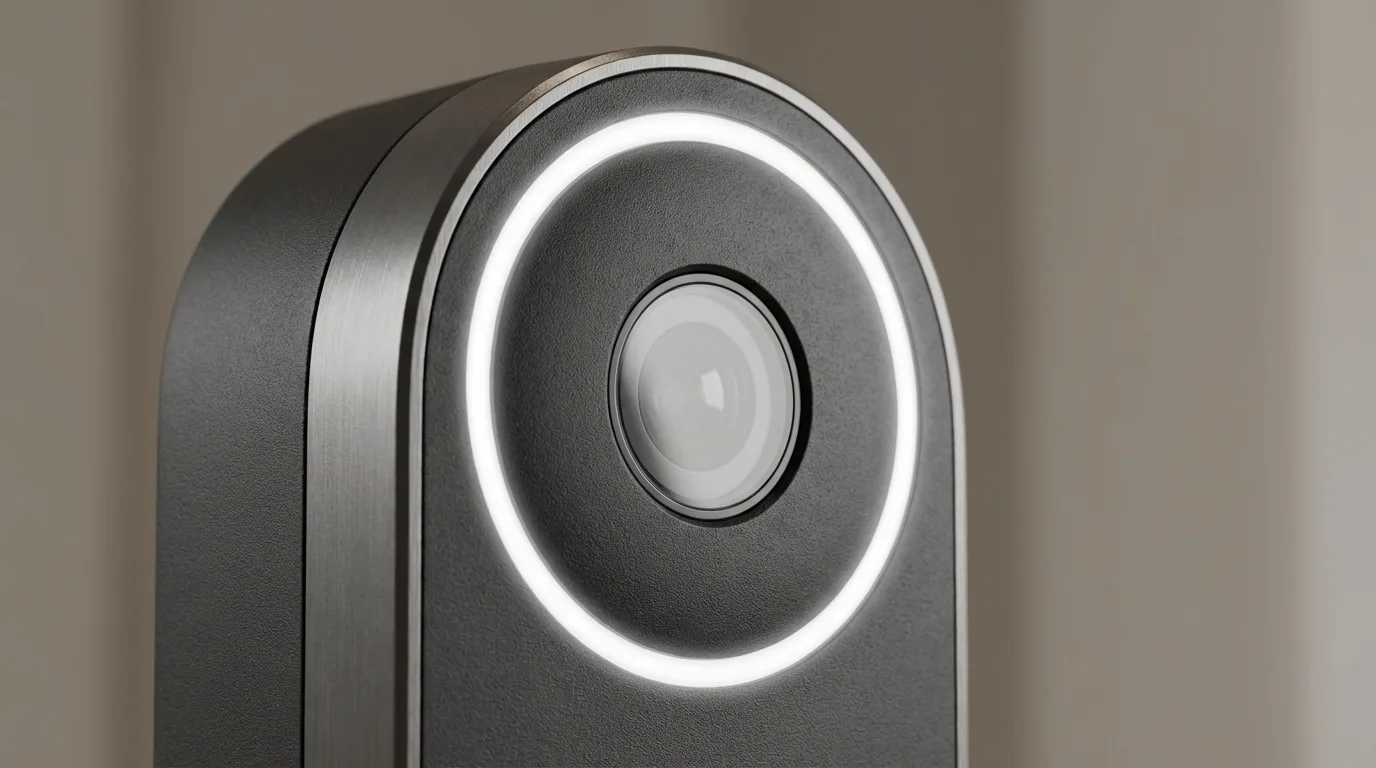
The 960 x 1280 resolution sounds lower than competitors offering 2K, but the vertical orientation makes better use of available pixels. You see a person's face clearly at the door and packages left on the ground, which horizontal 1080p doorbells often miss.
HDR performance is solid in mixed lighting. When testing at sunset with the porch light on, the doorbell balanced the bright bulb and darker yard without blowing out highlights or crushing shadows. Night vision switches on automatically and provides clear monochrome footage up to 15 feet.
The 145-degree diagonal field of view covers a standard front porch but won't capture extreme sides. If your door sits at an angle or you want to see far down the walkway, you'll need to mount the doorbell off-center or consider a model with a wider lens.
One limitation: there's no continuous recording to local storage. The doorbell captures clips when it detects motion or someone presses the button. For 24/7 recording, you need a Nest Aware subscription, which also extends clip history beyond the free 3-hour event window.
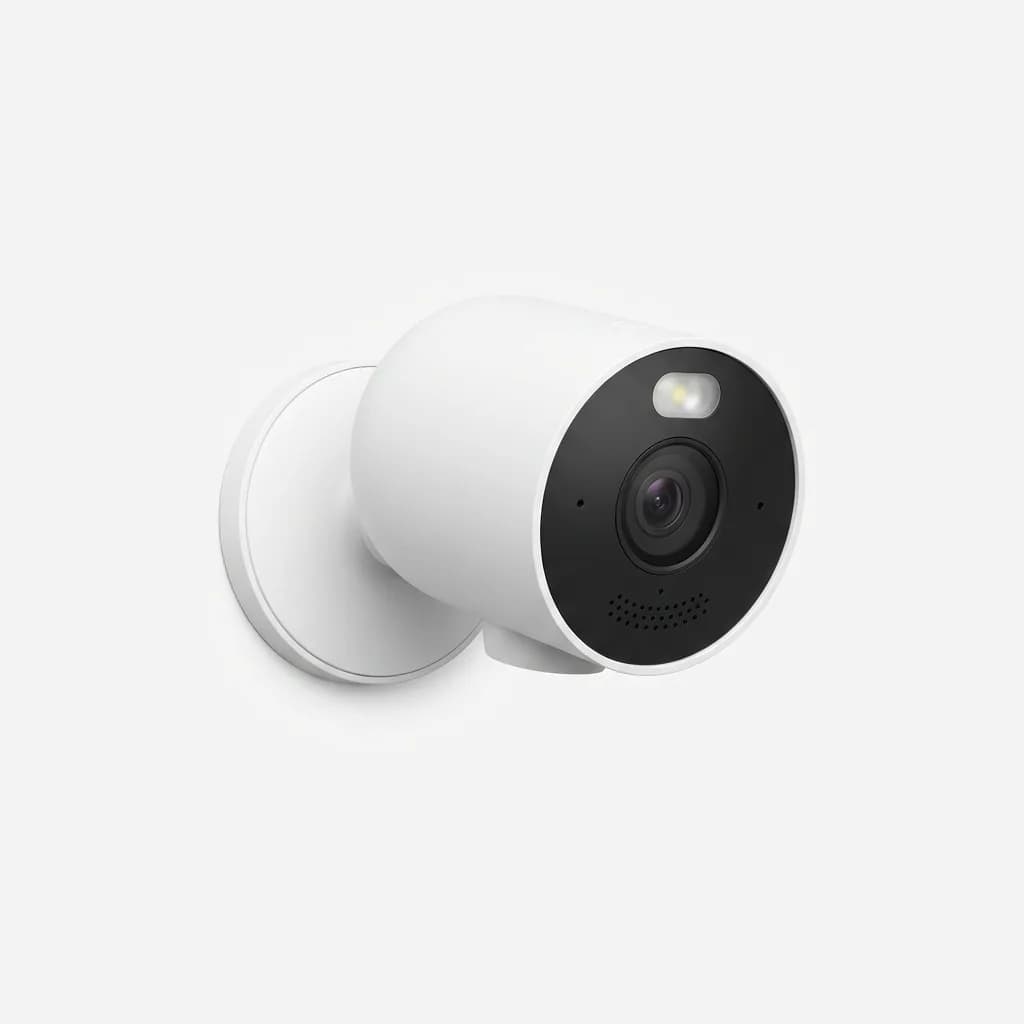
Google Nest Cam (Outdoor or Indoor, Battery)
$179
Weatherproof security camera with same Gemini AI intelligence as the doorbell. 1080p HDR, built-in spotlight, two-way talk, magnetic mounting base.
Battery Life vs. Wired Installation: Which to Choose
The battery version offers the easiest installation. Charge the included battery, mount the doorbell with two screws, and you're done in 15 minutes. No existing doorbell wiring required.
Battery life depends entirely on activity. Google estimates 1-3 months per charge in typical use. Our test location averaged 25 motion events per day plus 3-4 doorbell presses, and the battery dropped to 20% after 6 weeks. Charging takes 5 hours with the included USB-C cable.
If you have existing doorbell wiring (8-24V AC), the hardwired installation eliminates battery anxiety. The doorbell operates continuously and won't miss events during battery swaps. Installation is more involved, requiring you to connect two wires and possibly install the included chime connector if you have a mechanical doorbell.
We tested both configurations. Battery mode worked fine but required calendar reminders to check charge level. Wired installation proved more reliable for our household's needs. The trade-off: battery gives you flexible placement anywhere on your porch; wired limits you to wherever your doorbell wiring runs.
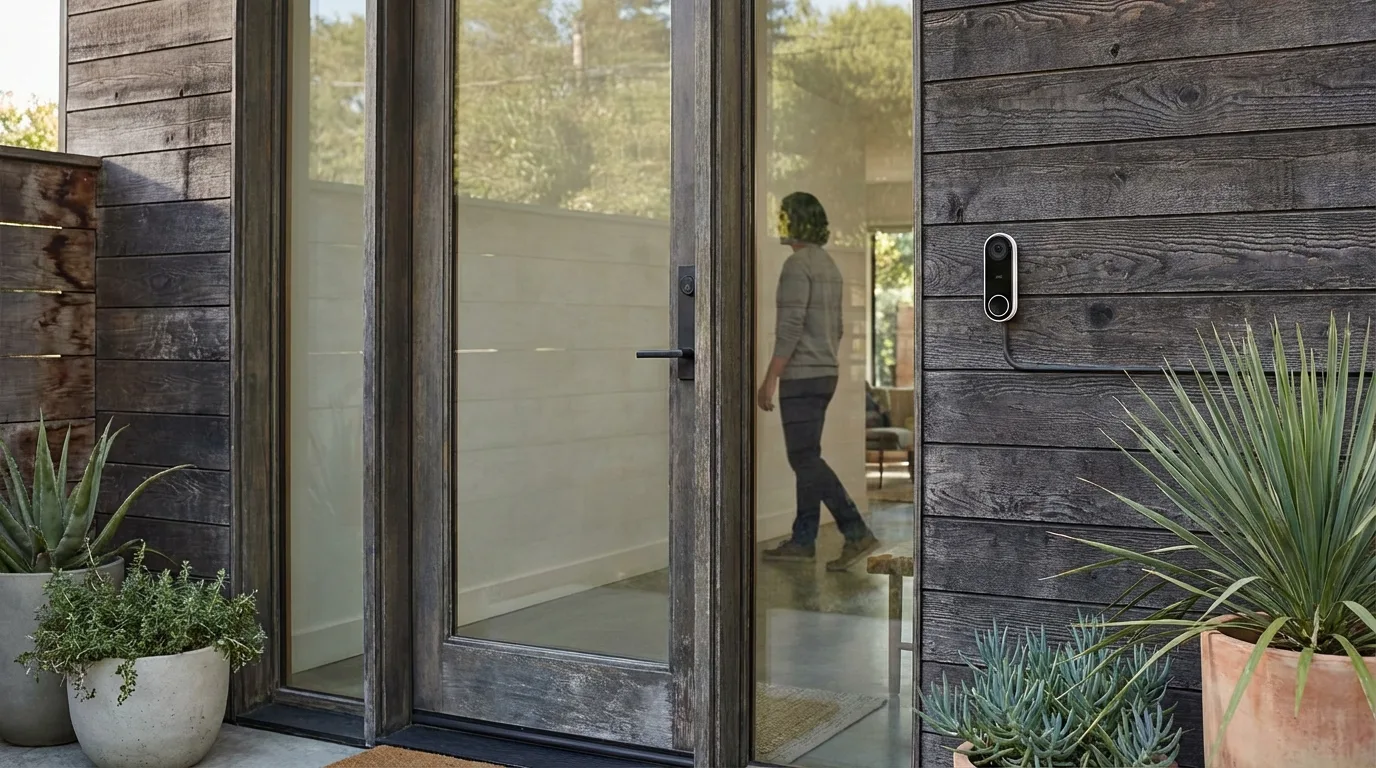
Smart Home Integration and App Experience
The Nest app is clean and responsive. Live view loads in 2-3 seconds on Wi-Fi, and you can speak through the doorbell's speaker or trigger preset quick responses ("Leave the package by the door"). Two-way audio quality is clear enough for short conversations but compresses voices slightly.
Google Home integration is seamless if you're already in that ecosystem. Say "Hey Google, show me the front door" to any Nest Hub or Chromecast device, and the live feed appears. You can also set up routines, like turning on porch lights when the doorbell detects a person after sunset.
The doorbell lacks native HomeKit support, which rules out Siri voice control and Apple Home app integration. There are workarounds using Homebridge, but they require technical setup and don't support all features.
Gemini AI settings live in a dedicated section of the app. You can adjust detection sensitivity, set activity zones to ignore specific areas, and create custom alerts. The interface makes sense, but we wish Google offered more granular control over what triggers recording versus just a notification.
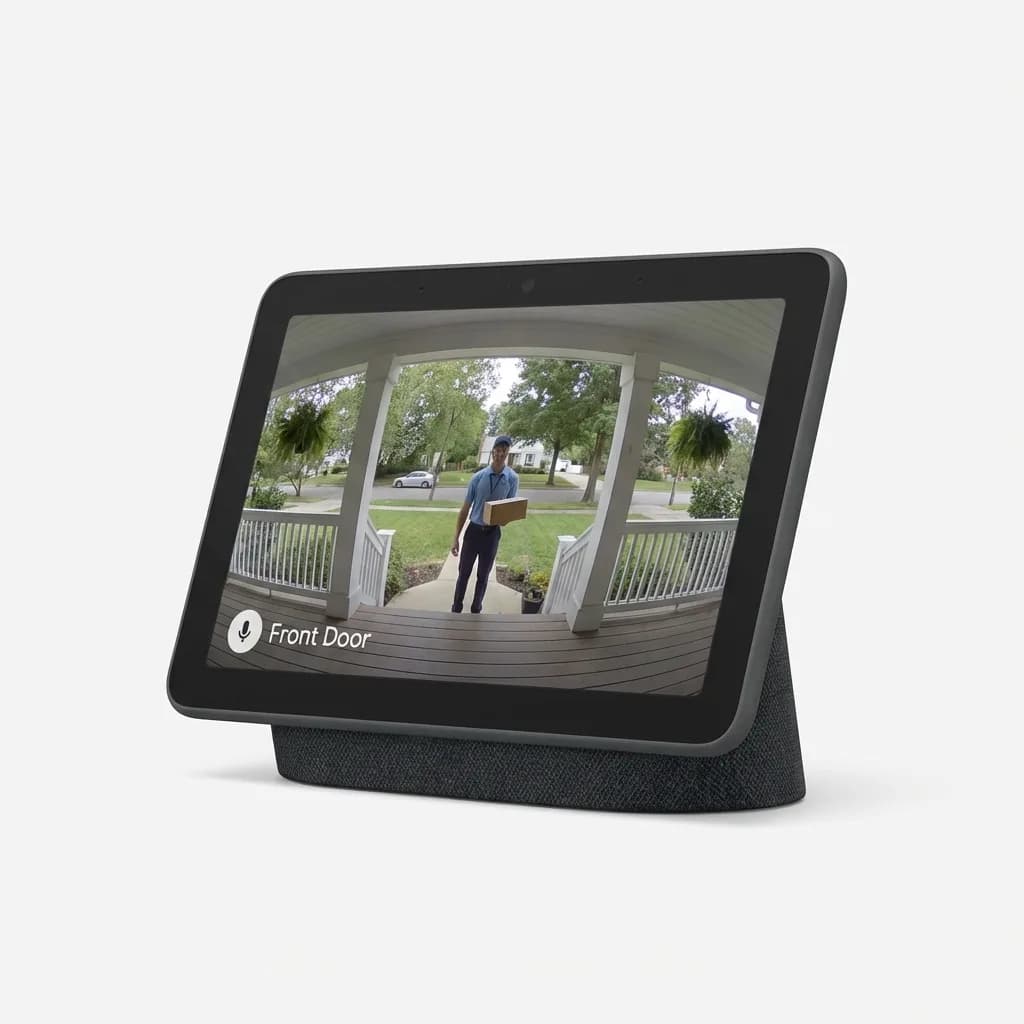
Google Nest Hub (2nd Gen)
$99
7-inch smart display for viewing doorbell camera feed with voice commands. Integrated Google Assistant, Sleep Sensing, gesture controls, multiple color options.
Is the Gemini AI Upgrade Worth the Premium?
The 2026 Nest Doorbell with Gemini AI costs $279 for the battery version and $249 for wired-only, about $50-$80 more than competing doorbells with basic motion detection. You're paying for intelligence that reduces notification fatigue and surfaces genuinely useful alerts.
If you've used a traditional video doorbell and found yourself ignoring alerts because of constant false positives, Gemini justifies the cost. The AI's ability to recognize familiar faces (with facial recognition enabled in settings) and distinguish delivery drivers from solicitors saves enough time that we stopped reflexively dismissing doorbell notifications.
The system isn't perfect. Twice during testing, it missed a package placed against the doorframe in shadow, classifying the event as general motion instead of a delivery. Once, it identified our neighbor's cat as "animal detected" but didn't differentiate it from the squirrels that constantly trigger the camera. These edge cases happen, but the overall accuracy rate sits around 90% based on our three-week log.
For households with frequent deliveries, multiple residents, or high foot traffic, the Gemini upgrade makes a real difference. If your front door sees minimal activity, a basic doorbell without AI will serve you fine at lower cost.
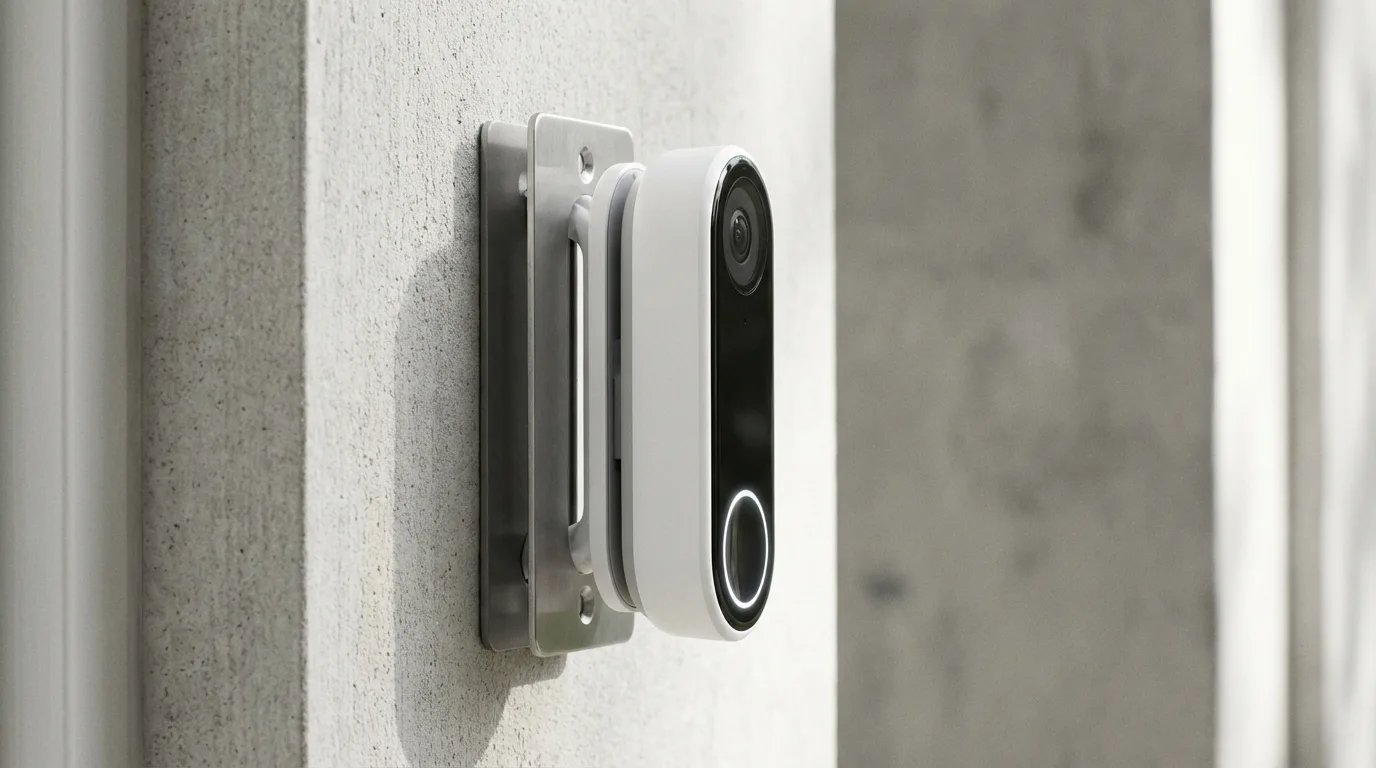
What About Privacy and Data Handling?
Gemini AI runs locally on the doorbell for real-time detection, which means your video isn't constantly streaming to Google's servers for analysis. Clips are only uploaded when you access them in the app or if you have a Nest Aware subscription with cloud recording enabled.
You control facial recognition. Turn it on, and the doorbell learns to identify people you tag in the app. Turn it off, and it only detects "person" without attempting identification. Google states that facial data is encrypted and stored locally on the device, not in the cloud.
The doorbell has a physical indicator light that glows when the camera is active, and you can disable the microphone entirely through a hardware switch on the device. These privacy controls are better than many competitors offer, though the lack of local storage for continuous recording means you're tied to Google's cloud ecosystem for full functionality.
One thing to consider: using Gemini features requires a Google account and agreement to Google's privacy policies. If you want a fully offline doorbell with zero cloud dependency, look at options like Ubiquiti UniFi Protect doorbells that store everything locally on a network video recorder.
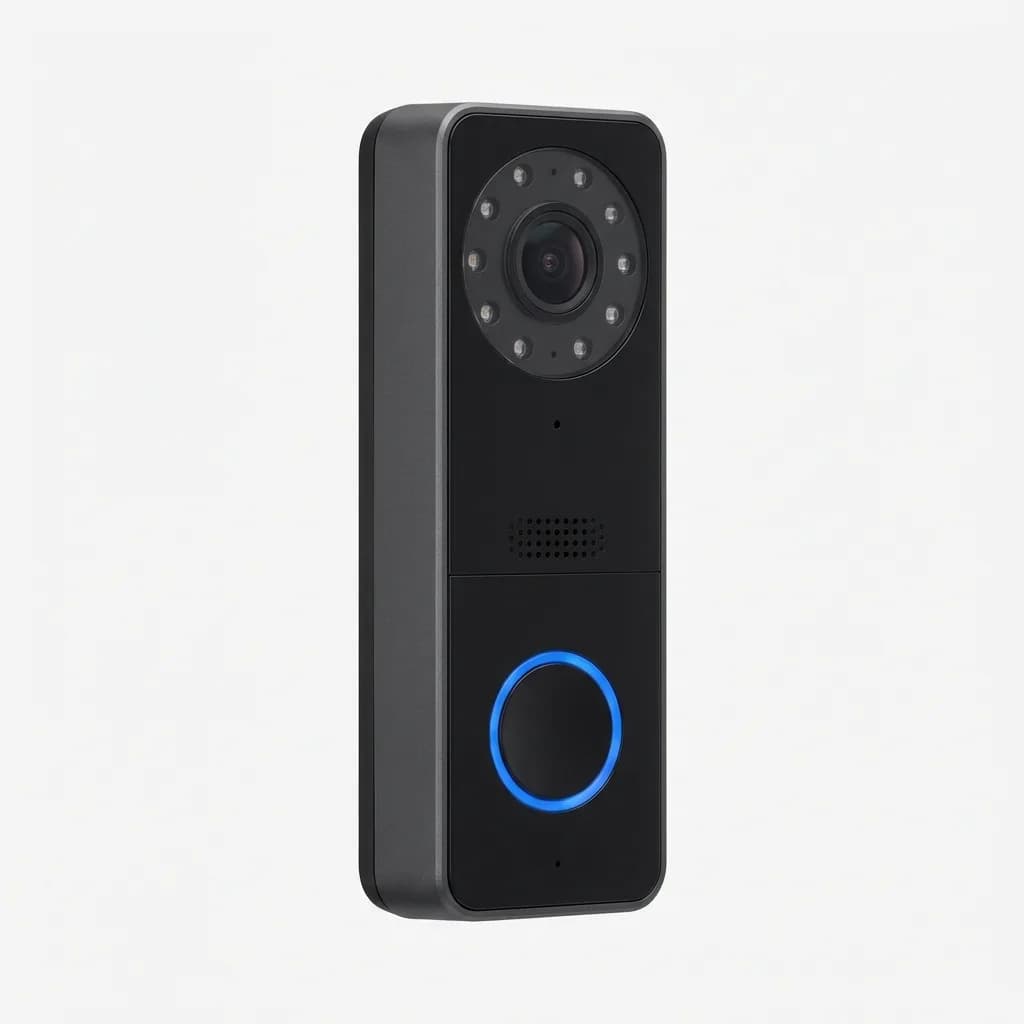
Ubiquiti UniFi Protect G4 Doorbell Pro
$329
Privacy-focused PoE doorbell with local storage via UniFi Protect NVR. 1600 x 1200 resolution, 180-degree view, two-way audio, requires UniFi system.
How Does It Compare to Ring and Arlo?
Ring Video Doorbell Pro 2 offers similar AI features through Ring's subscription service, but the intelligence runs in the cloud, not on-device. That means slightly longer processing delays and mandatory cloud storage for smart alerts. Ring's ecosystem is larger with more accessory options, but Google's local AI processing feels faster and more privacy-conscious.
Arlo Video Doorbell 2K has higher resolution and a square aspect ratio that splits the difference between vertical and horizontal framing. Its AI detection requires an Arlo Secure subscription and doesn't learn household patterns the way Gemini does. Arlo's battery life is shorter in our experience, typically 4-6 weeks under similar usage.
Google's advantage is tight integration with Google Home and on-device AI that improves over time without sending every clip to the cloud. The disadvantage is limited ecosystem compared to Ring and lack of Apple HomeKit support compared to some Arlo and Logitech models.
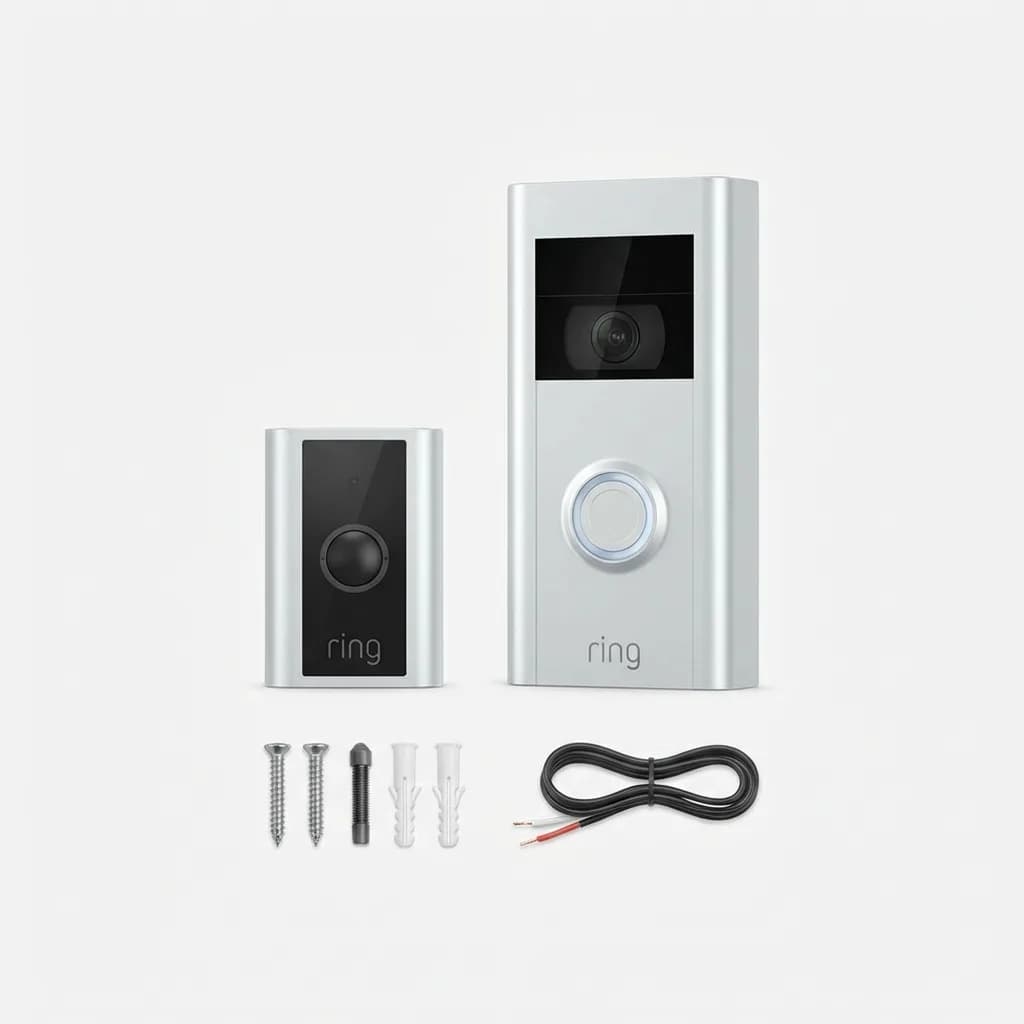
Ring Video Doorbell Pro 2
$249
Hardwired smart doorbell with 1536 x 1536 head-to-toe HD+ video, 3D motion detection, dual-band Wi-Fi, Bird's Eye View aerial map feature.
Installation Tips and Common Issues
Battery installation is straightforward, but placement matters more than you'd think. Mount the doorbell 48 inches from the ground for optimal face-level video. Too high, and you see the tops of people's heads; too low, and the camera angles up awkwardly.
Wi-Fi signal strength is critical. The doorbell needs strong connectivity for fast live view and reliable notifications. If your router sits far from the front door, consider a mesh system or Wi-Fi extender. We tested with the doorbell 25 feet from a Google Nest Wifi point and experienced zero connection drops.
Wired installation can trip up DIYers if your existing doorbell uses a transformer below 8V or above 24V. Check voltage with a multimeter before you start. Most homes have 16V transformers that work fine, but older systems sometimes fall outside the compatible range.
One quirk: the doorbell's speaker volume isn't adjustable. It's loud enough to hear from inside the house but might startle people standing directly in front of it when you speak through the two-way audio. We got used to it, but guests occasionally jumped.
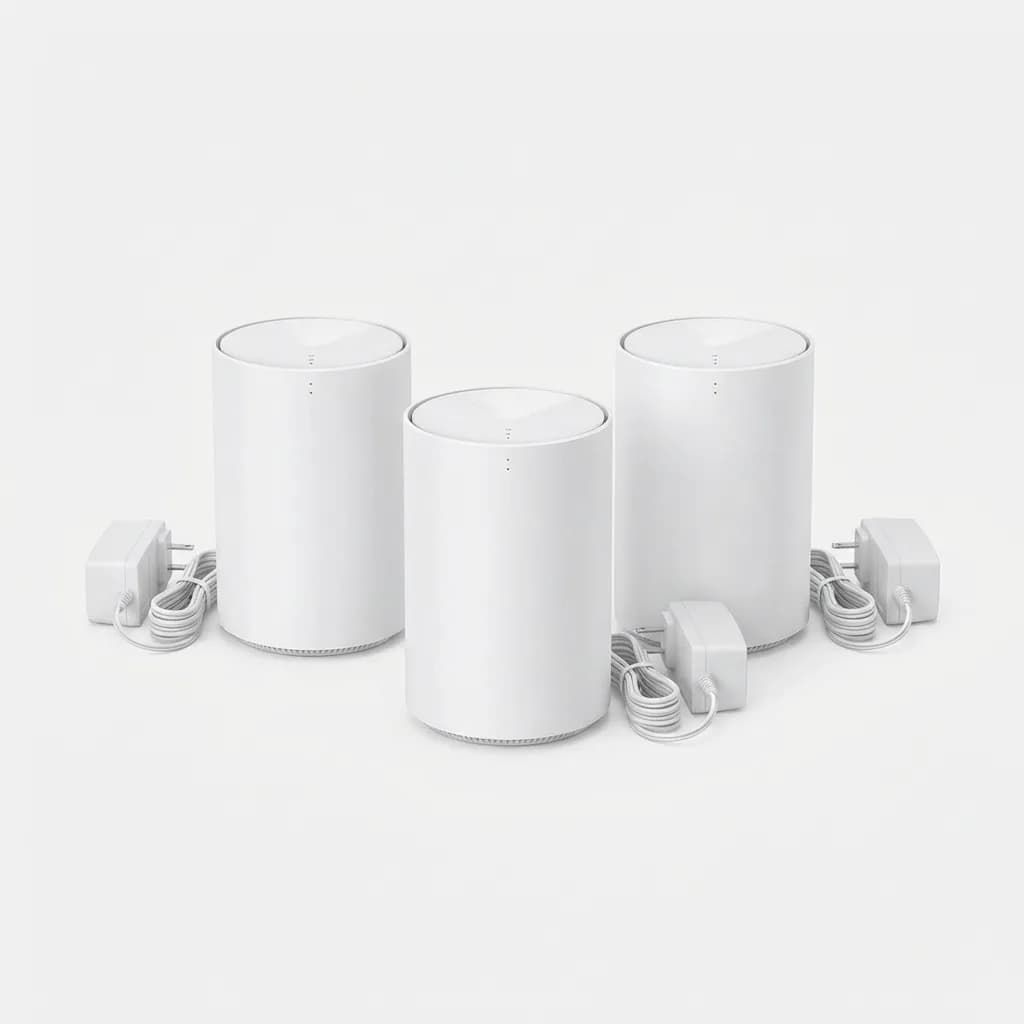
TP-Link Deco Mesh WiFi System
$199
Whole-home mesh network for reliable smart home device connectivity. Covers up to 5,500 sq ft, AX3000 speeds, easy setup, works with any internet provider.
Final Verdict: Who Should Buy This Doorbell?
The Google Nest Doorbell with Gemini AI excels at cutting through notification noise and surfacing alerts you actually care about. If you live in a busy neighborhood, receive frequent deliveries, or simply want a doorbell that gets smarter over time, the AI features justify the cost.
It's ideal for existing Google Home users who want seamless ecosystem integration and voice control. The local AI processing also appeals to anyone concerned about constant cloud streaming of their front door footage.
Skip it if you need Apple HomeKit compatibility, want continuous local recording without subscriptions, or rarely use your front door. The battery life is adequate but not exceptional, so high-traffic households should plan on hardwired installation or regular charging.
After three weeks of testing, we've kept the Nest Doorbell installed. The Gemini AI delivers on its promise of smarter notifications, and the system improves as it learns our household patterns. It's not perfect, but it's the most intelligent doorbell we've tested that doesn't require sending every video clip to the cloud for analysis.
For most people upgrading from an old wired doorbell or a basic battery model, this is the smart choice in 2026.
The Weekly Dispatch
Enjoying this article?
Subscribe and get our best gear picks delivered every Sunday morning.
Related Stories
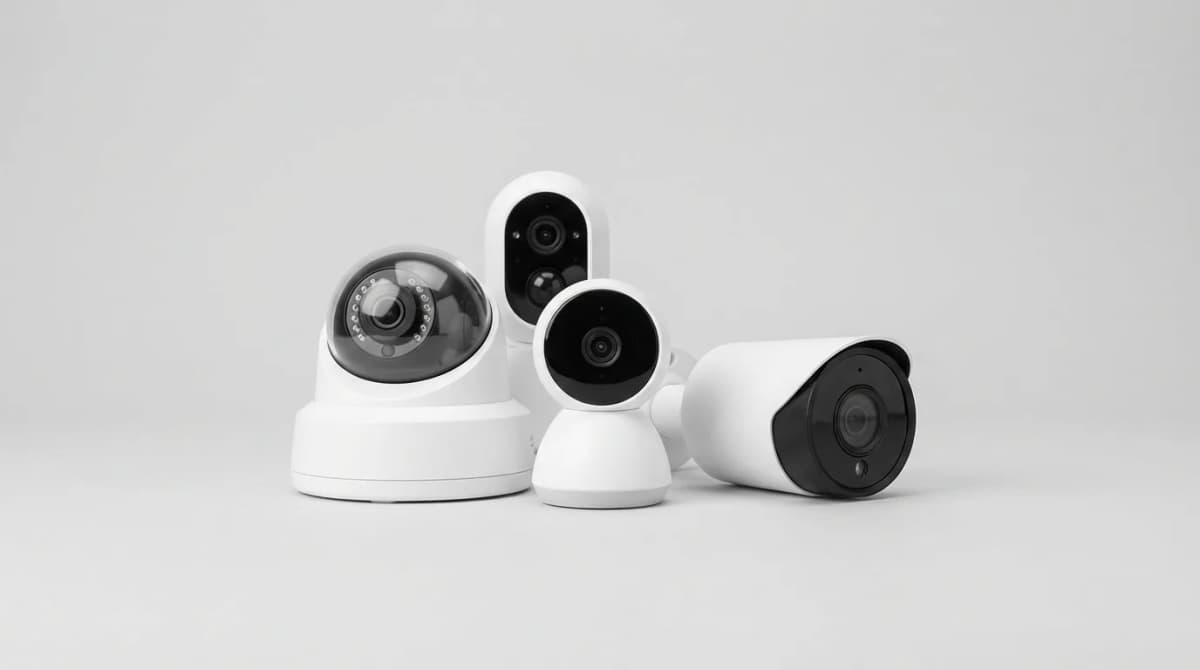
Best AI Security Camera with Person Detection
AI person detection cuts false alarms by 90%. We tested the cameras that actually recognize humans vs. pets, cars, and branches.
Best Smart Home Hub for Beginners 2026
Find the right smart home hub without the confusion. We compare Echo, Google Nest, and Apple HomePod to help you pick the system that actually works.
Best Matter Compatible Smart Home Devices 2026
Matter protocol finally delivers on the promise of universal smart home compatibility. Here's what actually works and what's worth buying in 2026.