Minimal Desk Setup for Small Apartments: Less Space, More Focus
Build a productive workspace in 20 square feet. We break down essential gear, cable management tricks, and ergonomic basics that actually work in tight quarters.
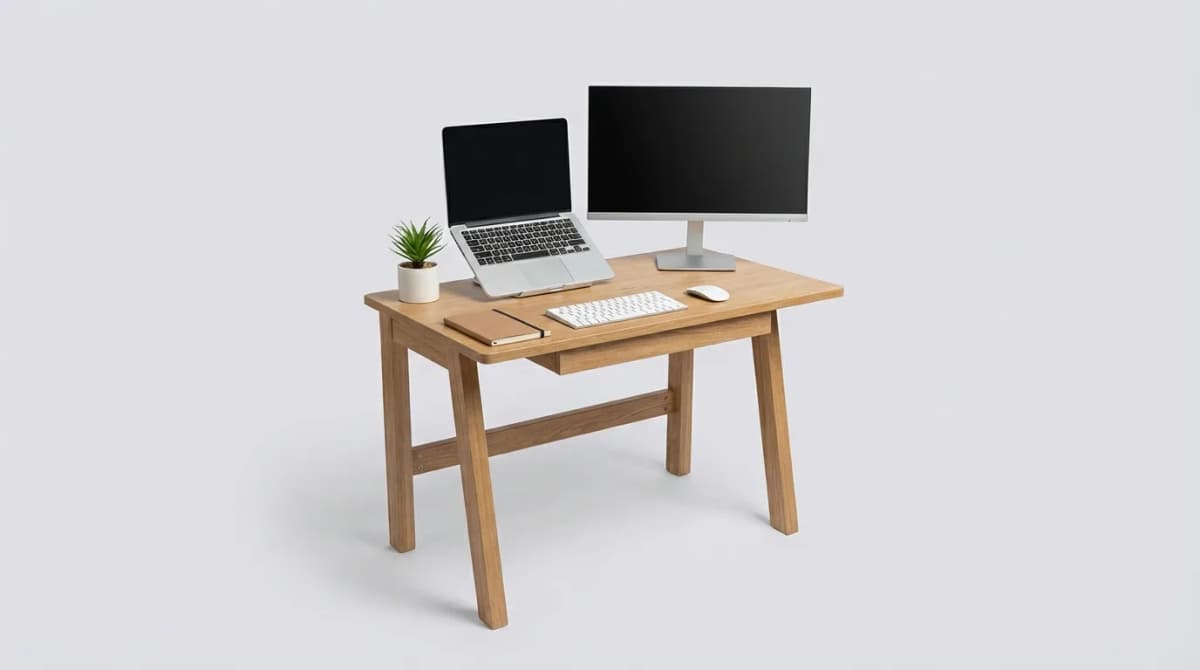
A 400-square-foot studio doesn't mean your desk has to feel like an airplane tray table. The best minimal setups aren't about deprivation. They're about choosing gear that does multiple jobs, routes cleanly, and doesn't demand constant attention.
Most people overthink this. You don't need a standing desk converter, three monitors, and a mechanical keyboard collection. You need a surface that fits, a chair that doesn't wreck your back, and a way to keep cables from turning into spaghetti every time you move your laptop.
We've tested dozens of compact desk solutions in spaces ranging from 150 to 500 square feet. Here's what actually works when you're measuring workspace in inches, not feet.
Why Small-Space Desk Setups Fail (and How to Fix It)
The problem isn't usually the desk itself. It's the accessories sprawl. A laptop stand, external keyboard, mouse, phone charger, notebook, water bottle, and suddenly you're out of room. Then cables slide off the back every time you shift position.
The fix: vertical thinking. Wall-mounted monitor arms free up the entire desk surface. Cable raceways keep power and data lines against the wall instead of draped across your workspace. A small pegboard or magnetic strip above the desk holds headphones, charging cables, and daily-carry items without eating into your work area.
This changes how a small desk feels. Instead of cramped and cluttered, it becomes focused and intentional.
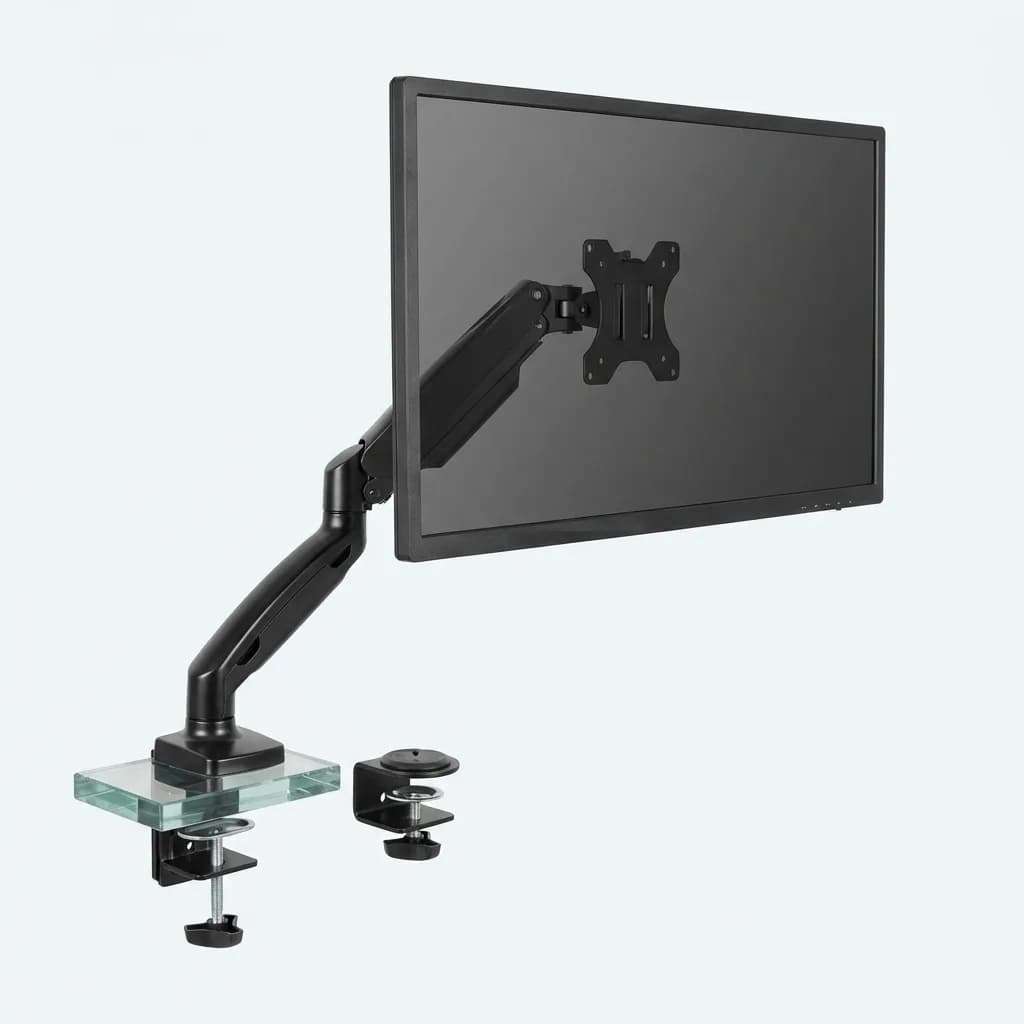
VIVO Single Monitor Desk Mount Stand
$40
Gas spring arm holds up to 27-inch displays. Full motion articulation lets you push the monitor back against the wall or pull it forward. Clamp or grommet base takes up zero desk space.
The 48-Inch Rule for Apartment Desks
Desk width matters more than depth in tight spaces. A 48-inch wide by 24-inch deep surface gives you room for a laptop and external monitor without forcing you to sit sideways. Anything under 42 inches starts feeling cramped once you add a mouse and keyboard.
Depth is where you compromise. Standard 30-inch depths waste space in small rooms. A 24-inch desk fits against most walls without blocking walkways or making the room feel crowded. You lose the option to pile stuff behind your monitor, which is actually a feature, not a bug.
Material choice affects how the space feels. Solid wood tops look substantial but add visual weight. A white or light-finished laminate desktop reflects light and makes the corner feel less closed-in. Glass desks photograph well but show every fingerprint and cable shadow.
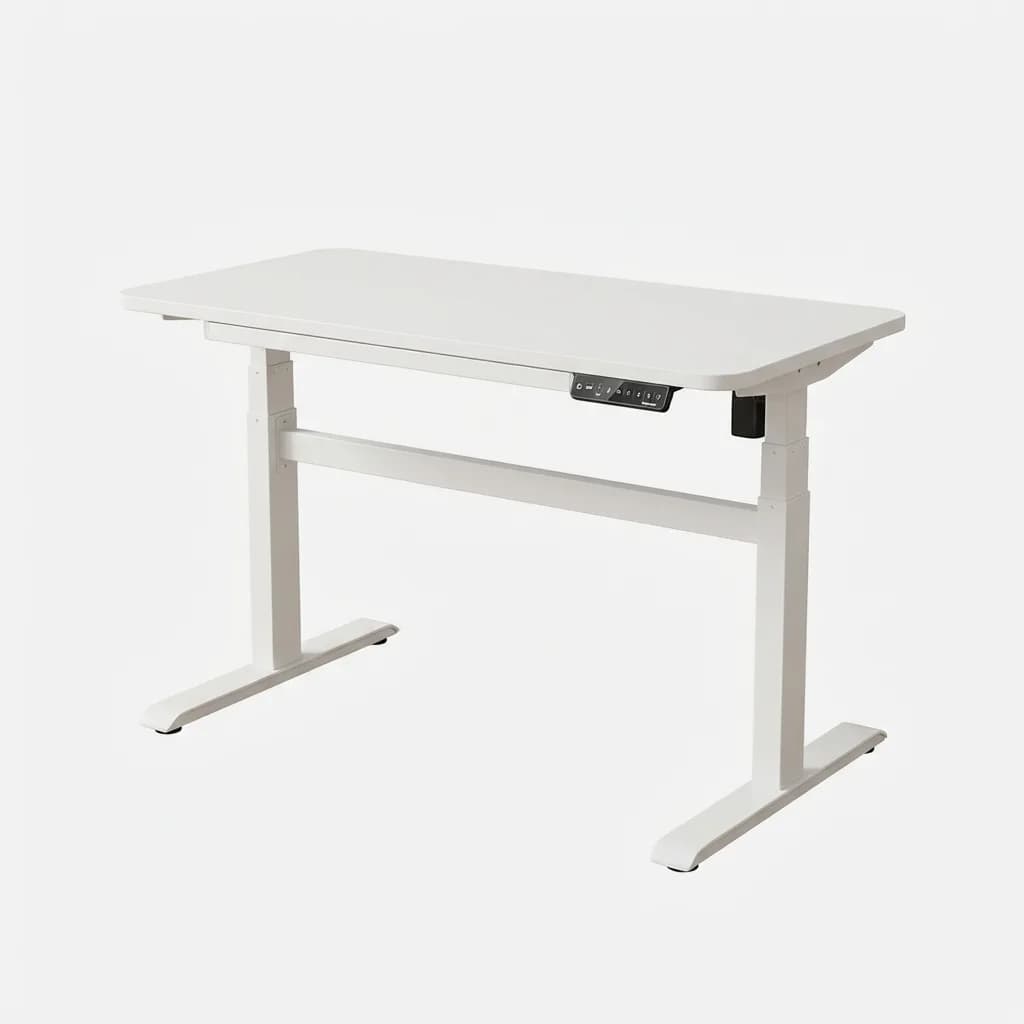
FlexiSpot 48x24 Electric Standing Desk
$280
Programmable height adjustment from 28 to 47.6 inches. White laminate top with rounded edges. Dual motor system lifts 154 lbs smoothly. Memory presets let you switch between sitting and standing positions instantly.
Cable Management That Actually Stays Put
Velcro ties and zip ties both fail in small spaces. Velcro loses grip after a few adjustments. Zip ties force you to cut and replace them every time you swap a cable.
Cable raceways work better. The J-channel style mounts under the desk and holds power strips, USB hubs, and excess cable length out of sight. You can route everything along the back edge, then drop individual cables down where you need them. No loops, no tangles, no cables sliding onto the floor when you unplug your laptop.
For vertical runs along the wall, adhesive-backed cable channels keep lines clean from desk to outlet. They peel off without damaging paint when you move out. This matters in rentals where you can't drill holes or leave marks.
The other trick: reduce cable count. A single USB-C cable can deliver power, video, and data to your laptop. That eliminates the separate charger, HDMI cable, and USB hub cable. Wireless keyboards and mice cut two more cables. You go from seven or eight lines running across your desk to two or three.
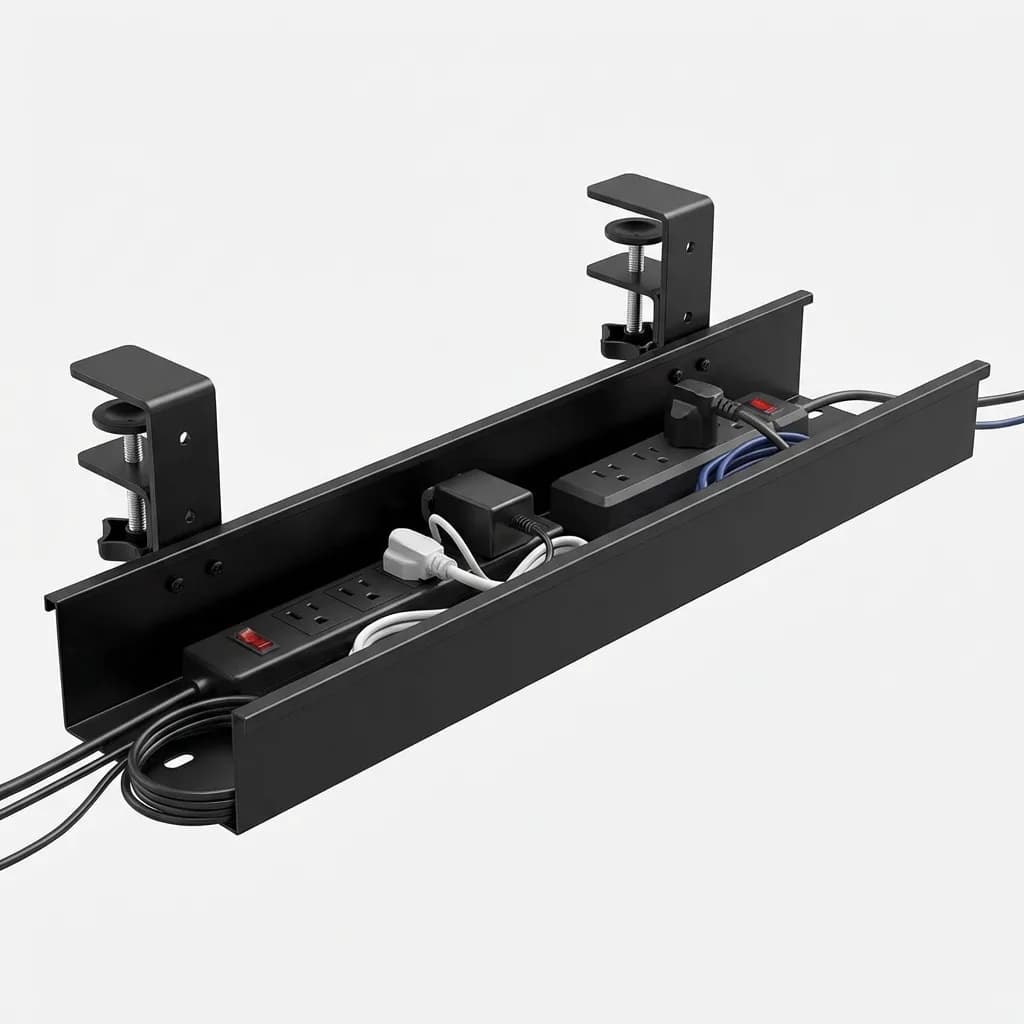
JOTO Cable Management Tray
$14
Under-desk J-channel holds power strips and excess cables. 17-inch length with clamp-on installation. Steel construction supports up to 22 lbs. Open sides make adding or removing cables easy.
Ergonomic Basics When You Can't Fit a Full Setup
Standard ergonomic advice assumes you have room for a separate keyboard, mouse, external monitor, and adjustable chair. In a 6x8 foot bedroom office, that's not always realistic.
Priority one: monitor height. Your screen should sit at or slightly below eye level. Laptop screens force you to look down, which collapses your posture after 20 minutes. A simple laptop stand or a small external monitor on a riser solves this. Even a stack of books works if you're testing the concept.
Priority two: elbow angle. Your forearms should stay roughly parallel to the floor when typing. If your desk is too high, your shoulders hunch. Too low, and you bend your wrists up. Most desks land at 29 or 30 inches, which works for people between 5'7" and 6'1". Outside that range, you need an adjustable desk or an adjustable chair with a real height range.
Priority three: back support. Cheap office chairs either have no lumbar support or fake lumbar support (a thin pad that does nothing). You want a chair with adjustable lumbar depth and height. This costs more, but it's the one place you can't compromise if you're sitting six-plus hours a day.
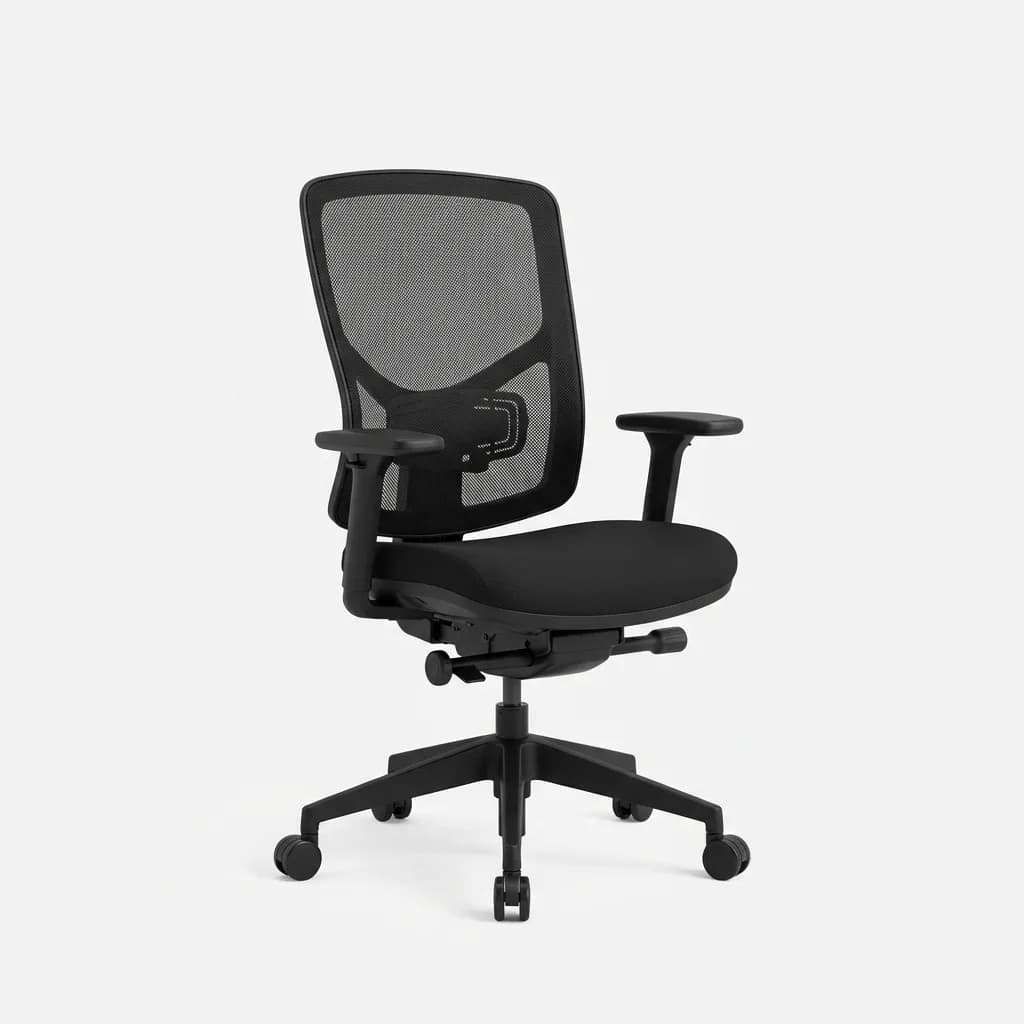
Branch Ergonomic Chair
$350
Adjustable lumbar support with depth and height control. Breathable mesh back with reinforced edges. Seat depth adjustment for different leg lengths. 275 lb weight capacity. Five-year warranty covers all adjustments.
Lighting for Video Calls and Late-Night Work
Overhead lighting looks terrible on video calls. It casts shadows under your eyes and makes you look tired even when you're not. Desk lamps fix this, but most designs take up too much surface area.
Clip-on monitor lights solve both problems. They mount to the top edge of your screen and shine down onto your keyboard and desk surface. No base, no arm, no footprint. Some models include a backlight setting that reduces eye strain during long sessions by lighting the wall behind your monitor.
For video calls, you need front lighting at face level. A small LED panel that clips to your monitor or sits on a thin stand gives you broadcast-quality lighting without dedicating a corner of your desk to a ring light. Look for adjustable color temperature. Warm light (3000K) looks natural but dim on camera. Cool light (5000K) reads as bright and alert but can feel harsh in person. The best units let you tune between 2700K and 6500K.
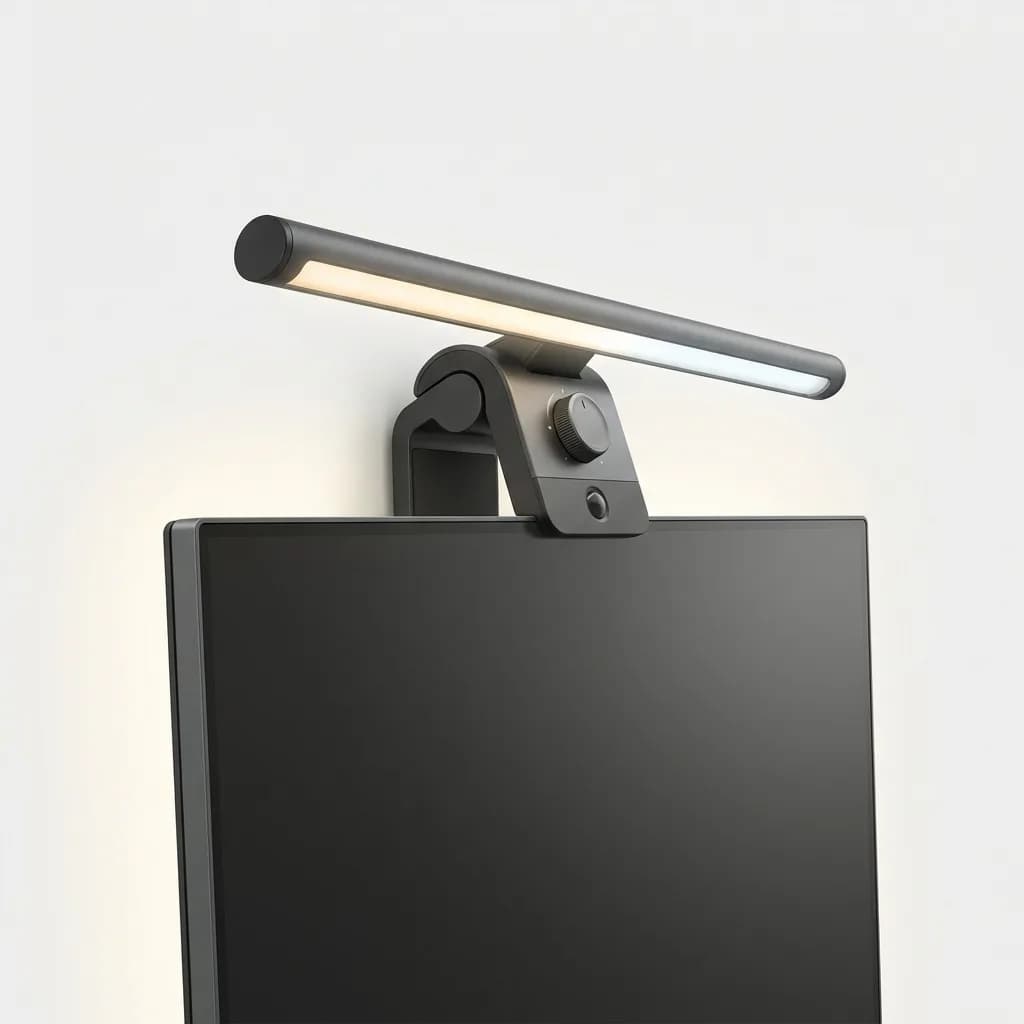
BenQ ScreenBar Halo Monitor Light
$139
Clips to monitors up to 1.4 inches thick with weighted base. Auto-dimming sensor adjusts brightness based on ambient light. Color temperature control from 2700K to 6500K. Backlight mode reduces screen glare and eye strain.
Storage Without Shelving Units
Shelves work in bigger rooms. In small spaces, they create visual clutter and make walls feel busy. Drawers keep things hidden but require floor space for the cabinet.
The middle ground: modular desk organizers that stack vertically. Letter trays, small drawer units, and document holders can build up instead of out. A three-tier tray on one corner of your desk holds notebooks, charging cables, and miscellaneous items without spreading across your workspace.
Magnetic accessories are underrated. A magnetic knife strip mounted on the wall holds scissors, pens, small tools, and USB drives. Magnetic cable clips keep charging cables in place when not in use. A magnetic phone mount keeps your device vertical and visible for notifications without occupying desk real estate.
For larger items like backpacks, jackets, or gym bags, wall hooks behind the door or on an adjacent wall keep them off the floor and out of your workspace sightline.
What You Actually Need (and What You Don't)
Essential: A desk between 42 and 48 inches wide. A chair with lumbar adjustment. A monitor arm or laptop stand. Cable management for at least power and data lines. Task lighting for your work surface.
Nice to have: An external keyboard and mouse (frees up laptop screen positioning). A small USB hub mounted under the desk (reduces plug-reaching). A footrest if your desk height doesn't let your feet rest flat.
Skip: Desk pads that cover the entire surface (they just collect dust and add visual noise). Multi-tier monitor stands (they waste vertical space and limit screen positioning). Decorative items that don't serve a function (every object competes for attention in a small space).
The goal is a workspace that disappears when you're not using it. Everything should route, fold, or mount out of sight. When you sit down, the space should feel open and focused, not crowded and demanding.
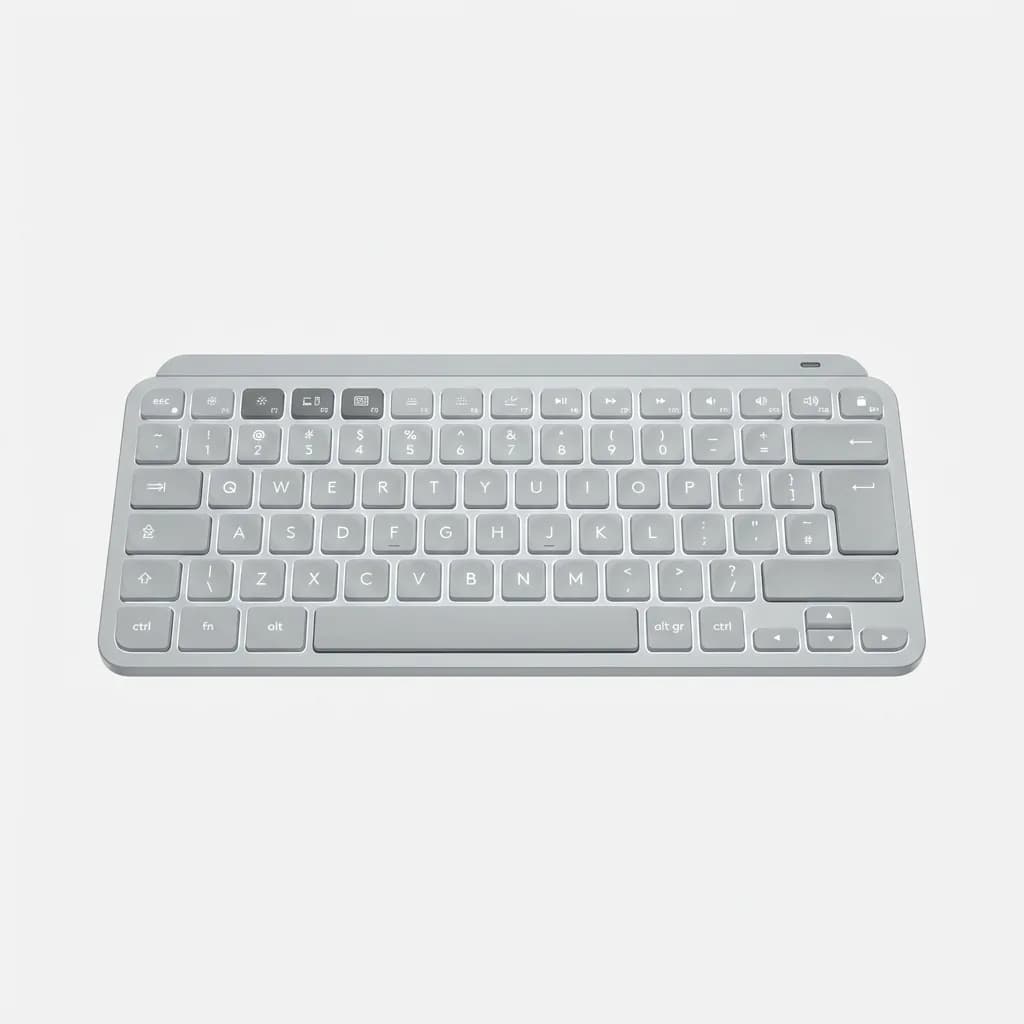
Logitech MX Keys Mini Wireless Keyboard
$100
Compact layout drops numpad for 36% smaller footprint. Backlit keys with smart illumination adjust to room lighting. Multi-device switching lets you control laptop, tablet, and phone. USB-C rechargeable lasts up to 10 days with backlight on.
Small Desk, Big Difference
A minimal desk setup isn't about making do with less. It's about eliminating the friction that comes from too much stuff in too little space. Every cable matters. Every inch of surface area matters. Every object that doesn't earn its place creates drag.
The setups that work best in small apartments share three traits: they route cables intentionally, they build vertical instead of horizontal, and they stick to gear that does one job well instead of trying to do everything. That focus turns a corner of your bedroom into a workspace that actually helps you concentrate instead of constantly reminding you that you're short on space.
The Weekly Dispatch
Enjoying this article?
Subscribe and get our best gear picks delivered every Sunday morning.
Related Stories

Best Desk Organizers for Small Office Spaces
The right desk organizer reclaims workspace without adding clutter. We tested compact solutions that maximize storage in tight quarters.
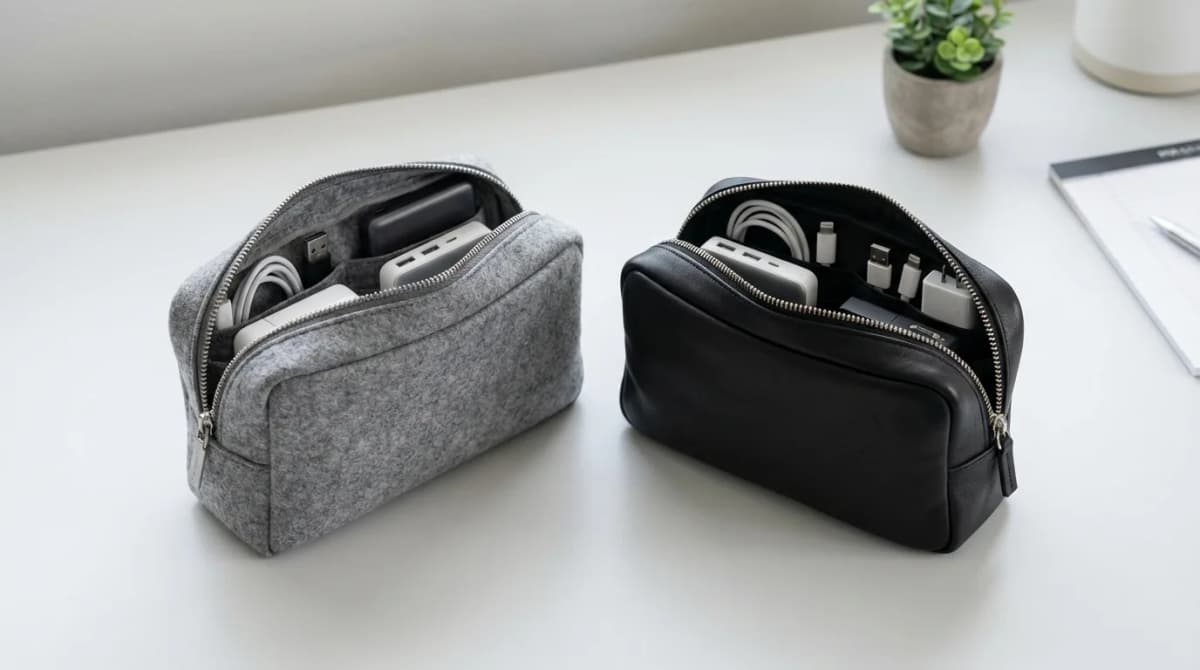
Best Tech Pouches for Cable Management
Tech pouches keep cables, chargers, and adapters organized whether you're at your desk or traveling. Here's what actually works for different setups.
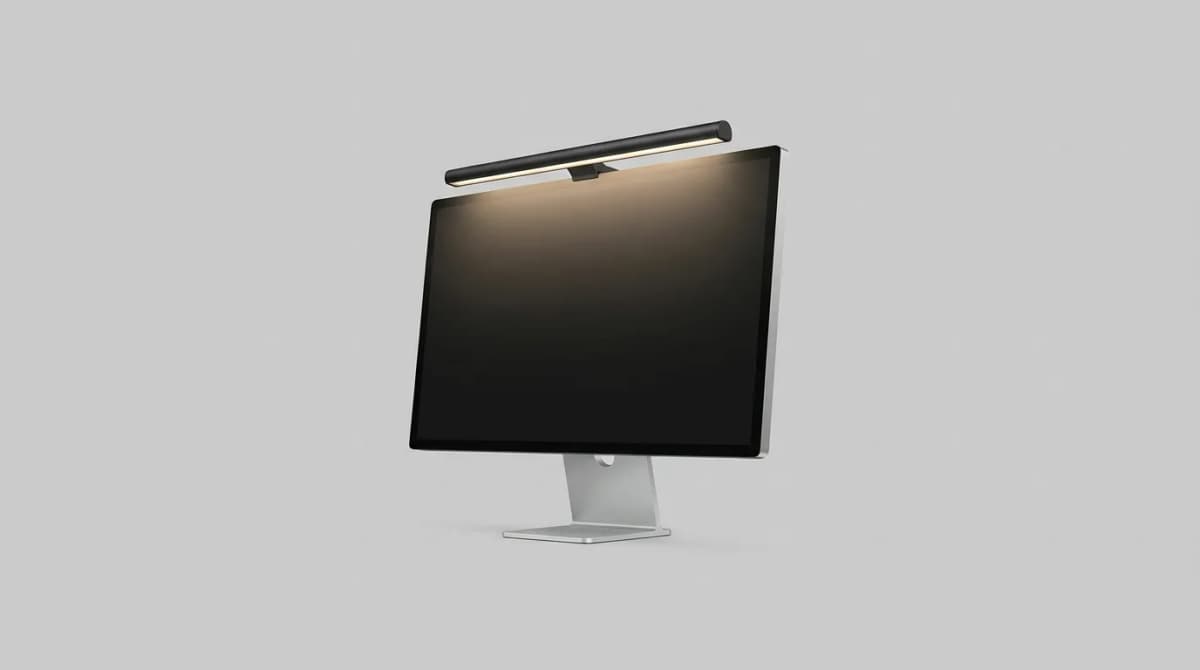
Best Monitor Light Bars for Desk Setup 2026
Monitor light bars eliminate desk clutter and reduce eye strain better than traditional lamps. We compare brightness, color temperature, and mounting systems.