Best Desk Lamps for Designers and Creatives
The right desk lamp transforms color accuracy and focus. We break down CRI ratings, color temperature ranges, and adjustability features that matter for design work.
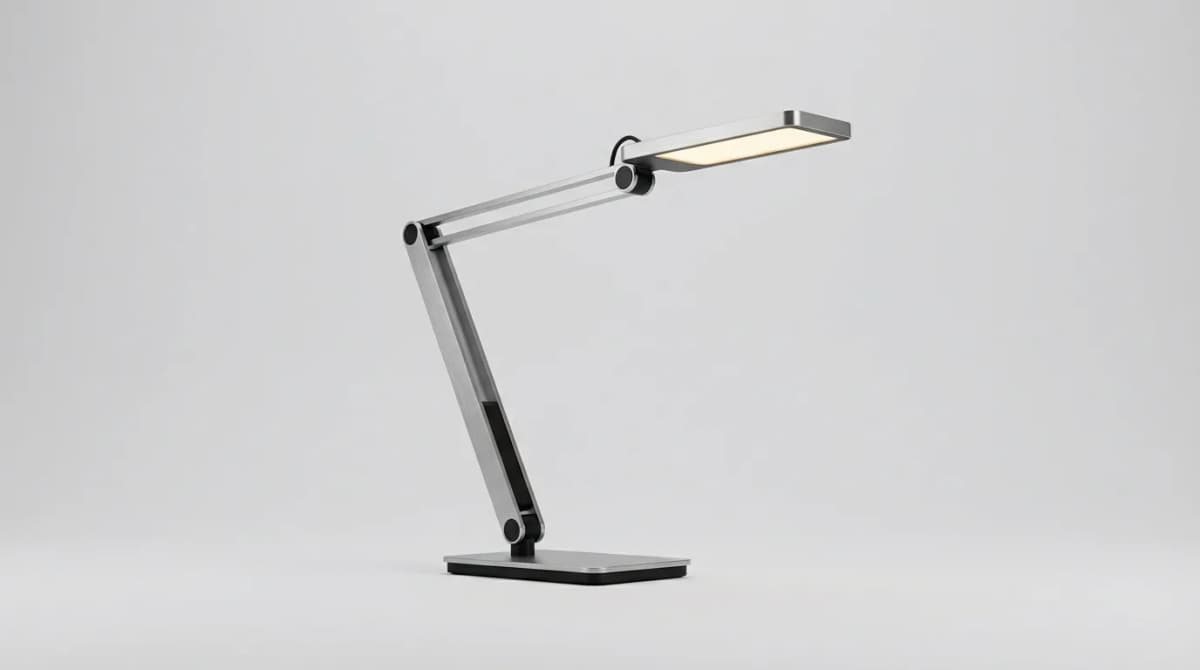
A designer working on a color-sensitive project under poor lighting is like a chef cooking with dull knives. The tools technically work, but the results suffer. Most standard desk lamps emit light with a CRI (Color Rendering Index) around 80, which shifts how colors appear on paper, fabric swatches, and reference materials. For creative work where color accuracy matters, that's a problem you'll notice daily.
We tested lamps across different price points and found that the gap between a $30 generic LED and a $150 designer-focused model shows up immediately in CRI ratings, adjustability, and build quality. The difference isn't just aesthetic, it changes how you perceive your work.
Why CRI ratings matter for creative work
CRI measures how accurately a light source renders colors compared to natural sunlight, on a scale from 0 to 100. Standard office lighting typically sits at CRI 80, which sounds decent until you compare a printed piece under that light versus daylight. Colors shift, warm tones look muddy, and subtle gradients disappear.
For design work, you want CRI 90 or higher. At CRI 95+, the difference becomes obvious. Blues stay true, skin tones look natural, and you can trust what you're seeing on physical materials. This matters for anyone working with print design, illustration, photography editing, or any field where color decisions carry through to final output.
The catch is that high-CRI LEDs cost more to manufacture. Budget lamps rarely specify CRI because it's usually mediocre. If a lamp doesn't list its CRI rating, assume it's below 85.
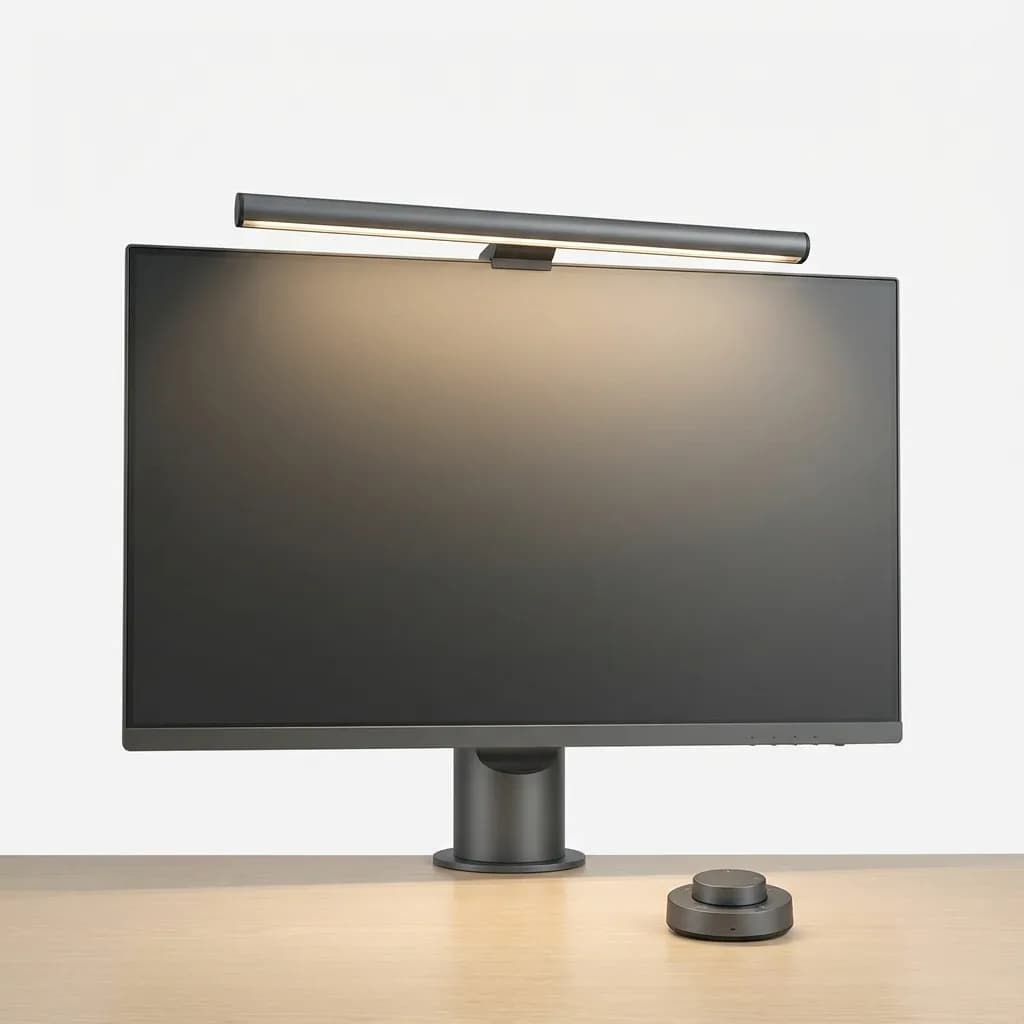
BenQ ScreenBar Halo
$169
Monitor-mounted LED bar with 95+ CRI, auto-dimming, and adjustable color temperature (2700K-6500K). Saves desk space while providing even, glare-free illumination for screens and work surfaces.
Color temperature and the 3000K sweet spot
Color temperature, measured in Kelvin, determines whether light feels warm (yellowish) or cool (bluish). Most people assume designers need daylight-balanced 5000K-6500K lamps, but that's only half right.
Cooler temperatures (5000K-6500K) work well for focused tasks and color-critical evaluation because they mimic midday sunlight. But working under cool light all day feels harsh and causes more eye strain. Warmer temperatures (2700K-3000K) reduce fatigue and feel more comfortable for extended sessions.
The ideal solution is adjustable color temperature. Start your day at 4000K-5000K for detail work, then shift warmer as evening approaches. Some lamps offer preset modes, others give continuous adjustment. We prefer continuous control because you can fine-tune based on ambient light and task.
For general creative work that isn't color-critical (writing, sketching, 3D modeling), 3000K-3500K hits a sweet spot between focus and comfort.
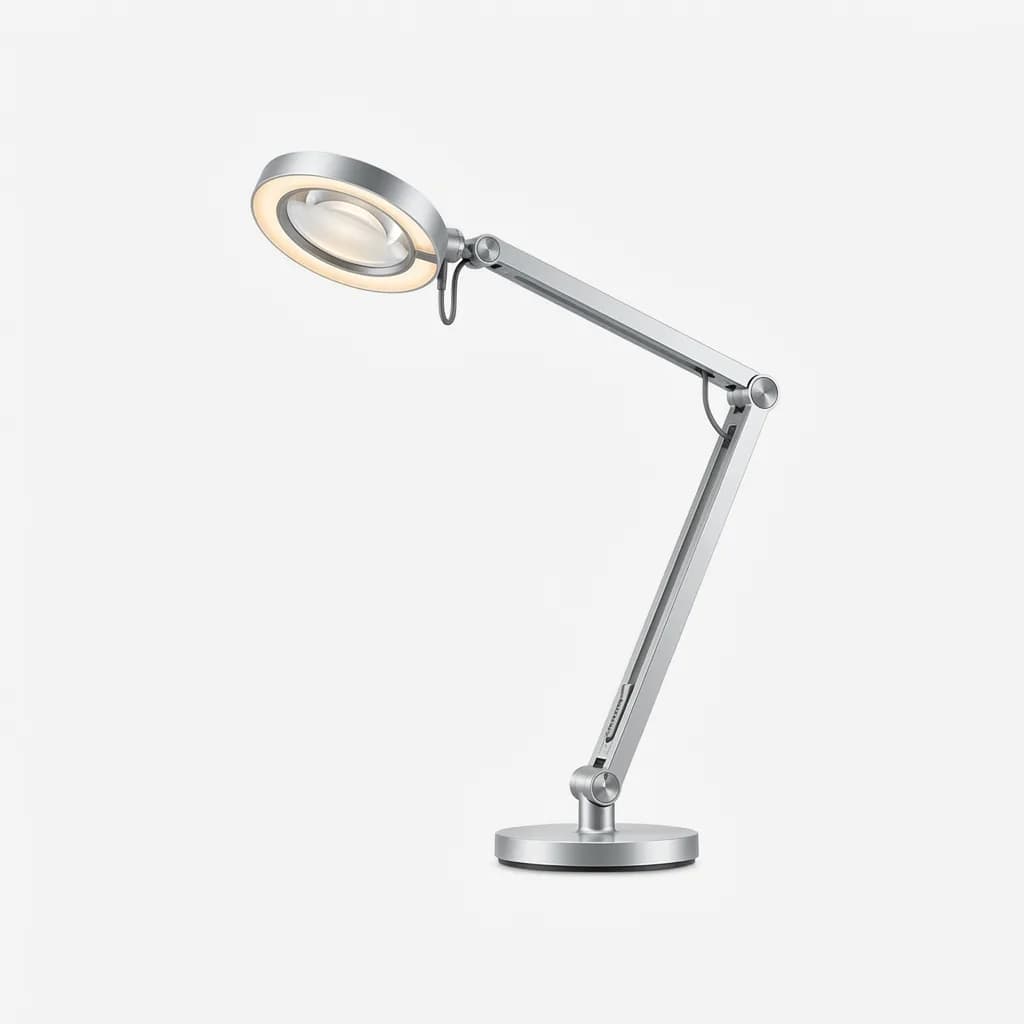
Dyson Lightcycle Morph
$649
Premium task lamp with automatic color temperature adjustment (2700K-6500K) based on time and location. 90+ CRI, 60-year LED lifespan, and multiple lighting modes including ambient and task.
Adjustability determines daily usability
A lamp that looks great in product photos but can't position light where you need it becomes a desk ornament. We found that adjustability matters more than most buyers realize.
Look for three points of articulation minimum: base rotation, arm joint, and head tilt. Two-point designs (arm and head only) limit positioning options. Single-arm lamps with just a ball joint at the head offer the least flexibility.
Spring-balanced arms (like traditional architect lamps) hold position at any angle without tightening knobs. Friction-based joints need enough tension to support the lamp head but not so much that adjustment becomes a two-hand operation. Cheap lamps often arrive with loose joints that droop over time.
Reach matters too. Measure your desk depth before buying. A lamp with 18 inches of reach works for shallow desks but leaves the far edge of a 30-inch-deep surface in shadow. Longer arms (24-30 inches) provide more coverage but take up more space when collapsed.
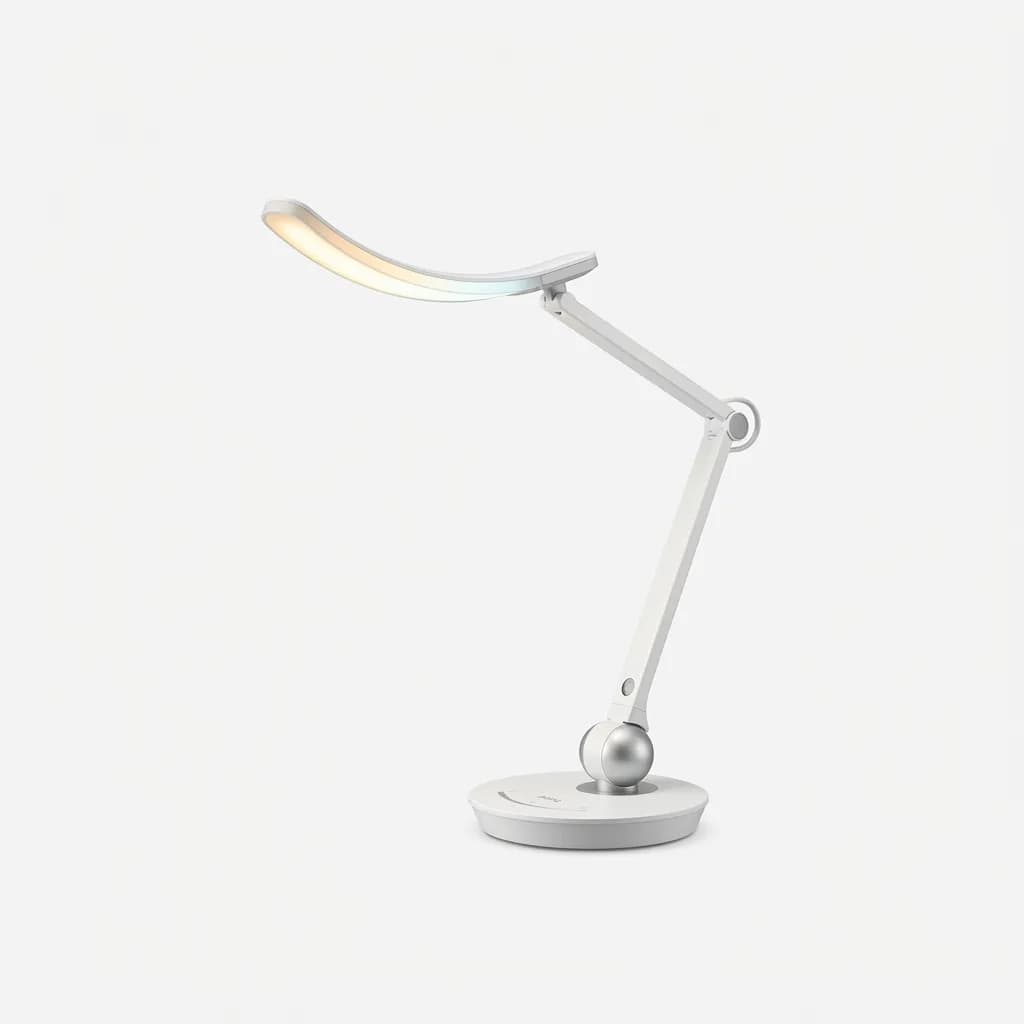
BenQ e-Reading Desk Lamp
$199
Curved LED lamp head with 95 CRI and wide coverage area. Adjustable arm with ball joint, auto-dimming sensor, and multiple color temperature modes (2700K-5700K).
Direct task lighting versus ambient options
Most desk lamps focus light downward in a relatively tight beam, which works well for reading and detail work but creates harsh shadows and high contrast between your work surface and surroundings. This contrast forces your eyes to constantly adjust, increasing fatigue.
Better lamps offer diffused or wider beam angles that illuminate a broader area with less dramatic falloff. Some models include separate ambient lighting modes that bounce light off walls or provide indirect illumination.
Screen-mounted bars like the BenQ ScreenBar solve a specific problem: they light your desk without creating glare on your monitor. Traditional desk lamps positioned behind or beside a screen often cause reflections that make screen work harder. Monitor-mounted options keep light focused downward and forward, away from the display surface.
For larger workspaces or when you're working with physical materials spread across your desk, consider two lamps instead of one. A primary task lamp for close work plus a secondary ambient or fill light reduces shadows and creates more even coverage.
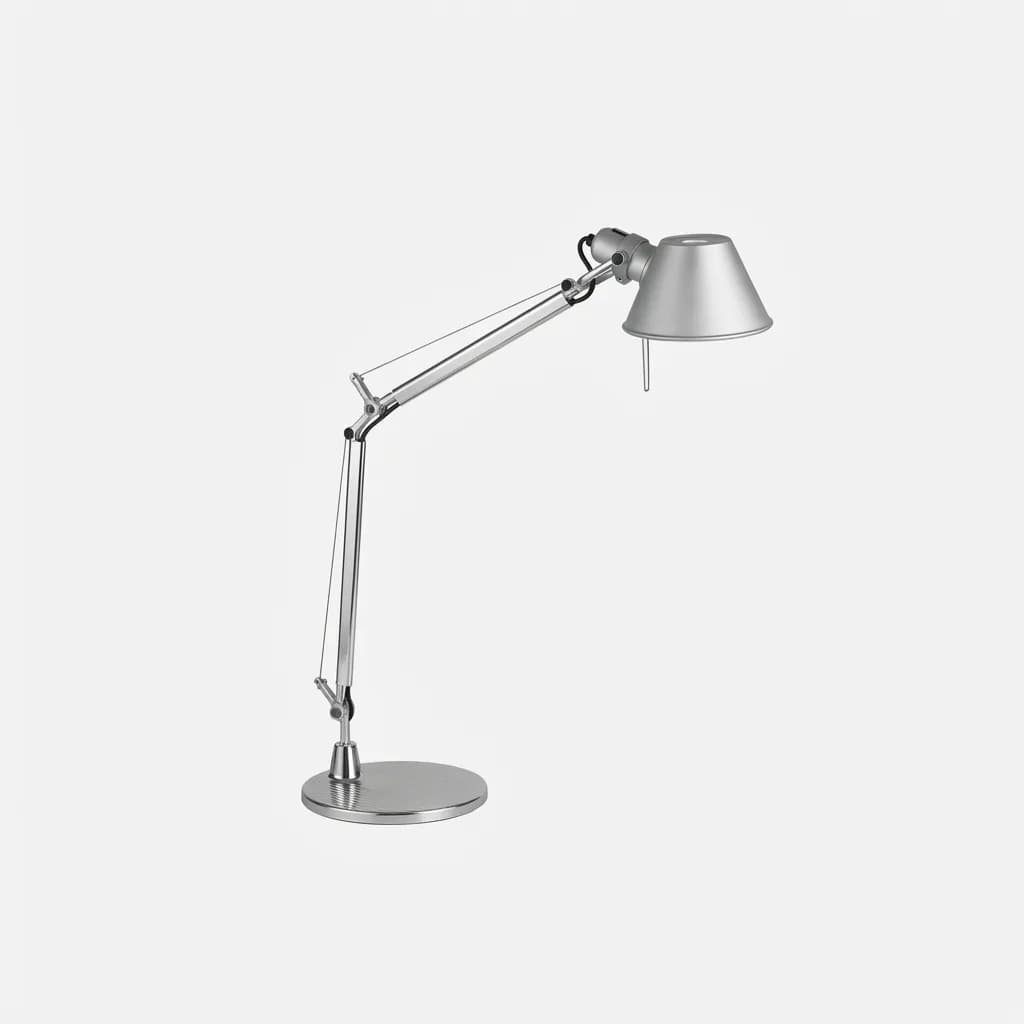
Artemide Tolomeo Classic
$295
Iconic Italian-designed desk lamp with spring-balanced arm, aluminum construction, and fully adjustable head. Available with LED or halogen bulbs. Known for exceptional build quality and longevity.
Why designers overpay for aesthetics (and when it's worth it)
A $400 Artemide Tolomeo doesn't produce better light than a $150 BenQ with the same CRI and color temperature specs. You're paying for design, materials, and brand. But if you spend 8-10 hours a day at your desk, aesthetics affect your environment and, indirectly, your focus.
Premium lamps use metal construction (aluminum, steel, brass) instead of plastic. Joints feel smooth and precise. Finishes are clean. These details don't improve light output, but they do impact how the lamp ages and whether you'll still want it on your desk in five years.
Budget lamps often compromise on adjustability and build quality to hit a price point while still offering decent CRI and color temperature specs. If you prioritize function over form, brands like BenQ and TaoTronics deliver high-performance lighting at mid-range prices.
The worst value is the middle ground: lamps that try to look premium with plastic dressed up as metal, mediocre specs, and brand names that charge more for marketing than engineering.
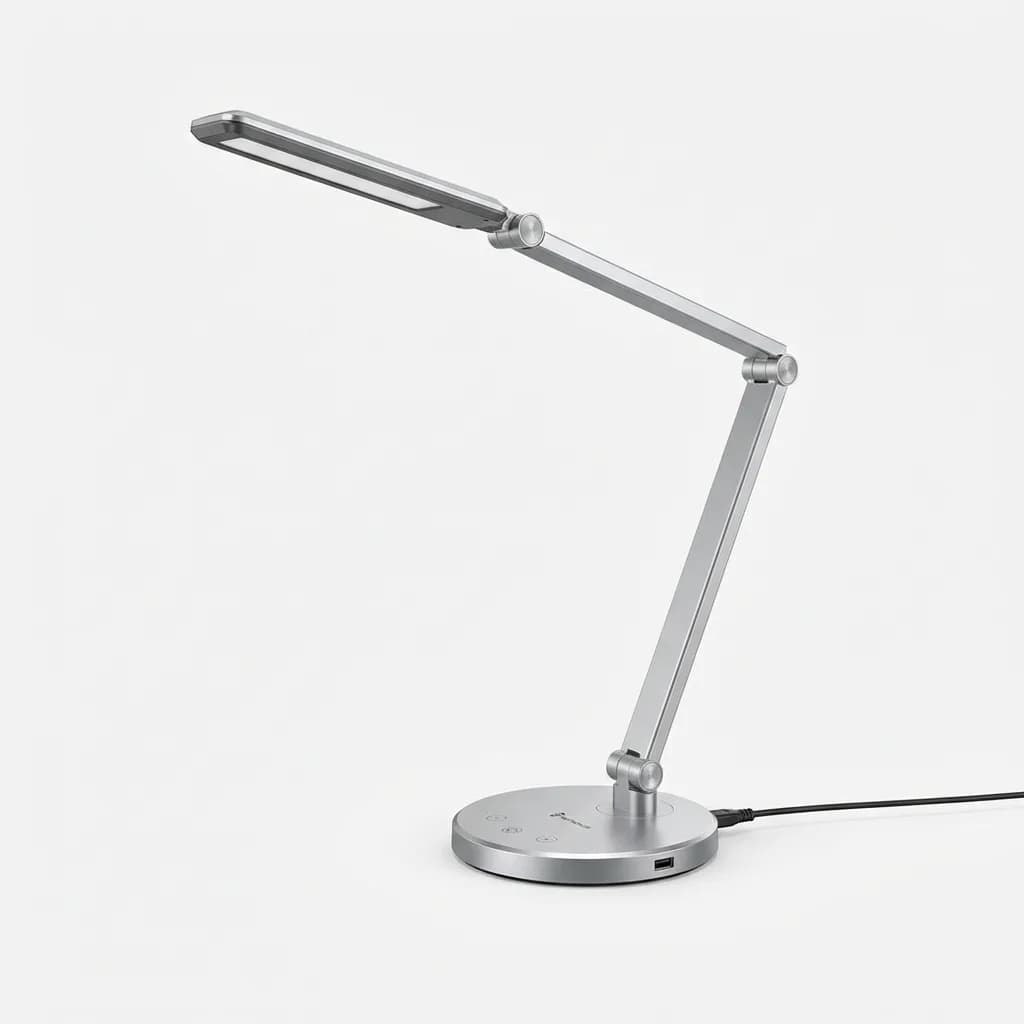
TaoTronics LED Desk Lamp
$45
Budget-friendly option with 95+ CRI, adjustable color temperature (3000K-6500K), USB charging port, and touch controls. Minimal design with metal accents and multiple brightness levels.
Features that sound useful but rarely get used
Many modern lamps include USB charging ports, wireless charging pads, timers, and app connectivity. We found that USB ports get consistent use if positioned accessibly, but wireless charging pads on lamp bases are awkward unless you're charging overnight.
App connectivity and scheduling features (lamp automatically adjusts throughout the day) sound sophisticated but add cost and complexity. Most people set a preferred brightness and color temperature, then leave it there. Automatic dimming based on ambient light sensors works better because it requires no interaction.
Timers that auto-shut-off after a set duration help if you forget to turn off your lamp, but a physical switch you remember to use costs nothing extra.
The most useful secondary feature is memory function: the lamp remembers your last settings and returns to them on power-up. This should be standard, but budget models often reset to maximum brightness, which is jarring in the morning or evening.
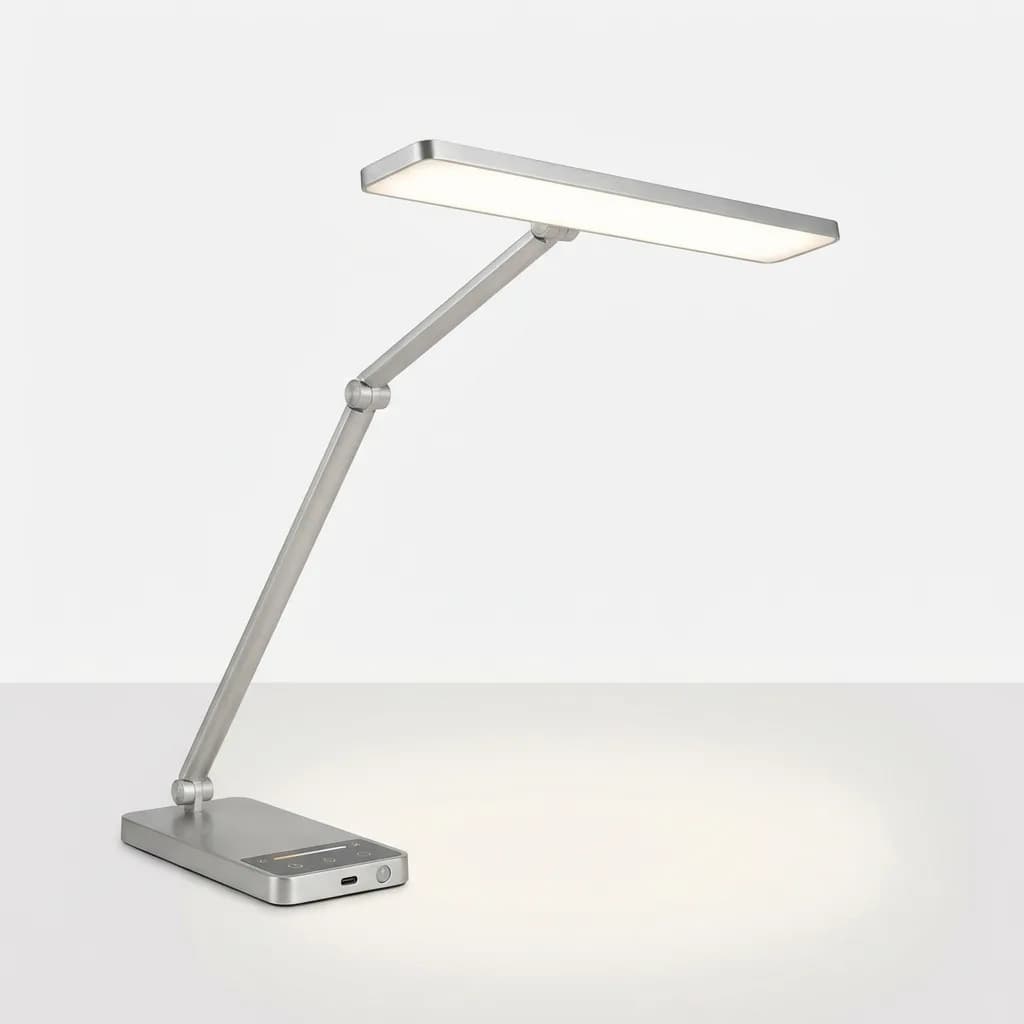
Uplift E7 LED Desk Lamp
$149
Office-focused design with 90 CRI, adjustable color temperature, USB-C charging, and occupancy sensor. Wide light distribution ideal for large desks. Available in multiple finishes.
Comparing lumens, lux, and actual brightness
Manufacturers list lumen output (total light produced), but what matters at your desk is lux (light hitting your work surface). A 1000-lumen lamp focused into a tight beam produces higher lux in a small area than the same 1000 lumens spread wide.
For detailed work, aim for 500-750 lux on your work surface. Reading and general tasks work fine at 300-500 lux. You can measure this with a cheap lux meter or smartphone app, though phone sensors are less accurate.
Dimmability is essential. Maximum brightness on most quality lamps exceeds what you'll want for extended use. Look for smooth, stepless dimming or at least 5-10 levels. Three-level lamps (low/medium/high) are too limiting.
Flicker is invisible to most people but can cause headaches and eye strain. Quality LEDs use constant-current drivers that eliminate flicker. Budget lamps sometimes flicker at frequencies that don't look like flashing but still affect comfort. If a lamp causes unexplained eye fatigue, flicker might be the culprit.
What to skip and what to prioritize
If budget is limited, prioritize CRI over brand name. A $50 lamp with CRI 95 serves you better than a $150 designer lamp at CRI 80.
Adjustable color temperature matters more for all-day use than maximum brightness. You'll dim a too-bright lamp but can't warm up a fixed cool-white LED when your eyes are tired.
Build quality shows up in daily use. A lamp that requires two hands to adjust or develops wobbly joints after six months is a false economy, even if the light quality is good.
For color-critical work (photo editing, print design), verify CRI 95+ and consider a secondary reference lamp or daylight-balanced bulb for final checks. Even the best LED can't perfectly replicate sunlight across all wavelengths.
If your desk faces a window, ambient light will shift throughout the day. Auto-dimming helps but isn't essential if you're willing to manually adjust. What matters more is color temperature control so you can balance your lamp against changing daylight.
The setup most designers actually use
After testing individual lamps, we noticed that professionals rarely rely on a single light source. The common configuration: a primary task lamp (articulating arm or monitor bar) plus ambient room lighting or a secondary fill light.
This approach reduces contrast, minimizes shadows when working with physical materials, and lets you adjust overall illumination without constantly tweaking your main lamp. A simple LED floor lamp or bias lighting behind your monitor serves as the ambient layer.
For designers working with both screen and print, the BenQ ScreenBar eliminates monitor glare while lighting the desk, but it doesn't help with materials to the side or behind you. Pair it with a traditional task lamp for full coverage.
The Dyson Lightcycle costs more than most will spend, but it's one of the few lamps that genuinely delivers on automatic adjustment. If you want set-it-and-forget-it lighting that adapts throughout the day, it works as advertised.
The Tolomeo remains popular in design studios not because it's technically superior, but because it's built to last decades and looks appropriate in a creative workspace. That's worth something if you care about your environment.
Budget-conscious buyers should focus on the BenQ e-Reading or TaoTronics models. Both deliver high CRI, adjustable color temperature, and good build quality at prices that make sense for anyone who isn't earning a living from color-critical work.
The worst mistake is buying based on aesthetics alone, then realizing the light quality doesn't support the work you do. Specs matter first, design second.
The Weekly Dispatch
Enjoying this article?
Subscribe and get our best gear picks delivered every Sunday morning.
Related Stories

LumenForge Review: A CNC-Machined Aluminum Desk Lamp Built to Last
The LumenForge by HILIGHT delivers CRI 97+ lighting in a premium CNC-machined aluminum body. Our review covers this professional-grade desk lamp crushing it on Kickstarter.
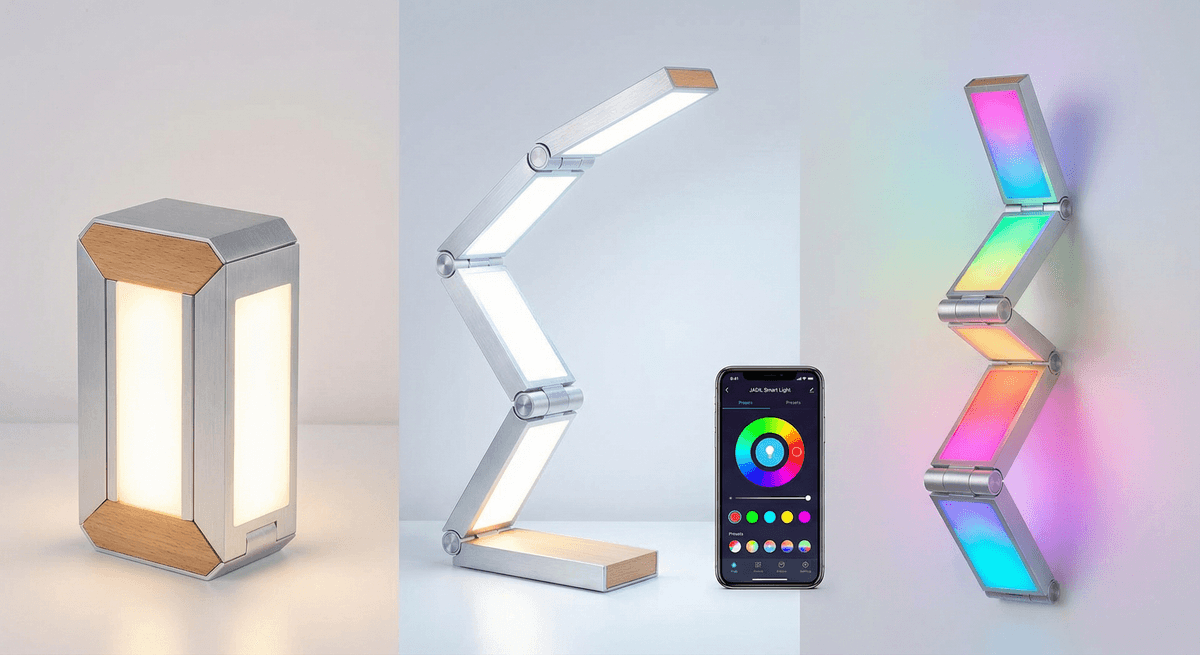
JADIL Smart Desk Lamp: RGB Transformable LED Light
JADIL is a smart transformable desk lamp with RGB and white LED diodes. Control via app, Alexa, or Google Assistant for cold, warm, neutral, and color lighting anywhere you need it.
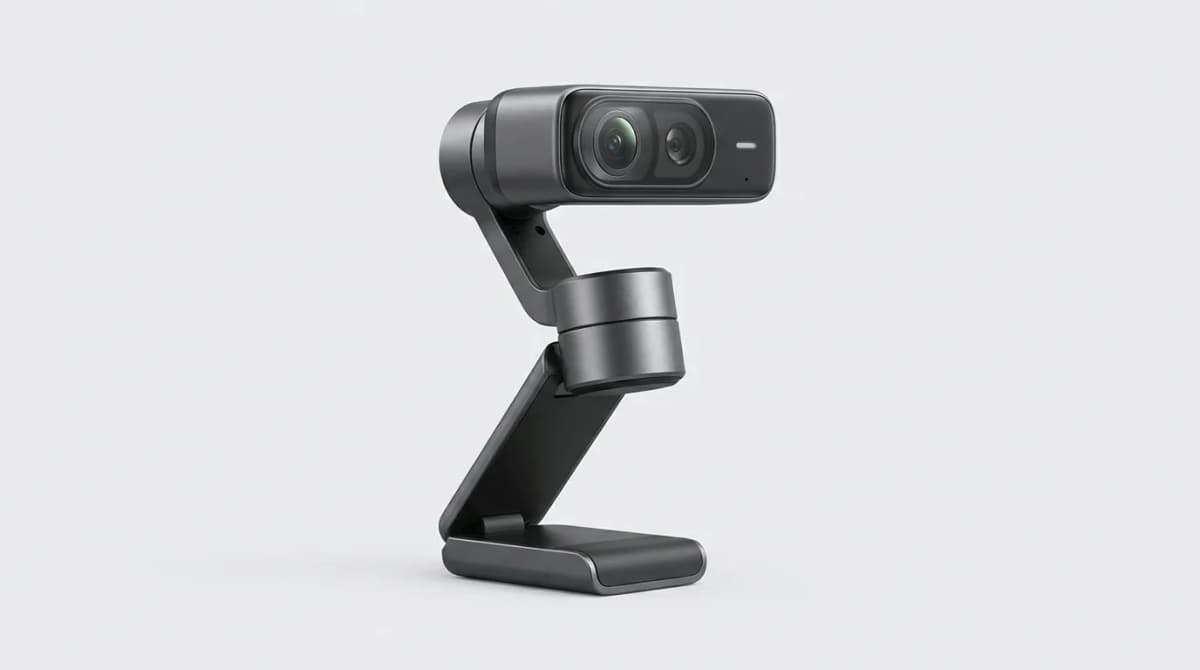
Insta360 Link 2 Pro Review: Is It Worth It
The Insta360 Link 2 Pro brings gimbal stabilization and AI tracking to your desk. We tested it for three weeks to see if the premium features justify the cost.